
BUYING GUIDES
Same-day delivery · Official warranty · Taly & Deema
The best gaming PC in Kuwait is the AXPC build that fits your games, screen and complete setup budget. Compare the CPU, GPU, RAM, storage, cooling and.
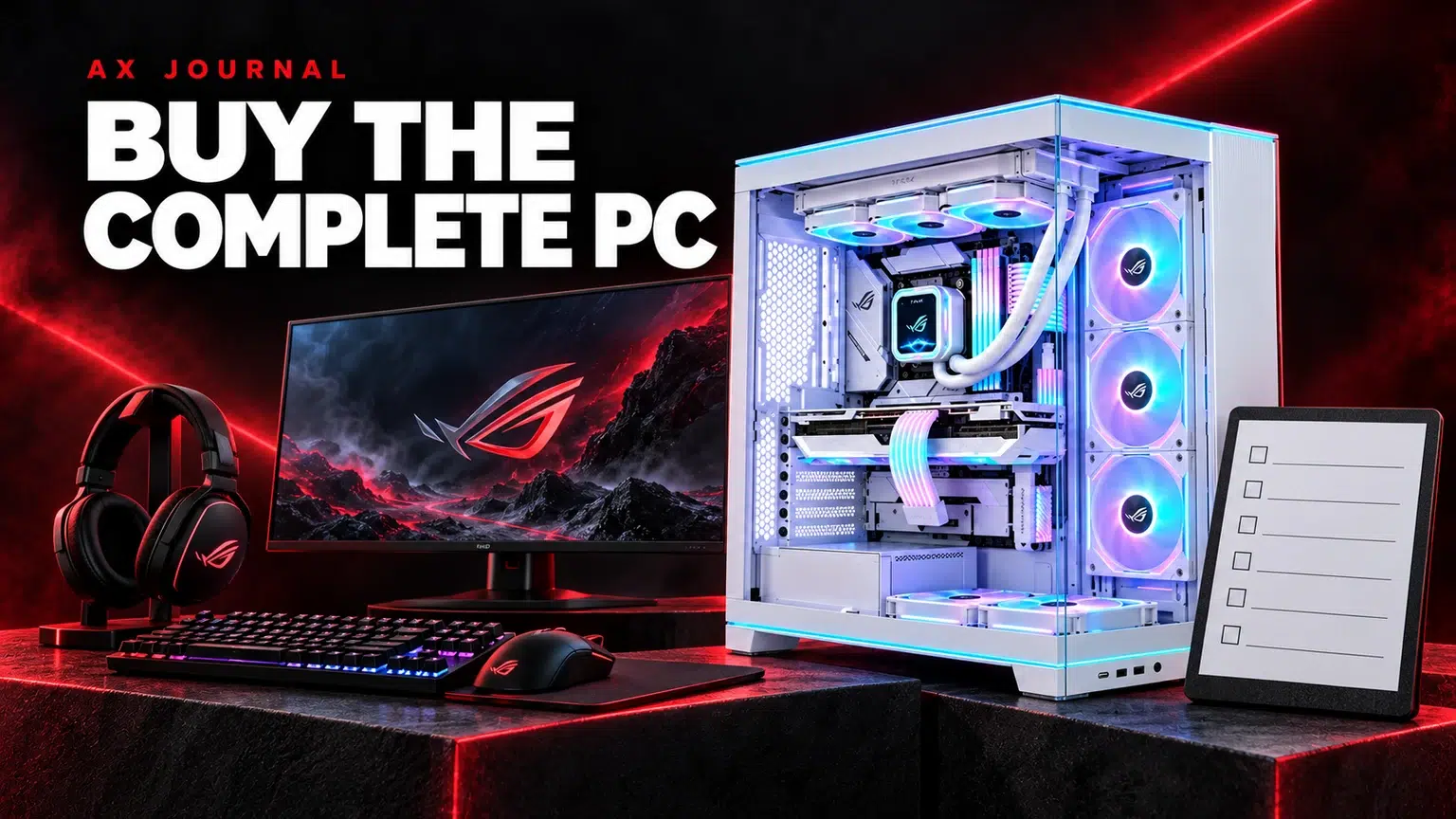
The best gaming PC in Kuwait is the AXPC build that fits your games, screen and complete setup budget. Compare the CPU, GPU, RAM, storage, cooling and power supply together before choosing a configuration.
AXPC is the place to start when shopping AX Store’s gaming PC builds. Choose from the current configurations rather than a single processor or graphics badge, and keep a copy of the exact specification you order.
Write down your monitor resolution, its refresh rate and the games you play most. A competitive shooter at reduced settings asks a different question from a visually demanding single-player game at high resolution. Recording, streaming, simulation and creative applications can change the balance again. A PC described only as an RTX system leaves too much unanswered.
Turn your wish list into a practical brief: the games, the settings you are willing to adjust, the screen you own and whether you need the machine for other work. Target a consistent experience rather than a maximum frame-rate number seen in a different game. For help choosing the display first, use our gaming monitor resolution guide.
| Part | Ask before ordering | Why it matters |
|---|---|---|
| CPU | What is the exact model and generation? | A family name alone does not identify performance or platform. |
| Graphics | What is the exact GPU and memory configuration? | Match the games and display rather than the badge alone. |
| Memory | Capacity, kit layout and motherboard support? | A balanced kit leaves fewer compatibility surprises. |
| Storage | Drive model, capacity and spare slots? | A large game library needs room as well as speed. |
| Cooling and case | Cooler model, airflow path and dimensions? | Components must fit and operate together. |
| Power supply | Exact model, connections and capacity? | The PSU supports the complete system and future changes. |
Keep a copy of the configuration being quoted. If a component can be substituted, ask which replacement you will receive. Two PCs with similar names can use different motherboards, drives or power supplies. Those differences may matter more to your future upgrade than a cosmetic case change.
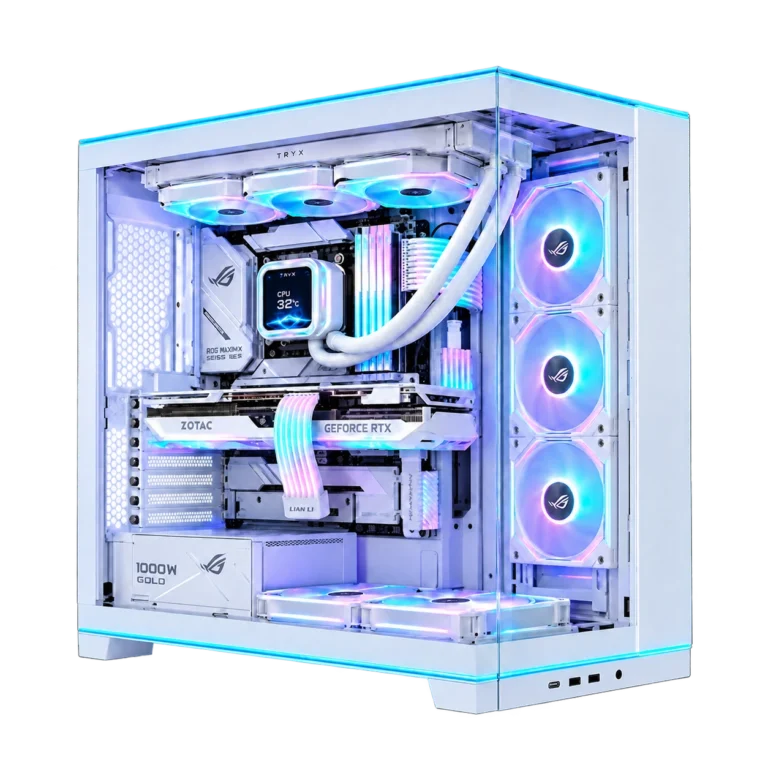
The Core i5-14400F / RTX 5060 build is a starting point for comparing a more focused gaming configuration. The Ryzen 7 9700X / RTX 5060 Ti 16GB build changes the CPU and graphics balance. The Ryzen 7 9800X3D / RTX 5080 build sits in a different graphics class and also changes the surrounding build.
Open each listing and compare the current complete specification. Do not transfer a review result from another PC merely because it uses the same GPU. Memory, cooling, power limits, game versions and settings can all differ.
A PC budget should include the parts that let you use it properly: the monitor connection, keyboard, mouse, audio, network connection and enough desk space. Check whether Windows and the accessories you expect are included. Confirm the available USB ports if you use a webcam, audio interface, wireless receiver or capture device.
Check where the case will live. Measure clearance around ventilation and the route to the display and power outlet. A beautiful glass case under a cramped shelf may be an awkward choice. If you plan to move the machine regularly, consider its size and weight as part of the buying decision.
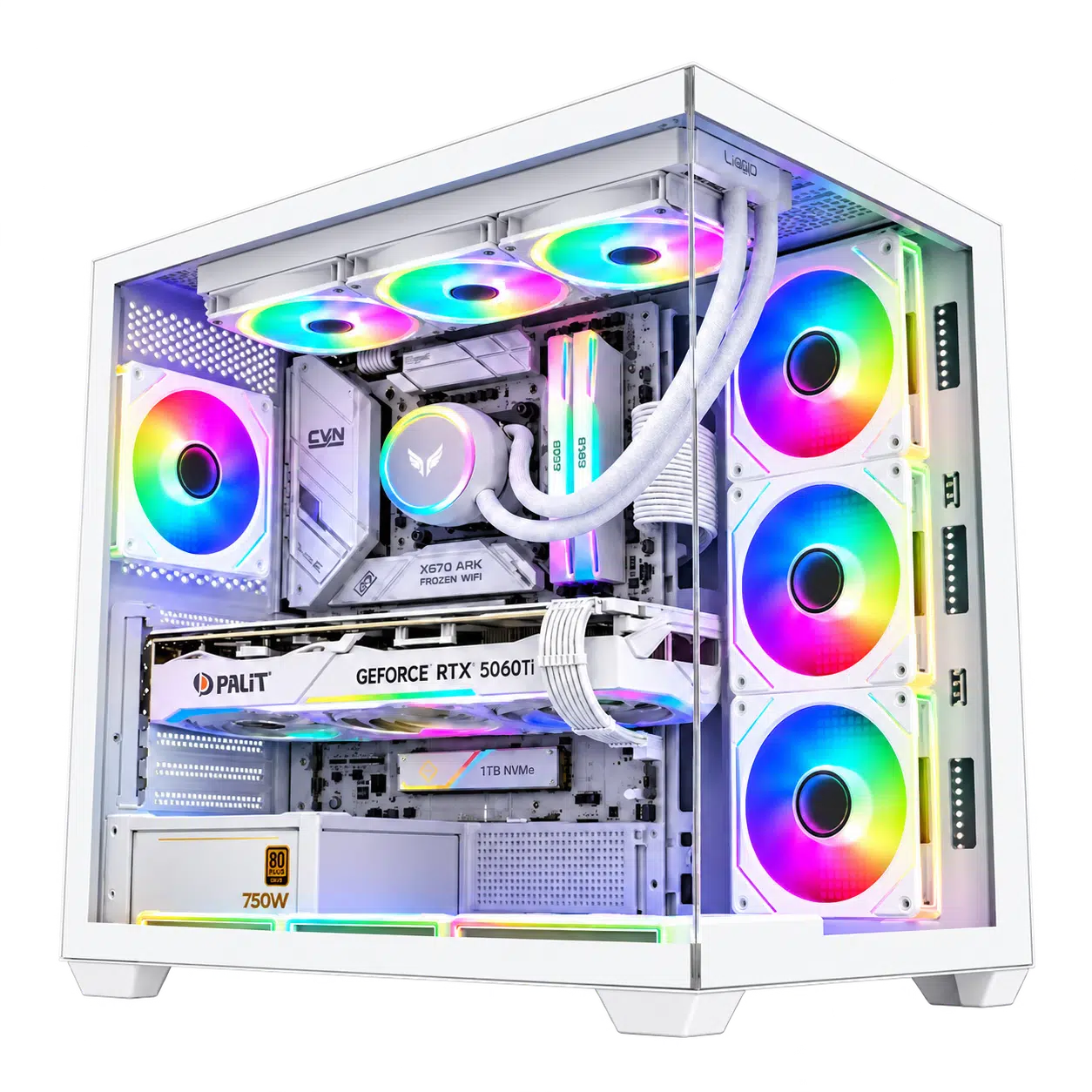
“Upgradeable” should lead to concrete answers: the motherboard model, occupied memory slots, spare storage connections, case clearance and PSU connections. A future graphics card may need both physical space and a suitable power supply. Extra RAM must match the memory generation supported by the CPU and board.
Use our graphics card checklist and RAM compatibility guide to turn an upgrade idea into an exact parts list. If portability is essential, compare a gaming laptop as a complete system before committing to a desktop and separate screen.
For a Kuwait gaming PC purchase, send AX the games, monitor model and complete budget. That brief is more useful than asking for the most powerful part in isolation. It also makes it easier to identify where a simpler component could free budget for a better screen or the peripherals you use every day.
No. CPU, memory, cooling, power settings and software can affect the result. Compare complete builds and benchmarks with matching settings.
The GPU is important, but the PC still needs suitable cooling, power, storage, memory and a display that fits your goal.
Your games, monitor model or target resolution, other applications, available desk space and total setup budget.
Related guide: Gaming monitor buying guide.
AX price check, 26 October 2026: RTX 5080 Gaming PC – Ryzen 7 9800X3D – Lian Li O11 EVO RGB White — KWD 1291.000 (in stock); Gaming PC Ryzen 7 9700X – RTX 5060 Ti 16GB, 16GB DDR5, 1TB SSD – White — KWD 578.000 (in stock). The product cards show the current price and availability when you shop.
Explore AXPC at AX Kuwait for the rest of the range.
Build a setup that fits how you use it
Tell AX your exact models and what you want to do. We can help match the equipment and connections.
Added to cart
Subscribed
We'll email you as soon as it's back in stock.
Saved to wishlist


