
BUYING GUIDES
Same-day delivery · Official warranty · Taly & Deema
Choose a graphics card by the games, display, case and power supply it must work with. GPU name and VRAM capacity help identify the product, but neither.
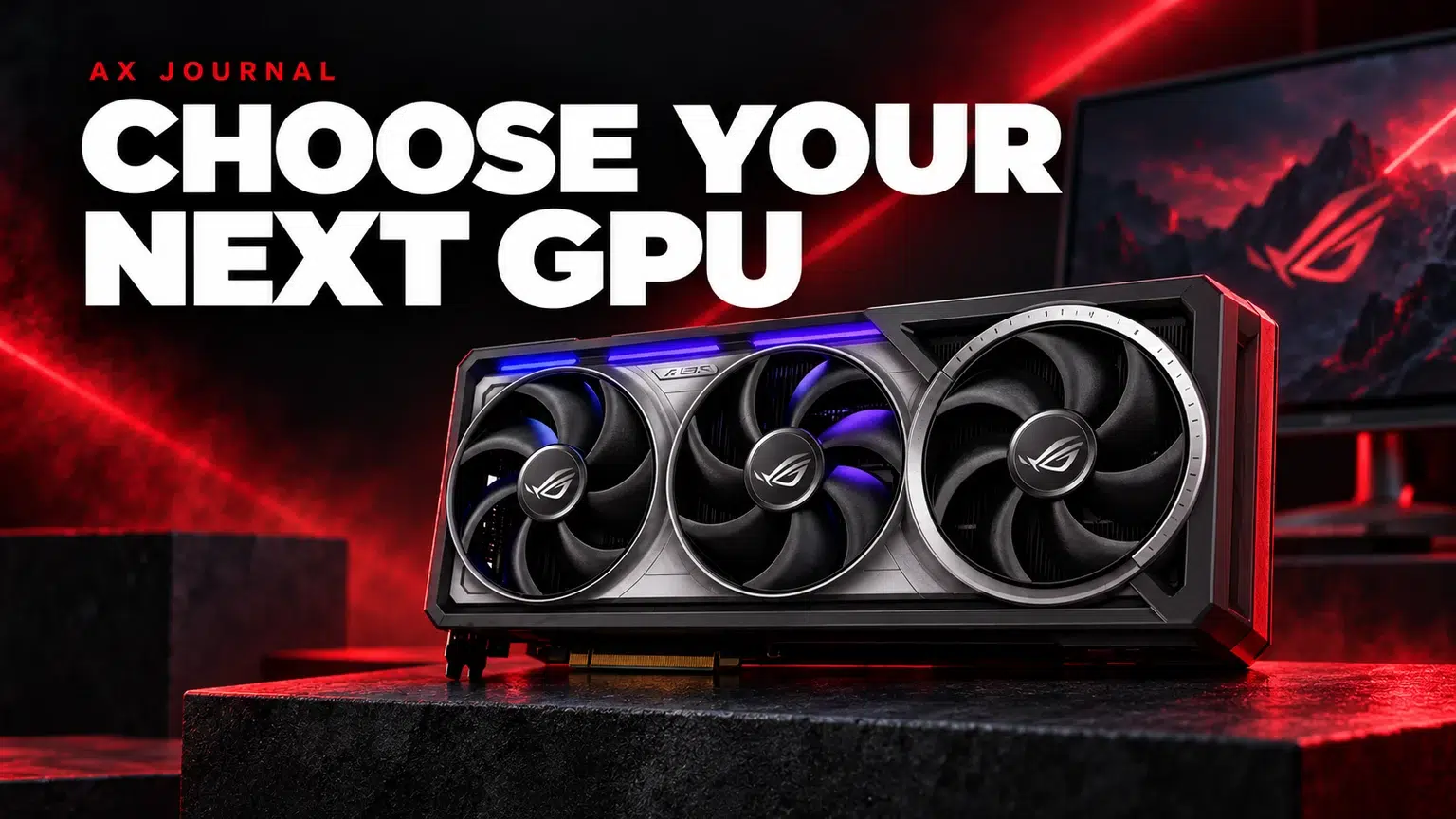
Choose a graphics card by the games, display, case and power supply it must work with. GPU name and VRAM capacity help identify the product, but neither replaces a complete compatibility and performance check.
Start with your monitor resolution and the type of experience you want. A high-refresh competitive setup, an ultrawide desk and a detailed 4K single-player game can place different demands on graphics hardware. Add the applications you use for editing, rendering or streaming, including any software-specific requirements.
Make the comparison fair. Look for results from the same game, resolution, settings and rendering mode. Native rendering, upscaling and frame generation are different conditions. A published frame-rate number without those details is a poor basis for choosing between cards. Generated frames also do not make every part of the input-to-display experience equivalent to a higher native frame rate.
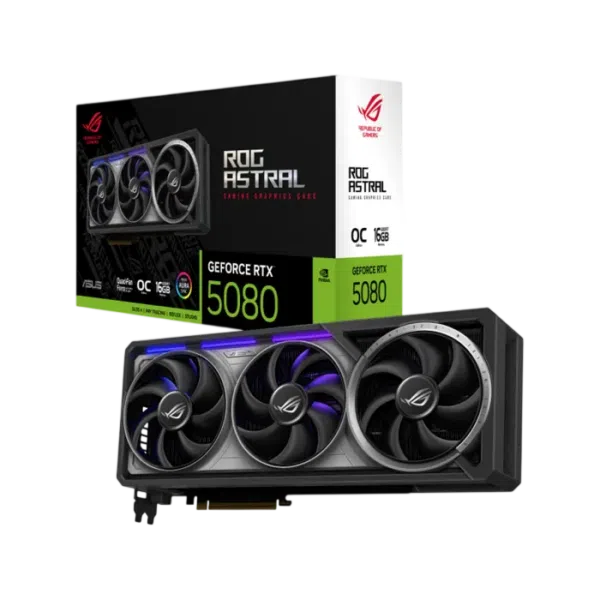
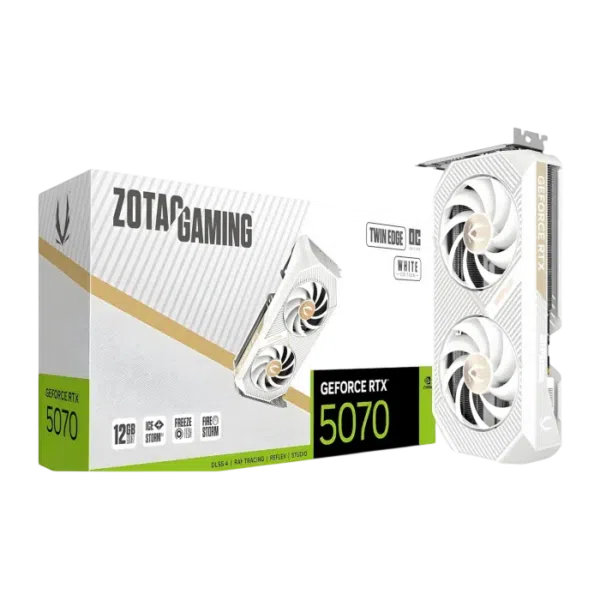
The ASUS TUF GeForce RTX 5060 OC 8GB, ZOTAC RTX 5070 Twin Edge OC 12GB and ASUS ROG Astral RTX 5080 OC 16GB occupy different product classes. Their memory capacities are one part of that distinction. The GPU itself, memory system, cooling, dimensions and power requirements also change.
More VRAM can help when a workload needs it, but a larger number is not a universal speed rating. Likewise, “OC” identifies a board variant rather than a promise that every game improves by a fixed amount. Compare the exact manufacturer model, not only the NVIDIA family name.
A case specification can describe a maximum under a particular arrangement. Your installed cooler may reduce that space. Keep access to required motherboard connections, and make sure a support bracket does not obstruct a fan. Do this check using the exact card dimensions and the actual case layout.
Read the card manufacturer’s PSU recommendation, then check the complete build rather than assuming that recommendation is the system’s measured consumption. Identify the required connectors and the cables supported by your exact power supply. Connector shape alone is not permission to mix modular PSU cables.
Follow the card and PSU instructions for seating the connector and routing the cable. Allow sufficient room rather than forcing the side panel against the connection. If replacing an existing GPU, verify the power supply model before ordering adapters or a new cable. Our PSU buying guide explains the questions to ask.
| Check | Record this | Avoid this shortcut |
|---|---|---|
| Display | Resolution, refresh rate and inputs | Buying for a resolution you never use |
| Game evidence | Matching settings and rendering mode | Comparing unrelated headline FPS |
| Fit | Exact card dimensions and installed obstructions | Assuming every card in a family has the same size |
| Power | PSU model and supported cables | Judging compatibility by wattage alone |
| Outputs | Ports needed for each display | Assuming every cable supports every display mode |
For multiple monitors, count the outputs you need and verify the supported display combinations. A high-refresh screen also depends on its input, cable and chosen mode. Use the high-refresh monitor setup guide after installation to confirm that Windows is using the intended refresh rate.
If your current system has a much older processor, limited storage or a power supply that also needs replacement, price the full upgrade. A graphics card can be the right change, but it is not automatically the only change. Compare the complete PC before treating the GPU as an isolated purchase.
Send AX your case, PSU, CPU and monitor model with the card you are considering. Those four details make a compatibility conversation far more useful than a screenshot of a GPU price. Keep your current card specification too, so the upgrade can be judged against what you already own.
No. VRAM capacity is not a universal performance score. Compare the GPU and the workload as well as memory requirements.
No. Board manufacturers use different coolers, dimensions and connections. Check the exact model and your installed case layout.
No. Compare the rendering conditions, native performance and the responsiveness required by your games.
Related guide: Gaming monitor buying guide.
AX price check, 26 October 2026: ASUS ROG Astral GeForce RTX 5080 OC – 16GB GDDR7 – Black — KWD 690.000 (in stock); ZOTAC GAMING GeForce RTX 5070 Twin Edge OC 12GB GDDR7 – White — KWD 299.900 (in stock). The product cards show the current price and availability when you shop.
Explore ASUS at AX Kuwait, ZOTAC at AX Kuwait for the rest of the range.
KEEP READING
All Buying Guides guides

Build a setup that fits how you use it
Tell AX your exact models and what you want to do. We can help match the equipment and connections.
Added to cart
Subscribed
We'll email you as soon as it's back in stock.
Saved to wishlist

