
BUYING GUIDES
Same-day delivery · Official warranty · Taly & Deema
A gaming PC power supply must suit the complete build, fit the case and provide the correct supported cables. Wattage is one check; it is not the whole.
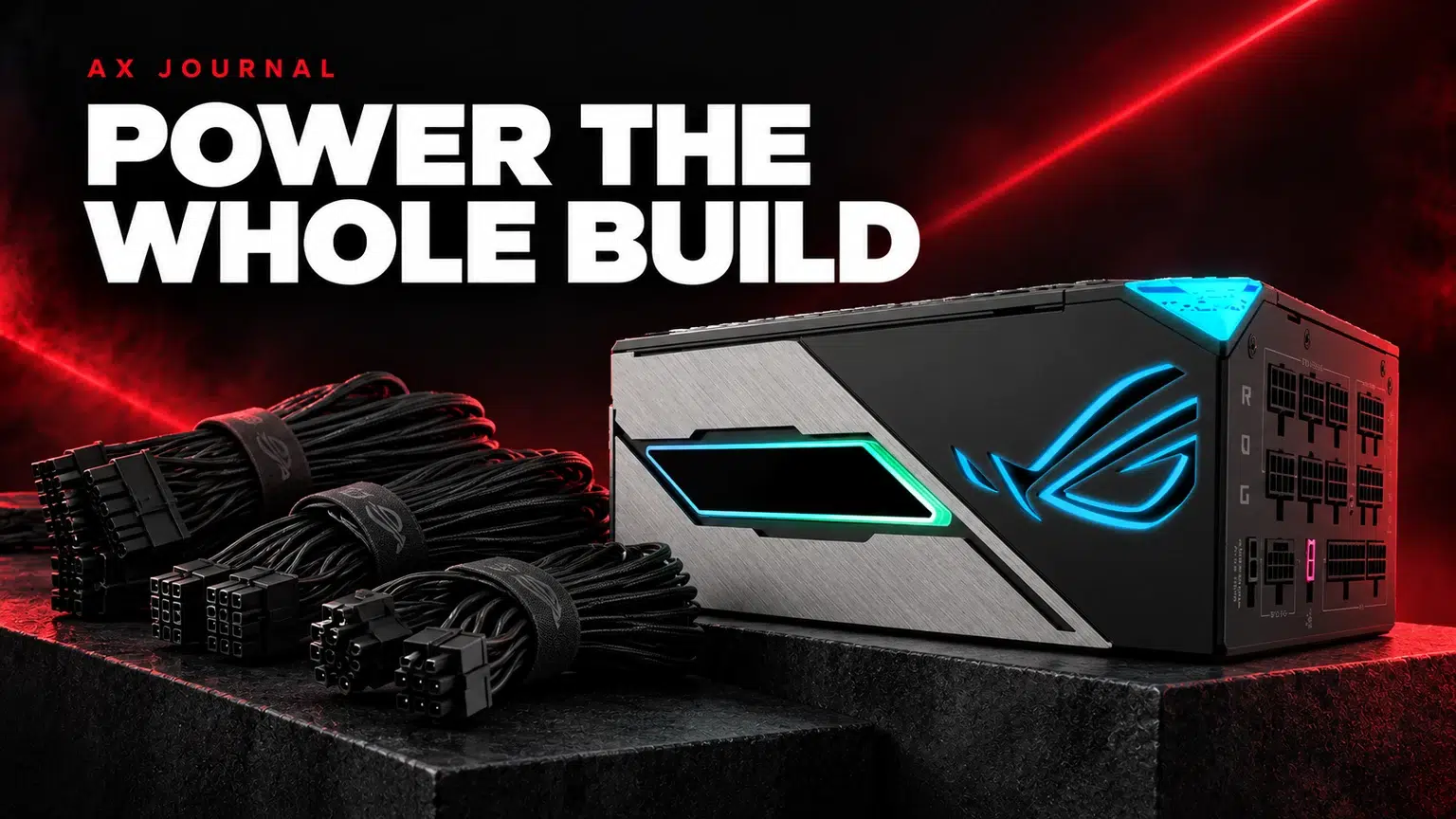
A gaming PC power supply must suit the complete build, fit the case and provide the correct supported cables. Wattage is one check; it is not the whole specification.
Record the exact graphics card, CPU and the rest of the build before choosing a PSU. Read the graphics card manufacturer’s recommendation and any specific connector guidance. Then consider the system configuration and intended upgrades rather than treating a GPU recommendation as a measurement of your PC’s normal wall consumption.
A larger wattage number does not automatically make a power supply the better purchase. Capacity, design, supported connections, physical format and the manufacturer’s documentation all matter. Choose a model appropriate to the build instead of using an expensive unit to compensate for uncertainty about the other components.
ATX and SFX identify different PSU formats. The case must support the chosen format, and a long unit may leave less room for cables or drive cages even when it is described as compatible. Read the case specification and measure the actual arrangement.
Cable routing also needs space. A side panel should not press against a graphics power connector or require a severe bend to close. The right capacity with an awkward physical fit is still an awkward purchase. Plan the PSU, case and graphics card connection together.
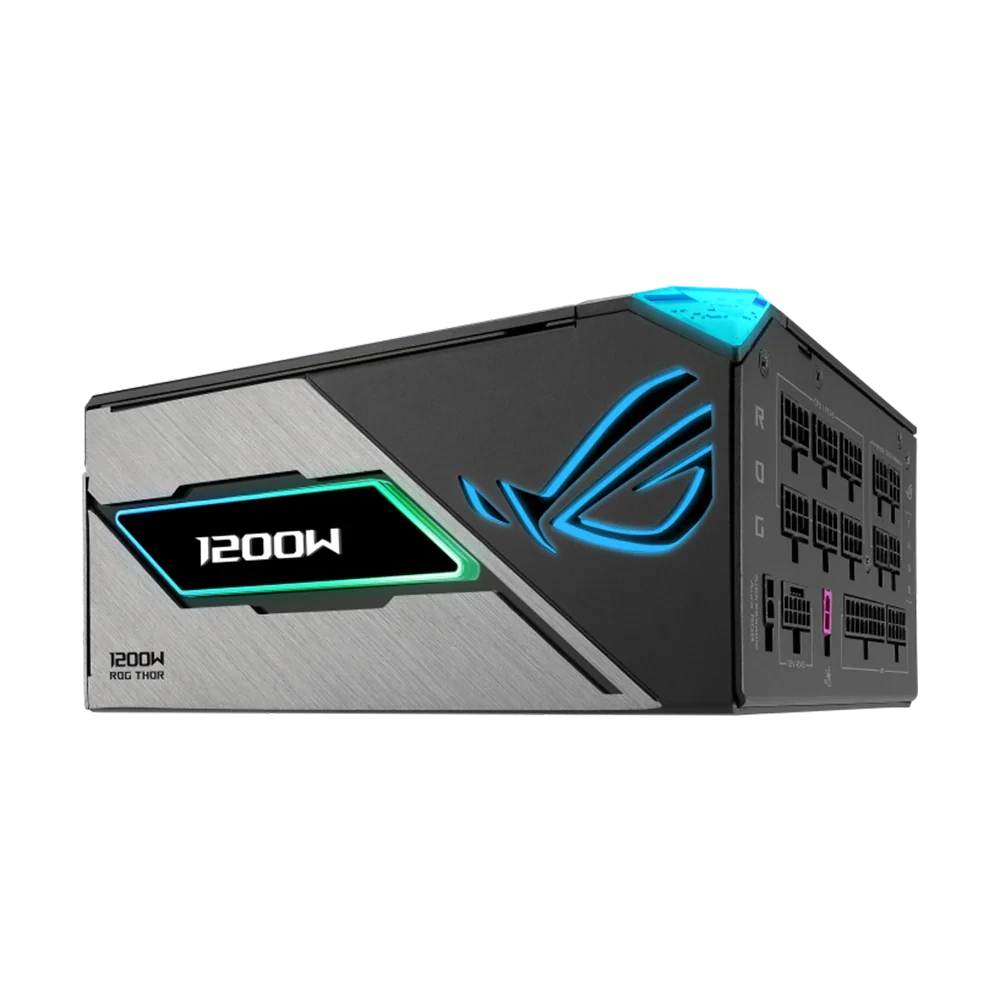
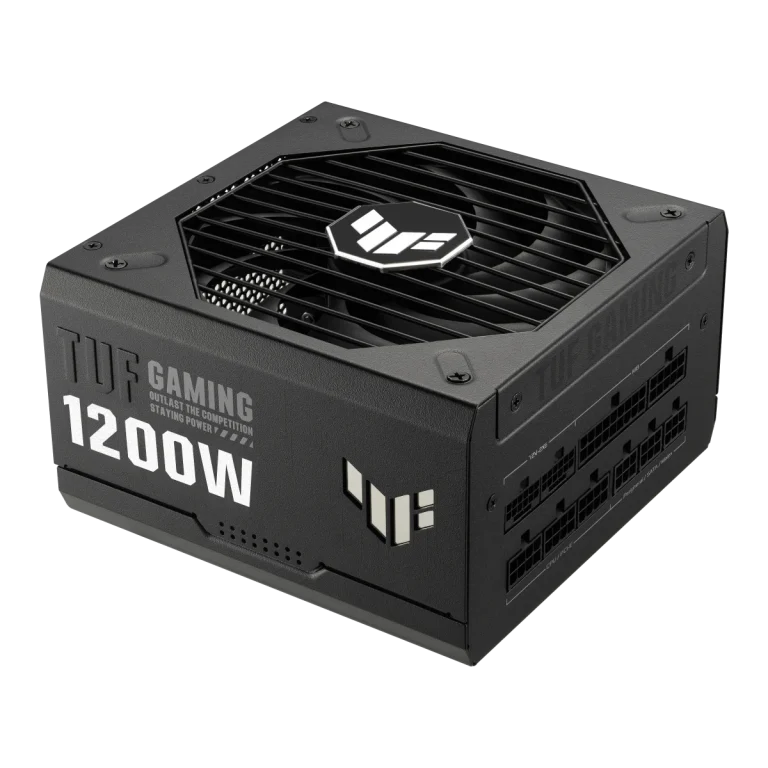
The ASUS ROG Thor 1200W Platinum III and ASUS TUF Gaming 1200W Gold illustrate why the full model name matters. The same headline wattage does not make two units identical in dimensions, cabling, features or documentation.
An efficiency certification concerns power-conversion efficiency under its specified test conditions. It does not turn 1200W into a different rated capacity, and it is not a complete rating of every aspect of quality. Read the product specification rather than assuming that a single Gold or Platinum badge answers every question.
Modular power supplies allow supported cables to detach from the PSU. The device-side connector can look familiar while the PSU-side wiring differs between manufacturers or product families. Reusing an old modular cable because it fits is not a valid compatibility check.
Use the supplied cables or a replacement explicitly approved for the exact PSU model by its manufacturer. Manufacturer compatibility tables can distinguish cable types within the same brand. A table for one series is not permission to apply that cable to all the brand’s power supplies.
This matters particularly when changing a PSU while keeping the old cable routing in place. Label the old cables, remove those that are not approved for the replacement and follow the new unit’s manual.
| Question | Useful evidence |
|---|---|
| Will it fit? | Case PSU format, length limit and installed drive-cage layout |
| Is capacity appropriate? | Full build and graphics manufacturer recommendation |
| Are connections supported? | PSU specification and supplied cable list |
| Can an existing cable be reused? | Exact manufacturer cable-compatibility documentation |
| Does the GPU connector have room? | Case clearance and connection instructions |
| What does the warranty cover? | Current local product and warranty information |
If a card requires a particular connector, identify the supported cable path before buying adapters. Follow the card and PSU instructions for insertion and routing. Do not assume that every product with a recent connector advertises the same ATX revision or includes the same cable set.
Shut down, disconnect power and follow the case and PSU manuals before changing components. Never open the PSU enclosure. Its internal parts are not a user upgrade. If you are not comfortable identifying the connections, arrange installation rather than experimenting with similar-looking cables.
After the change, check that the required motherboard, CPU and GPU connections are correct and that cables do not obstruct fans. Keep the manual and spare supplied cables labelled with the PSU model for future use.
For the next step, use our graphics card fit checklist and complete gaming PC guide. A storage expansion also benefits from checking available connections and cable routing before the new drive arrives.
No. Choose a suitable model for the complete build, connections, fit and intended upgrade path rather than wattage alone.
Only when the replacement PSU manufacturer explicitly confirms compatibility with the exact cable and PSU models.
No. Efficiency is one characteristic. Capacity, connections, dimensions, design and manufacturer guidance still need separate checks.
Related guide: Gaming monitor buying guide.
AX price check, 26 October 2026: ASUS ROG Thor 1200W Platinum III Power Supply Unit — KWD 142.000 (in stock); ASUS TUF GAMING 1200W 80 Plus Gold PSU — KWD 69.000 (in stock). The product cards show the current price and availability when you shop.
Explore ASUS at AX Kuwait for the rest of the range.
KEEP READING
All Buying Guides guides

Build a setup that fits how you use it
Tell AX your exact models and what you want to do. We can help match the equipment and connections.
Added to cart
Subscribed
We'll email you as soon as it's back in stock.
Saved to wishlist

