BUYING GUIDE
PC Components
Choose an NVMe SSD for Your Gaming PC
Choose an NVMe SSD by usable capacity, slot compatibility, cooling and the work you do. A high advertised transfer speed is useful only when the system.
AS
AX Store
NVMe SSD: the essentials
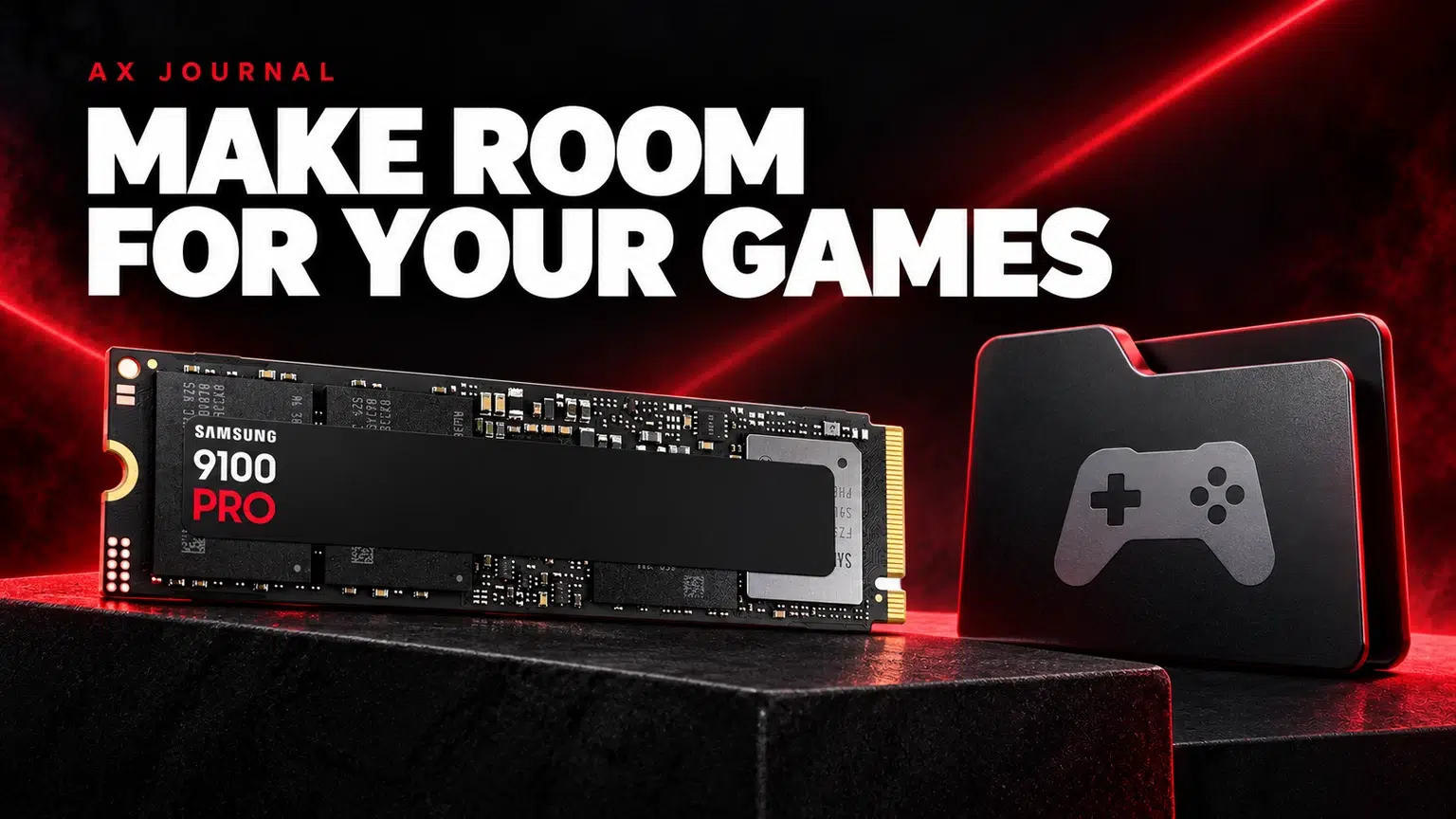
Choose an NVMe SSD by usable capacity, slot compatibility, cooling and the work you do. A high advertised transfer speed is useful only when the system and workload can use it.
Separate size, connection and protocol
M.2 describes a module format; it does not, by itself, tell you that a drive and slot use the same storage interface. NVMe drives communicate over PCIe, while some M.2 equipment uses SATA. The motherboard or laptop documentation must explicitly support the drive type you intend to install.
A size such as 2280 identifies the module dimensions: 22 mm wide and 80 mm long. Check the mounting position, module length and available clearance. An available-looking connector is not enough if the device cannot be secured correctly or a heatsink obstructs the case.
Choose enough capacity for the library
List your operating system, applications, regularly played games and active projects. Leave working room for downloads, patches and temporary files. If you frequently uninstall games to fit an update, capacity may be the improvement you notice most.
A new drive also creates a migration decision. Will it hold the operating system, only the game library or a separate editing workspace? Back up important files before moving or formatting storage. Installing another SSD does not automatically move applications or create a backup of the first drive.
Three examples that ask different compatibility questions
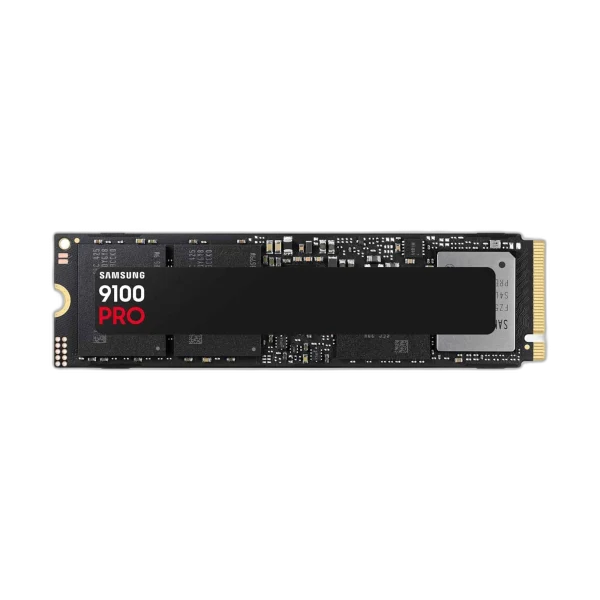
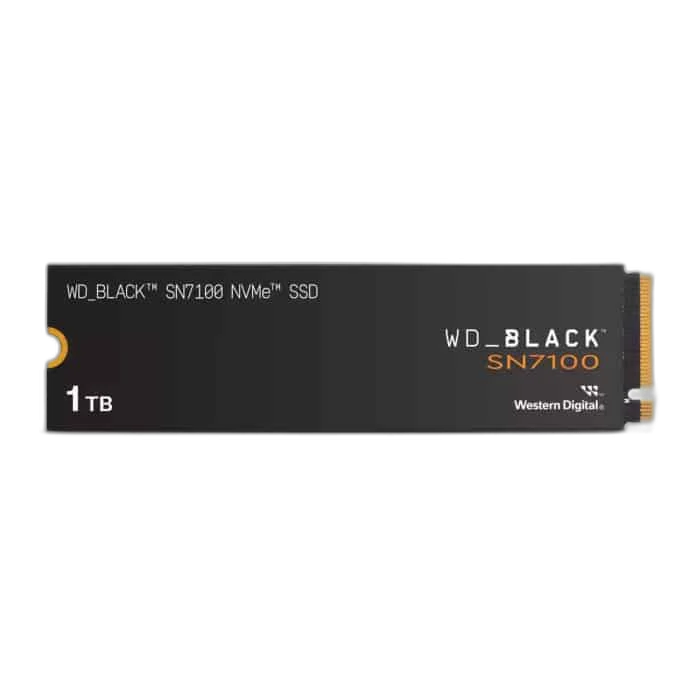
The WD Black SN7100 1TB offers a different capacity and product class from the Samsung 9100 PRO 2TB. The Corsair MP700 PRO 4TB with air cooler adds another consideration: physical space and the cooling assembly.
Use the exact listing and manufacturer documentation to compare them. A PCIe generation label describes an interface capability, not a guarantee of the same result in every slot. The system can impose a lower ceiling, and a cooler designed for a desktop arrangement may be unsuitable for a laptop or another restricted enclosure.
Read speed claims in the context of the workload
Sequential transfer figures describe a particular type of access under specified conditions. Loading a game, copying many small files and transferring a large video project are not identical workloads. A drive that has the highest sequential figure is not automatically the best-value improvement for every gaming PC.
For external transfers, the other drive and connection also set limits. For internal work, the slot, platform and cooling matter. Compare reviews using the same workload rather than converting a headline storage speed into an invented game frame-rate increase. An SSD upgrade can improve storage capacity and responsiveness without being a graphics upgrade.
Check the slot before the checkout
| Check | What to confirm |
|---|---|
| Storage support | NVMe/PCIe support rather than an assumption from M.2 shape |
| Module format | Supported length and mounting point |
| PCIe link | Available generation and lanes for the chosen slot |
| Cooling | Motherboard heatsink, supplied cooler and physical clearance |
| Shared resources | Whether the manual lists port or lane sharing |
| Installation plan | Backup, boot-drive migration or additional library storage |
Do not stack cooling parts because each was supplied separately. Follow the SSD and motherboard instructions for the intended heatsink arrangement, including thermal-pad protection films where documented. A correct fit should not require bending the drive to meet its mounting point.
Decide between an internal and an external drive
An internal SSD keeps a desktop game library inside the PC and uses an available storage slot. A portable SSD is easier to move between machines, but it depends on the external interface and cable. Those are different reasons to buy, even when both products are described as SSDs.
For Mac or portable project storage, use our external storage and backup guide. For a PC upgrade, combine this checklist with RAM compatibility and the complete-build checklist so that the purchase solves the actual limitation. Send AX the motherboard or laptop model, current drive and planned use if the slot documentation is unclear.
Frequently asked questions
Does every M.2 slot support an NVMe SSD?
No. Check the system manual for the supported interface, module length and other slot restrictions.
Will a faster SSD increase gaming FPS?
Do not buy it on that assumption. Storage speed and capacity are different from GPU rendering performance, and results depend on the workload.
Can a desktop SSD with a large cooler fit my laptop?
Not necessarily. Check module dimensions, cooler clearance and the laptop service documentation before choosing that version.
Continue planning your setup
- Best Gaming PC in Kuwait: Choose Your AXPC Build
- Upgrade Gaming PC RAM: Capacity and Compatibility
- Choose External Storage for Mac Work and Backup
Related guide: Mac mini desk setup.
Shop the equipment in Kuwait
AX price check, 26 October 2026: Samsung 9100 PRO 2TB PCIe 5.0×4 M.2 SSD — KWD 105.000 (out of stock); WD Black 1TB SN7100 NVMe M.2 SSD — KWD 33.000 (out of stock). The product cards show the current price and availability when you shop.
Explore SAMSUNG at AX Kuwait, WD at AX Kuwait, Corsair at AX Kuwait for the rest of the range.
AS


Build a setup that fits how you use it
Tell AX your exact models and what you want to do. We can help match the equipment and connections.