
BUYING GUIDES
Same-day delivery · Official warranty · Taly & Deema
A Gaming PC RAM Upgrade starts with the memory generation, motherboard support and kit layout. Choose capacity and speed around a matched configuration.
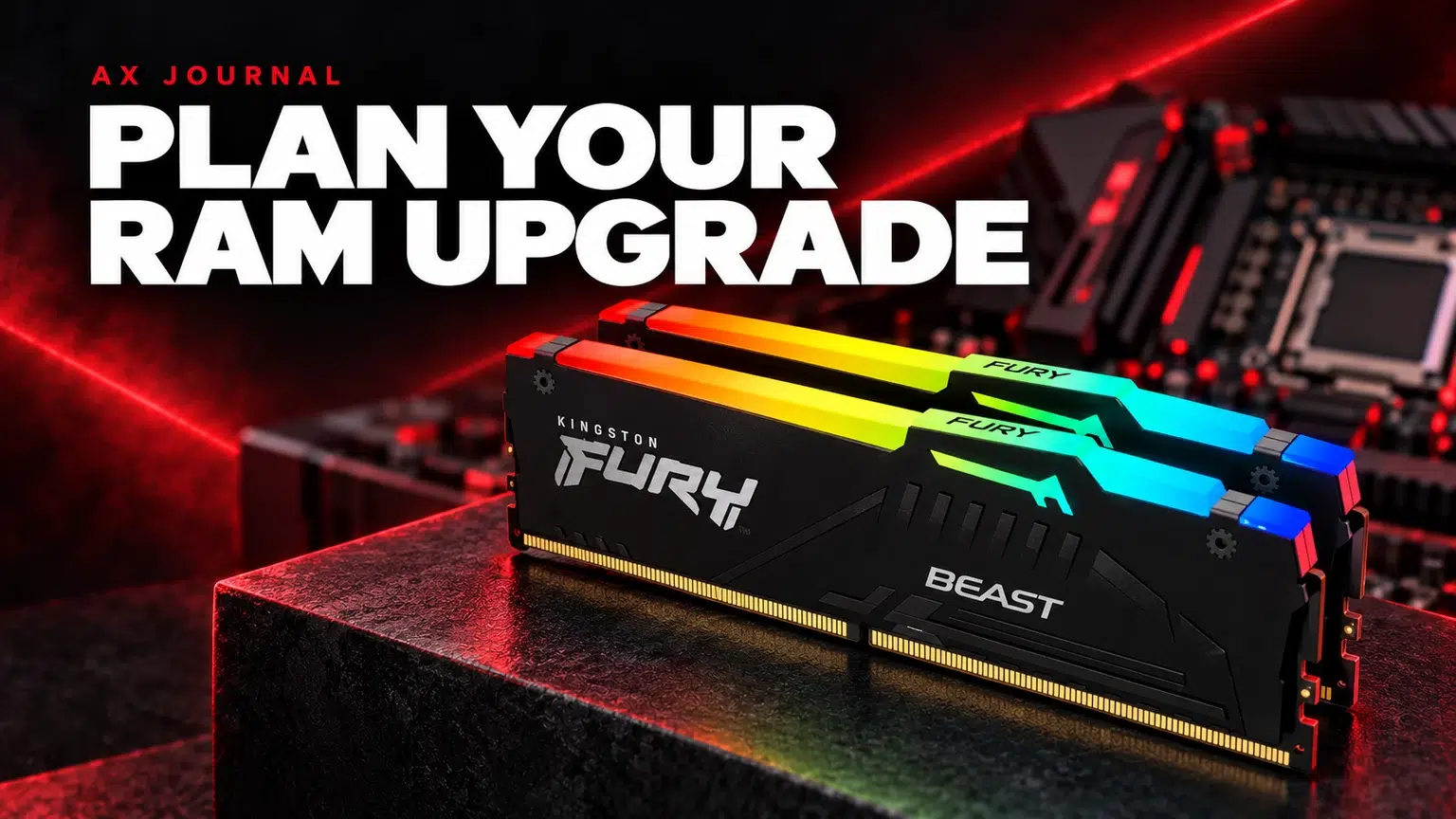
A Gaming PC RAM Upgrade starts with the memory generation, motherboard support and kit layout. Choose capacity and speed around a matched configuration that suits the platform.
Look at memory use while doing your normal work: the game, browser, voice chat, streaming software and any creative applications together. A demanding editing session can need something different from a gaming-only session. Persistent memory pressure is a reason to investigate more capacity; one isolated reading is not a complete diagnosis.
Also separate memory from storage. Adding RAM does not give you more space to install games, and installing a larger SSD does not increase system memory. If the complaint is a full game drive, use our SSD buying guide instead. If performance changes only in one game, check that game and its settings before ordering parts.
DDR4 and DDR5 are different memory generations and are not interchangeable in the same slot. Identify the exact CPU and motherboard model, then use the board’s documentation to confirm the memory type. Do not assume that two boards supporting a similar processor use the same RAM.
Desktop DIMMs and laptop memory also require separate checks. Some laptops have replaceable modules; others use soldered memory or a mixture. The generation, module format, capacity limits and upgrade access must all match. A desktop kit is not a universal laptop upgrade.
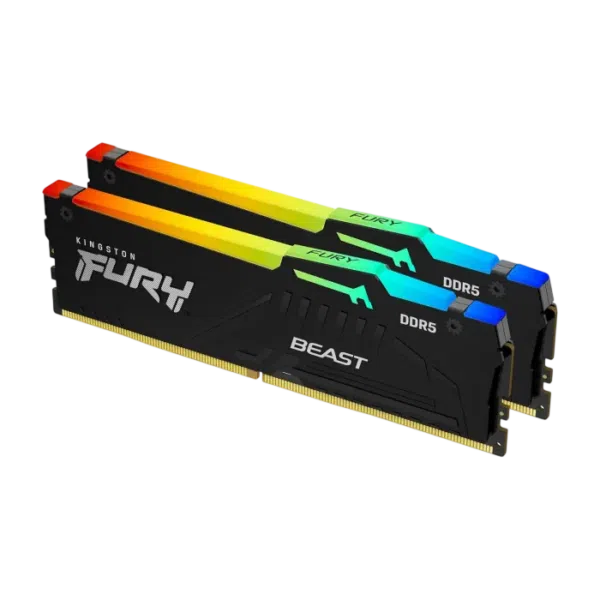
Examples from AX include the G.SKILL Ripjaws M5 Neo RGB 32GB kit, TEAMGROUP T-FORCE DELTA RGB 32GB kit and Kingston FURY Beast RGB 64GB kit. These listings describe kits, not a guarantee of compatibility with every DDR5 motherboard.
Record the full part number when checking the motherboard memory support list. Capacity, module count and revisions can distinguish otherwise similar names. Buying two separate kits with matching advertised numbers does not make them one validated four-module kit. A larger module count can also change the speeds supported by a particular platform.
Memory speed and latency figures should be read together, within the same platform and configuration. A lower CL number on its own does not prove a kit is faster in your application. Nor does RGB lighting affect the amount of memory available to your games.
Advertised profile speeds can require an XMP or EXPO setting supported by the platform. Those profiles are not a promise that every CPU, board, BIOS and module arrangement will operate at that speed. Check the manufacturer’s guidance and memory support list for the exact kit. If you need a particular validated configuration, establish that before purchase rather than after opening multiple kits.
| Question | Where to check |
|---|---|
| DDR4 or DDR5? | Exact motherboard specification |
| Desktop DIMM, laptop module or soldered memory? | System service guide and specification |
| Supported capacity and module count? | Motherboard or laptop documentation |
| Recommended slots for the kit? | Motherboard installation diagram |
| Exact kit on the support list? | Board QVL and memory manufacturer information |
| Cooler clearance? | Module height and CPU cooler dimensions |
The QVL is evidence that a configuration was tested by the manufacturer; its absence is not automatically proof that a kit cannot work. It is still a useful place to start, especially when you want a high-capacity or high-speed configuration. Keep the exact board revision in mind when looking up its support page.
Before making changes, save your work, shut the system down and follow the manufacturer’s power-disconnection and handling instructions. Use the slots shown in the manual rather than simply filling whichever pair is easiest to reach. Give any documented initial memory-training process time to complete.
After installation, confirm that the full capacity is detected and use your normal applications to check the result. If a profile is unstable, return to documented default settings and troubleshoot the exact configuration. Do not keep changing several BIOS settings at once without a record of what changed.
For a new build, balance RAM with the rest of the PC. For portable systems, read our gaming laptop checklist before assuming that the listed memory can be upgraded later.
No. The generations are not interchangeable. The CPU and motherboard determine the supported memory type.
It may work, but matching advertised numbers do not make separate kits one validated configuration. Prefer a suitable matched kit and check platform guidance.
No. Profile support and stability depend on the exact CPU, board, firmware and module arrangement.
Related guide: Gaming monitor buying guide.
AX price check, 26 October 2026: Kingston FURY Beast RGB 64GB (2x32GB) DDR5-6000 CL30 – Black — KWD 450.000 (in stock); G.SKILL Ripjaws M5 Neo RGB 32GB (2x16GB) DDR5-6000 CL36 – White — KWD 198.000 (in stock). The product cards show the current price and availability when you shop.
Explore Kingston at AX Kuwait, G.SKILL at AX Kuwait, T-FORCE at AX Kuwait for the rest of the range.
KEEP READING
All Buying Guides guides

Build a setup that fits how you use it
Tell AX your exact models and what you want to do. We can help match the equipment and connections.
Added to cart
Subscribed
We'll email you as soon as it's back in stock.
Saved to wishlist

