Category
Network
34 PRODUCTS
Gaming routers, Wi-Fi extenders, network cards and Ethernet adapters for low-latency online play. Delivered across Kuwait.


OUT OF STOCK
5.000 KWD
or 4 × 1.250 KWD with


WITH CARD
OUT OF STOCK
212.000 KWD
or 4 × 53.000 KWD with
WITH CARD
OUT OF STOCK
3.500 KWD
or 4 × 0.875 KWD with
WITH CARD

OUT OF STOCK
7.500 KWD
or 4 × 1.875 KWD with
WITH CARD
Load More Products
Showing 12 of 34 products
NETWORK GEAR AT AX
Lower ping starts at the router.
Shop networking gear in Kuwait from ASUS ROG, ASUS ZenWiFi, TP-Link, UGREEN and Netgear, from Wi-Fi 7 gaming routers and whole-home mesh systems to Wi-Fi and Bluetooth adapters, range extenders and CAT8 Ethernet cables. Fix the connection to your gaming device first, then the coverage around the home.
How to choose network gear
- Wired first: An Ethernet cable from the router to your PC or console gives the most stable ping. Use Wi-Fi where a cable cannot reach.
- Coverage: One well-placed router covers most apartments. Mesh systems suit larger homes and several floors, and an extender fixes a single weak room.
- Wi-Fi standard: A Wi-Fi 6, 6E or 7 router only reaches its full speed with devices that support the same standard.
- Port speed: If your plan is faster than 1Gbps, check that the router and your PC both have 2.5GbE or faster ports.
- PC adapters: USB Wi-Fi dongles are quick to add, while PCIe cards with external antennas give a desktop a stronger signal. Bluetooth adapters add controller and headset support.
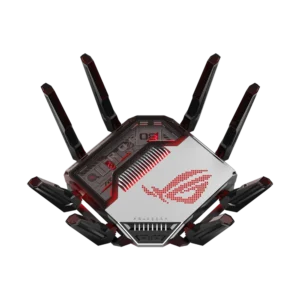
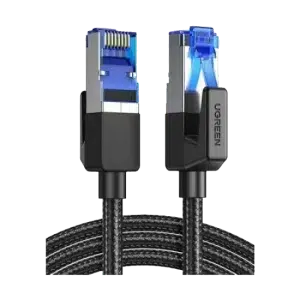
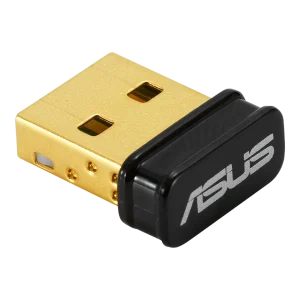
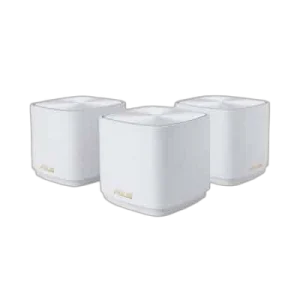
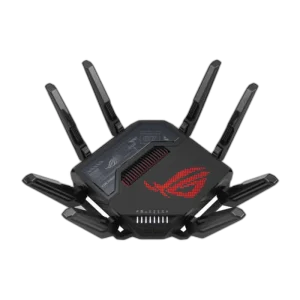
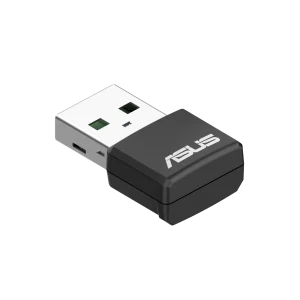
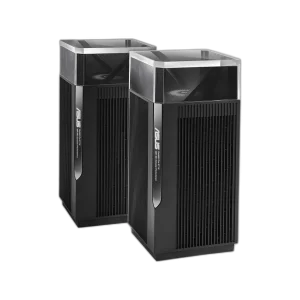
Popular network gear in stock now: the ASUS ROG Rapture GT-BE98 Wi-Fi 7 router, the ASUS ZenWiFi XD5 AX3000 3-Pack, the ASUS USB-AX55 Nano Wi-Fi 6 adapter, the UGREEN CAT8 Braided Ethernet Cable and the UGREEN Bluetooth 5.3 USB Adapter. Shop by brand: UGREEN and ASUS.
Wi-Fi 6 · 6E
gaming routers
2.5GbE
wired ports for low ping
Mesh · Extenders
coverage for the whole house
NETWORK FAQ
Before you buy.
Straight answers to the questions we hear most about home networking and Wi-Fi.
Router, mesh system or range extender: which do I need?
A single router covers most apartments when placed centrally. For larger homes or multiple floors, a mesh system like the ASUS ZenWiFi XD5 AX3000 3-Pack spreads one network across several units. A range extender is a simple fix for one weak room.
Is a wired Ethernet connection better for gaming?
Yes, a cable gives the most stable connection, with lower latency and no interference from walls or nearby networks. A shielded cable like the UGREEN CAT8 Braided Ethernet Cable works well from router to PC or console, though your real speed is still set by your internet plan and network ports.
What is the difference between Wi-Fi 6, 6E and 7?
Wi-Fi 6 improves speed and handles many connected devices better than older standards. Wi-Fi 6E adds the 6GHz band for less crowded channels, and Wi-Fi 7, as on the ASUS ROG Rapture GT-BE98, adds wider channels and multi-link operation for higher speeds and lower latency. Your devices need matching support to benefit.
Do I need a Wi-Fi or Bluetooth adapter for my PC?
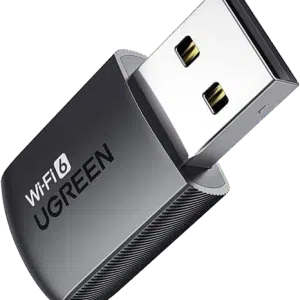
If your motherboard has no built-in wireless, an adapter adds it quickly. The UGREEN Bluetooth 5.3 USB Adapter connects controllers, headphones and speakers, while Wi-Fi adapters range from compact USB dongles like the ASUS USB-N10 NANO B1 to PCIe cards for faster, more stable desktop connections.