TP-Link
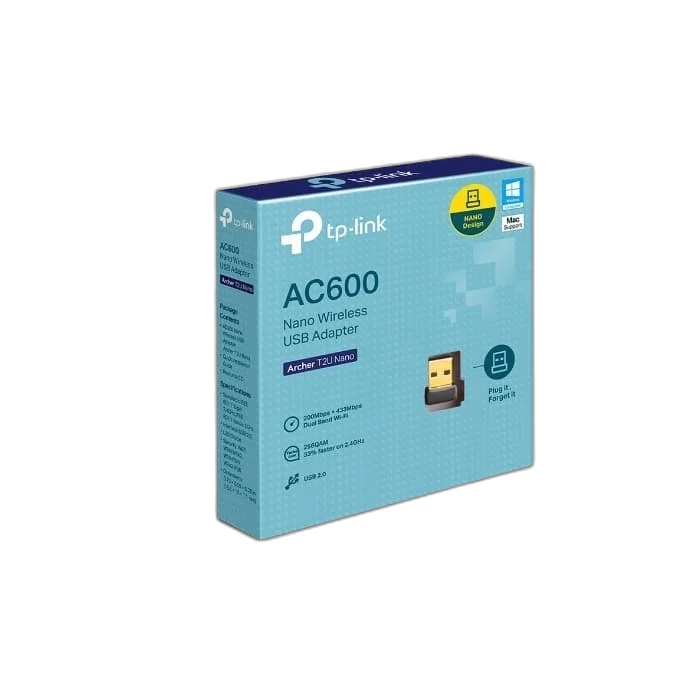
TP-Link AC600 Nano Wireless USB Adapter, Dual-Band Connectivity
TP-Link Archer T2U Nano AC600 USB 2.0 Wi-Fi adapter with 2.4/5 GHz support, rated speeds up to 200/433 Mbps and a compact nano design for supported Windows computers.
Regular price
3.500 KWD
or 4 payments of 0.875 KWD with
Pay with card & save


3.500 KWD
Overview
TP-LINK ARCHER T2U NANO
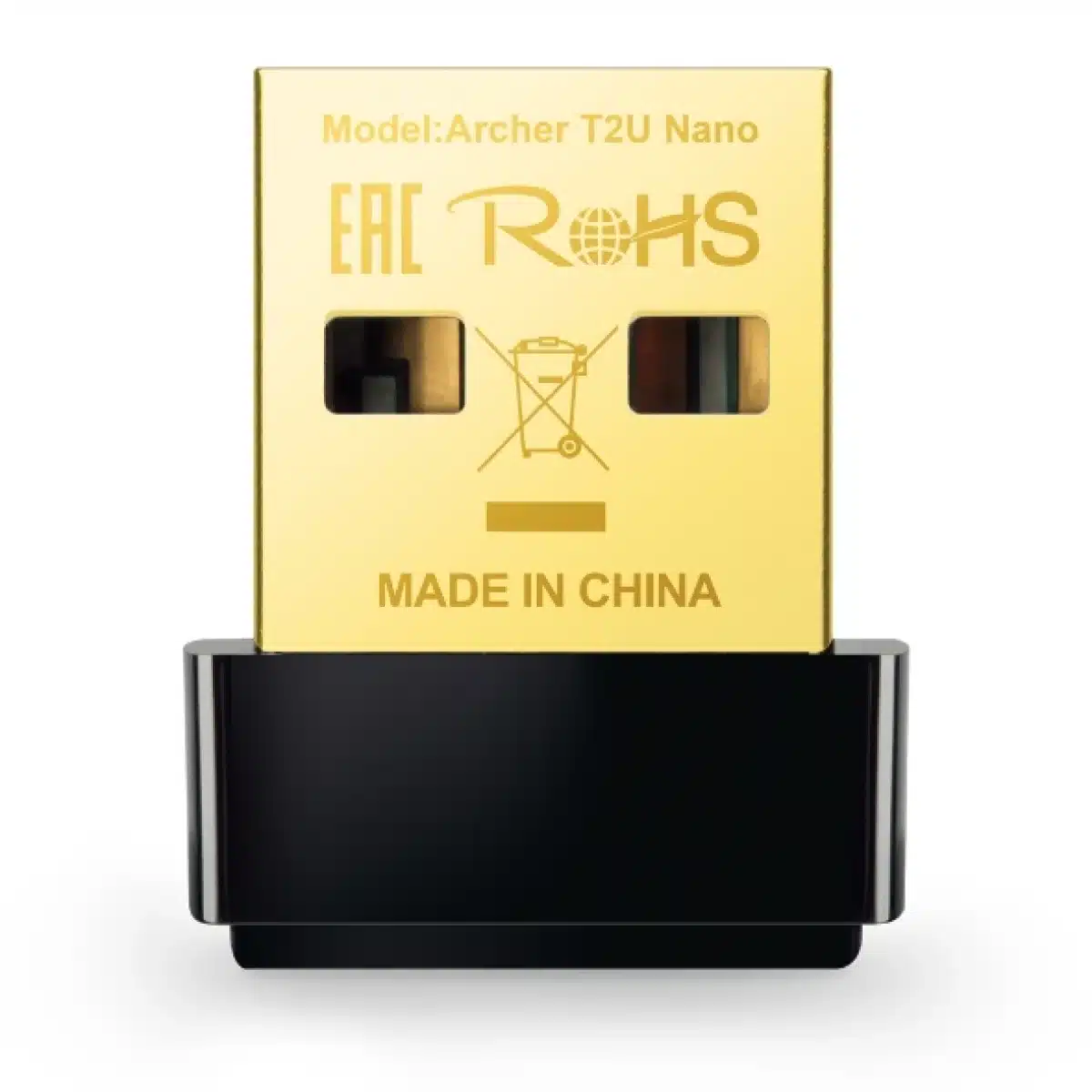
Dual-Band Wi-Fi in a Nano USB Adapter
Add a compact wireless connection to a compatible Windows computer with the Archer T2U Nano. This AC600 USB adapter supports both 2.4 GHz and 5 GHz networks, giving you a choice of bands without installing an internal card. Its small USB 2.0 design suits a laptop or desktop where keeping the setup compact matters.
AC600
Wireless Class
2.4 / 5 GHz
Wireless Bands
USB 2.0
Host Interface
Nano Adapter
Form Factor
Choose Between Two Wireless Bands
The Archer T2U Nano supports a rated link speed of up to 433 Mbps on 5 GHz and up to 200 Mbps on 2.4 GHz. Use a compatible network on the band best suited to your room and devices. The AC600 classification combines the maximum rates of the separate bands; it does not describe one simultaneous internet download connection.
A Small Footprint on Your Computer
Measuring 15 × 7.1 × 18.6 mm, the nano design occupies little space around the USB port compared with a larger external adapter. An omnidirectional antenna is built into the compact format. It provides a convenient option for a laptop used around the home or a desktop that needs wireless networking without an internal expansion-card installation.
USB Connectivity without Opening the Case
The adapter connects through USB 2.0, letting you add wireless networking through an available compatible USB port. Install the appropriate TP-Link driver for the operating system, then join your wireless network using its security settings. This approach is useful when the computer has no built-in wireless connection or when you want another supported wireless adapter.
Compatible with Common Wi-Fi Standards
Wireless support includes IEEE 802.11ac, 802.11a, 802.11n, 802.11g and 802.11b, covering compatible networks on both supported bands. The adapter lists infrastructure and ad-hoc wireless modes. Its practical role is connecting your computer to an existing wireless network, with performance determined by the router, client software, placement and the surrounding radio environment.
Supported Windows Systems
TP-Link’s published system requirements list Windows 11, 10, 8.1, 8, 7 and XP, including the stated 32-bit and 64-bit platform support where applicable. Choose the download specifically intended for your operating system and hardware version. Keeping the correct driver installed helps ensure the computer can use the adapter’s supported wireless functions and security options.
Secure the Connection You Join
The official security list includes WPA-PSK/WPA2-PSK, 802.1x and legacy WEP support. Match the adapter and router to an appropriate supported security configuration when connecting. TP-Link lists the Archer T2U Nano, resource CD and quick installation guide in the package contents. The stated operating temperature range is 0–40°C for an indoor computer workspace.
Complete Your Workspace
Explore Network at AX Store and choose the configuration or accessories that fit your setup.
Frequently Asked Questions
Which wireless standards and frequency bands are supported?
Wireless Standards: IEEE 802.11ac, IEEE 802.11a,
IEEE 802.11n, IEEE 802.11g, IEEE 802.11b. Frequency: 5GHz
2.4GHz.
Which host or wired network interface is provided?
Interface: USB 2.0.
Which operating modes and wireless functions are listed?
Wireless Modes: Ad-Hoc / Infrastructure mode.
What is included and which system requirements are published?
Package Content: AC600 Nano Wireless USB Adapter Archer T2U Nano
Resource CD
Quick Installation Guide. System Requirements: Windows 11/10/8.1/8/7/XP (32/64bits).
Build Your Setup with AX Store Kuwait
Explore computers, displays and accessories for your workspace at AX Store Kuwait. For help choosing the right model or checking an accessory, contact AX Store.
Compare UGREEN AX900 USB WiFi 6 Adapter - Dual Band 5GHz/2.4GHz (CM762) and TP-Link AXE5400 Wi-Fi 6E PCIe Adapter, Bluetooth 5.3. Match the exact model, connection and configuration to your setup.
THE DETAILS
Technical specifications
Product
TP-Link
Archer T2U-NANO
Hardware Features
USB 2.0
15*7.1*18.6mm
Omni Directional
Wireless Features
IEEE 802.11ac, IEEE 802.11a, IEEE 802.11n, IEEE 802.11g, IEEE 802.11b
5GHz 2.4GHz
5GHz 11ac: Up to 433Mbps(dynamic) 11n: Up to 150Mbps(dynamic) 11a: Up to 54Mbps(dynamic) 2.4GHz 11n: Up to 200Mbps(dynamic) 11g: Up to 54Mbps(dynamic) 11b: Up to 11Mbps(dynamic)
5GHz: 11a 6Mbps: -90dBm 11a 54Mbps: -73dBm 11n HT20 MCS0: -89dBm 11n HT20 MCS7: -70dBm 11n HT40 MCS0: -86dBm 11n HT40 MCS7: -67dBm 11ac VHT80 MCS0: -82dBm 11ac VHT80 MCS9: -56dBm 2.4GHz: 11b 1Mbps: -96dBm 11b 11Mbps: -88dBm 11g 6Mbps: -89dBm 11g 54Mbps: -74dBm 11n HT20 MCS0: -89dBm 11n HT20 MCS7: -72dBm 11n HT40 MCS0: -86dBm 11n HT40 MCS7: -66dBm
Ad-Hoc / Infrastructure mode
Support 64/128 bit WEP, WPA-PSK/WPA2-PSK, 802.1x
DBPSK, DQPSK, CCK, OFDM, 16-QAM, 64-QAM, 256-QAM
EIRP: 2.4 GHz<20 dBm 5 GHz<20 dBm
Others
CE, FCC
AC600 Nano Wireless USB Adapter Archer T2U Nano Resource CD Quick Installation Guide
Windows 11/10/8.1/8/7/XP (32/64bits)
Operating Temperature: 0℃~40℃ (32℉~104℉) Storage Temperature: -40℃~70℃ (-40℉~158℉) Operating Humidity: 10%~90% non-condensing Storage Humidity: 5%~90% non-condensing
COMPLETE YOUR SETUP
Pairs well with