Category
Memory (RAM)
74 PRODUCTS
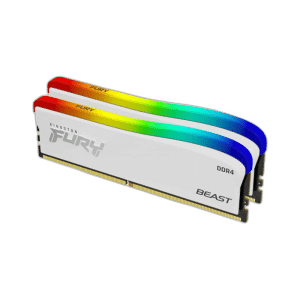
DDR4 and DDR5 memory kits from 8GB to 128GB from Corsair, G.SKILL, Kingston FURY, T-FORCE and XPG. RAM delivered across Kuwait.
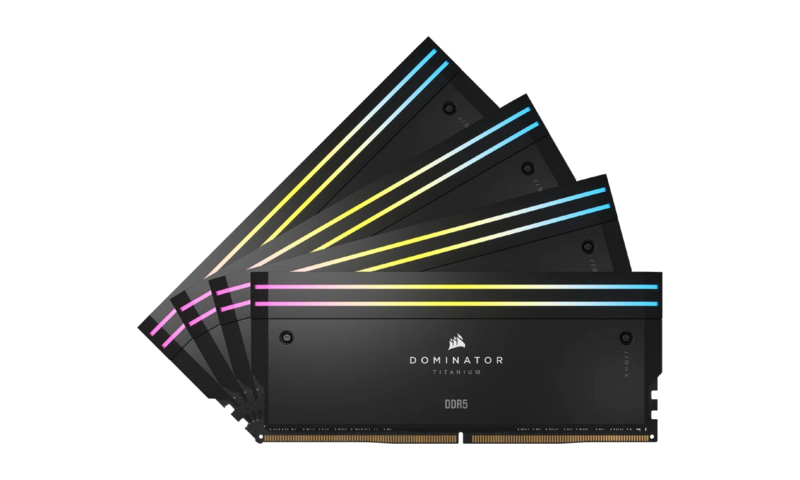
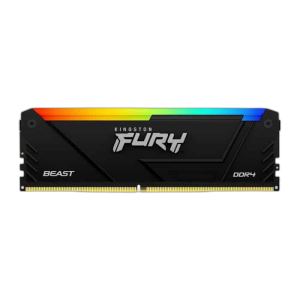
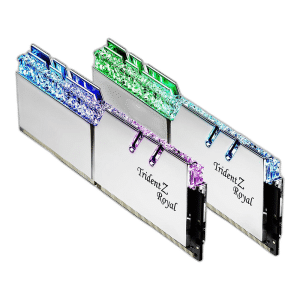
OUT OF STOCK
69.500 KWD
or 4 × 17.375 KWD with


WITH CARD
OUT OF STOCK
46.000 KWD
or 4 × 11.500 KWD with
WITH CARD
OUT OF STOCK
84.000 KWD
or 4 × 21.000 KWD with
WITH CARD
OUT OF STOCK
73.500 KWD
or 4 × 18.375 KWD with
WITH CARD
OUT OF STOCK
507.000 KWD
or 4 × 126.750 KWD with
WITH CARD
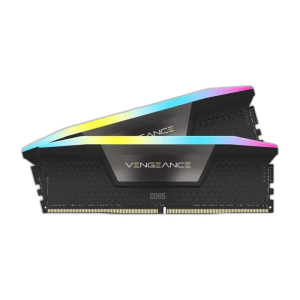
OUT OF STOCK
177.500 KWD
or 4 × 44.375 KWD with
WITH CARD
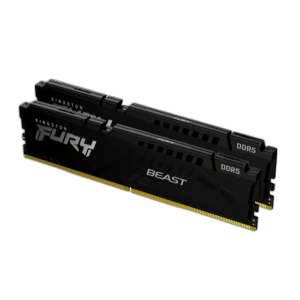
OUT OF STOCK
83.000 KWD
or 4 × 20.750 KWD with
WITH CARD
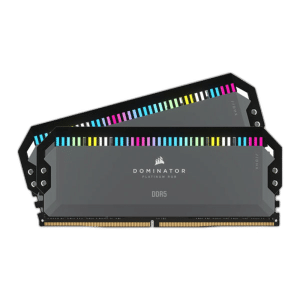
OUT OF STOCK
58.000 KWD
or 4 × 14.500 KWD with
WITH CARD
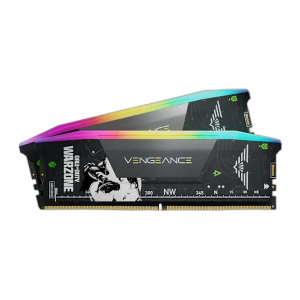
OUT OF STOCK
58.000 KWD
or 4 × 14.500 KWD with
WITH CARD
OUT OF STOCK
43.500 KWD
or 4 × 10.875 KWD with
WITH CARD
Load More Products
Showing 12 of 74 products
MEMORY AT AX
Speed and capacity, matched to the board.
Corsair Vengeance and Dominator, G.SKILL Trident Z, Kingston FURY, T-FORCE and XPG DDR4 and DDR5 kits from 16GB to 128GB, with the speeds and latencies that suit gaming and creative work.
DDR4 and DDR5 are not interchangeable, so match the board. 32GB is the sweet spot for gaming today, 64GB and up for editing and VMs. For Ryzen, 6000MT/s CL30 kits give the best results; enable EXPO or XMP in BIOS.
DDR5 · DDR4
for new and older boards
16GB to 128GB
kits of two or four sticks
6000MT/s+
sweet spot for Ryzen and Intel
MEMORY (RAM) FAQ
Before you buy.
Straight answers to the questions we hear most about PC memory (RAM).
DDR4 or DDR5: which memory does my PC need?
It depends on your motherboard, since DDR4 and DDR5 use different slots and are not interchangeable. Kits like the Kingston Fury Beast DDR4 3200MT/s are for DDR4 boards, while DDR5 kits such as the Kingston Fury Beast RGB DDR5 6000MHz are for newer DDR5 platforms. Check your board's specs before buying.
How much RAM do I need for gaming?
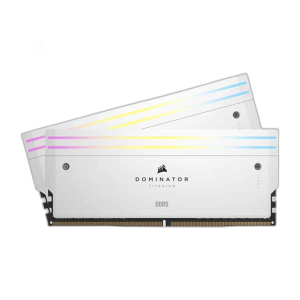
16GB is the practical starting point for current games, while 32GB gives headroom for streaming, browser tabs and creative apps running alongside. 64GB kits, like the Corsair DOMINATOR Titanium RGB 64GB DDR5, make sense mainly for heavy video editing, 3D work or virtual machines.
Should I buy one kit or mix separate memory sticks?
Buy a matched kit, such as 2x16GB, rather than mixing sticks of different brands or speeds. Two sticks in the slots your motherboard manual recommends run in dual channel, and matched kits are tested to work together at their rated speed.
Why is my RAM not running at its advertised speed?
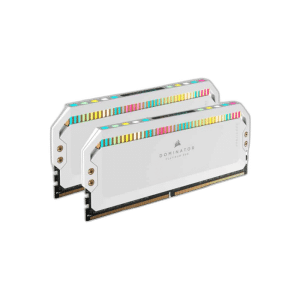
Most motherboards run memory at a safe default speed out of the box. Enable the XMP or EXPO profile in the BIOS to run the kit at its rated speed. EXPO kits, such as the Corsair DOMINATOR PLATINUM RGB DDR5 AMD EXPO edition, are tuned for AMD platforms.