
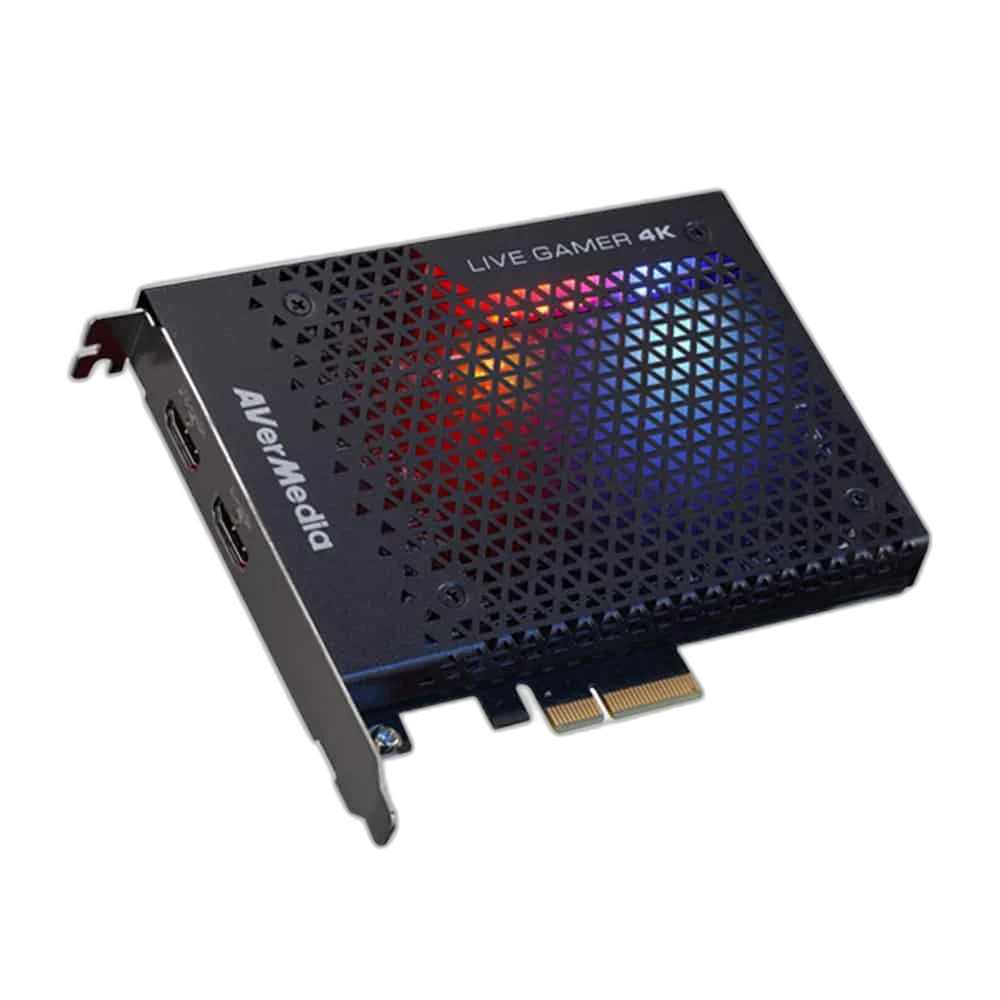
AVerMedia
AVerMedia GC573 Live Gamer 4K Capture Card, 2160p@60Hz HDR
Capture detailed 4K60 HDR or high-frame-rate gameplay with AVerMedia Live Gamer 4K GC573. The internal PCIe card also supports 1440p144 and 1080p240 capture and passthrough.
Regular price
72.500 KWD
or 4 payments of 18.125 KWD with
Pay with card & save


69.000 KWD
Save 3.500 KWD
Overview
AVERMEDIA GC573 LIVE GAMER 4K CAPTURE CARD, 2160P@60HZ HDR
AVerMedia Live Gamer 4K GC573
AVerMedia Live Gamer 4K GC573: Equip your recording PC for sharp 4K gameplay or higher frame rates at lower resolutions. Available from AX Store in Kuwait.
PCIe Gen 2 ×4
Desktop Interface
2160p60 HDR
Capture / Passthrough
1440p144 / 1080p240
Supported Lower-Resolution Modes
Windows
Compatible Recording Host
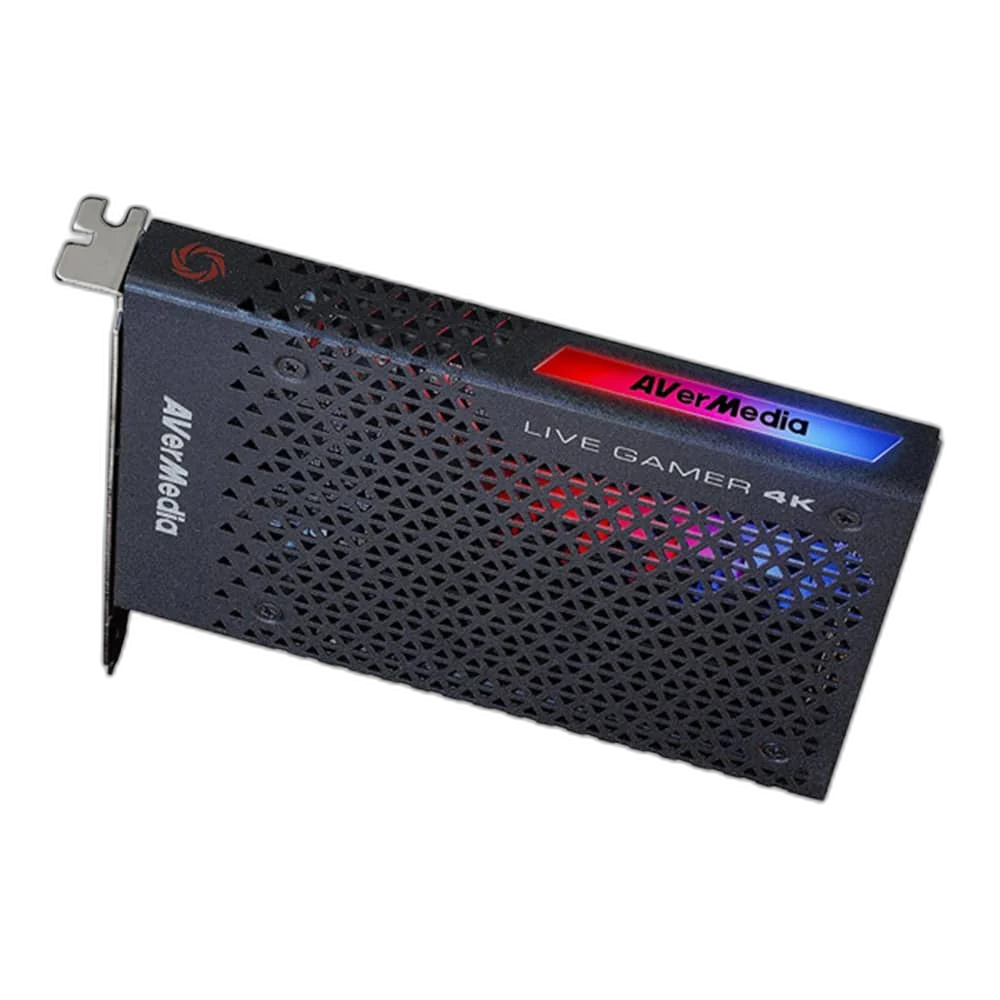
Choose your recording mode
HDMI 2.0 capture and passthrough support 4K60 HDR, 1440p144 and 1080p240 with a compatible system. Match the actual host, connection and selected operating mode, then check the result with the equipment and settings you intend to use for the session.
Built into your desktop
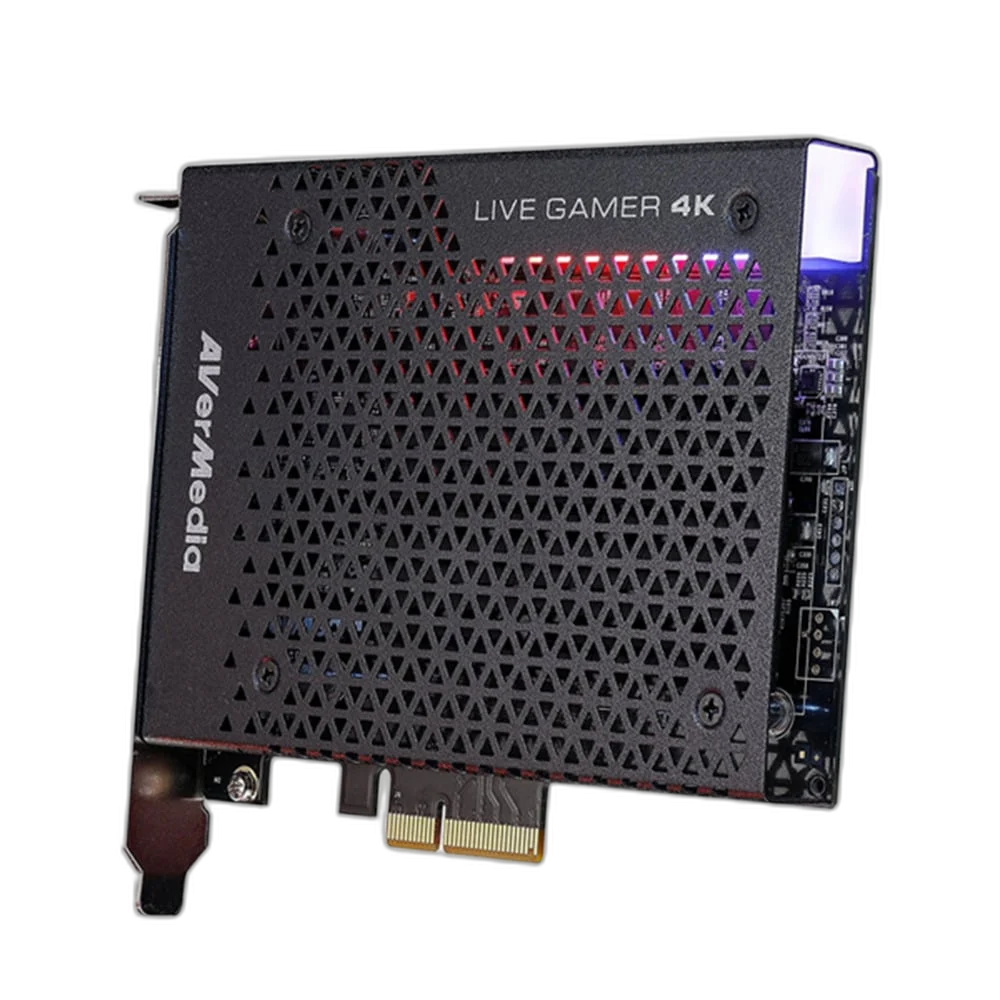
The PCIe card keeps your setup tidy, while RGB lighting adds a visible accent inside your case. Match the actual host, connection and selected operating mode, then check the result with the equipment and settings you intend to use for the session.
Choose the Internal Desktop Route
GC573 is an internal PCIe Gen 2 ×4 capture card for a compatible Windows desktop. Its supported modes include 2160p60 HDR, 1440p144 and 1080p240 with a suitable source and system. HDCP-protected content is not supported.
Match the Capture Signal and Passthrough Display
Connect the supported HDMI source to the card input and use the HDMI output for the display route. Choose a format accepted by the source, card and display, checking recording settings separately from passthrough.
Plan the Recording Computer Before Installation
GC573 needs a suitable PCIe Gen 2 ×4 connection and a compatible Windows system. Check available slot bandwidth, graphics-card clearance and the processing requirements of the chosen resolution, frame rate and HDR workflow before installation.
Check the Audio Alongside the Picture
Set the recording application’s video and audio sources for the actual connected signal. Monitor a short test clip for picture, sound and synchronisation, using a supported unprotected source before starting the longer capture session.
Build the Video and Commentary Route
Choose the source connection and computer connection for this exact capture device. Plan display routing separately where needed, and select a microphone and monitoring arrangement for your own commentary. Compare related options such as RØDE RCV-G RODECASTER Video and Audio Console or ASUS TUF Gaming CU4K30 USB Capture Box - 4K30 Capture / 4K60 HDR Passthrough, keeping the exact model and configuration in the decision. For the wider setup, explore Elgato Wave 3 MK.2 USB Condenser Microphone - Wave FX / Black and check the connection, size or mounting requirements before pairing accessories. Browse the AVerMedia range at AX for more choices.
AVerMedia Live Gamer 4K GC573 Setup Choices
Choose the source connection and computer connection for this exact capture device. Plan display routing separately where needed, and select a microphone and monitoring arrangement for your own commentary. Explore Elgato Stream Deck MK.2, 15-Key Customizable Controller, Razer Key Light Chroma - All-In-One Lighting Kit, Elgato Mini Mount Desktop Stand | Compact & Versatile.
Frequently Asked Questions
What should I check for this exact model?
GC573 is an internal PCIe Gen 2 ×4 capture card for a compatible Windows desktop. Its supported modes include 2160p60 HDR, 1440p144 and 1080p240 with a suitable source and system. HDCP-protected content is not supported.
Can I plug this card into a laptop USB port?
No. It is an internal PCIe card for a compatible Windows desktop with a suitable slot, system resources and installation clearance. USB capture devices use a different interface.
Will the highest mode work with any computer or HDMI source?
The source signal, capture settings, display, software and computer performance must support the selected mode. Check the complete system requirements and distinguish capture format from the output display’s capabilities.
Can it capture HDCP-protected services?
HDCP-protected signals are not supported. Use a supported unprotected video source and the settings permitted by that device’s manufacturer.
Build Your Setup with AX Store
Explore computers, displays and accessories for your workspace at AX Store. For help choosing the right model or checking an accessory, contact AX Store.
THE DETAILS
Technical specifications
Capture
GC573
PCI-Express Gen 2 ×4
HDMI 2.0 input and passthrough
2160p60 HDR / 1440p144 / 1080p240
Windows 10 64-bit or later
HDCP not supported
Physical
125 × 151 × 21.5 mm
208 g
RGB
COMPLETE YOUR SETUP
Pairs well with




