Corsair
Corsair Commander PRO Digital Fan and RGB Lighting Controller
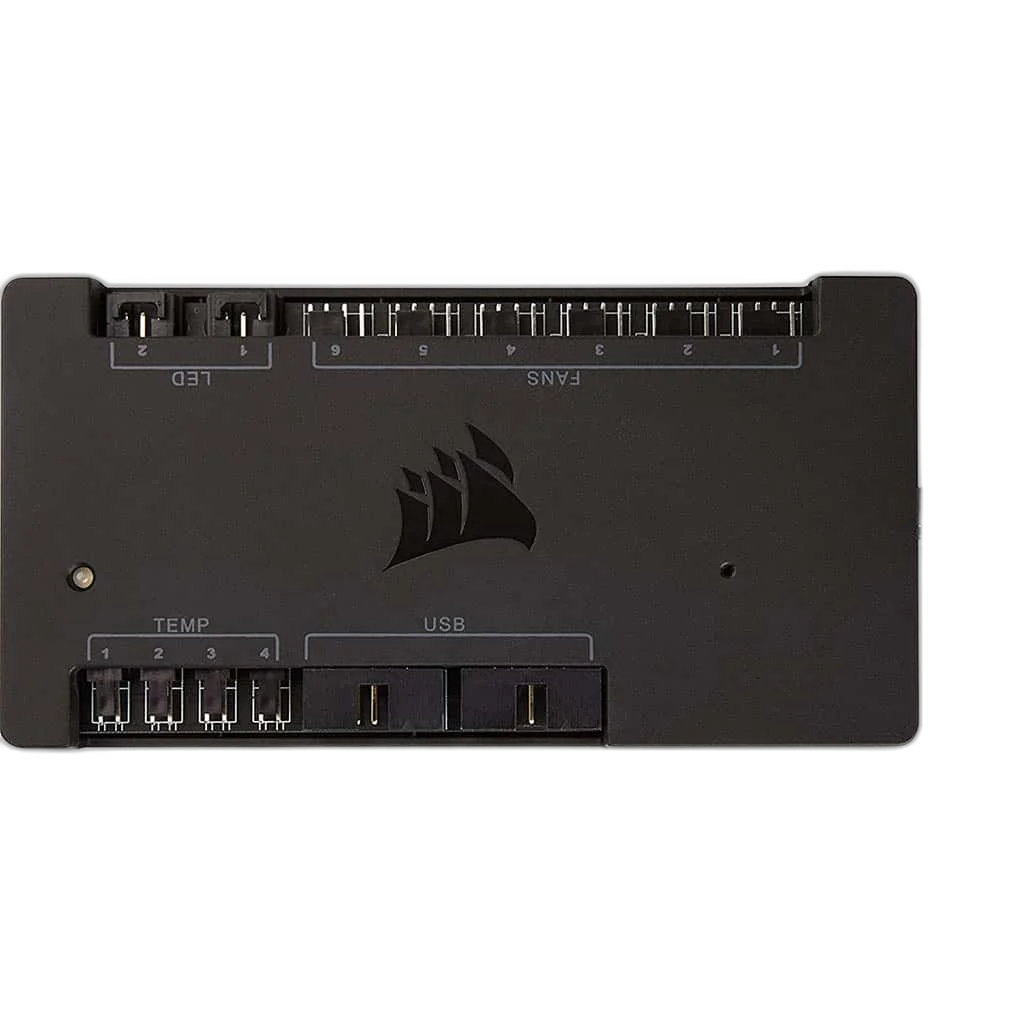
The CORSAIR iCUE COMMANDER PRO brings six fan-control connections, two RGB lighting channels, four repositionable temperature sensors and two internal USB 2.0 headers into one compact controller. Configure supported cooling and lighting functions through CORSAIR iCUE.
Regular price
23.000 KWD
or 4 payments of 5.750 KWD with
Pay with card & save


22.000 KWD
Save 1.000 KWD
Overview
CORSAIR ICUE COMMANDER PRO
Cooling, RGB and Temperature Monitoring in One Controller
The CORSAIR iCUE COMMANDER PRO brings six fan-control connections, two RGB lighting channels, four repositionable temperature sensors and two internal USB 2.0 headers into one compact controller. Configure supported cooling and lighting functions through CORSAIR iCUE.
6
Fan connections
2
RGB channels
4
Temperature sensors
2
Internal USB 2.0 headers
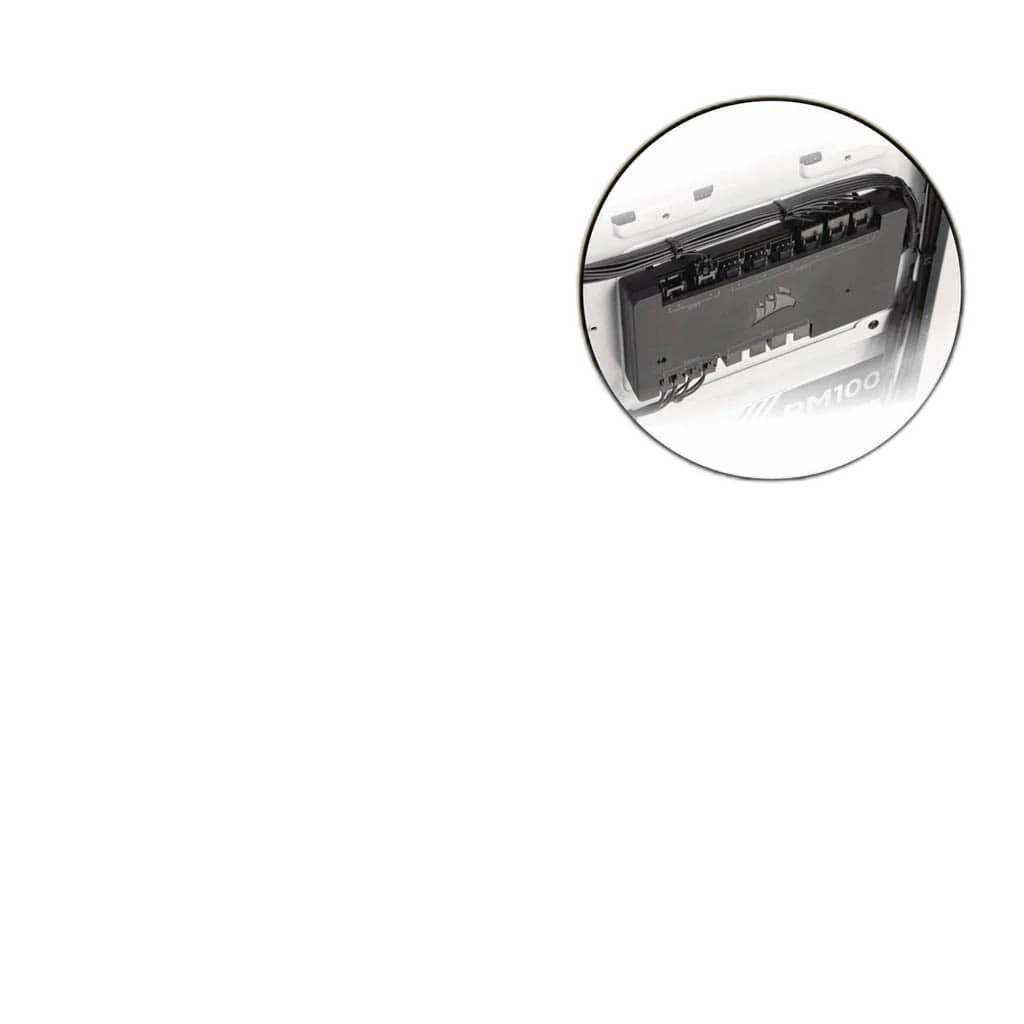
Control Six Case Fans
Connect up to six compatible three-pin DC or four-pin PWM fans to the COMMANDER PRO. CORSAIR iCUE supports fan-speed adjustments and cooling profiles, including supported Zero RPM operation. Choose the fan response around the system’s workload and check each connected fan’s requirements before completing the controller arrangement.
Two RGB Lighting Channels
The controller provides two CORSAIR RGB lighting channels for supported lighting strips and compatible RGB fan arrangements. Use the matching lighting connections and any required fan hub for the chosen products. CORSAIR iCUE creates and synchronises supported effects across the compatible lighting connected to the system.
Four Repositionable Temperature Sensors
Four supplied temperature sensors can be positioned around suitable areas inside the case. Their readings provide information about those locations through CORSAIR iCUE, helping build fan curves around the installed cooling arrangement. Route the sensors carefully and keep their cables clear of fan blades and other moving components.
Additional Internal USB Connections
Two internal USB 2.0 headers provide connections for compatible USB devices inside the case, such as supported coolers or other iCUE accessories. Plan the upstream connection and the connected devices together before routing the cables, with the available internal space and each device’s interface requirements in mind.
Compact Controller Placement
The enclosure measures 133 × 69 × 15.5 mm. Its low-profile design and supplied mounting tape support placement on a suitable flat surface inside the case. Choose a location with enough clearance for the attached plugs and with convenient routes for the fan, sensor, lighting and USB leads.
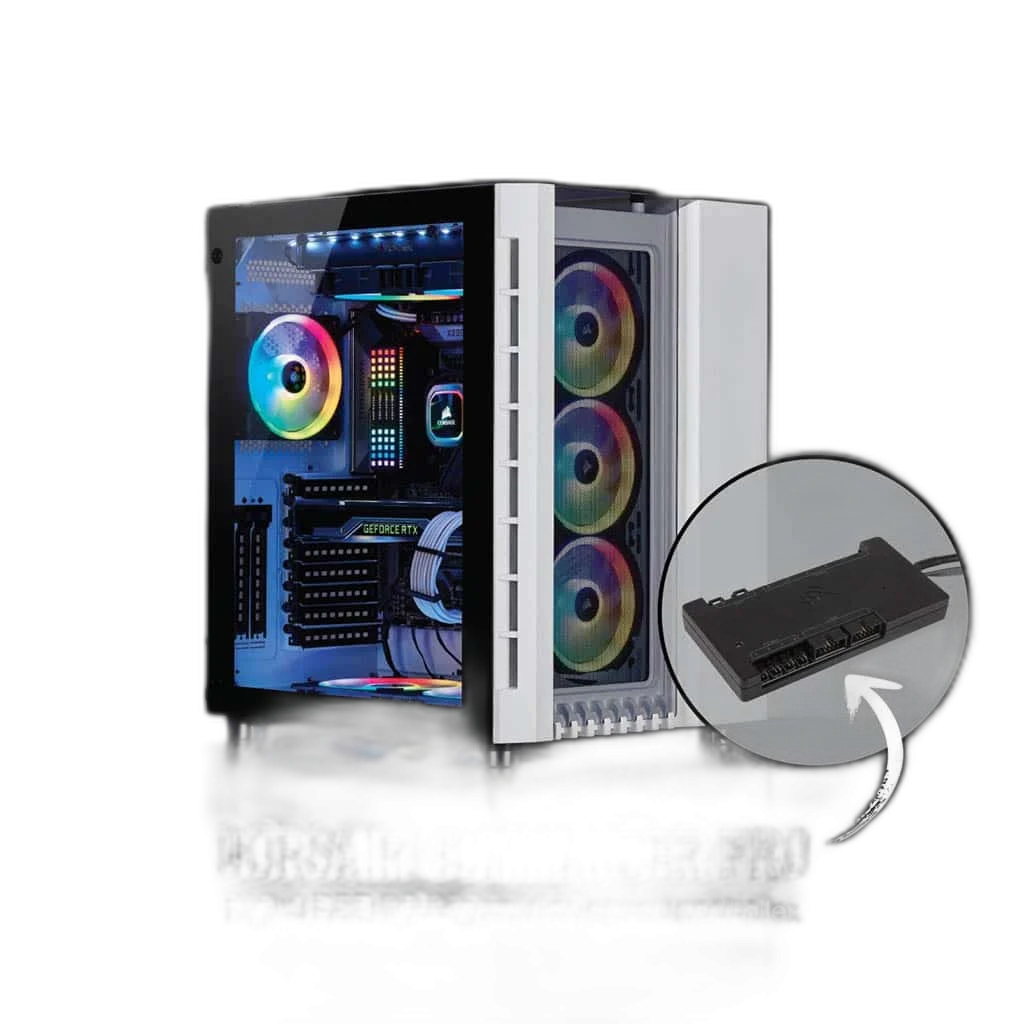
Fan-control outputs
6
RGB lighting channels
2 CORSAIR channels
Internal USB headers
2 × USB 2.0
A Coordinated iCUE Cooling Setup
Use CORSAIR iCUE to combine supported fan control, RGB lighting and temperature monitoring in one interface. The controller’s separate connection types serve different functions, so plan the complete cooling and lighting layout before installation. Connect the intended fans and accessories according to the installation guide for those components.
Complete Your Workspace
Explore Case Accessories to compare suitable options and complete your setup.
Frequently Asked Questions
How many fans can connect?
Up to six compatible three-pin DC or four-pin PWM fans.
How many RGB channels are available?
Two CORSAIR RGB lighting channels for supported lighting arrangements.
Are temperature sensors included?
Four repositionable temperature sensors are supplied.
Does it provide internal USB headers?
Yes, two internal USB 2.0 headers.
Which software controls it?
CORSAIR iCUE.
Build Your Setup with AX Store Kuwait
Explore computers, displays and accessories for your workspace at AX Store Kuwait. For help choosing the right model or checking an accessory, contact AX Store.
THE DETAILS
Technical specifications
Control Hardware
iCUE COMMANDER PRO
CL-9011110-WW
6
3-pin DC; 4-pin PWM
2 CORSAIR channels
4 repositionable sensors
2 × USB 2.0
133 × 69 × 15.5 mm
CORSAIR iCUE
2 RGB LED hub cables; 4 thermal sensors; 4 fan extension cables; 2 mounting tapes; installation guide
COMPLETE YOUR SETUP