Elgato
Elgato Cam Link Pro 4K Gaming Capture Card
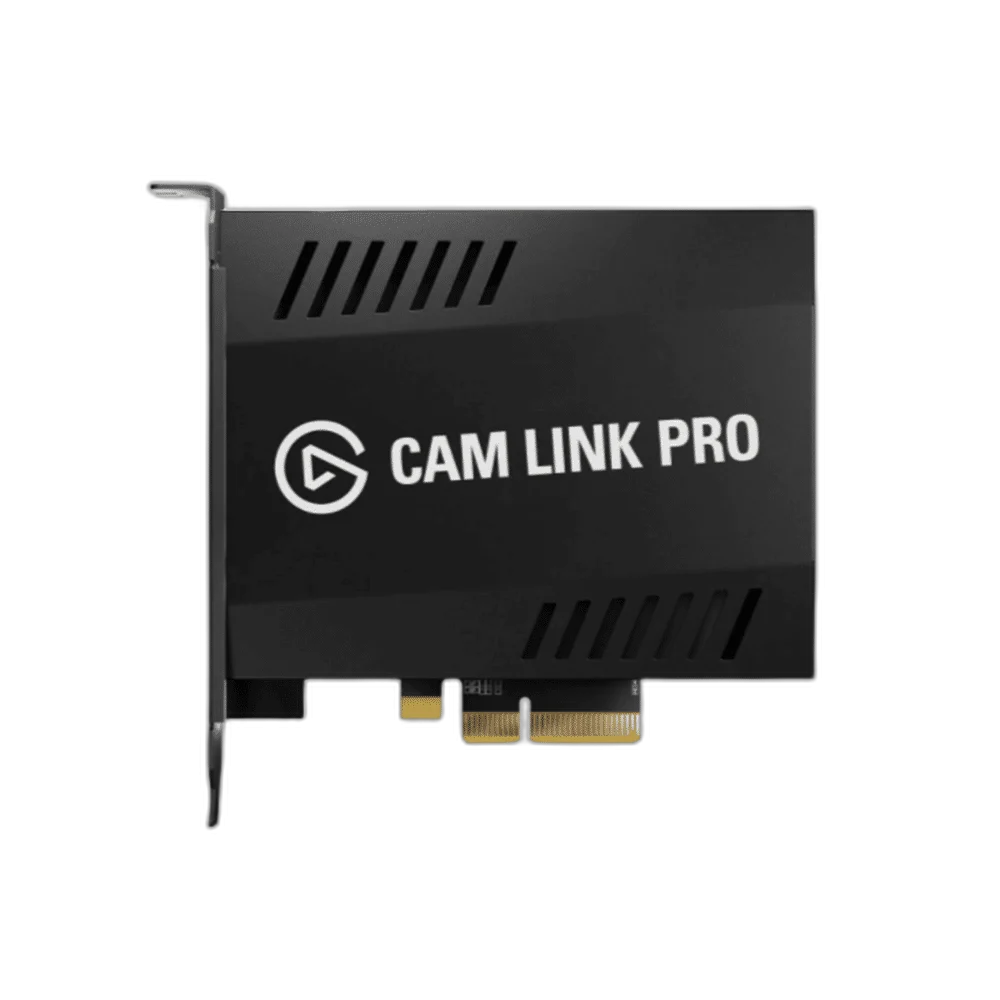
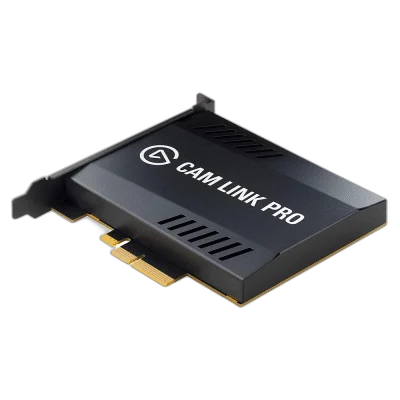
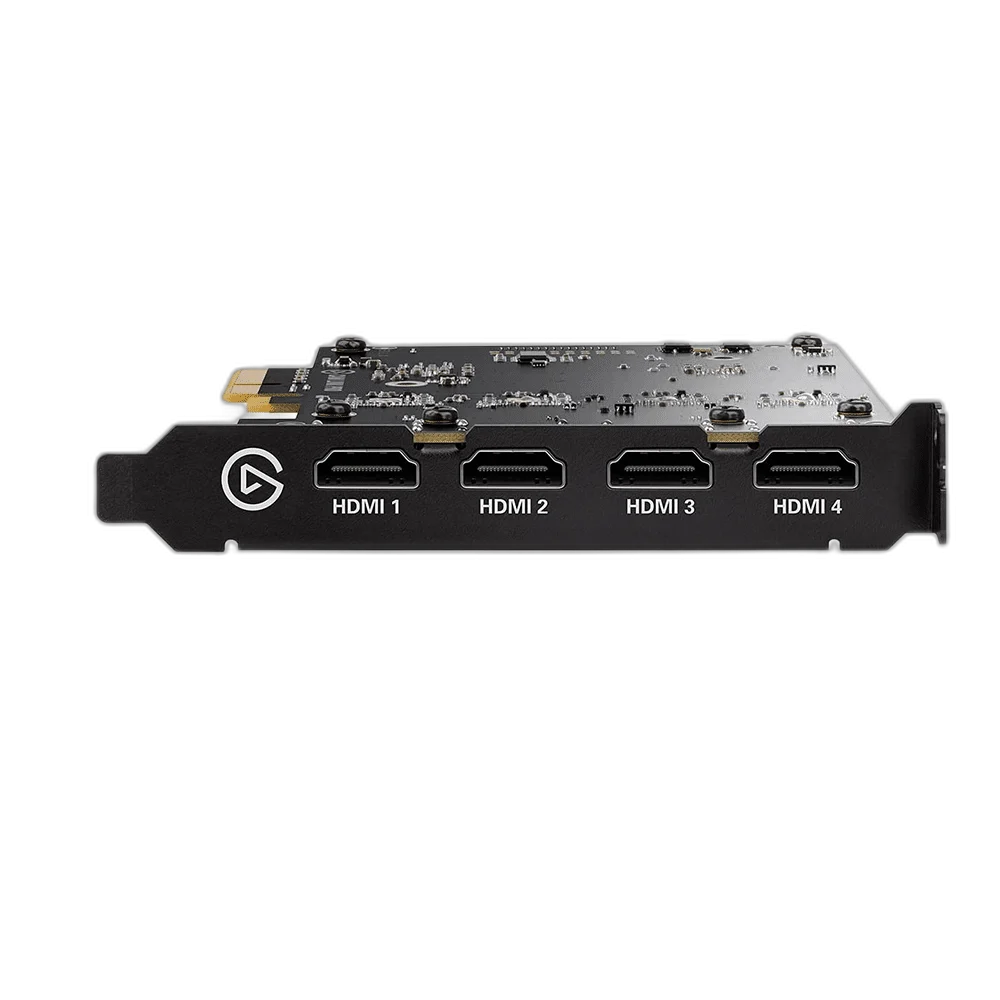
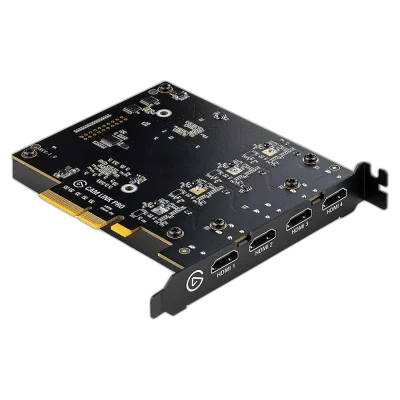
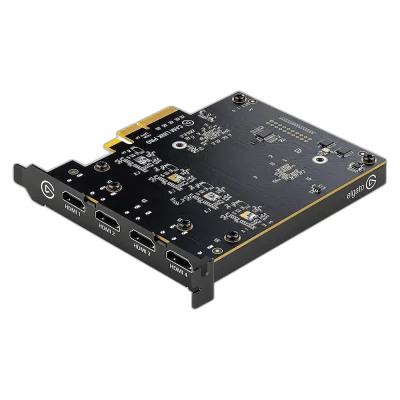
Elgato Cam Link Pro. Cam Link Pro adds four HDMI inputs to a Windows desktop. Capture separate camera feeds or combine them with Multiview for streaming, demonstrations and multi-camera presentations.
Regular price
121.000 KWD
or 4 payments of 30.250 KWD with
Pay with card & save


115.000 KWD
Save 6.000 KWD
Overview
ELGATO CAM LINK PRO
Elgato Cam Link Pro
Elgato Cam Link Pro: Cam Link Pro adds four HDMI inputs to a Windows desktop. Capture separate camera feeds or combine them with Multiview for streaming, demonstrations and multi-camera presentations. Explore this model at AX Store in Kuwait.
4 HDMI inputs
Independent source connections
4K30
Supported UHD capture mode
Multiview
Combine camera feeds
PCIe 2.0 ×4
Windows desktop interface
Work with independent inputs
Each HDMI input appears as a separate video device in compatible software. Arrange sources individually for a face camera, overhead shot and additional views. Check the actual computer, software and selected input before the session, then make a short test recording with the intended source.
Combine views before your call
Multiview supports picture-in-picture, side-by-side, triple and quad layouts. Stream Deck integration can change layouts during a production. Use cameras that provide compatible clean HDMI output.
Choose the Host Connection Before the Source
This is an internal PCIe card for a suitably equipped Windows desktop. Check slot access and the required x4 bandwidth rather than choosing a laptop USB connection. The recording computer still needs the CPU, graphics and compatible software required for the selected capture format.
Keep Capture and Display Routing Distinct
Cam Link devices take camera video into the computer; they do not add a dedicated HDMI gaming-display passthrough output. Match the camera’s clean, unencrypted HDMI output and selected recording format to the capture device. The camera keeps its own separate power and operating requirements.
Plan the Commentary Audio Separately
A compatible USB microphone provides a direct commentary input to the recording computer. HDMI source audio and microphone commentary remain separate sources to balance in the application. Use suitable monitoring headphones and a short test recording to confirm which signals the audience actually hears.
Build the Scene Around the Actual Inputs
Use the four HDMI inputs as separate supported video sources or combine feeds through Multiview. Match each camera to the supported clean HDMI format and select the desired layout in the production workflow. Four inputs do not mean four dedicated HDMI passthrough outputs.
Build the Video and Commentary Route
Choose the source connection and computer connection for this exact capture device. Plan display routing separately where needed, and select a microphone and monitoring arrangement for your own commentary. Compare related options such as Elgato Cam Link 4K Streaming Capture Device or RØDE RCV-G RODECASTER Video and Audio Console, keeping the exact model and configuration in the decision. For the wider setup, explore Logitech YETI GX Dynamic USB Gaming Microphone, RGB and check the connection, size or mounting requirements before pairing accessories. Browse the Elgato range at AX for more choices.
Elgato Cam Link Pro Setup Choices
Choose the source connection and computer connection for this exact capture device. Plan display routing separately where needed, and select a microphone and monitoring arrangement for your own commentary. Explore Elgato Wave 3 MK.2 USB Condenser Microphone - Wave FX / Black, Elgato Stream Deck MK.2, 15-Key Customizable Controller, Razer Key Light Chroma - All-In-One Lighting Kit.
Frequently Asked Questions
Is this an internal or external capture device?
It is an internal PCIe card for a compatible Windows desktop.
What is the highest listed capture mode?
Cam Link Pro supports 2160p30 and 1080p60 on its camera inputs.
Can it capture protected streaming-service video?
The specified input is unencrypted HDMI. HDCP-protected content is not a supported capture source.
Are cameras, microphones and HDMI accessories included?
Use the exact package list for this product. Cameras, microphones and other scene equipment are separate purchases unless expressly included; Cam Link camera connections need the matching HDMI cable and separate camera power.
Does a microphone connect to an HDMI input?
A microphone needs its own appropriate recording connection. A suitable USB microphone can provide computer commentary alongside video capture; an HDMI input is not an XLR microphone preamp.
What should I check before going live?
Confirm the source format, device selection, recording computer requirements and commentary routing. Make a short test and review both picture and sound before the full production.
Build Your Setup with AX Store
Explore computers, displays and accessories for your workspace at AX Store. For help choosing the right model or checking an accessory, contact AX Store.
THE DETAILS
Technical specifications
Product specifications
Elgato
Cam Link Pro
4 × unencrypted HDMI
2160p30, 1080p60, 1080p30, 1080i, 720p60, 576p, 480p
PCIe 2.0 x4
Picture-in-picture, side-by-side, triple and quad
Windows desktop; not compatible with laptops
PCIe 2.0 x4 / x8 / x16
Intel Core i7 6th generation or AMD Ryzen 7, or better
NVIDIA GeForce GTX 10-series or better
Cam Link Pro
COMPLETE YOUR SETUP
Pairs well with