Elgato
Elgato Collapsible Chroma Key Panel, Green Screen
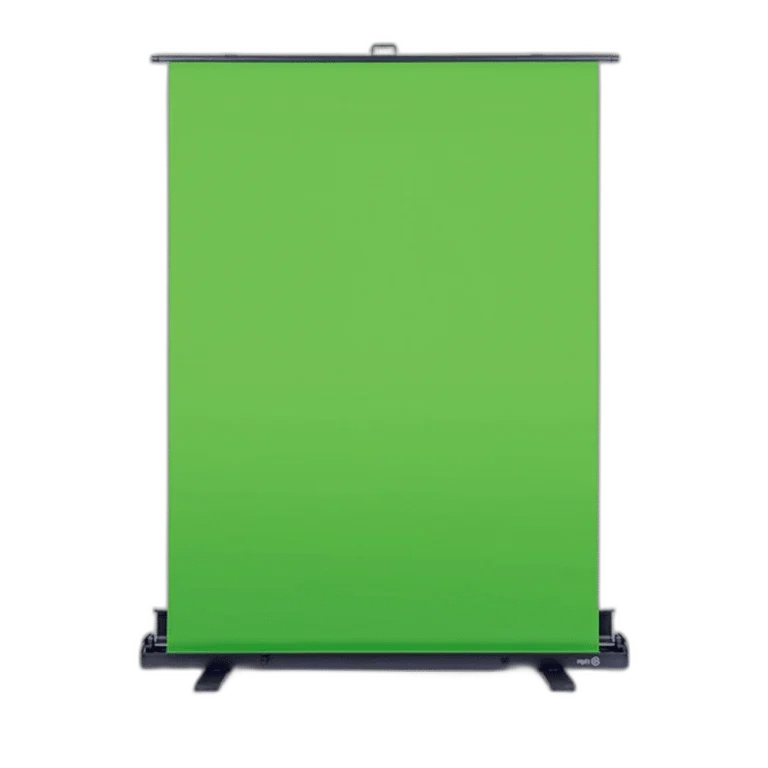
Elgato Green Screen. Build a clean chroma-key background without a permanent studio installation. Elgato Green Screen rises from its floor case into a 148 × 180 cm green panel, then retracts when recording is finished so your room can return to everyday use.
Regular price
63.000 KWD
or 4 payments of 15.750 KWD with
Pay with card & save


60.000 KWD
Save 3.000 KWD
Overview
ELGATO GREEN SCREEN
Elgato Green Screen
Build a clean chroma-key background without a permanent studio installation. Elgato Green Screen rises from its floor case into a 148 × 180 cm green panel, then retracts when recording is finished so your room can return to everyday use. Explore this model at AX Store in Kuwait.
148 × 180 cm
Visible green area
Floor standing
Retractable hard case
Pneumatic X-frame
Height locking support
Polyester
Chroma-key surface
Pull up and get ready
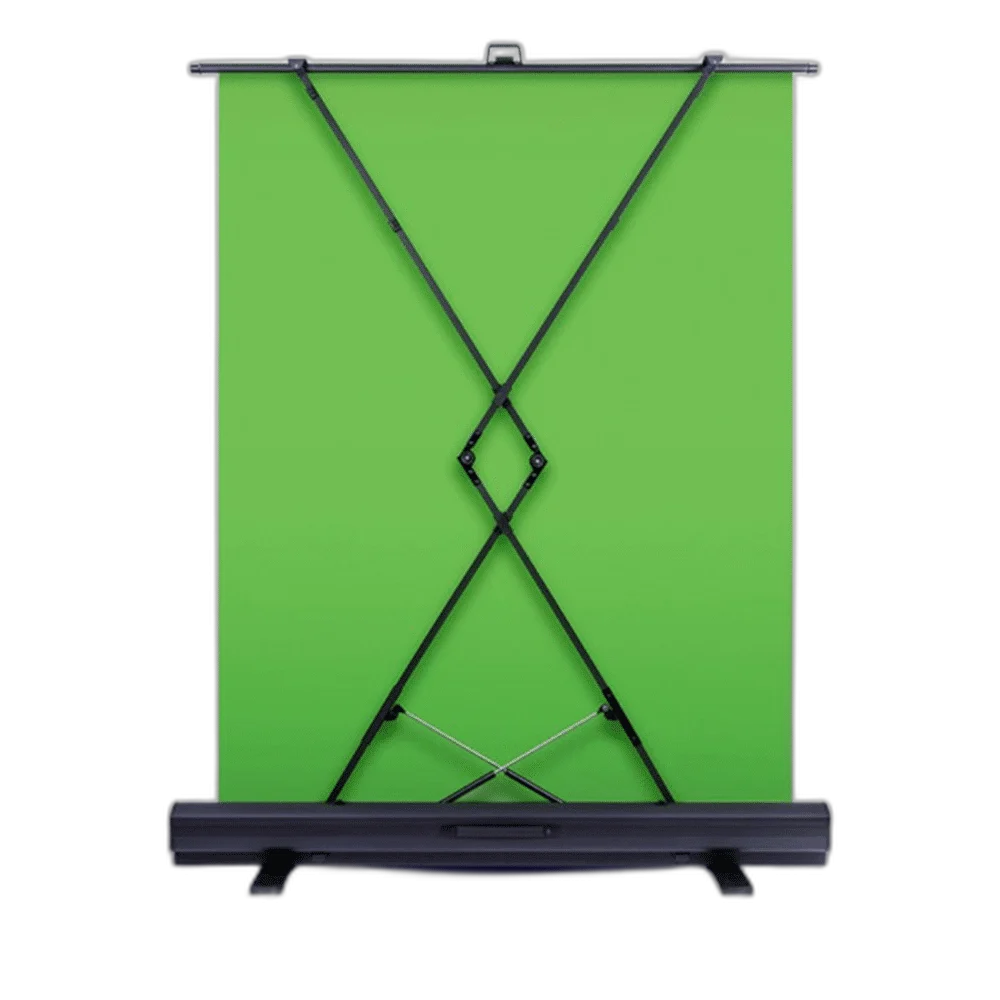
Open the case, raise the screen and let the pneumatic X-frame support it at your chosen height. The self-locking mechanism makes setup straightforward without assembling a separate backdrop stand.
A consistent green surface
Wrinkle-resistant polyester fabric creates an even backdrop for chroma-key work. Light the screen evenly and leave suitable separation from your subject for cleaner results in your chosen streaming or editing software.
Designed to pack away
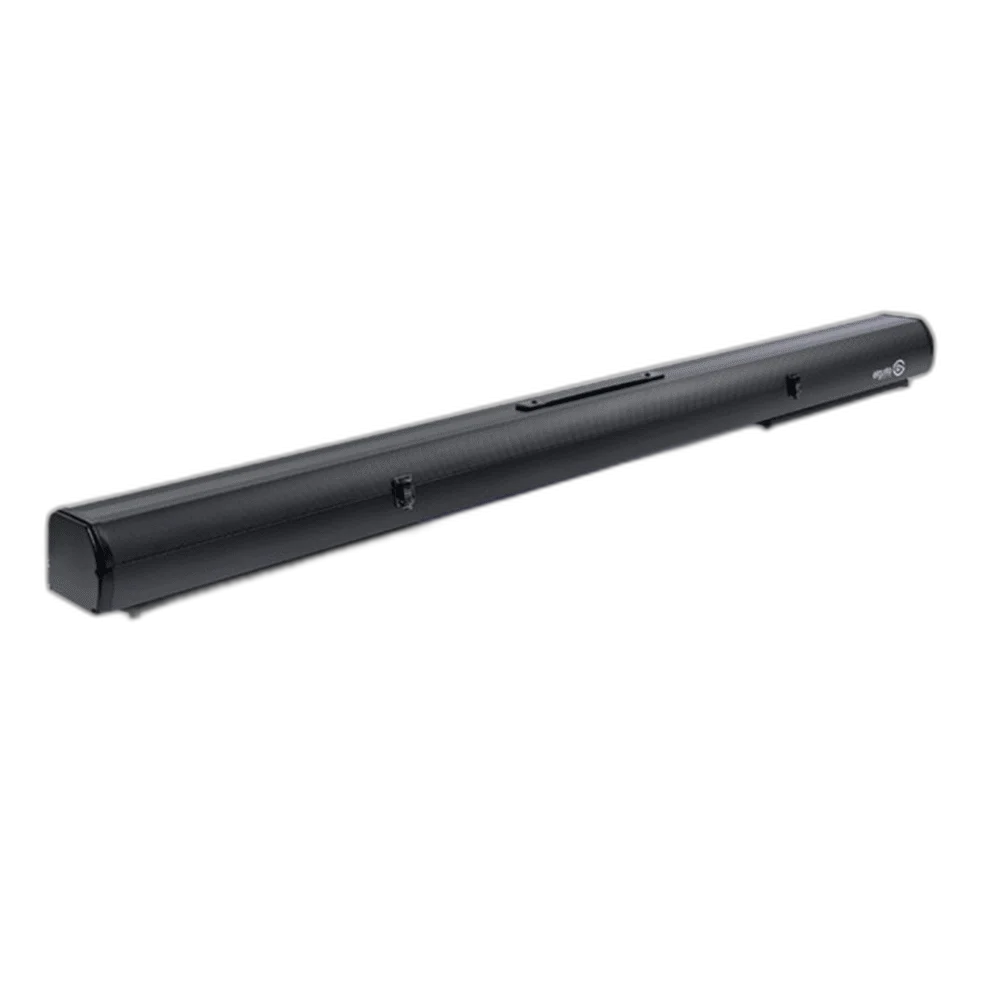
The panel retracts into its aluminum hard case. At 1645 × 105 × 115 mm when collapsed, it can be stored between sessions instead of occupying your recording space all day.
For calls, streams and video
Use the screen behind a seated presenter, a creator desk or a compact recording setup. Camera, lighting and chroma-key software are separate parts of your setup; this product supplies the physical backdrop.
Light the Background for a Clean Key
Chroma-key results depend on the actual camera, subject separation, exposure and lighting. Arrange the screen so the visible green area sits behind the presenter, then check the software’s keying result. The screen supplies the physical background; it does not automatically remove a background in every video application.
Give the Floor Case a Stable Position
Place the case on a suitable stable floor area with enough room to extend and retract the screen. Keep the presenter, camera and light arrangement within the visible area needed for the shot. Retract the panel into its hard case when the recording space needs to return to normal use.
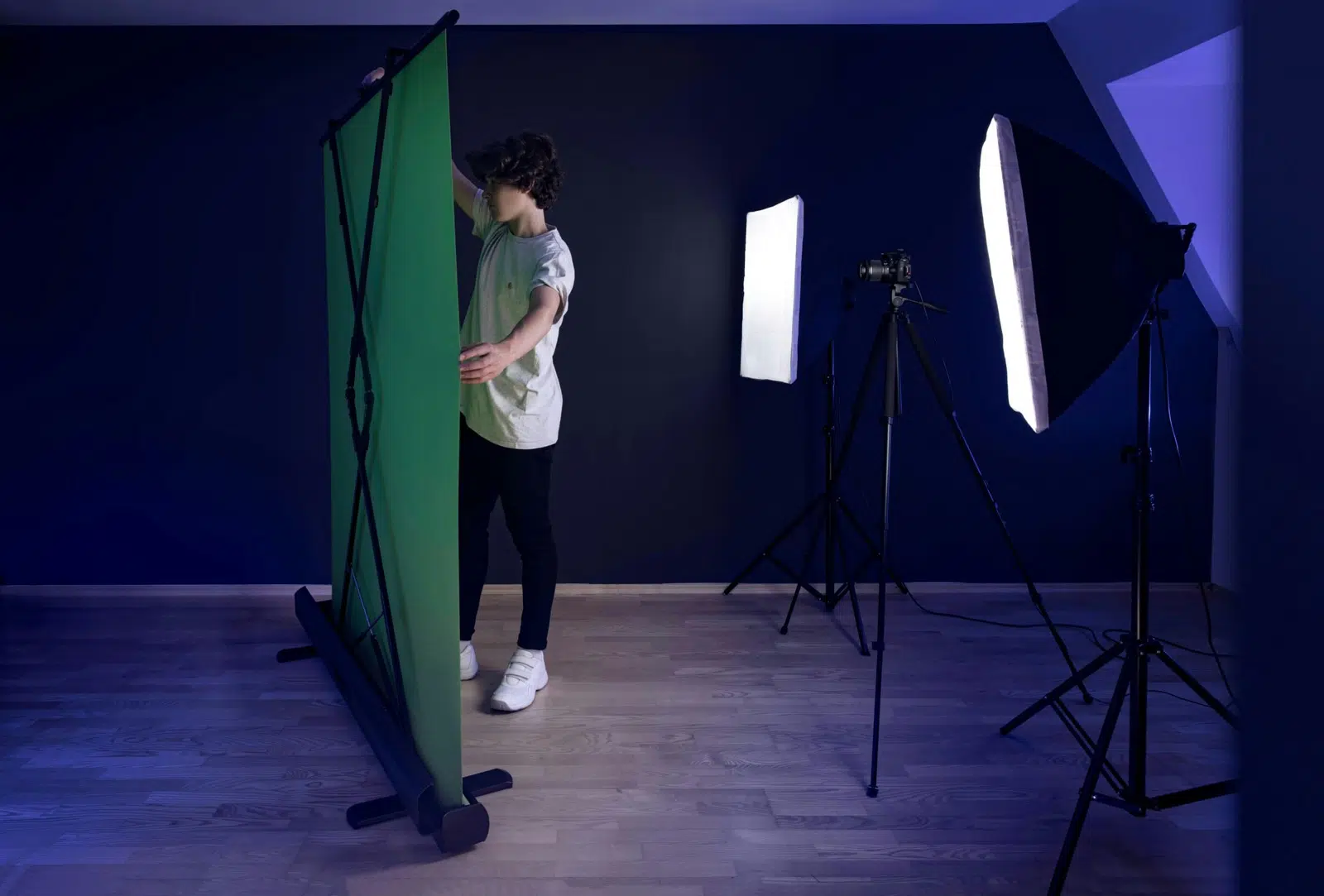
Plan the Background and Camera Framing
Measure the visible area behind your seat and leave room for the stand or mounting arrangement. Keep background lighting and camera framing in the setup plan rather than choosing the backdrop size alone. For the wider setup, explore Logitech C270 HD Webcam with Light Correction and check the connection, size or mounting requirements before pairing accessories. Browse the Elgato range at AX for more choices.
Elgato Green Screen Setup Choices
Measure the visible area behind your seat and leave room for the stand or mounting arrangement. Keep background lighting and camera framing in the setup plan rather than choosing the backdrop size alone. Explore Elgato Facecam MK.2 1080p Premium Webcam, Elgato Wave 3 MK.2 USB Condenser Microphone - Wave FX / Black, Elgato Stream Deck Plus Multi-Touch Controller.
Frequently Asked Questions
Is this the floor-standing Green Screen?
Yes. This model rises from its retractable floor case with a pneumatic X-frame. It is distinct from a wall- or ceiling-mounted screen.
How large is the visible green area?
The listed visible panel is 1480 × 1800 mm. Frame the presenter and camera around the actual available area.
Does the screen remove the background by itself?
Use suitable chroma-key software or supported application tools. Camera exposure, lighting and the position of the presenter affect the result.
Are a camera and lighting kit included?
This listing supplies the screen assembly. Cameras, lights, microphones and other studio equipment shown are separate purchases.
Can it be stored between sessions?
The panel retracts into its aluminium hard case. Prepare a suitable stable area and clear space for extending or closing the assembly.
What should I check before recording?
Confirm the framing, light the scene appropriately and test the actual keying settings before beginning a long recording or broadcast.
Build Your Setup with AX Store
Explore computers, displays and accessories for your workspace at AX Store. For help choosing the right model or checking an accessory, contact AX Store.
THE DETAILS
Technical specifications
Screen
1480 × 1800 mm
100% polyester; Dacron by DuPont
Pneumatic X-frame with automatic height locking
Retractable aluminum hard case
Physical details
1645 × 105 × 115 mm
9.3 kg
10GAF9901
Floor-standing collapsible green screen
COMPLETE YOUR SETUP
Pairs well with

