Elgato
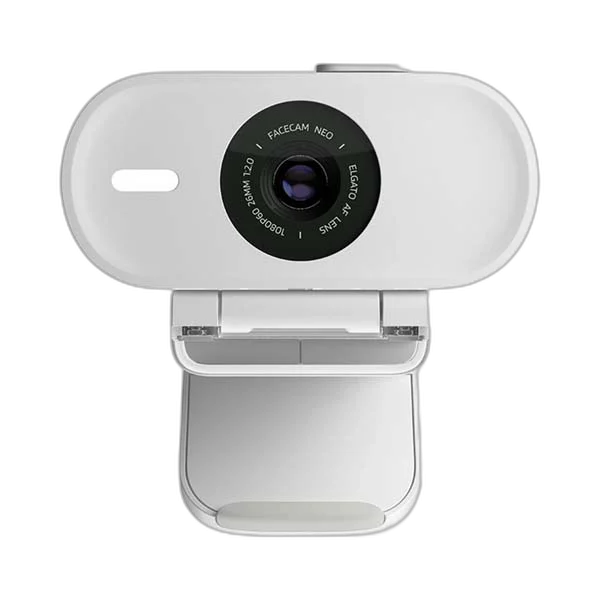
Elgato Facecam Neo – Full HD Webcam in White
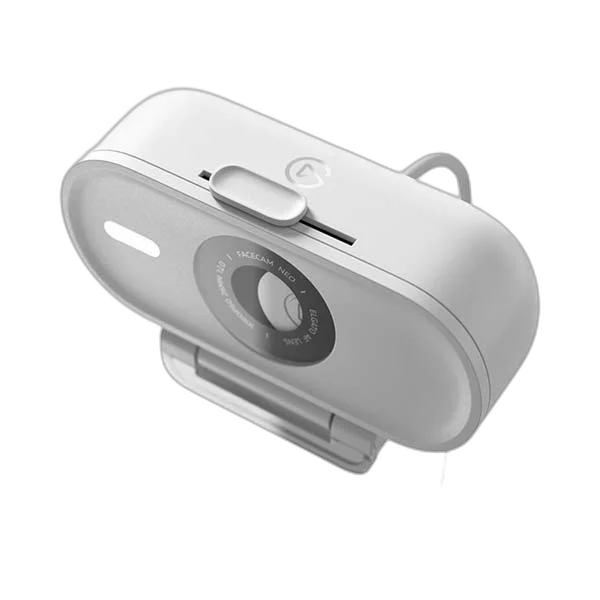
Elgato Facecam Neo. Look clearer in meetings and livestreams with the Elgato Facecam Neo. This white USB-C webcam captures Full HD at up to 60fps, adds autofocus and includes a sliding privacy shutter in a compact monitor-mounted design.
Regular price
48.500 KWD
or 4 payments of 12.125 KWD with
Pay with card & save


46.000 KWD
Save 2.500 KWD
Overview
ELGATO FACECAM NEO
Elgato Facecam Neo
Look clearer in meetings and livestreams with the Elgato Facecam Neo. This white USB-C webcam captures Full HD at up to 60fps, adds autofocus and includes a sliding privacy shutter in a compact monitor-mounted design. Explore this model at AX Store in Kuwait.
1080p60
Full HD video
Autofocus
30 cm to infinity
USB-C
Fixed data cable
Sliding shutter
Built-in privacy control
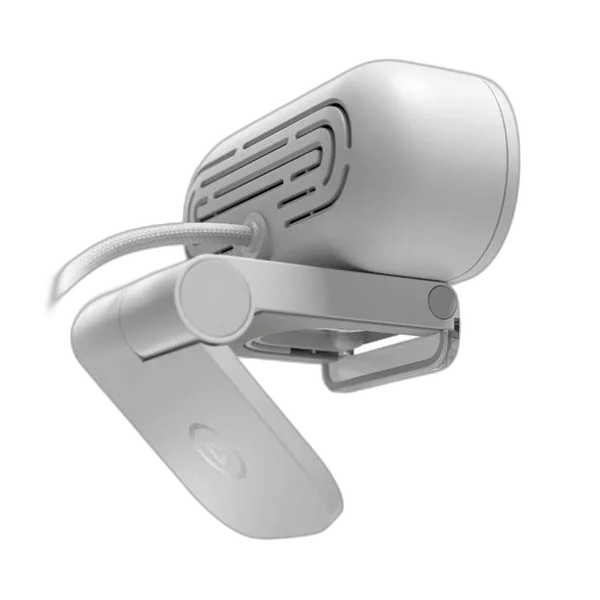
Plug in and get on camera
Connect the fixed USB-C cable directly to a compatible computer and select Facecam Neo in your video app. Its 77° field of view creates a focused desktop frame, while autofocus helps keep your subject sharp.
Fine-tune the picture when you need to
Use the optional Camera Hub app to adjust framing and image settings. HDR can help manage challenging contrast, such as a bright window behind you, while 1080p60 offers smooth motion for supported applications.
A tidy fit for work and streaming
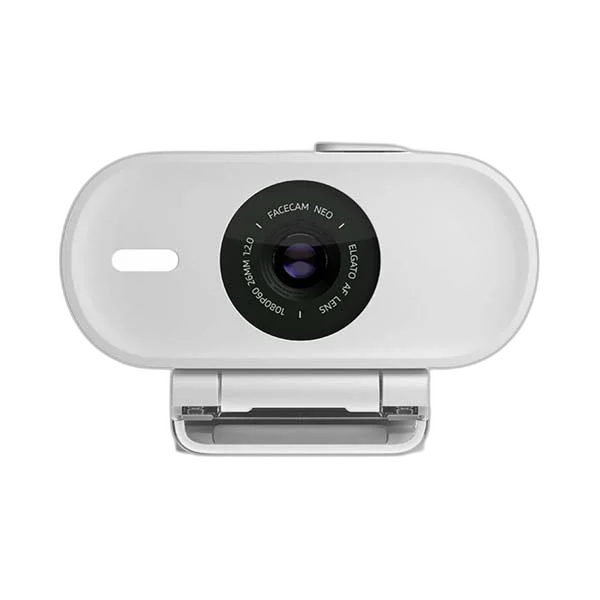
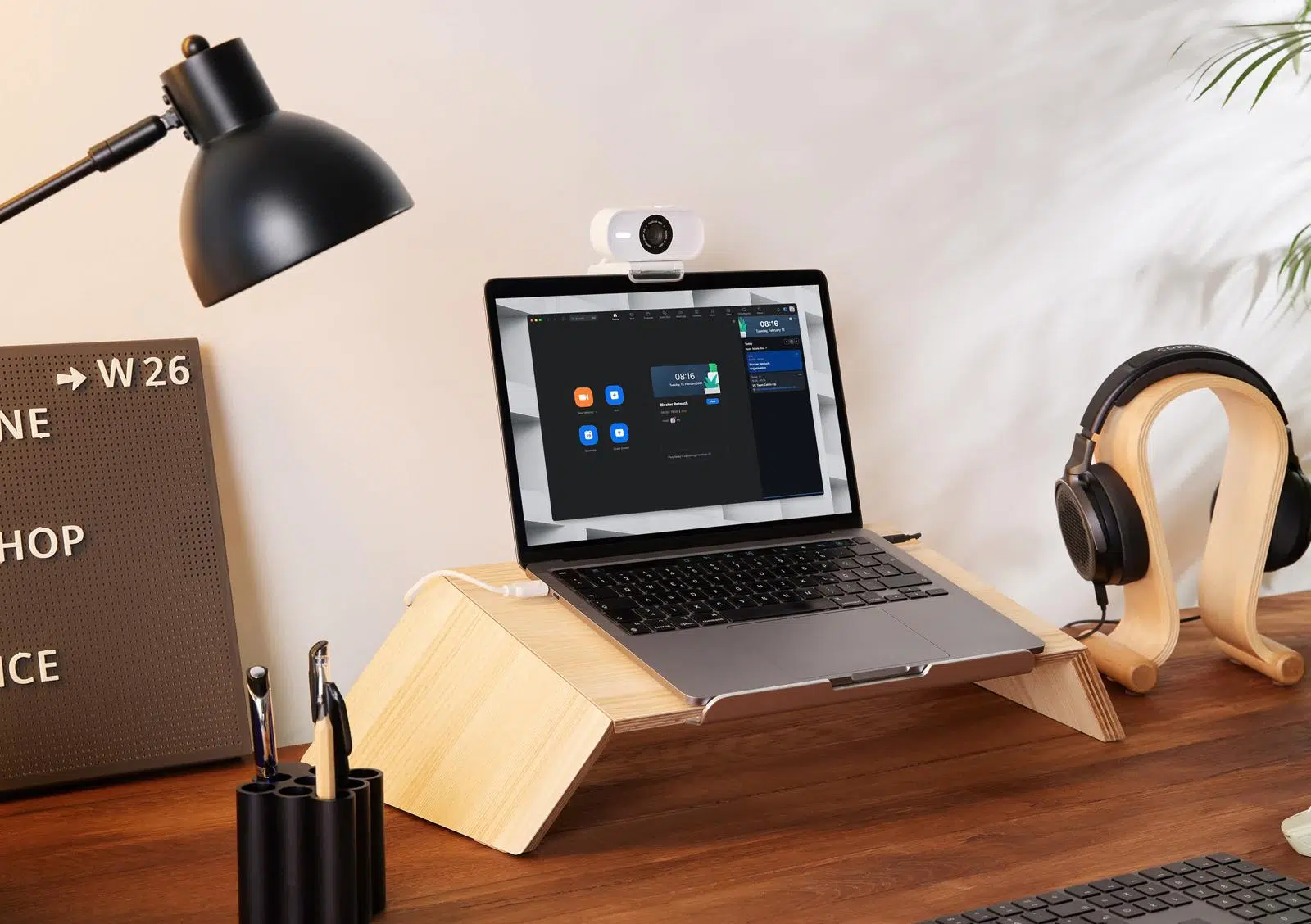
The low-profile mount sits on your monitor and includes a standard 1/4-inch thread for alternative placement. Slide the shutter closed for privacy after your call. Pair the webcam with a separate microphone or headset for your audio.
Choose the Focus Mode for the Camera
Facecam Neo uses autofocus over its listed range from thirty centimetres to infinity. Set the presenter and camera position before recording, then check the result in the actual application. Its fixed USB-C cable and compact mount serve a different setup from a detachable-cable professional camera.
Connect a Suitable USB Data Path
Facecam Neo uses its fixed USB-C cable with a supported USB 2.0 or newer connection. A Type-A computer port needs a suitable adapter, sold separately. Select the camera in a compatible UVC application and check the actual video mode before the session.
Give Voice Capture a Separate Input
This Facecam configuration does not include a built-in microphone. Choose a suitable USB microphone or a complete headset microphone path for voice, then select both the video and audio inputs in the application. A headphone-only DAC does not supply a recording microphone for the camera.
Choose a Camera Route for Your Streaming Desk
Decide between a direct computer webcam and a separate camera workflow. Check the selected resolution, frame rate, power and connection requirements, then arrange lighting around the picture you see in the application. Compare related options such as Canon PowerShot G7X Mark III Camera - Compact Vlogging or Logitech Brio 300 Full HD USB-C Webcam, keeping the exact model and configuration in the decision. For the wider setup, explore Razer Key Light Chroma - All-In-One Lighting Kit and check the connection, size or mounting requirements before pairing accessories. Browse the Elgato range at AX for more choices.
Elgato Facecam Neo Setup Choices
Decide between a direct computer webcam and a separate camera workflow. Check the selected resolution, frame rate, power and connection requirements, then arrange lighting around the picture you see in the application. Explore Elgato Wave 3 MK.2 USB Condenser Microphone - Wave FX / Black, Elgato Stream Deck MK.2, 15-Key Customizable Controller, Elgato Mini Mount Desktop Stand | Compact & Versatile.
Frequently Asked Questions
Does it include a built-in microphone?
No. Use a separate microphone or suitable headset input for voice capture.
Does it use autofocus?
Facecam Neo uses autofocus, with a listed range from 30 cm to infinity.
Which video formats are described?
Facecam Neo provides the listed Full HD60 MJPG modes; supported HDR settings are available through Camera Hub.
Will every application use the maximum resolution?
The selected format depends on the application, connection and computer setup. Confirm the actual recording mode in the program before the session.
Can it use a separate desk mount?
The listed mounting arrangement includes a 1/4-inch connection. Choose a compatible support for the camera and any attached equipment within its load rating.
Which software requirements apply?
Check the current Camera Hub version and compatible operating system as well as the camera’s published hardware requirements before installation or an update.
Build Your Setup with AX Store
Explore computers, displays and accessories for your workspace at AX Store. For help choosing the right model or checking an accessory, contact AX Store.
THE DETAILS
Technical specifications
Camera specifications
Facecam Neo
1080p60 / 1080p30; 720p60 / 720p30; 540p60 / 540p30
Elgato AF Lens
Autofocus
30 cm to infinity
f/2.0
26 mm
77°
1/2.9-inch CMOS
Fixed USB-C cable
USB 2.0 or newer
139 cm
Requires adapter, not included
UVC 1.5
Available through Camera Hub
Built-in sliding shutter
Monitor mount with 1/4-inch thread
88 × 32 × 40 mm, without mount
80 g
110 g
Windows 10 64-bit or newer
macOS 12 or newer
iPadOS 17 or newer
Facecam Neo with fixed USB-C cable; monitor mount
White
Audio setup
Not included; choose a separate microphone or compatible headset input
COMPLETE YOUR SETUP
Pairs well with