Elgato
Elgato Facecam Full HD Streaming Camera
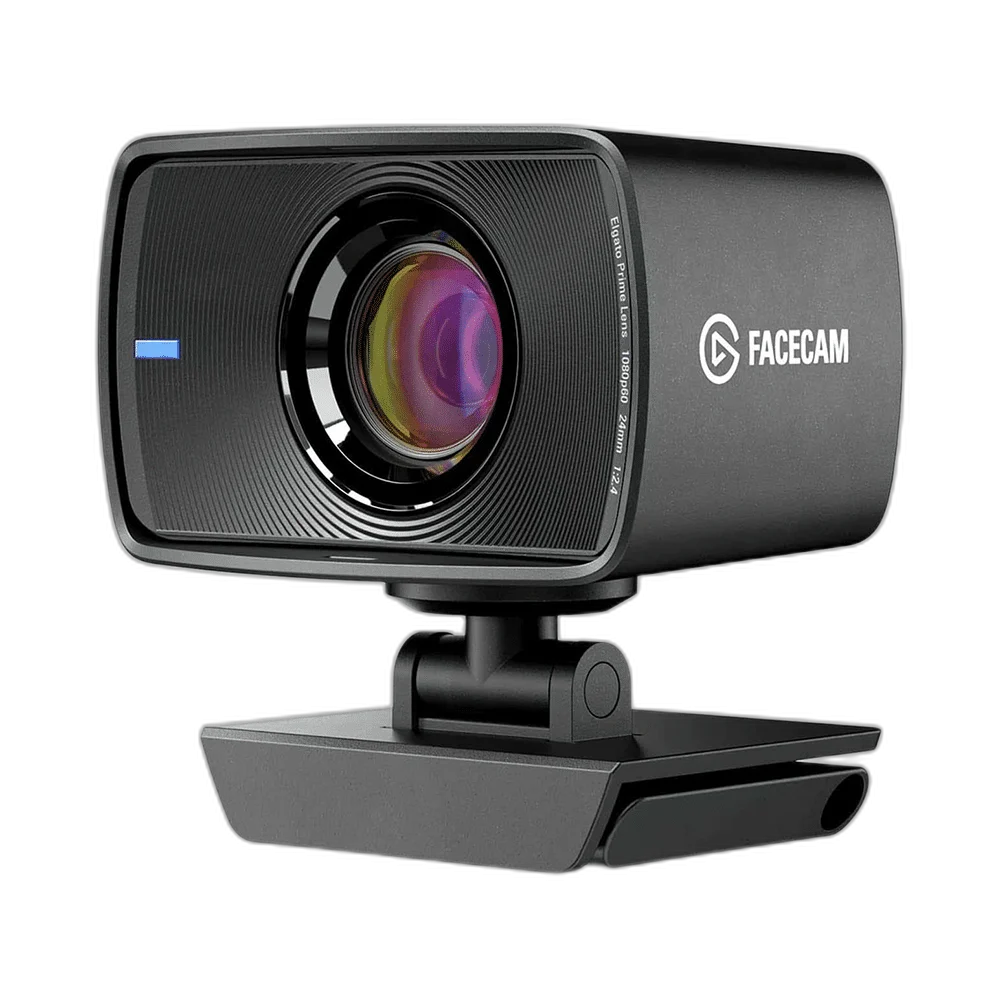
Elgato Facecam Original. Build a consistent Full HD camera feed with the original Elgato Facecam. Its all-glass Prime Lens, Sony STARVIS sensor and uncompressed 1080p60 output are designed for creators who want direct control over their image.
Regular price
61.000 KWD
or 4 payments of 15.250 KWD with
Pay with card & save


58.000 KWD
Save 3.000 KWD
Overview
ELGATO FACECAM ORIGINAL
Elgato Facecam Original
Elgato Facecam Original: Build a consistent Full HD camera feed with the original Elgato Facecam. Its all-glass Prime Lens, Sony STARVIS sensor and uncompressed 1080p60 output are designed for creators who want direct control over their image. Explore this model at AX Store in Kuwait.
1080p60
Uncompressed camera mode
Fixed focus
30–120 cm working range
82°
Diagonal field of view
USB 3.0
Computer data connection
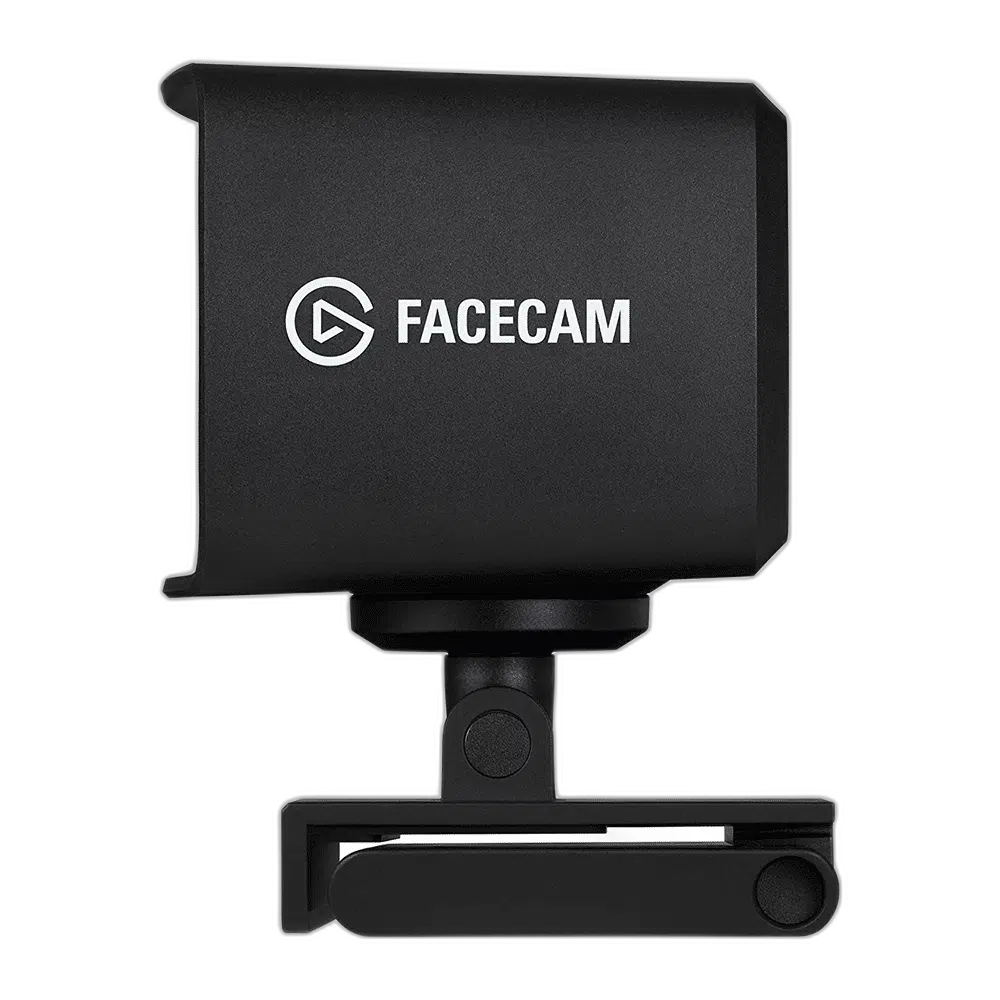
Uncompressed 1080p at 60fps
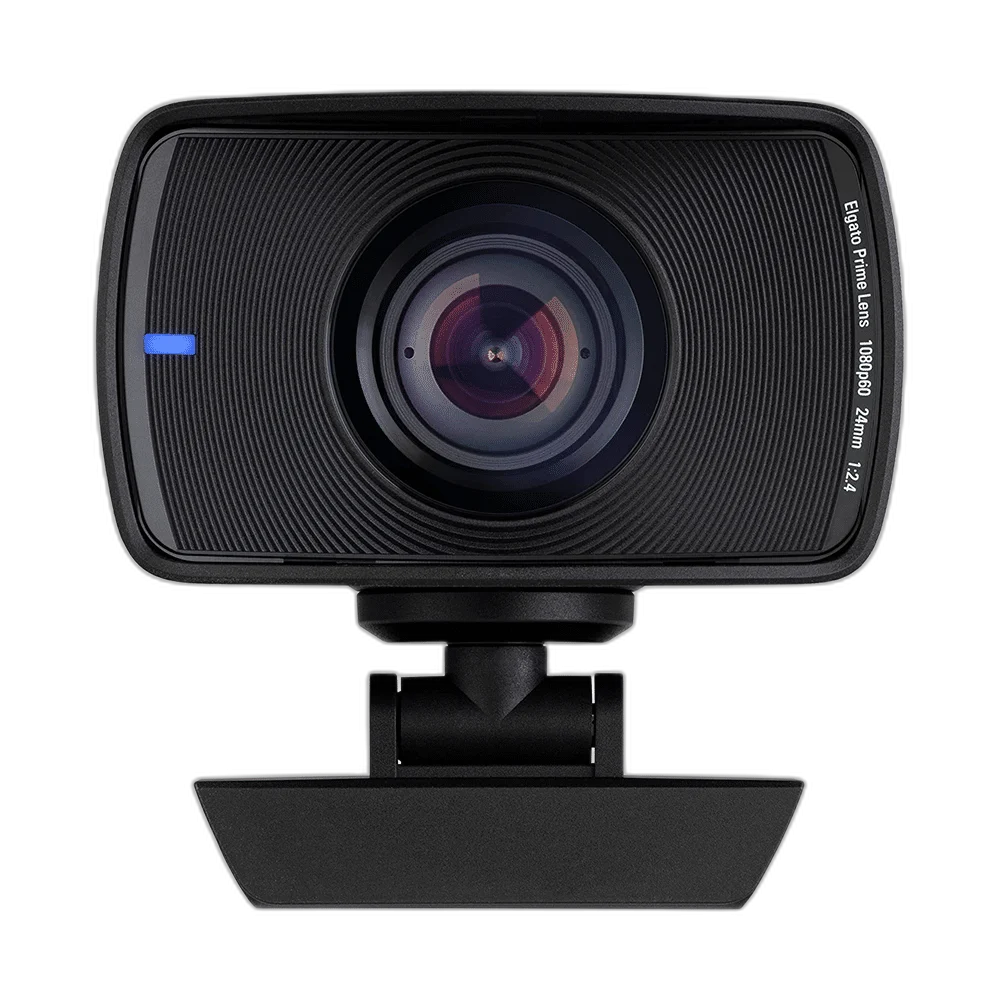
Send a fluid Full HD feed through a USB 3.0 connection. The Sony STARVIS CMOS sensor is optimized for indoor use, while the f/2.4 all-glass lens captures the scene through an 82° diagonal field of view.
Keep your focus on the conversation
The fixed-focus lens is optimized for subjects 30–120cm away. Set your camera at a suitable distance for a stable seated shot, then adjust exposure, white balance, contrast and other image settings in Camera Hub.
Save your preferred camera setup
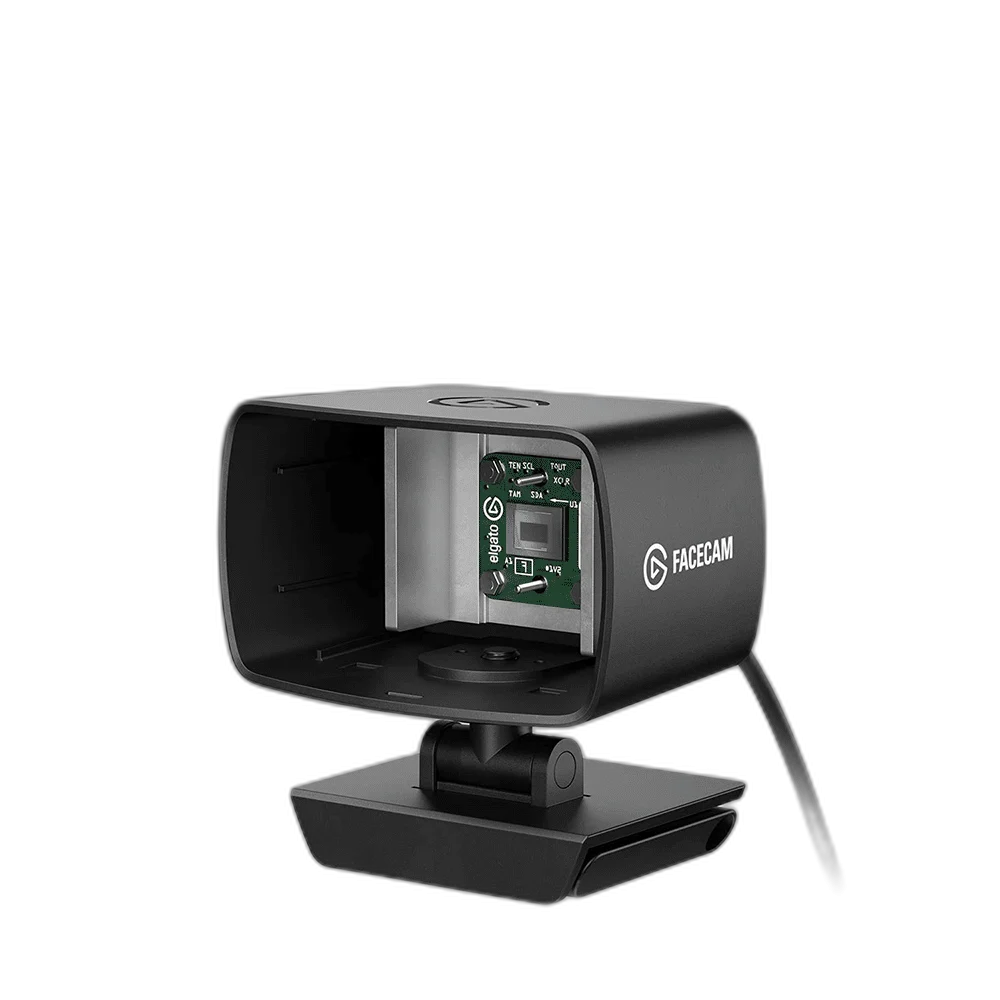
Onboard flash memory stores image settings for recall when you switch computers. A removable monitor mount and 1/4-inch thread support flexible placement, and the separate privacy cap covers the lens when the session ends.
Choose the Focus Mode for the Camera
Original Facecam uses fixed focus over its listed 30–120 cm working range. Position the camera and presenter around that range before recording, rather than expecting autofocus to follow every change in distance. Check the image after moving the monitor or changing the normal seated position.
Connect a Suitable USB Data Path
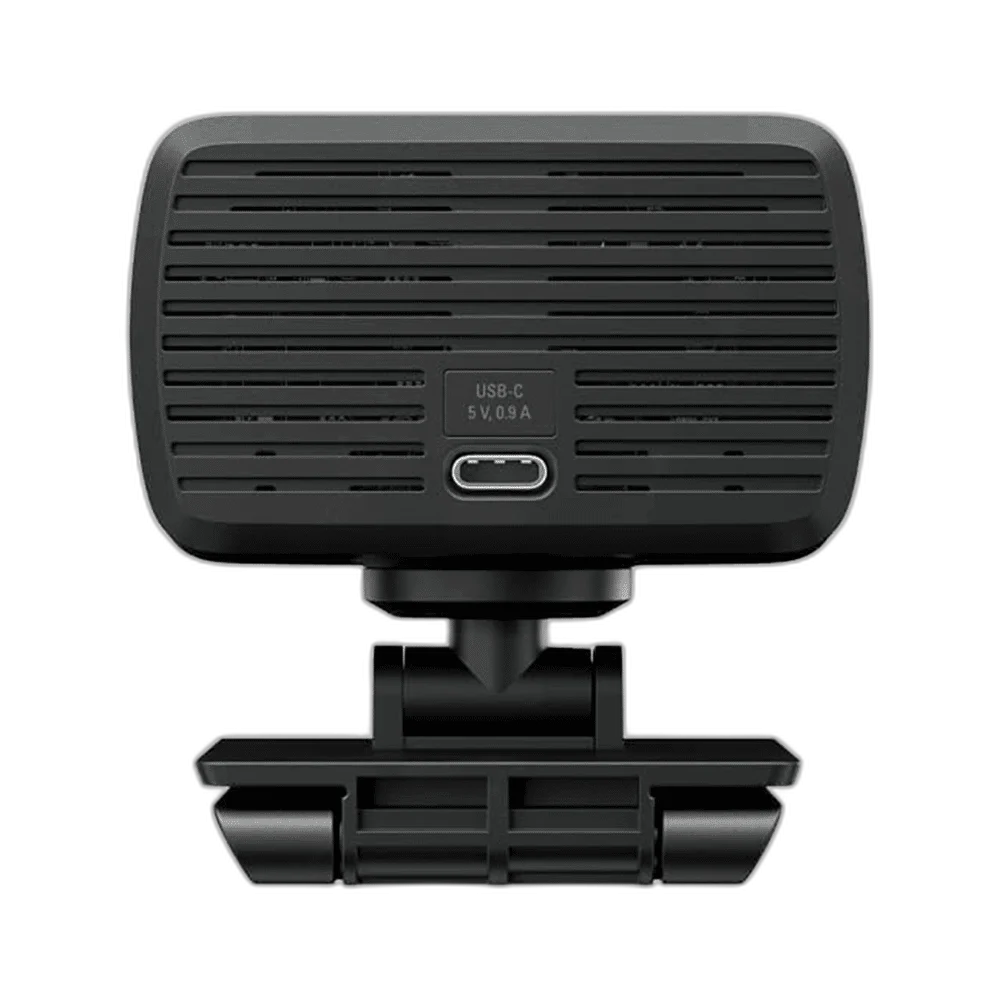
Use a computer USB connection meeting the camera’s requirements, then select the appropriate mode in the recording application. USB-C describes the connector; the port and cable must also provide suitable data performance. The highest camera mode is not automatically the format chosen by every meeting or streaming application.
Give Voice Capture a Separate Input
This Facecam configuration does not include a built-in microphone. Choose a suitable USB microphone or a complete headset microphone path for voice, then select both the video and audio inputs in the application. A headphone-only DAC does not supply a recording microphone for the camera.
Choose a Camera Route for Your Streaming Desk
Decide between a direct computer webcam and a separate camera workflow. Check the selected resolution, frame rate, power and connection requirements, then arrange lighting around the picture you see in the application. Compare related options such as Canon PowerShot G7X Mark III Camera - Compact Vlogging or Logitech Brio 300 Full HD USB-C Webcam, keeping the exact model and configuration in the decision. For the wider setup, explore Razer Key Light Chroma - All-In-One Lighting Kit and check the connection, size or mounting requirements before pairing accessories. Browse the Elgato range at AX for more choices.
Elgato Facecam Original Setup Choices
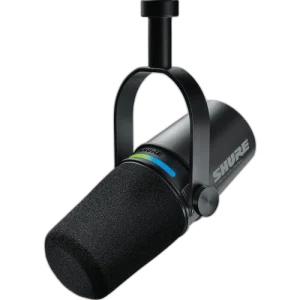
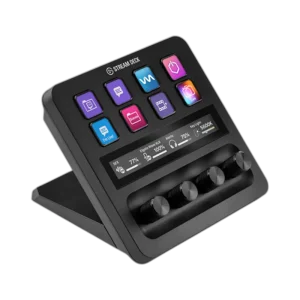
Decide between a direct computer webcam and a separate camera workflow. Check the selected resolution, frame rate, power and connection requirements, then arrange lighting around the picture you see in the application. Explore Elgato Wave 3 MK.2 USB Condenser Microphone - Wave FX / Black, Elgato Stream Deck MK.2, 15-Key Customizable Controller, Elgato Mini Mount Desktop Stand | Compact & Versatile.
Frequently Asked Questions
Does it include a built-in microphone?
No. Use a separate microphone or suitable headset input for voice capture.
Is focus automatic?
Original Facecam is fixed focus, with the listed 30–120 cm working range.
What is the highest listed video mode?
Original Facecam supports uncompressed 1080p60, alongside its other listed Full HD and lower-resolution modes.
Will every application use the maximum resolution?
The selected format depends on the application, connection and computer setup. Confirm the actual recording mode in the program before the session.
Can it use a separate desk mount?
The listed mounting arrangement includes a 1/4-inch connection. Choose a compatible support for the camera and any attached equipment within its load rating.
Which software requirements apply?
Check the current Camera Hub version and compatible operating system as well as the camera’s published hardware requirements before installation or an update.
Build Your Setup with AX Store
Explore computers, displays and accessories for your workspace at AX Store. For help choosing the right model or checking an accessory, contact AX Store.
Compare Insta360 ONE RS Twin Edition Camera. Match the exact model, connection and configuration to your setup.
THE DETAILS
Technical specifications
Camera specifications
Facecam, original generation
1080p60 / 1080p30; 720p60 / 720p30; 540p60 / 540p30
Elgato Prime Lens, all-glass
Fixed focus
30–120 cm
f/2.4
24 mm
82°
Sony STARVIS CMOS
USB 3.0 or higher
USB-C
No built-in microphone
Elgato Camera Hub
Onboard flash memory
Monitor mount; 1/4-inch thread
Removable privacy cap
80 × 48 × 58 mm, without mount
103 g, without privacy cap and mount
USB-C to USB-A, 200 cm
Facecam; privacy cap; monitor mount; USB cable
Windows 10 64-bit or newer; Intel or AMD CPU
macOS 11 or newer; Intel or Apple CPU
COMPLETE YOUR SETUP
Pairs well with