Elgato
Elgato Flex Arm for Elgato Master Mount - Adjustable Reach
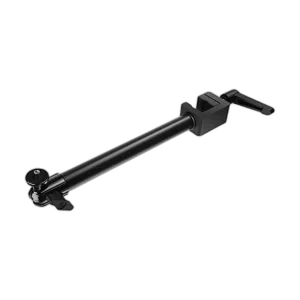
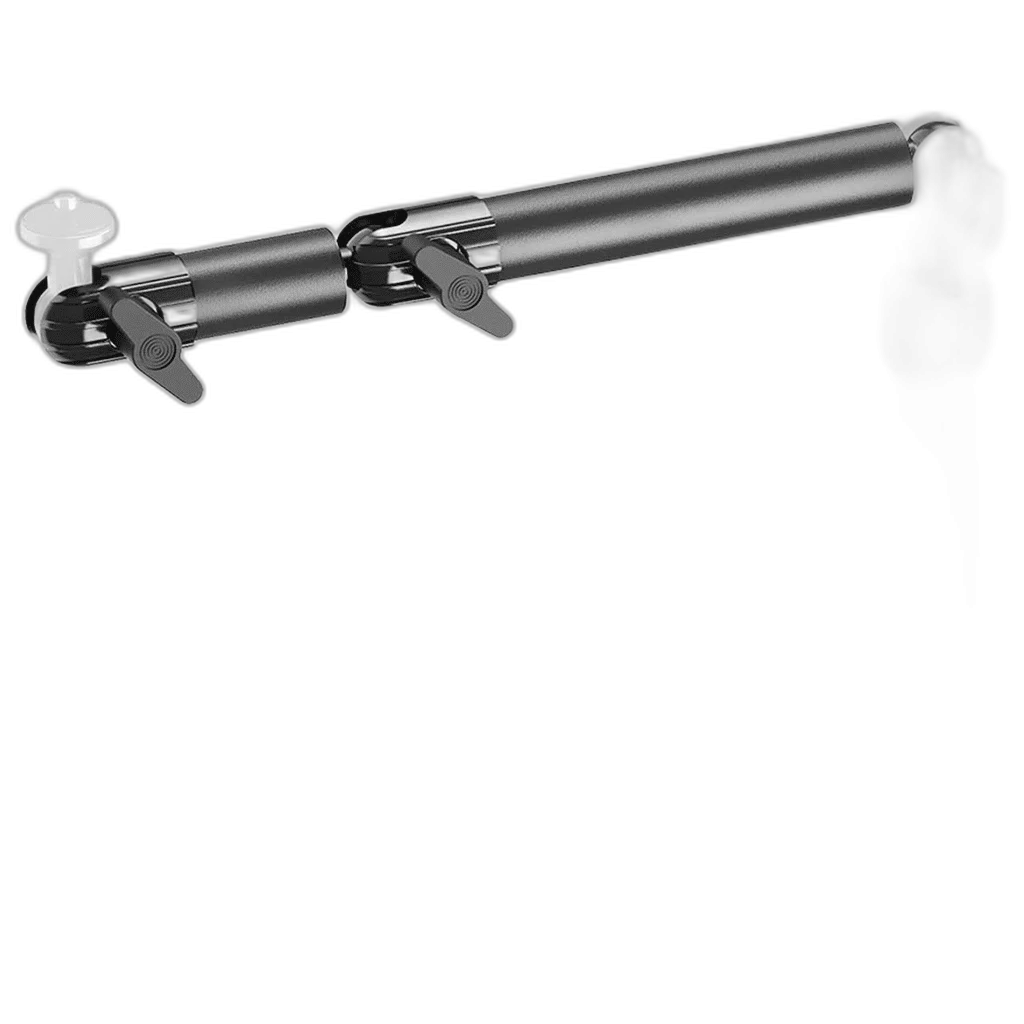
Modular extension arm for the Elgato Multi Mount system, with steel sections and connecting ball joints for three-dimensional positioning. Choose the available S or L assembly and use it with a compatible mounting foundation. L version includes four poles and approximately45cm assembled reach.
Size
Regular price
16.000 KWD
or 4 payments of 4.000 KWD with
Pay with card & save


15.000 KWD
Save 1.000 KWD
Overview
ELGATO FLEX ARM MODULAR EXTENSION
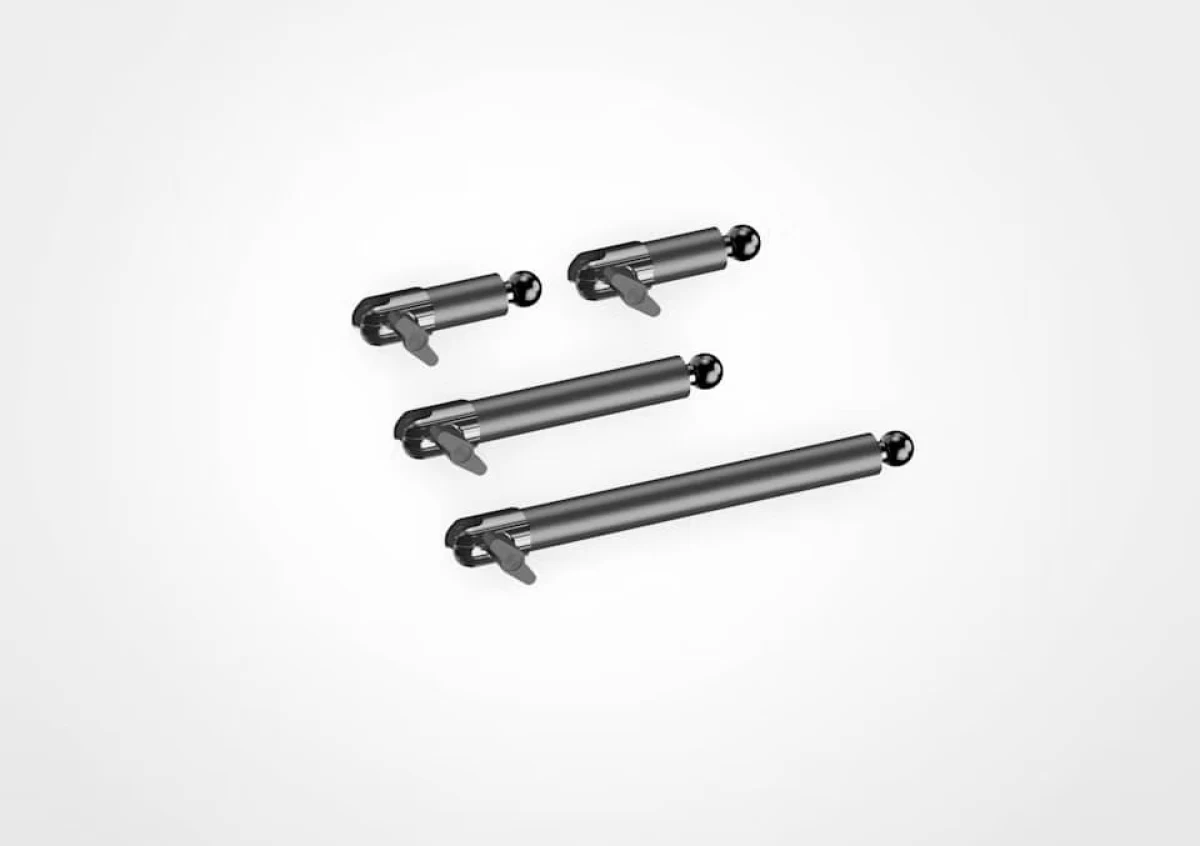
Elgato Flex Arm S / L
Elgato Flex Arm S / L: Elgato Flex Arm extends the Multi Mount rigging system with articulated sections and connecting ball joints. Use it with Master Mount or another compatible Multi Mount foundation to position a camera or light around your desk. The available S and L versions provide different assembly options, while the modular design lets you arrange the supported gear for the shot or workspace you need. Available from AX Store in Kuwait.
Multi Mount
Mounting System
S / L
Selected Versions
Steel / Composite
Materials
Ball Heads
Joint Design
Articulated Positioning for Your Setup
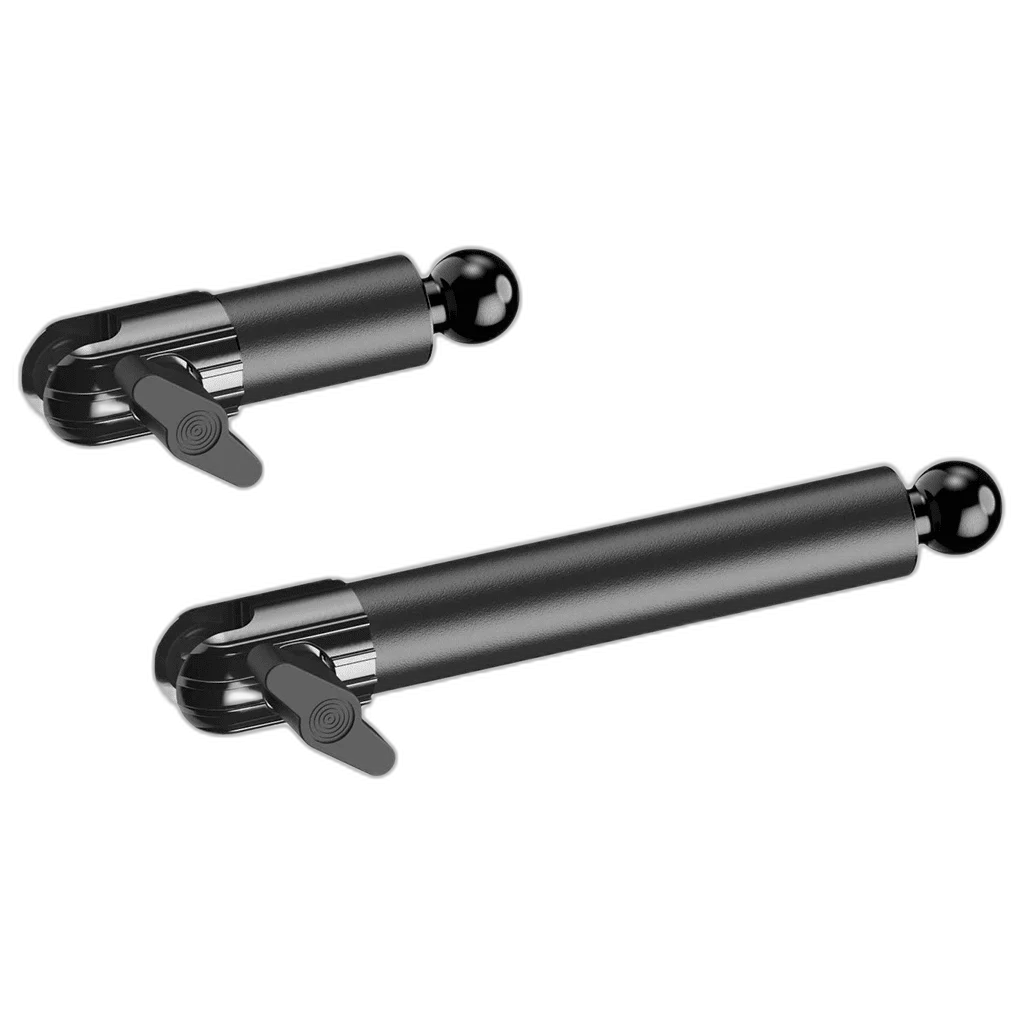
The connecting ball joints provide three-dimensional adjustment instead of keeping the mounted gear on a single straight post. This is useful for top-down views, side angles or a camera positioned beyond the main mount. Check the view through the camera or the light position as you adjust the joints, then secure the arrangement.
A Modular Section Design
Flex Arm uses separate sections that can be combined around the reach you need. The L version supplies four poles:one long,one medium and two short sections. You can use a shorter arrangement in a tight space or add sections when the setup calls for more reach, following the instructions for the complete mount.
Choose the Available S or L Version
The store’s S and L options refer to different Flex Arm assemblies. Select the version that suits the space around your monitor and other desk equipment. The L reference lengths are24cm,17cm and two8cm poles, with a stated assembled reach of approximately45cm; those dimensions apply to the L version.
Steel and Hard-Composite Construction
The Flex Arm family uses steel sections and hard-composite joint components. Ball-head and socket connections give each section its range of adjustment. Arrange the arm with the weight and position of your intended equipment in mind, then follow the mounting guidance for the base and accessories you are using together.
Part of the Multi Mount System
Flex Arm is an extension for a compatible mounting foundation, such as Master Mount or Wall Mount, available separately. Multi Mount components are designed to work together, giving you room to change the arrangement as your desk setup evolves. Check the attachment and mounting instructions for the particular camera, light or adapter you plan to use.
Build the Shot around Your Workspace
Place the base first, then assemble the arm and route any cables with enough slack for the chosen position. Check that the gear can reach the intended angle while leaving your usual keyboard and mouse area usable. Once the arrangement is secure, save the camera framing or light position as a practical starting point for the next session.
Check Mounting, Reach and Supported Load
Check the device weight, mounting thread and the complete mounting arrangement. Measure desk-edge clearance and reach before adding arms, clamps or extensions from another system. Compare related options such as Elgato Heavy Clamp - Secure Mounting Solution or Elgato Cold Shoe - Microphone Mounting Solution, keeping the exact model and configuration in the decision. For the wider setup, explore Logitech Brio 300 Full HD USB-C Webcam and check the connection, size or mounting requirements before pairing accessories. Browse the Elgato range at AX for more choices.
Elgato Flex Arm S / L Setup Choices
Check the device weight, mounting thread and the complete mounting arrangement. Measure desk-edge clearance and reach before adding arms, clamps or extensions from another system. Explore Elgato Solid Arm for Master Mount - Durable Mounting Solution, Elgato Facecam MK.2 1080p Premium Webcam, Elgato Light Strip RGBWW LEDs, 2000 Lumens.
Frequently Asked Questions
Which mounting system and base does it use?
System: Elgato Multi Mount. Compatible foundation: Master Mount or compatible Multi Mount base;available separately.
How do the joints adjust?
Material: Steel and hard composite. Joints: Connecting ball heads and sockets.
Which size is supplied?
Version: S orL,as selected. Package contents: Selected Flex Arm assembly;L contains the four pole sections listed above.
What are the listed Flex Arm L reference dimensions?
For Flex Arm L: Long pole: 1 ×24cm. Medium pole: 1 ×17cm. Short poles: 2 ×8cm each. Maximum assembled reach: Approximately45cm.
Do the listed L-section lengths describe the S version?
No. The listed long, medium and two short sections belong to Flex Arm L. Choose the actual S or L variation; the L reference dimensions should not be copied to S. A supporting Master Mount or compatible foundation is separate.
Build Your Setup with AX Store
Explore computers, displays and accessories for your workspace at AX Store. For help choosing the right model or checking an accessory, contact AX Store.
Complete Your Setup
Explore equipment for your workspace: Elgato Cam Link 4K Streaming Capture Device, Elgato Stream Deck MK.2, 15-Key Customizable Controller, Elgato Stream Deck Plus Multi-Touch Controller.
THE DETAILS
Technical specifications
Flex Arm Family
Elgato Multi Mount
S orL,as selected
Steel and hard composite
Connecting ball heads and sockets
Master Mount or compatible Multi Mount base;available separately
Manufacturer model10AAH9901
Manufacturer model10AAC9901
L Version Reference
1 ×24cm
1 ×17cm
2 ×8cm each
Approximately45cm
Selected Flex Arm assembly;L contains the four pole sections listed above
Product identification
Elgato
ELGATO-FLEX-ARM
ELGATO-FLEX-ARM
ELGATO-FLEX-ARM
10AAH9901
COMPLETE YOUR SETUP
Pairs well with