Elgato
Elgato Stream Deck Mini
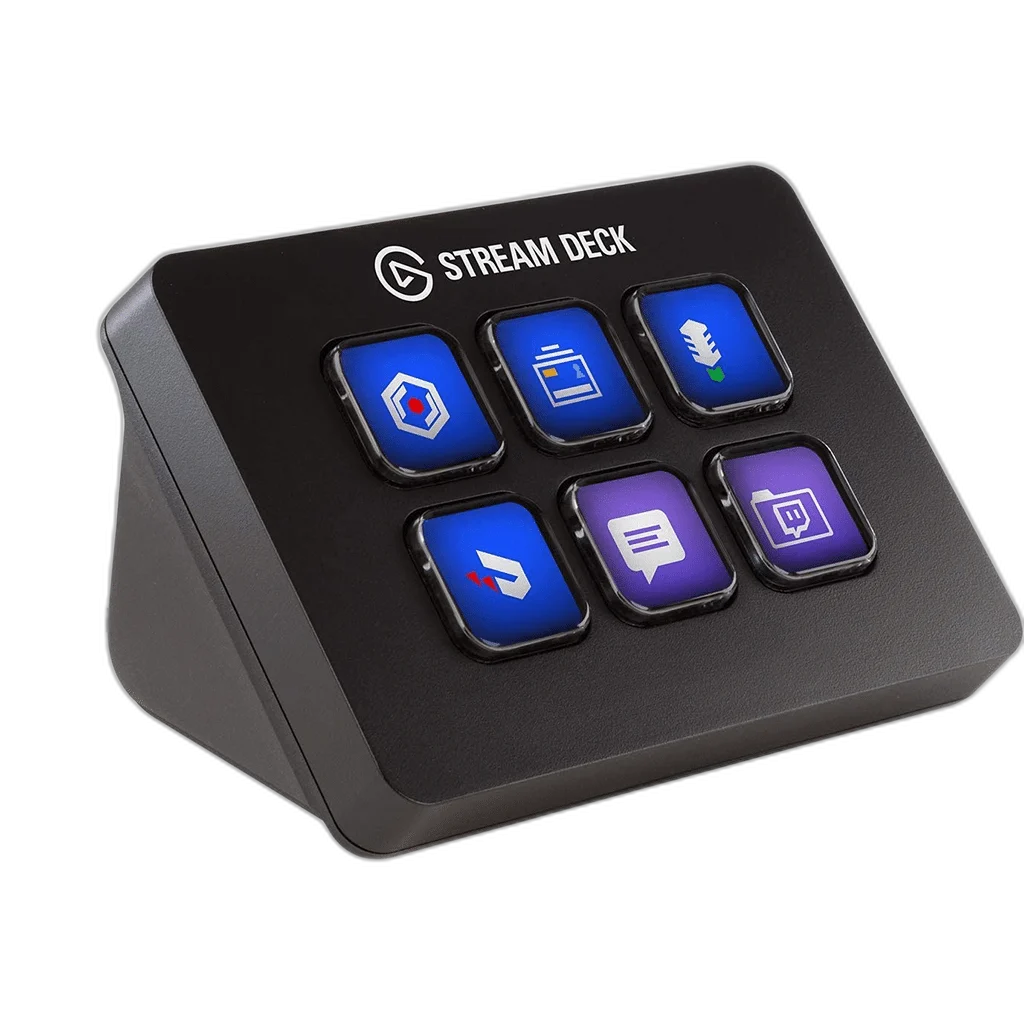
Elgato Stream Deck Mini. Elgato Stream Deck Mini puts six customisable LCD keys on your desk for shortcuts, streaming controls and everyday tasks. Profiles, folders and Multi Actions expand what you can do without taking up much space.
Regular price
26.500 KWD
or 4 payments of 6.625 KWD with
Pay with card & save


25.000 KWD
Save 1.500 KWD
Overview
ELGATO STREAM DECK MINI
Elgato Stream Deck Mini
Elgato Stream Deck Mini puts six customisable LCD keys on your desk for shortcuts, streaming controls and everyday tasks. Profiles, folders and Multi Actions expand what you can do without taking up much space. Explore this model at AX Store in Kuwait.
6 LCD keys
Customisable controls
1.5 m
Fixed USB cable
Windows / macOS
Stream Deck application
Integrated stand
Compact desk position
Keep useful actions within reach
Assign hotkeys, app commands and supported plugin actions to clearly labelled LCD keys. Create folders for additional controls, or combine a sequence of steps into a single Multi Action to simplify repetitive tasks.
Compact control for PC and Mac
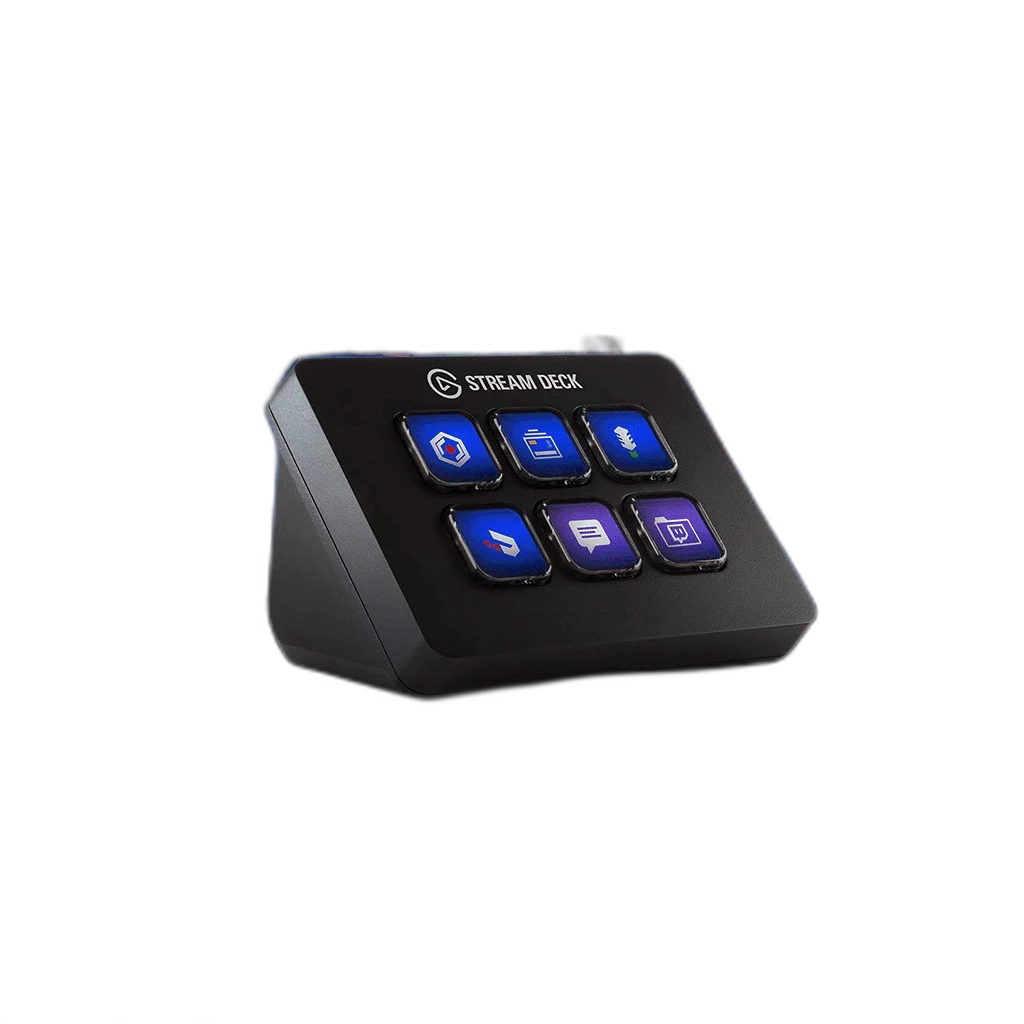
The integrated stand keeps the keys angled towards you, while the fixed 1.5m USB cable connects to your computer. Use the Stream Deck app to arrange layouts and icons around the tools you use most.
Organise Actions Around the Way You Work
Use the Stream Deck application to give frequently used commands a clear place on the control surface. Keep related actions together and choose recognisable icons. Profiles and supported software actions make the layout useful beyond streaming, with the exact capabilities depending on the applications and plugins used.
Check Plugin and Application Support
An LCD key is an assignable control rather than a promise that every installed application can be controlled in the same way. Choose supported integrations or appropriate hotkeys, check the current plugin requirements and test important actions in the actual program before relying on them live.
Prepare Repeatable Workflows
Where the software supports them, arrange profiles, folders and Multi Actions around repeated tasks. Give each control a clear purpose and test the sequence in the intended application. A useful layout keeps routine commands easy to recognise while leaving room for the work that still needs manual judgement.
Choose the Physical Layout Deliberately
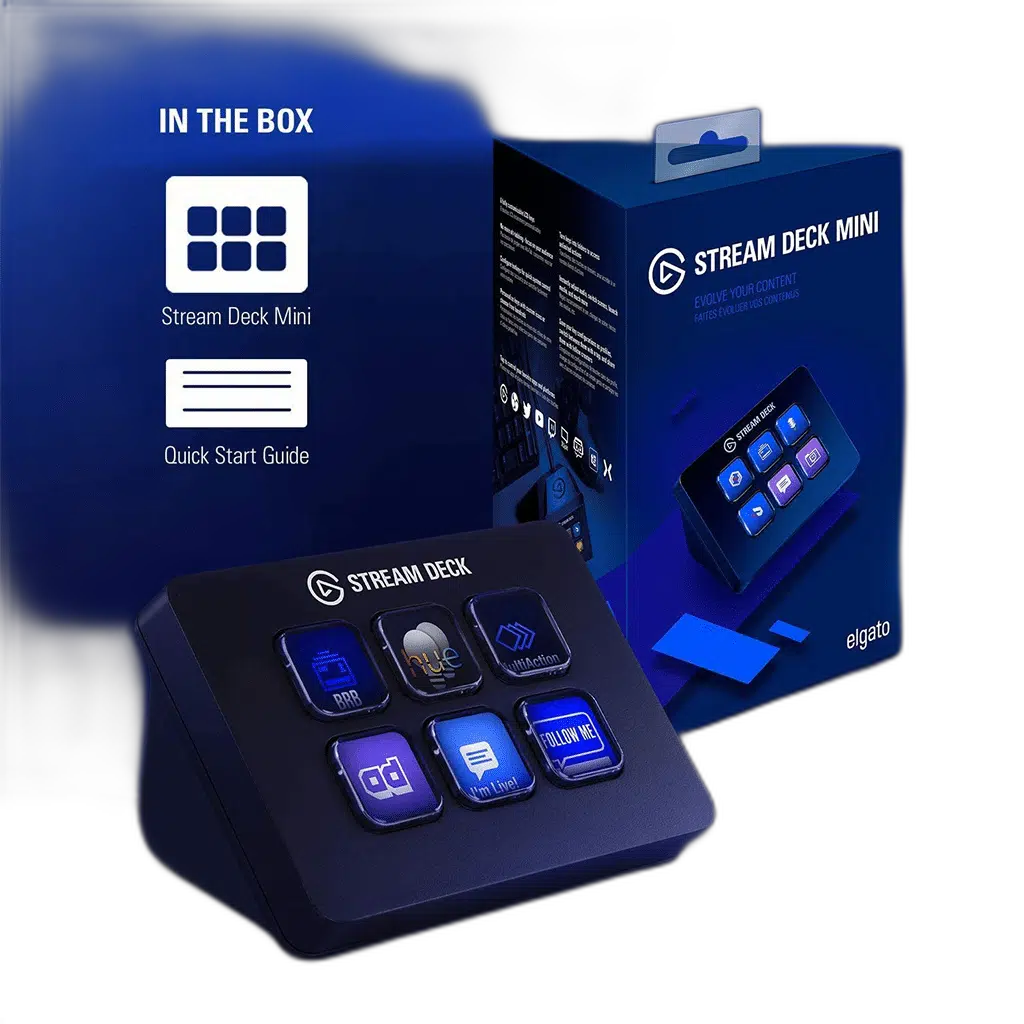
The Mini uses an integrated angled stand and a fixed USB cable. Position it within easy reach of the normal seated working position, with enough cable slack and room for the keyboard, mouse and any audio controls beside it.
Plan the Controls You Will Actually Use
Choose the keys, dials or other controls that suit your applications and desk space. Check the exact model and supported software before adding accessories or moving between computers. Compare related options such as Elgato Stream Deck MK.2, 15-Key Customizable Controller or Elgato Stream Deck Plus Multi-Touch Controller, keeping the exact model and configuration in the decision. For the wider setup, explore Elgato Wave 3 MK.2 USB Condenser Microphone - Wave FX / Black and check the connection, size or mounting requirements before pairing accessories. Browse the Elgato range at AX for more choices.
Elgato Stream Deck Mini Setup Choices
Choose the keys, dials or other controls that suit your applications and desk space. Check the exact model and supported software before adding accessories or moving between computers. Explore Elgato Facecam MK.2 1080p Premium Webcam, Razer Key Light Chroma - All-In-One Lighting Kit, Elgato Mini Mount Desktop Stand | Compact & Versatile.
Frequently Asked Questions
How many physical LCD keys are available?
6 customisable LCD keys are provided. Folders and profiles organise actions but do not change the number of physical keys.
Does it work without a computer application?
Use the supported Stream Deck app and a compatible Windows or macOS computer. Check the current software and plugin requirements for the actions you want to assign.
Can it replace a capture card or audio interface?
It is a control surface. Video capture and microphone recording still need their own appropriate hardware and connections.
Are all plugins included or supported forever?
Plugin and application requirements vary. Check the current integration, version and any licence requirements before building an important workflow around it.
Is Stream Deck Plus simply a larger key grid?
Plus combines fewer LCD keys with dials and a touch strip. Choose that alternative for its control style; a user needing many visible keys should compare the actual physical key count.
How should I set up the first page?
Begin with the actions used most often, choose clear icons and test each control in its actual application. Keep live-session controls distinct from shortcuts that close, mute or stop work.
Build Your Setup with AX Store
Explore computers, displays and accessories for your workspace at AX Store. For help choosing the right model or checking an accessory, contact AX Store.
THE DETAILS
Technical specifications
Product specifications
Elgato
Stream Deck Mini
10GAI9901
6 customisable LCD keys
USB 2.0; wired
Integrated, non-detachable; 150cm
84 × 60 × 58mm
160g
Integrated
Elgato Stream Deck app for Windows and macOS
Profiles; pages; folders; Multi Actions; hotkeys; supported plugins
Stream Deck Mini; Quick Start Guide
COMPLETE YOUR SETUP
Pairs well with