Elgato
Elgato Wall Mount, Flexible Studio Solution
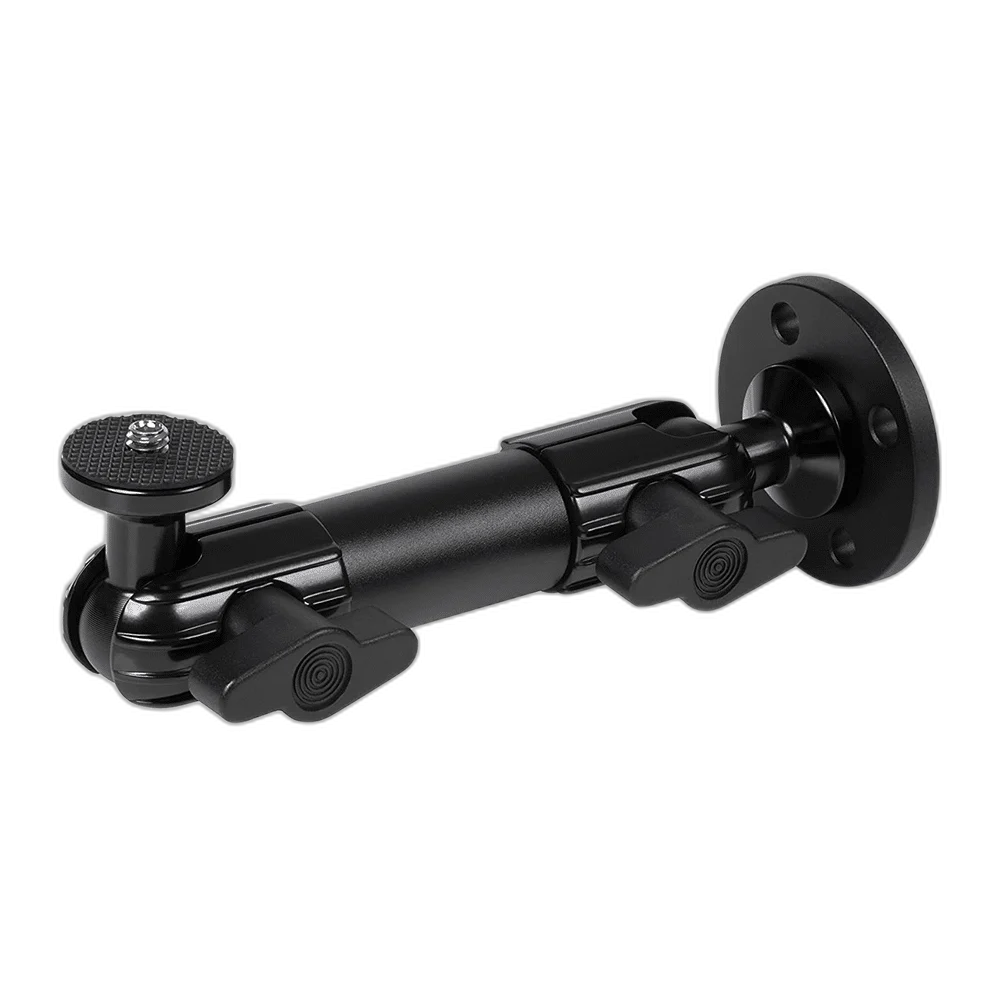
Elgato Wall Mount. Elgato Wall Mount provides an adjustable mounting point for a camera, light or compatible studio accessory. Position your equipment using its joints and quarter-inch ball head while freeing desk space.
Regular price
11.500 KWD
or 4 payments of 2.875 KWD with
Pay with card & save


11.000 KWD
Save 0.500 KWD
Overview
ELGATO WALL MOUNT
Elgato Wall Mount
Elgato Wall Mount provides an adjustable mounting point for a camera, light or compatible studio accessory. Position your equipment using its joints and quarter-inch ball head while freeing desk space. Explore this model at AX Store in Kuwait.
16.6 cm
Approximate assembly length
1.5 kg
Maximum horizontal load
1/4-inch
Equipment screw
Wall plate
Fixed mounting arrangement
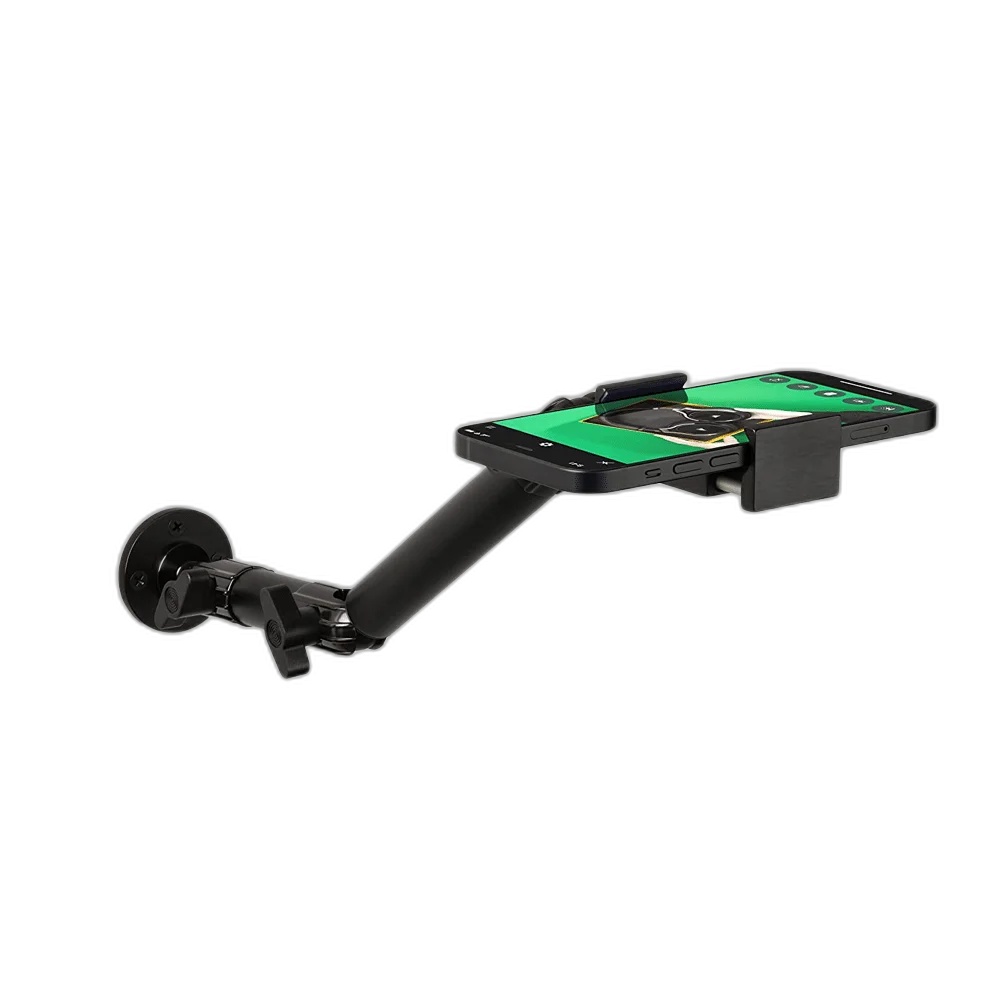
Adjust the angle after mounting
Two joints and a ball head let you direct compatible equipment toward your scene. The mount supports up to 1.5 kg when angled horizontally. Check the actual equipment position and complete connection before the session, then confirm the result with the intended recording setup.
Plan the fixing for your wall
The mount integrates with the Multi Mount system. Choose fixing screws suitable for your wall construction; wall screws are not included. Cameras, lights and extension accessories in examples are sold separately.
Choose the Foundation for the Actual Equipment
Wall Mount fixes a compatible equipment position to the wall using the selected appropriate wall fasteners. Match the camera, light or accessory connection to the support and keep the complete assembly within the appropriate load rating. Similar-looking mounting products can have different foundations, threads and placement requirements.
Calculate the Complete Mounted Assembly
Count the camera, lens, adapter and any attached light or other accessory when checking the support’s load. A mounting adapter’s own capacity does not increase the rating of the foundation beneath it. Use the limiting rating of the actual assembled arrangement and keep its cable route clear.
Aim the Equipment Before Recording
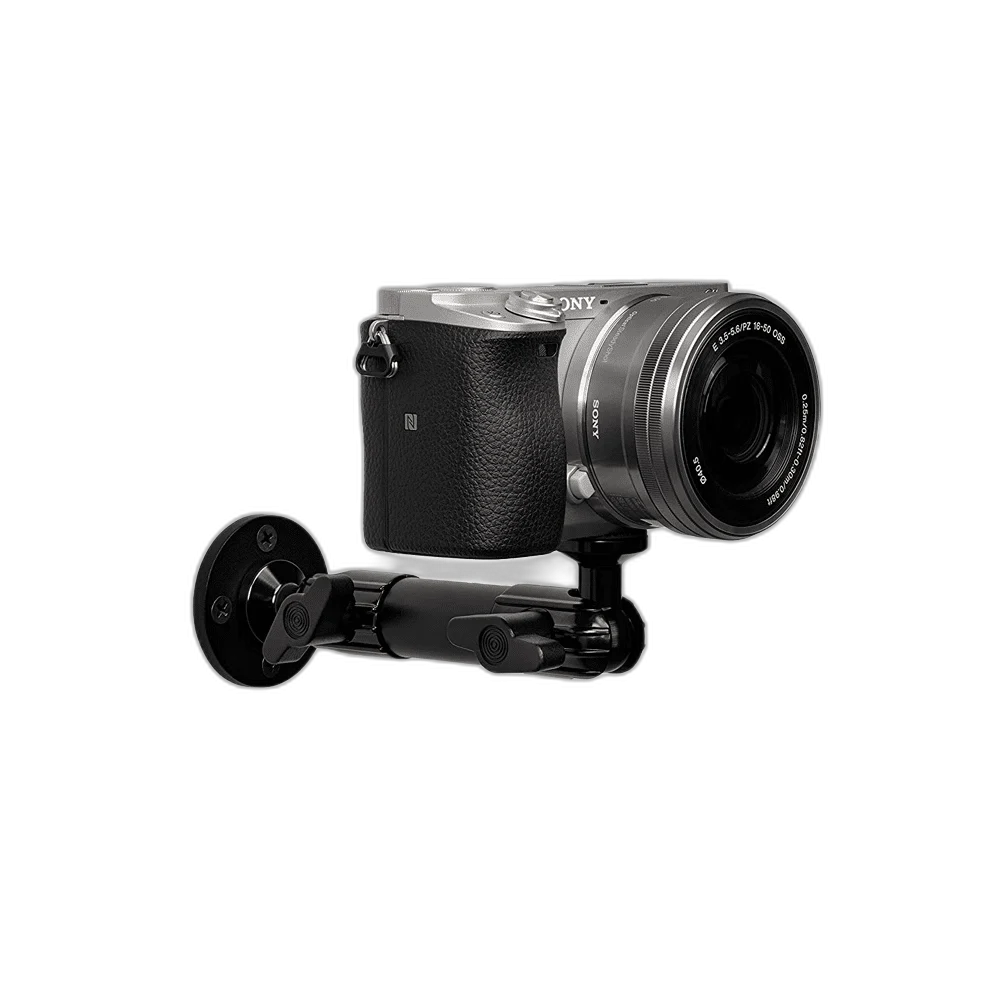
Adjust the available joints or ball head around the framing and direction the production needs, then secure the actual position. Check the view through the camera or the light direction after attaching the cables. Equipment shown in demonstration photographs is separate unless expressly included in this package.
Keep the Connection Mechanical
A mounting accessory positions the device rather than carrying its audio, video or charging signal. Keep the camera’s data cable, microphone connection and light power arrangement with their own equipment. Route them with enough slack so a cable does not pull against the mount during a normal adjustment.
Check Mounting, Reach and Supported Load
Check the device weight, mounting thread and the complete mounting arrangement. Measure desk-edge clearance and reach before adding arms, clamps or extensions from another system. Compare related options such as Elgato Mini Mount Desktop Stand | Compact & Versatile or Elgato Flex Arm for Elgato Master Mount - Adjustable Reach, keeping the exact model and configuration in the decision. For the wider setup, explore Logitech HD Pro Webcam C920 for Streaming and check the connection, size or mounting requirements before pairing accessories. Browse the Elgato range at AX for more choices.
Elgato Wall Mount Setup Choices
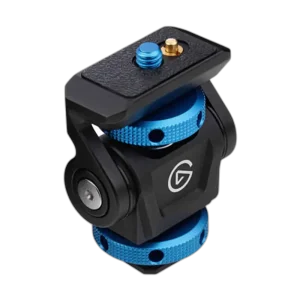
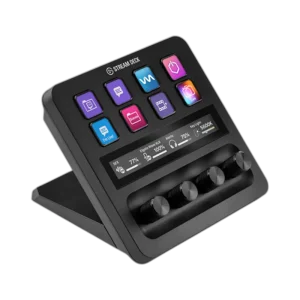
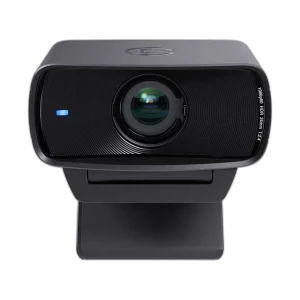
Check the device weight, mounting thread and the complete mounting arrangement. Measure desk-edge clearance and reach before adding arms, clamps or extensions from another system. Explore Elgato Facecam MK.2 1080p Premium Webcam, Elgato Cold Shoe - Microphone Mounting Solution, Elgato Stream Deck Plus Multi-Touch Controller.
Frequently Asked Questions
What is this product’s supporting arrangement?
Wall Mount fixes a compatible equipment position to the wall using the selected appropriate wall fasteners.
What capacity applies?
Wall Mount supports up to 1.5 kg horizontally.
Are cameras or lights included?
The listing supplies the mounting product and its stated accessories. Devices shown mounted in demonstrations are separate purchases.
Which connection should I check?
Match the actual device thread, shoe or holder arrangement with the mount. A connector match and a suitable complete support load are both required.
Does it carry a microphone or video signal?
No. It is mechanical positioning hardware. Keep the device’s own recording, data and power connections separate from the mounting connection.
Are wall screws included?
Wall fixing screws are not included. Choose suitable fasteners for the actual wall conditions and supporting load.
Build Your Setup with AX Store
Explore computers, displays and accessories for your workspace at AX Store. For help choosing the right model or checking an accessory, contact AX Store.
THE DETAILS
Technical specifications
Product specifications
Elgato
Wall Mount
Approximately 16.6 cm
1/4-inch screw
1.5 kg
Metal and hard composite
Elgato Multi Mount system
8 cm pole, ball joint, ball head with 1/4-inch screw and wall plate
Not included; select according to wall conditions
COMPLETE YOUR SETUP
Pairs well with