Elgato
elgato Wave DX Dynamic Microphone, XLR
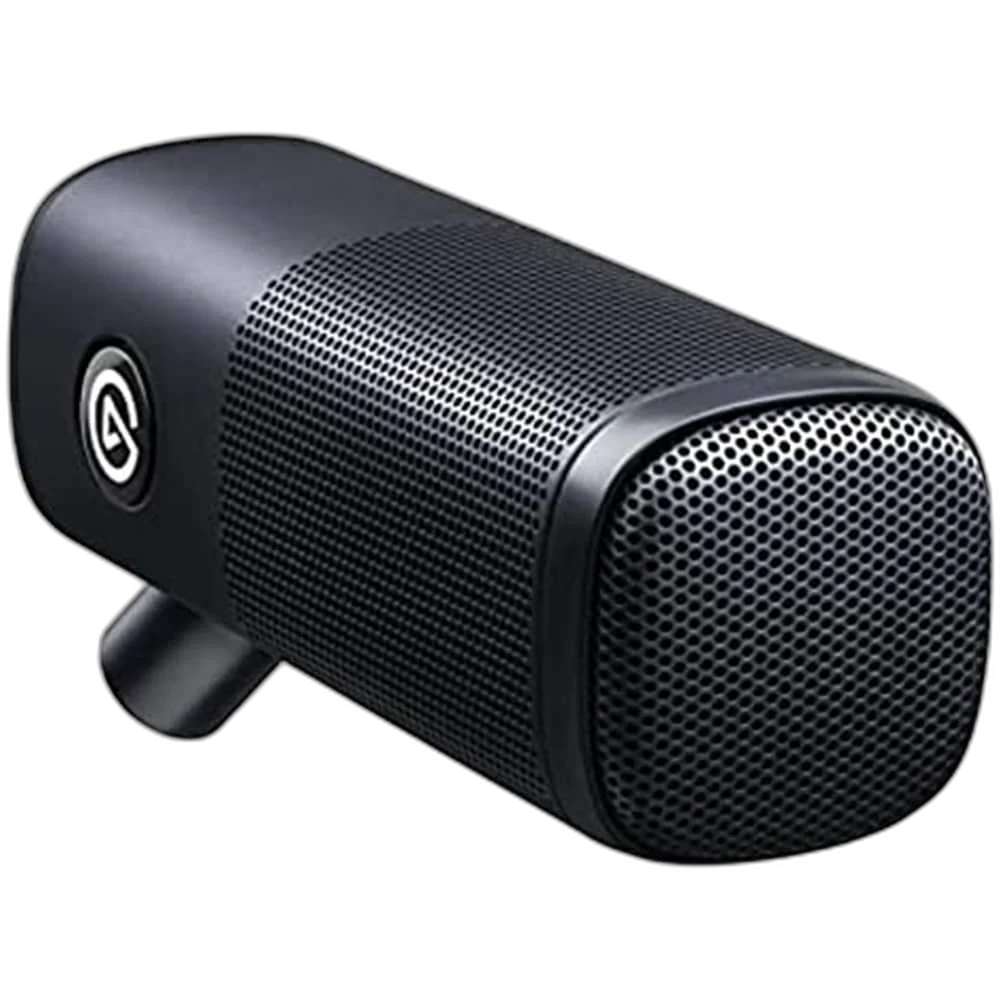
Elgato Wave DX. Build your voice setup around a dynamic XLR microphone designed for speech. Wave DX connects to your chosen audio interface, giving you room to develop your recording setup.
Regular price
42.000 KWD
or 4 payments of 10.500 KWD with
Pay with card & save


40.000 KWD
Save 2.000 KWD
Overview
ELGATO WAVE DX
Elgato Wave DX
Elgato Wave DX: Build your voice setup around a dynamic XLR microphone designed for speech. Wave DX connects to your chosen audio interface, giving you room to develop your recording setup. Available from AX Store in Kuwait.
Dynamic
Microphone capsule
Cardioid
Pickup pattern
XLR
Analogue microphone output
440 g
Microphone weight
Focused pickup for spoken content
The cardioid pattern prioritizes sound in front of the microphone. Position it close to your voice and away from unwanted sound for a more controlled recording.
Position it your way
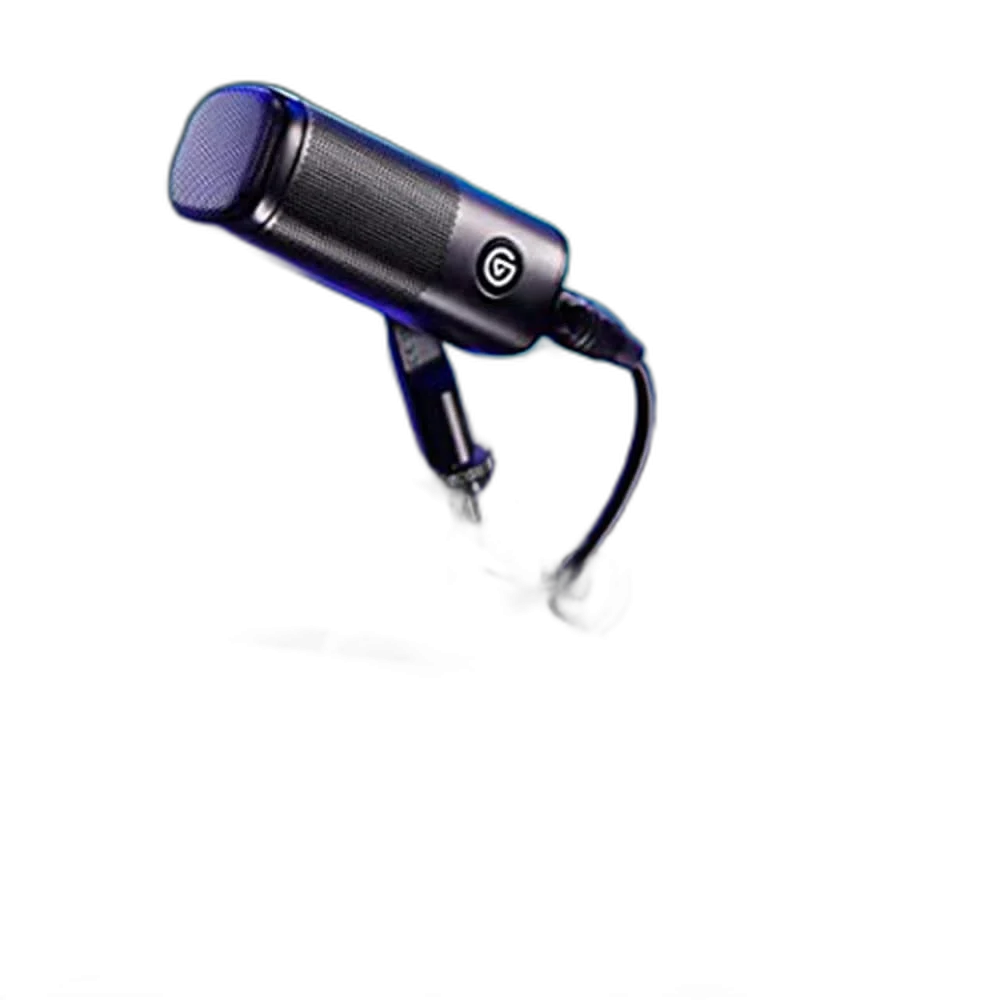
The swivel mount and included thread adapters fit common microphone supports. Adjust the angle for a comfortable speaking position at your desk. Check the actual equipment position and complete connection before the session, then confirm the result with the intended recording setup.
Build the Complete XLR Recording Chain
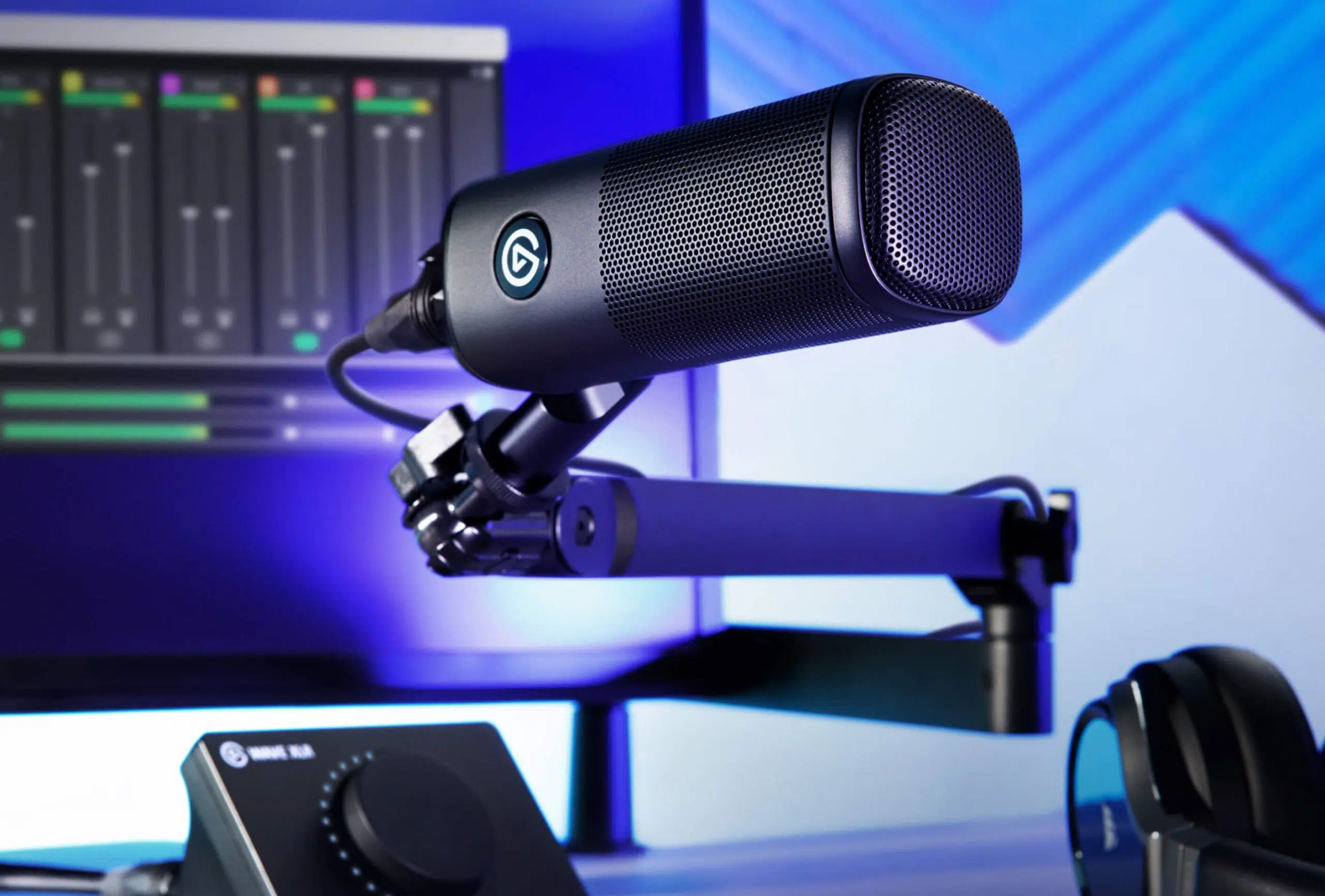
Use a suitable microphone interface or mixer and a three-pin XLR microphone cable. Wave DX’s XLR output is distinct from a USB microphone connection, and a headphone output does not replace the required microphone input. Set preamp gain around the actual voice and working distance.
Aim the Microphone at the Speaking Position
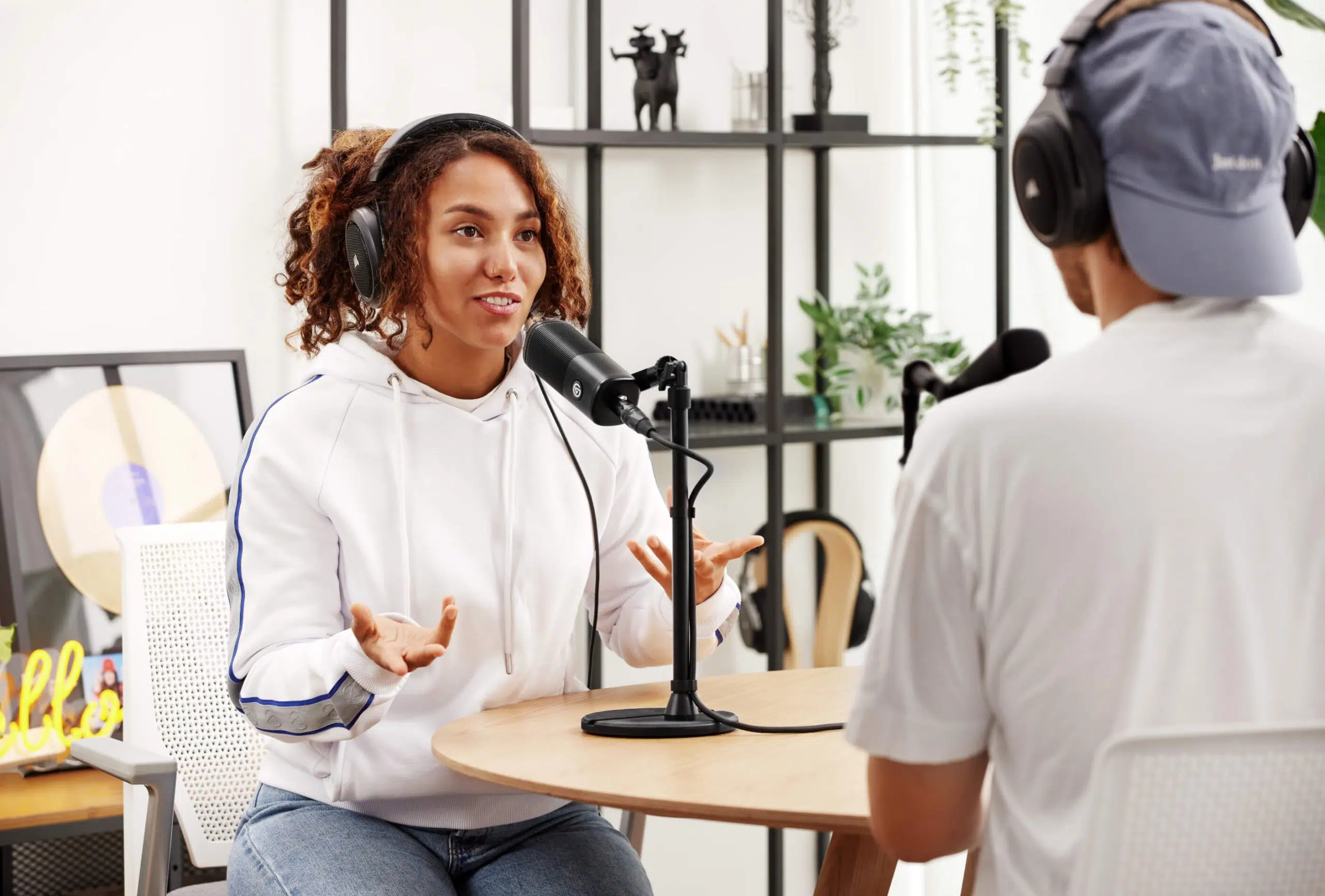
The cardioid pattern concentrates the main pickup toward the front. Keep a consistent distance and place unwanted room sources away from the main pickup direction. Check the result through the intended recording path, using microphone positioning and input gain together rather than relying on either one alone.
Support the Microphone with Its Mount
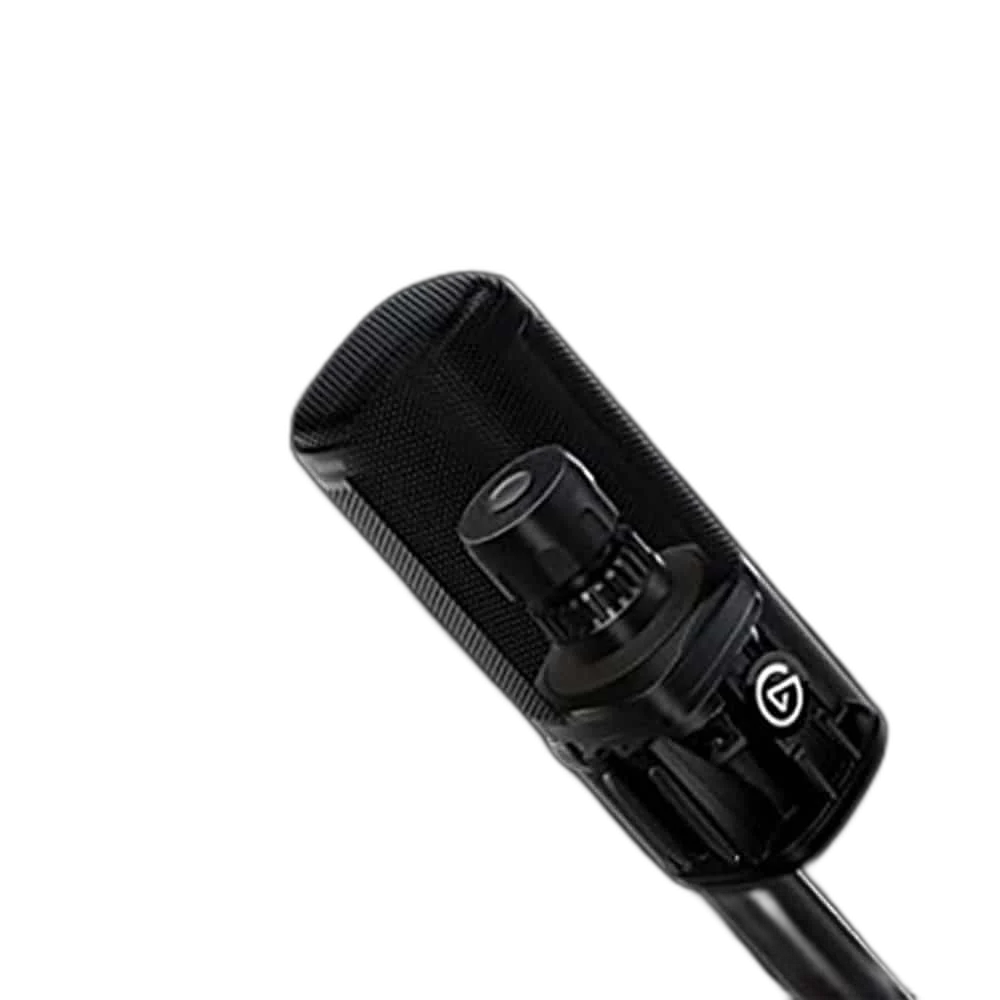
Include the microphone, supplied mounting arrangement and any additional accessory when checking the supporting arm’s range. The swivel mount and listed thread adapters help connect to appropriate supports. The microphone’s own weight is not a stand capacity, and the supporting arm is a separate equipment choice.
Choose the Recording Input for the Workflow
A single-input interface serves one connected voice, while a suitable mixer can provide additional sources and controls. The suggested interfaces are alternative setups rather than equipment required together. Keep the microphone cable, input selection and monitoring connection with the actual interface chosen for the session.
Plan the Recording Path for This Microphone
Use the output and power requirements of this exact microphone to choose the recording route. Match the microphone input, monitoring arrangement and mount before selecting an interface or mixer; accessories are separate choices. Compare related options such as RØDE PodMic Dynamic XLR Broadcast Microphone, White or SHURE MV7X Dynamic Broadcast Microphone (XLR Only), keeping the exact model and configuration in the decision. For the wider setup, explore Focusrite Scarlett 2i2 4th Gen USB Audio Interface, 120dB Dynamic Range and check the connection, size or mounting requirements before pairing accessories. Browse the Elgato range at AX for more choices.
Elgato Wave DX Setup Choices
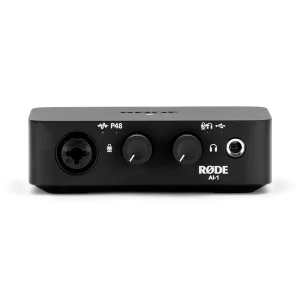
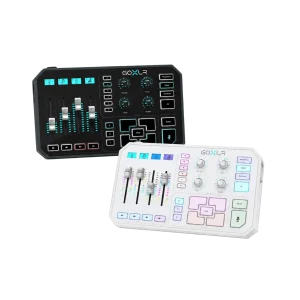
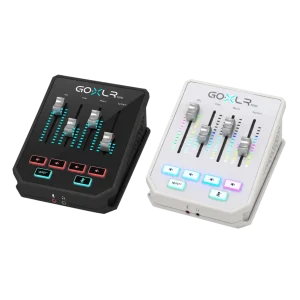
Use the output and power requirements of this exact microphone to choose the recording route. Match the microphone input, monitoring arrangement and mount before selecting an interface or mixer; accessories are separate choices. Explore RODE RODECaster Duo Integrated Audio Production Studio, TC-Helicon GoXLR Mini USB Mixer & Audio Interface – 4 Faders, MIDAS Preamp, RØDE AI-1 USB-C Audio Interface.
Frequently Asked Questions
Does Wave DX connect directly by USB?
No. It uses a three-pin XLR output and needs an appropriate microphone interface or mixer plus a suitable XLR cable.
Which capsule and pattern does it use?
Wave DX is a dynamic cardioid microphone. Use the front-facing speaking position and check the actual recording level.
Are an interface, stand and cable included?
Those are required separately. The listed package includes the microphone, swivel mount, thread adapters and guide.
Which thread adapters are listed?
The microphone mount uses 5/8-inch with included 3/8-inch and 1/4-inch adapters. Match the actual supporting connection.
Can a headphone output record it?
No. A headphone output carries playback. Wave DX needs a microphone input and preamp through its XLR connection.
How should I set the input level?
Position the microphone, check normal and loud speech, then set gain while monitoring so the recording does not clip at expected peaks.
Build Your Setup with AX Store
Explore computers, displays and accessories for your workspace at AX Store. For help choosing the right model or checking an accessory, contact AX Store.
Complete Your Setup
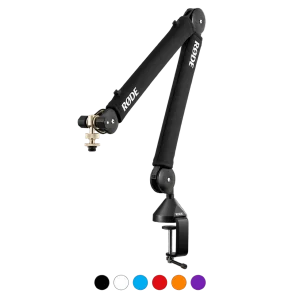
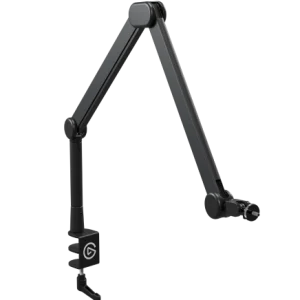
Explore equipment for your workspace: RØDE PSA1+ Professional Studio Microphone Boom Arm, RØDE XLR3M Premium XLR Cable, 3M Length, TC-Helicon GoXLR 4-Channel USB Streaming Mixer.
THE DETAILS
Technical specifications
Audio
Dynamic
Cardioid
50–15000 Hz
2.5 mV/Pa; -52 dBV/Pa
600 Ohm
3-pin XLR
Physical and setup
53 × 53 × 146 mm
440 g
5/8-inch; included 3/8-inch and 1/4-inch adapters
Wave DX, swivel mount, thread adapters, quick start guide
XLR audio interface, 3-pin XLR cable, mic stand or boom arm
Product identification
Elgato
10MAH9901
840006662990
COMPLETE YOUR SETUP