Focusrite
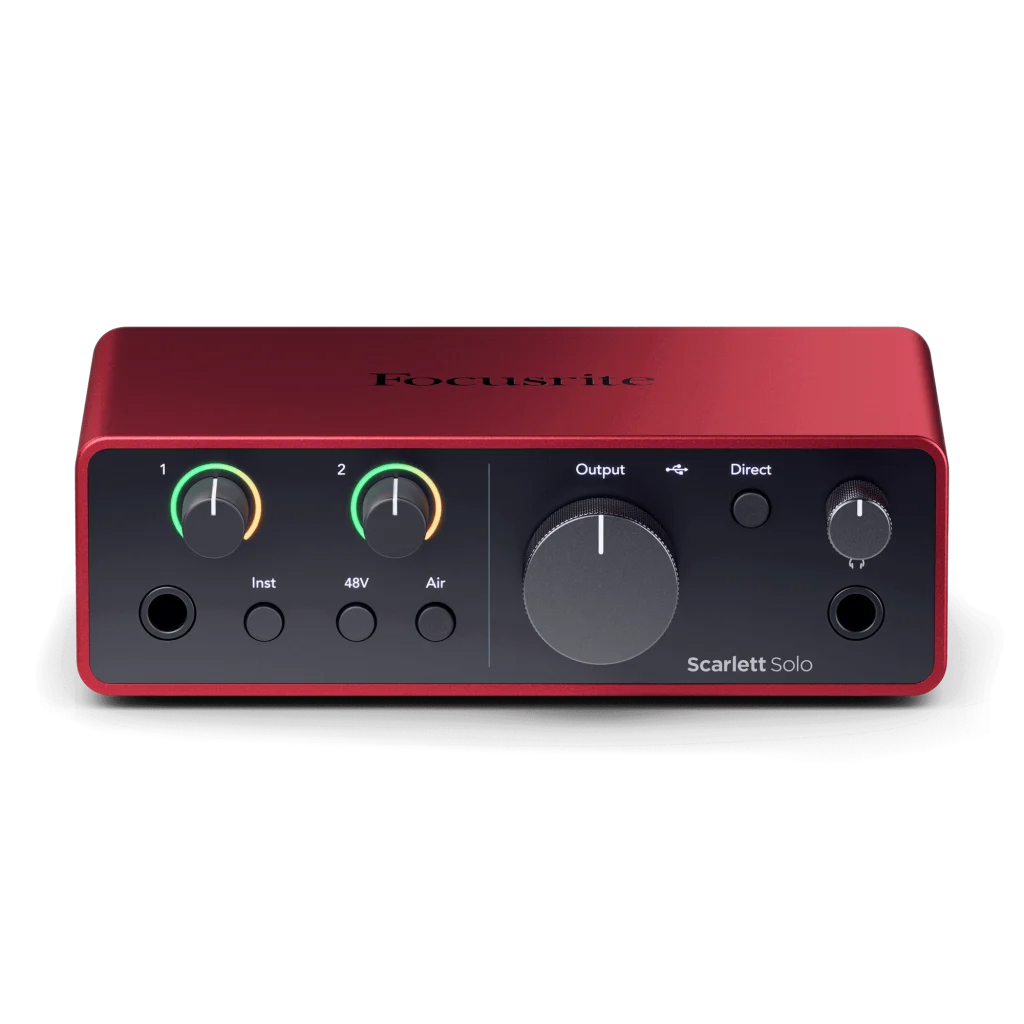
Focusrite Scarlett Solo 4th Gen USB Audio Interface
Record vocals and guitar with the Focusrite Scarlett Solo 4th Gen. One mic preamp, a dedicated instrument input, two Air modes and headphone monitoring make it a compact starting point for your home studio.
Regular price
49.900 KWD
or 4 payments of 12.475 KWD with
Overview
FOCUSRITE SCARLETT SOLO 4TH GEN USB AUDIO INTERFACE
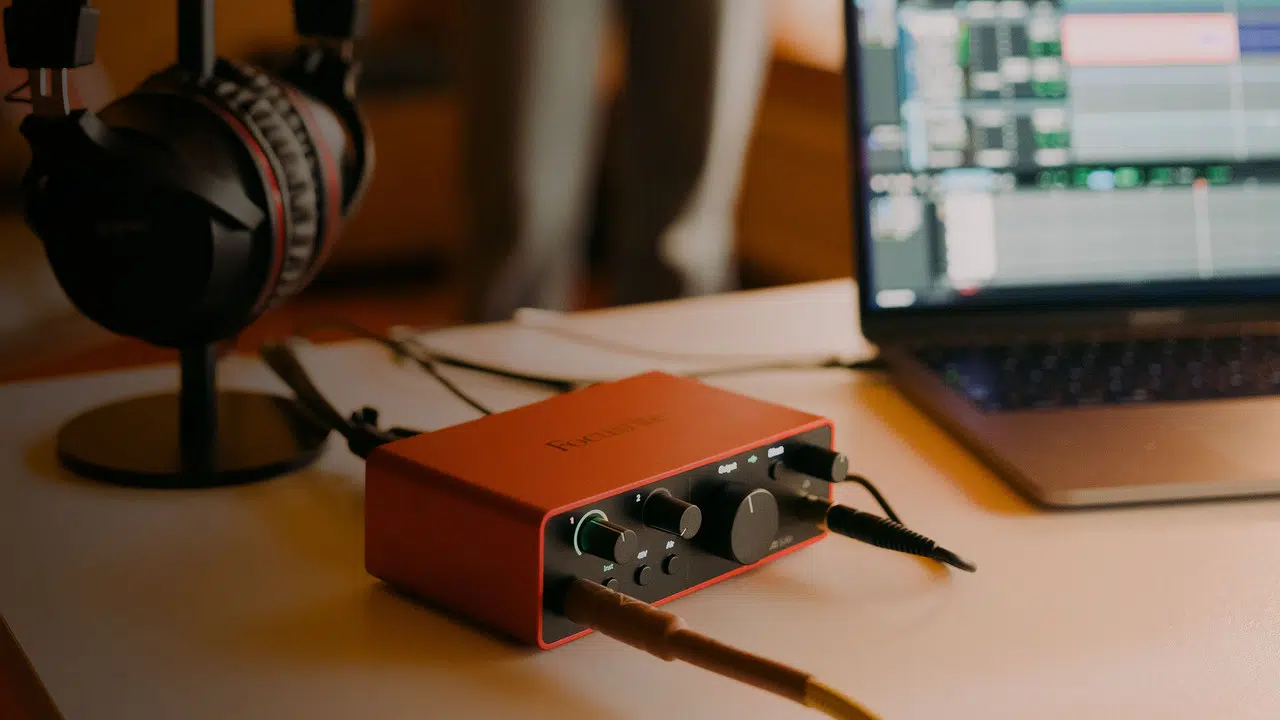
Focusrite Scarlett Solo 4th Gen
Focusrite Scarlett Solo 4th Gen: A compact recording hub for your voice and instrument. Connect a microphone and guitar, open your recording software, and turn ideas into finished tracks. Explore this model at AX Store in Kuwait.
2
Analogue Recording Channels
1
Microphone Preamps
Up to 24-bit / 192 kHz
Maximum Recording Format
USB-C
Interface USB Connector
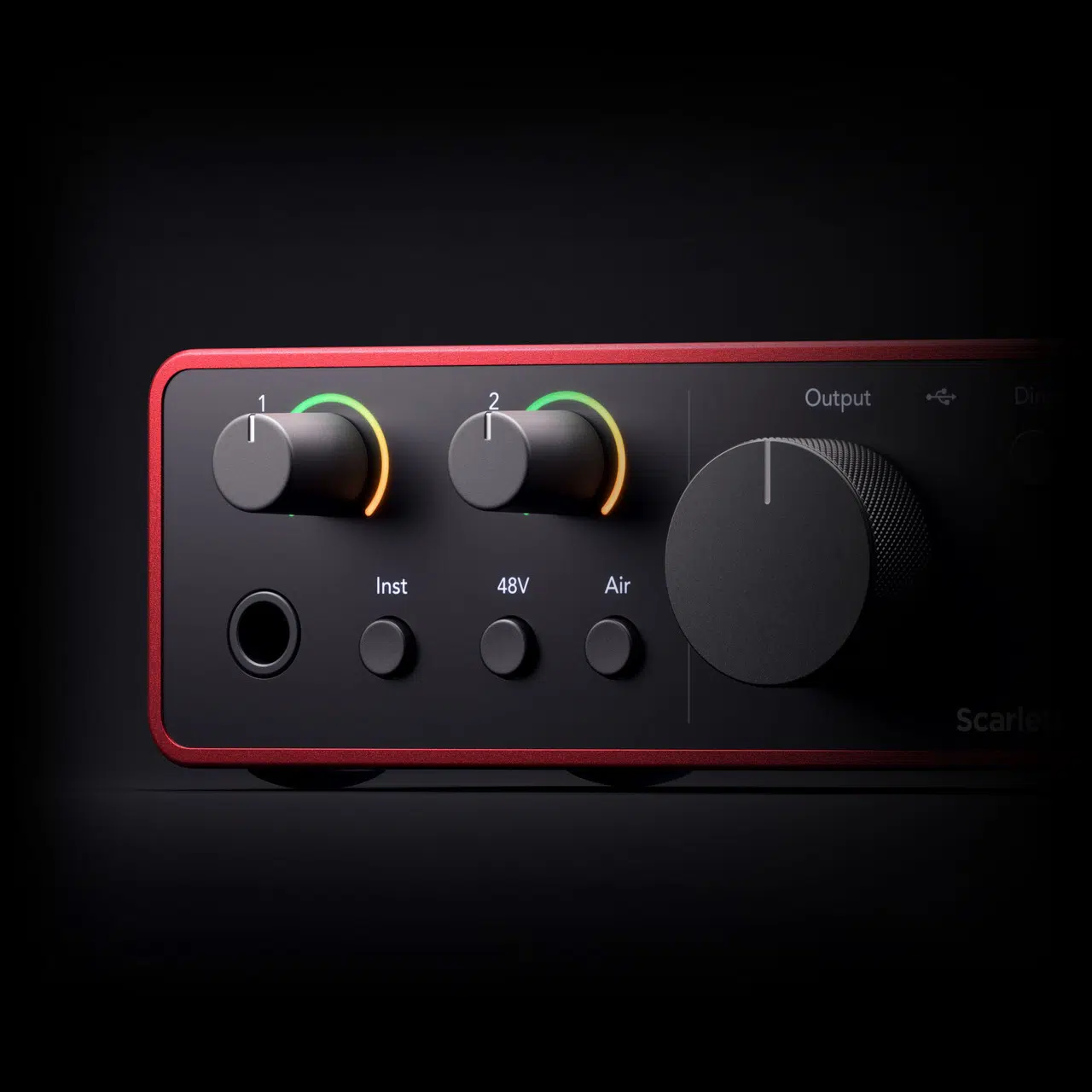
Give your performance more character.
The microphone preamp captures vocal detail, while the dedicated Hi-Z input welcomes your guitar. Air Presence and Harmonic Drive offer two ways to add character. Dynamic Gain Halos help you set recording levels.
From first take to finished track.
Monitor through the headphone output and start creating with the included recording software and Hitmaker Expansion bundle. Choose the appropriate source connection and check the recording level in the application before beginning the performance or recording session.
Is Solo right for your setup?
Choose Solo for one microphone and one instrument. Recording two microphones at once? Explore the Scarlett 2i2. Computer, headphones and other setup accessories shown are sold separately.
Plan the Session Around the Actual Inputs
One microphone input and one separate line/instrument input provide two analogue recording channels. This Solo model does not record two XLR microphones at the same time. Assign the live sources before recording and choose the appropriate microphone, instrument or line setting for the connection you use.
Supply the Host Power the Interface Needs
The power arrangement is USB bus power, 900 mA. Use the specified cable and adequate host or external power. Check a mobile setup separately, as a matching USB connector does not guarantee the connected device supplies the required current.
Connect a Microphone for the Analogue Signal Path
Use a suitable XLR microphone and cable for the interface’s analogue microphone input. Check whether the microphone requires 48 V phantom power, set the gain for the actual performance and keep USB microphone connections on their supported host route.
Focusrite Scarlett Solo 4th Gen Setup Choices
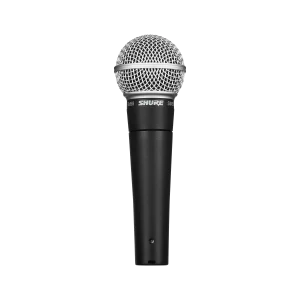
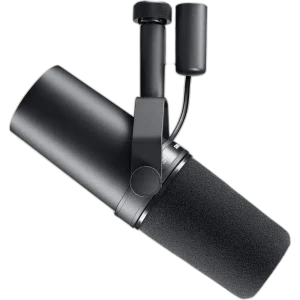
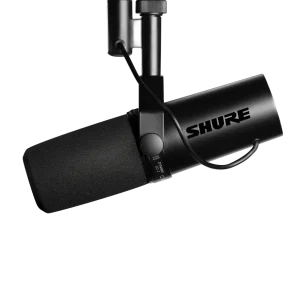
Count the microphone and instrument inputs you need, then plan headphone monitoring, computer connections and any recording destination. Choose one deliberate audio route so playback and commentary reach the intended outputs. Explore Shure SM7B Dynamic Microphone, XLR, Shure SM7dB Dynamic Vocal Microphone with Built-in Preamp, RØDE PodMic USB Dynamic Microphone – USB-C & XLR – Black / White. Browse the Focusrite range at AX.
Frequently Asked Questions
How many physical recording channels does it provide?
One microphone input and one separate line/instrument input provide two analogue recording channels. This Solo model does not record two XLR microphones at the same time.
Which USB format and power should I plan for?
USB-C is the stated connection family. USB bus power, 900 mA. Check the required cable, host power and current driver support.
Which microphone connection should I use?
Connect an analogue XLR microphone to the supported microphone input. Use switchable 48 V phantom power only for a microphone or active accessory that requires it. USB microphones connect to their supported host separately.
Which recording format is supported?
Up to 24-bit / 192 kHz. Select a compatible sample rate and bit depth in the application; the stated maximum does not replace input-gain setup or guarantee an unclippable recording.
Build Your Setup with AX Store
Explore computers, displays and accessories for your workspace at AX Store. For help choosing the right model or checking an accessory, contact AX Store.
Compare Focusrite Scarlett Solo 3rd Gen USB Audio Interface. Match the exact model, connection and configuration to your setup.
Compare Your Recording Interface Options
Compare the Focusrite Scarlett 2i2 4th Gen and Audient iD14 MKII if your recording setup needs a different input and output configuration. For a desk that combines recording with hands-on mixing, explore the RODECaster Duo. Use the technical specifications of each exact model to match your microphones, monitoring and computer connections.
THE DETAILS
Technical specifications
Overview and connections
Focusrite Scarlett Solo 4th Gen
2 inputs / 2 outputs
1
24-bit / up to 192 kHz
44.1 / 48 / 88.2 / 96 / 176.4 / 192 kHz
USB 2.0 via USB-C
1 × rear XLR
1 × front 6.35 mm
2 × 6.35 mm TRS
1 × 6.35 mm stereo
Yes
Presence / Presence with Harmonic Drive
2 virtual input channels
No
USB bus power, 900 mA
Independent main and headphone level controls
Microphone input performance
20 Hz–20 kHz ±0.06 dB
113 dB
57 dB
+9.5 dBu
3 kΩ
-100 dB at minimum gain
-127 dBu
Line and instrument inputs
113 dB
+22 dBu
60 kΩ
57 dB
112 dB
+12 dBu
57 dB
1 MΩ
Monitor and headphone performance
120 dB
+16 dBu
200 Ω
-109 dB
112 dB at 33Ω / 115 dB at 300Ω
+2.5 dBu at 33Ω / +10 dBu at 300Ω
50 Ω
32 mW at 33Ω / 22 mW at 300Ω
Physical details
143 × 46.5 × 96 mm
382 g
Product identification
Focusrite
B0C5JSHP7M
815301001478
COMPLETE YOUR SETUP
Pairs well with



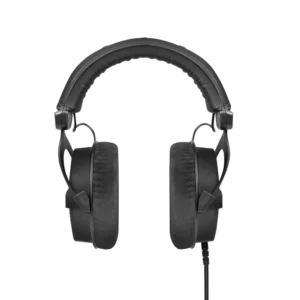
Beyerdynamic
beyerdynamic DT 990 PRO Black Edition – 80 Ohm

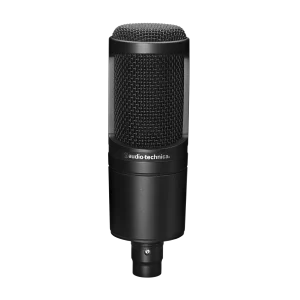
AUDIO-TECHNICA
Audio-Technica AT2020 XLR Cardioid Condenser Microphone