Lian LI
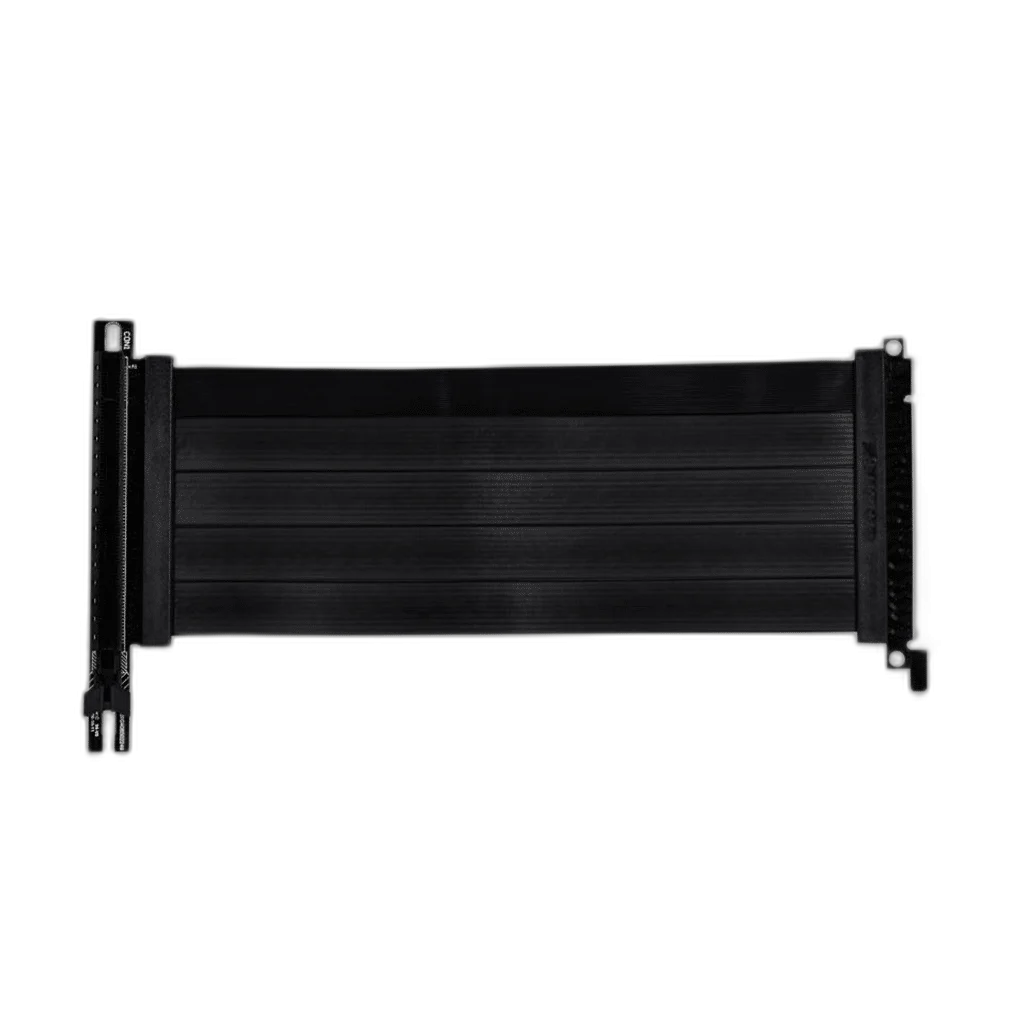
Lian Li PCIe 4.0 Riser Cable, 200mm, Black
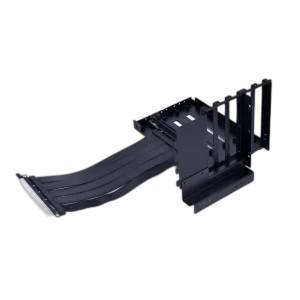
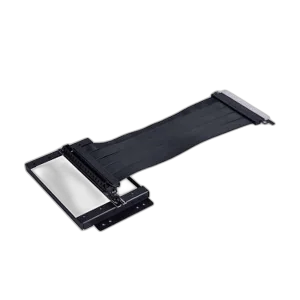
The LIAN LI PW-PCI-420 is a black 200 mm PCIe 4.0 x16 riser cable for a compatible graphics-card installation. It extends the motherboard graphics connection to a suitable relocated mounting position, with the required bracket and physical clearance chosen for the case.
Regular price
19.000 KWD
or 4 payments of 4.750 KWD with
Pay with card & save


18.000 KWD
Save 1.000 KWD
Overview
LIAN LI PW-PCI-420 PCIE 4.0 X16 RISER CABLE
Relocate a Compatible Graphics Connection
The LIAN LI PW-PCI-420 is a black 200 mm PCIe 4.0 x16 riser cable for a compatible graphics-card installation. It extends the motherboard graphics connection to a suitable relocated mounting position, with the required bracket and physical clearance chosen for the case.
PCIe 4.0
Link generation
x16
Graphics interface
200 mm
Cable length
Black
Finish
PCIe 4.0 x16 Connection
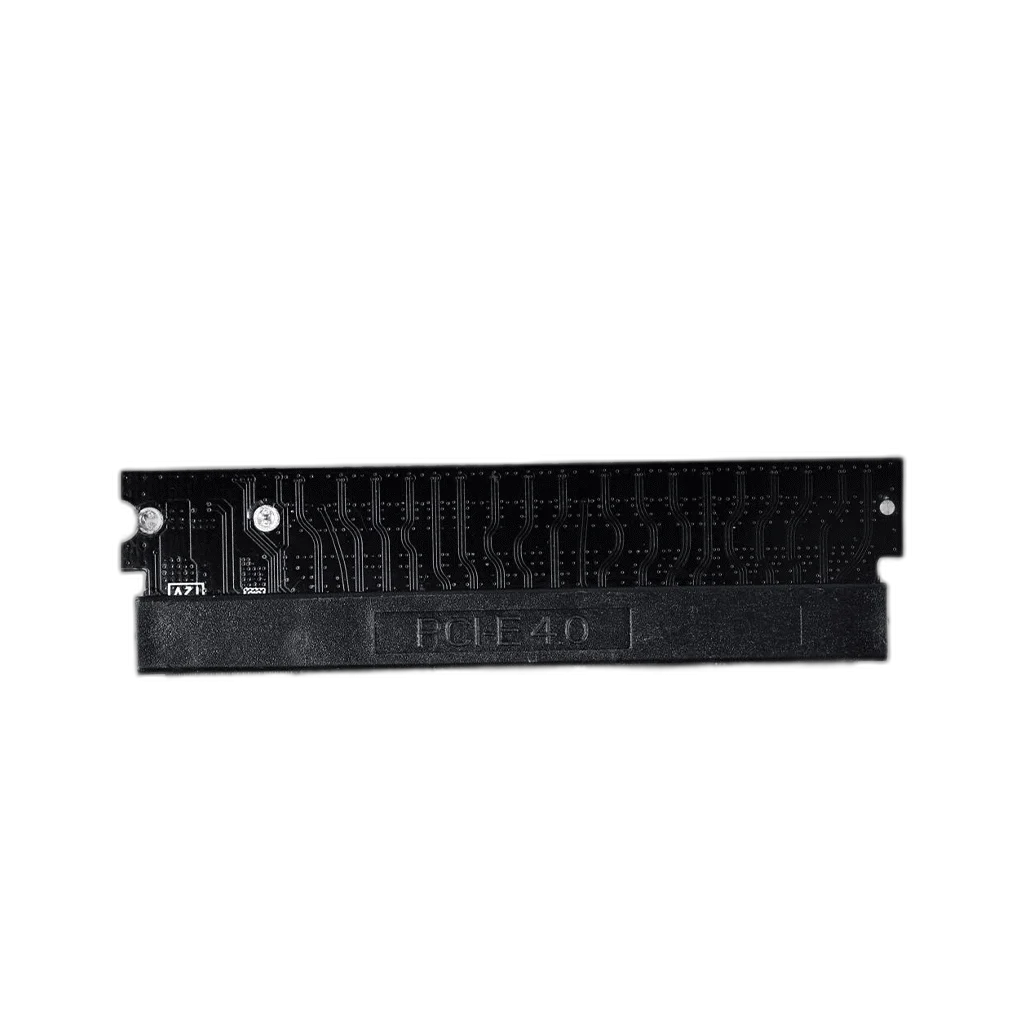
The cable provides a PCIe 4.0 x16 riser connection between the motherboard and a compatible graphics card. Choose a supported link configuration for the motherboard, GPU and cable together. The riser changes the physical location of the connection while the graphics card still needs an appropriate mounting arrangement.
A Defined 200 mm Cable Length
The PW-PCI-420 has a 200 mm cable length. Compare that length with the distance and bends required by the intended graphics-card position before installing it. Leave enough room for the connectors to seat correctly and avoid routing the cable under unnecessary strain at either end.
For a Suitable Relocated GPU Mount
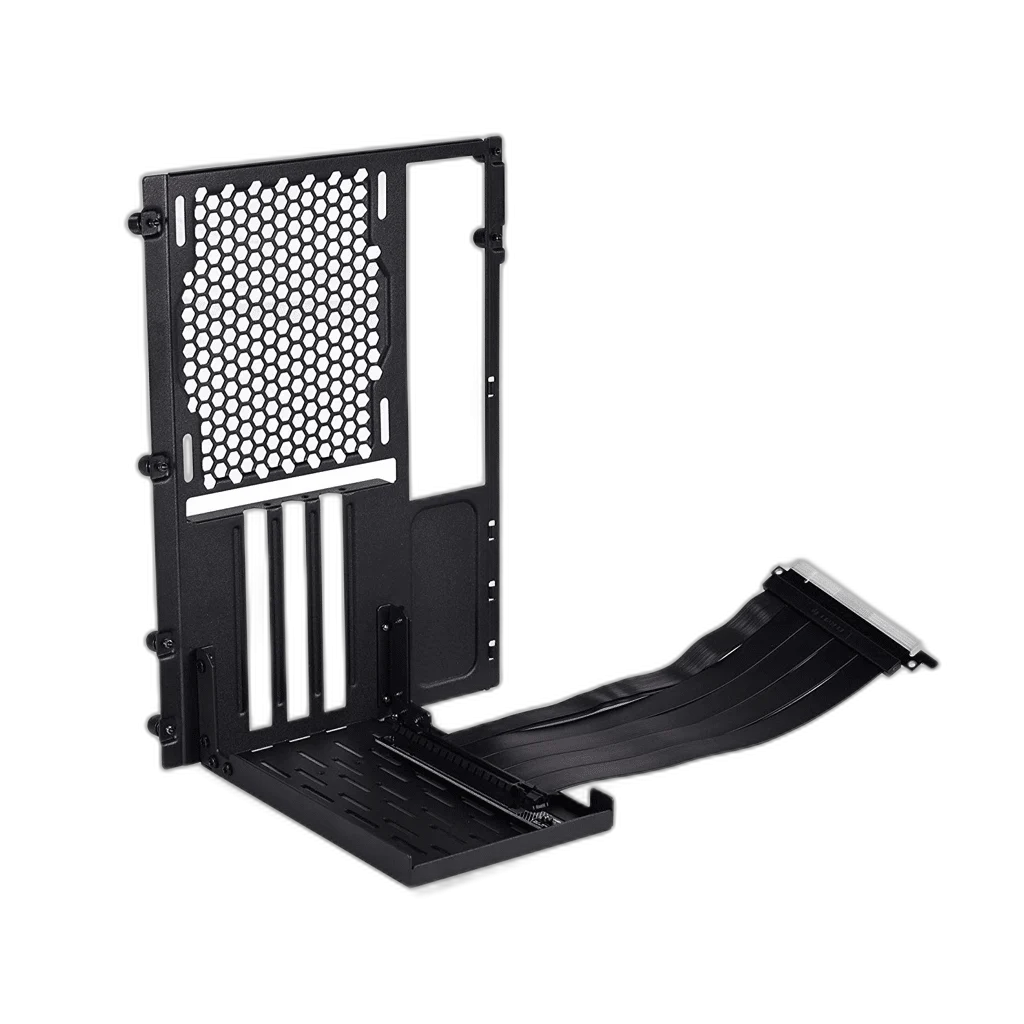
Use the riser with a compatible mounting bracket or case arrangement that securely supports the graphics card. A riser cable provides the electrical connection; it does not replace the mechanical support needed by the card and cooler. Match the card’s position with the bracket and the available case space.
Black Cable Appearance
The black finish fits neatly into many desktop case layouts. Route the cable around the intended mounting position while keeping it clear of fan blades and accessible component connections. Check that the chosen path does not interfere with the card’s cooling intake or the rest of the case ventilation.
Match the Complete PCIe Configuration
The link must operate within the capabilities of the motherboard slot, graphics card and riser. Check the appropriate BIOS settings when arranging a system with a relocated card, and follow the motherboard and riser guidance for the intended generation. System performance depends on the complete hardware configuration.
PCIe generation
4.0
Cable length
200 mm
Installation requirement
Compatible GPU mounting bracket or case arrangement
Complete the Installation Carefully
Seat the riser connection and graphics card fully, secure the GPU to its intended bracket, and connect the required graphics-card power leads. Check the cable route again before closing the case. Use the 200 mm length and the case mounting geometry together to plan the final arrangement.
Complete Your Workspace
Explore Case Accessories to compare suitable options and complete your setup.
Frequently Asked Questions
Which model is this?
PW-PCI-420.
How long is the cable?
200 mm.
What PCIe connection does it provide?
PCIe 4.0 x16.
Is it a complete vertical GPU bracket?
No. This is the riser cable; use an appropriate case or bracket arrangement to support the graphics card.
What should I check before choosing it?
The required cable route, mounting clearance and compatible motherboard, GPU and PCIe settings.
Build Your Setup with AX Store Kuwait
Explore computers, displays and accessories for your workspace at AX Store Kuwait. For help choosing the right model or checking an accessory, contact AX Store.
THE DETAILS
Technical specifications
Cable Hardware
PW-PCI-420
PCIe x16 riser cable
4.0
200 mm
Black
Compatible GPU mounting bracket or case arrangement
COMPLETE YOUR SETUP