Logitech
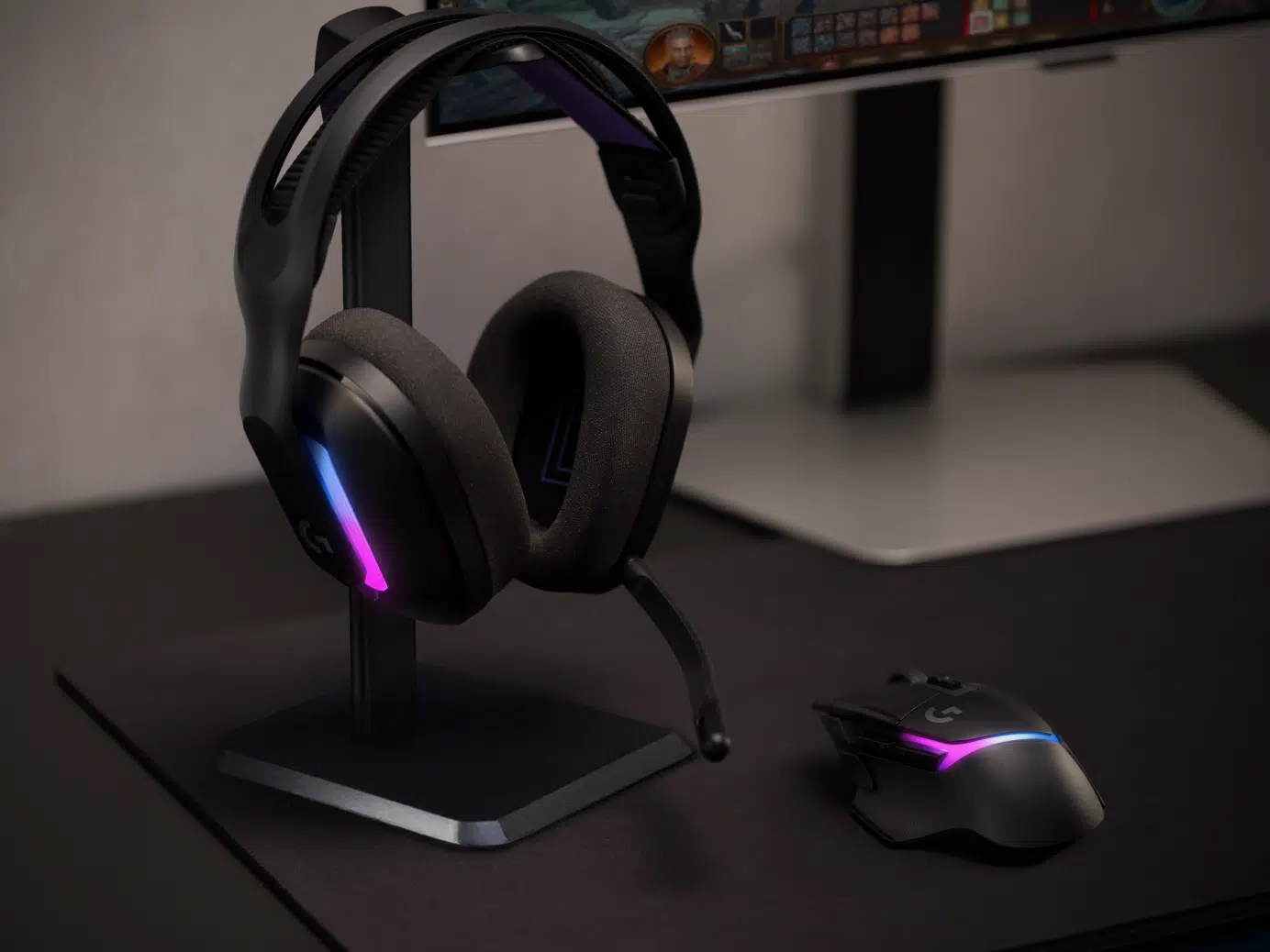
Logitech G522 LIGHTSPEED Wireless Gaming Headset
The Logitech G522 LIGHTSPEED wireless gaming headset combines 40mm PRO-G drivers, a detachable 48kHz microphone with BLUE VO!CE processing and eight-zone LIGHTSYNC RGB. Switch between LIGHTSPEED wireless, Bluetooth 5.3 and wired USB audio. Battery life reaches up to 90 hours with lighting off or 40 hours with default lighting.
Color
Overview
LOGITECH G522 LIGHTSPEED WIRELESS GAMING HEADSET
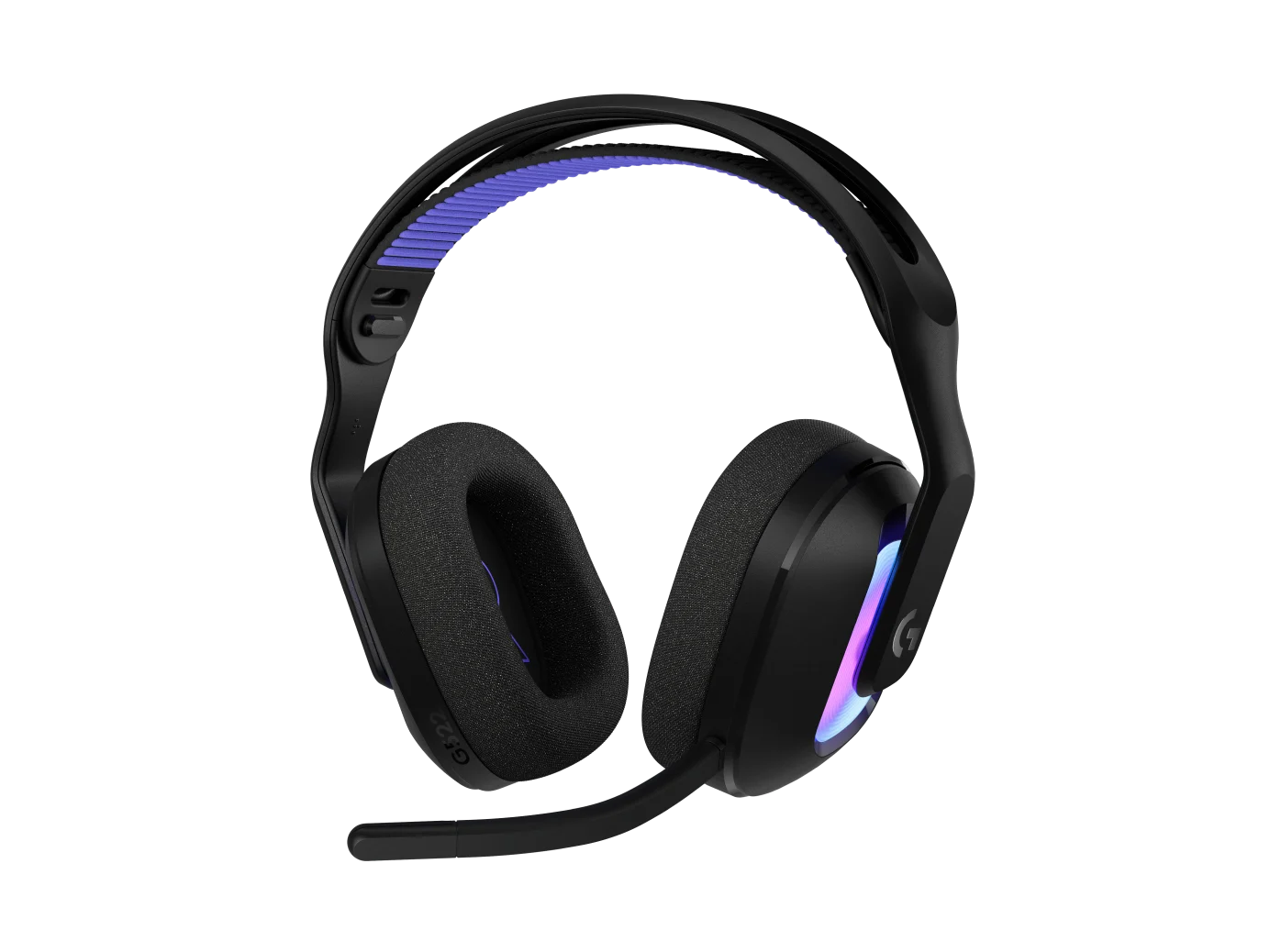
Logitech G522 LIGHTSPEED headset
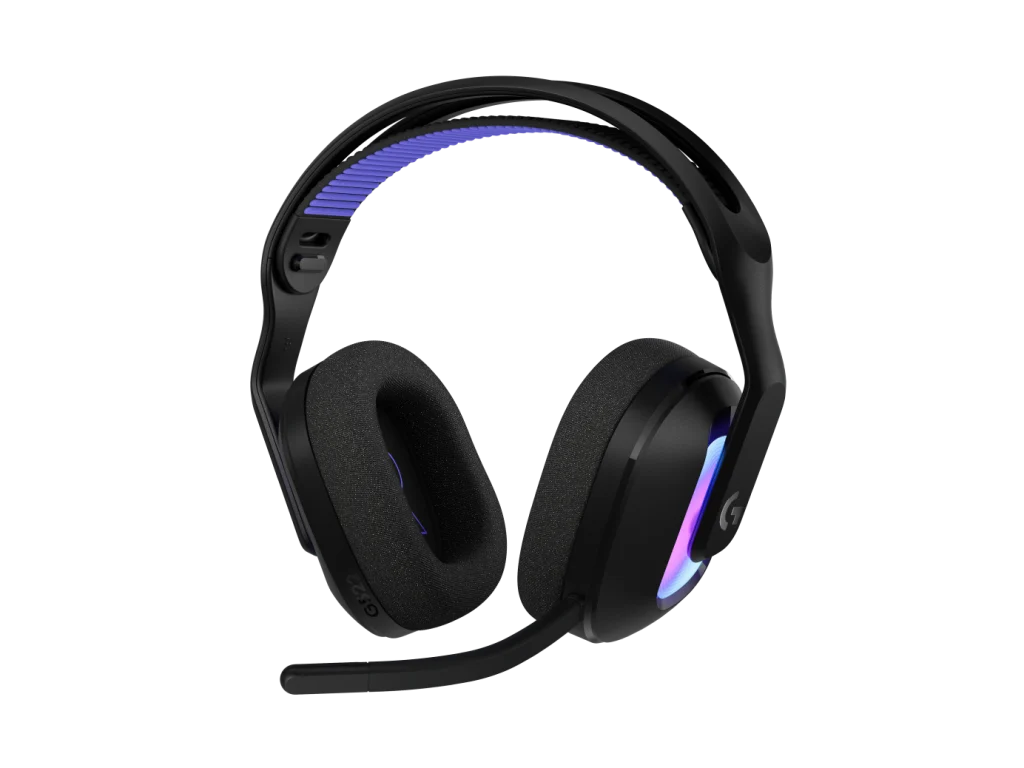
Logitech G522 LIGHTSPEED headset: The Logitech G522 LIGHTSPEED combines detailed game audio, a detachable microphone and customizable RGB in a comfortable 290g design. Choose black or white to suit your setup, then connect wirelessly or through USB. Available from AX Store in Kuwait.
40 mm
PRO-G Drivers
3 Modes
LIGHTSPEED, Bluetooth and USB
Up to 90 h
Lighting Off; 78 dB SPL Test
Up to 40 h
Default Lighting; 78 dB SPL Test
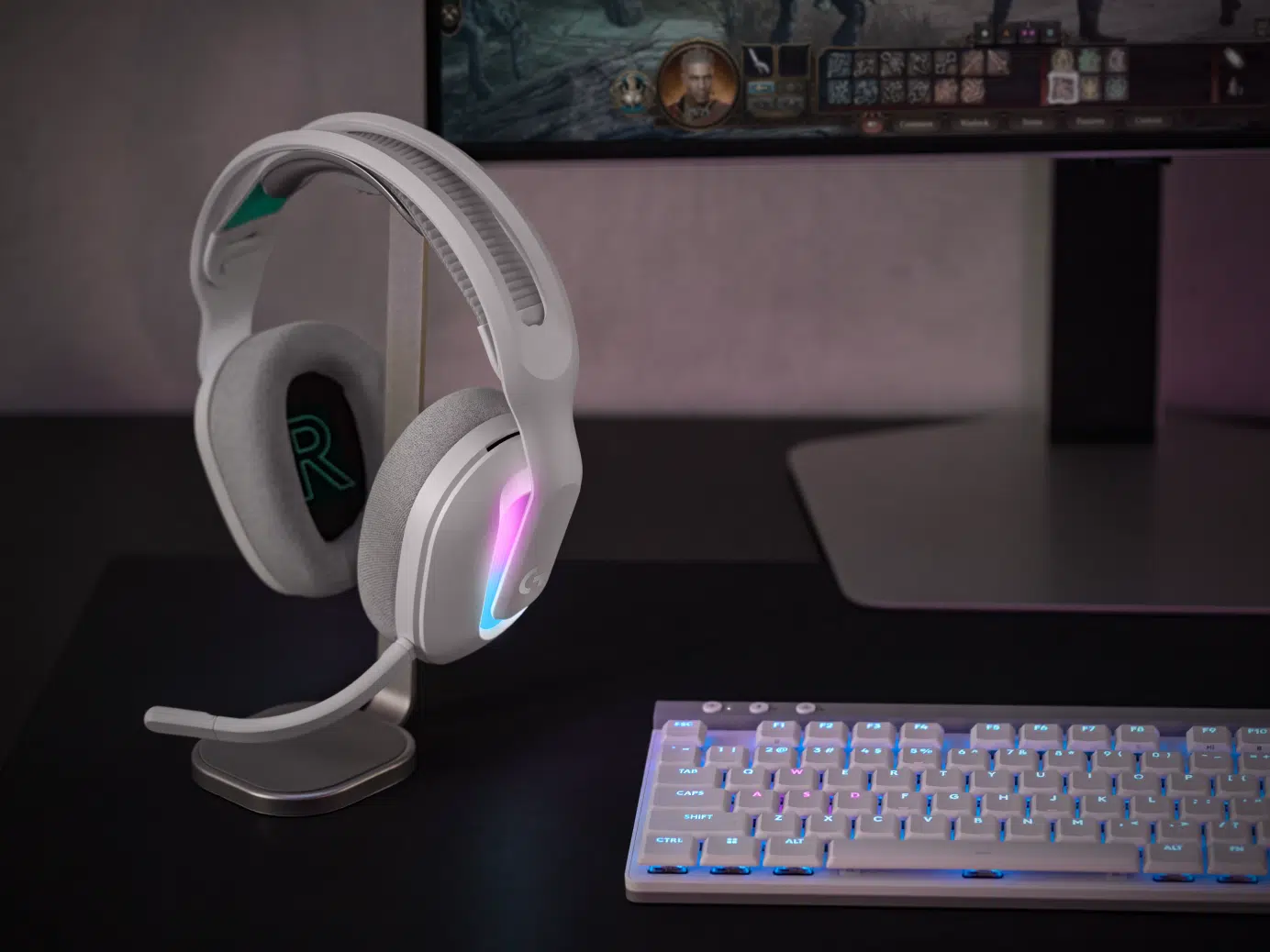
Detailed audio, clearer communication
Synchronized PRO-G drivers reproduce game effects, music and dialogue. The full-bandwidth 48kHz microphone supports BLUE VO!CE filters, while a red mute light makes your microphone status easy to check.
Three ways to connect
Use the included LIGHTSPEED USB-A receiver for gaming, pair a compatible mobile device over Bluetooth, or connect the headset by USB-C to USB-A cable for wired audio.
Comfort through longer sessions
Dual-layer memory foam cushions, a suspension headband and a wider earcup shape help the headset sit comfortably. Remove the microphone when you want a simpler listening setup.
Personalize your sound and lighting
Adjust the 10-band EQ, microphone and eight RGB zones through supported Logitech software. Save up to three custom profiles and balance your preferred lighting against battery runtime.
Choose Battery Runtime for Your Lighting Settings
The stated references are up to 90 hours with lighting off and 40 hours with default lighting, measured during continuous playback at 78 dB SPL. Volume, lighting choices and normal use affect actual runtime between charges.
Check Host Support before Moving the Receiver
Use the LIGHTSPEED receiver on a supported host and the appropriate connection for Bluetooth or wired USB audio. Nintendo Switch 2 support requires the specified firmware update through G HUB; update the headset before setting up that connection.
Plan the Platform and Chat Connection
Choose the exact platform version and check whether its connection uses USB, a wireless receiver or an analogue headset socket. Set the playback and microphone devices deliberately in your game or chat application. Compare related options such as Logitech G335 Wired Gaming Headset - Black & White or Logitech G435 Lightspeed Bluetooth Wireless Gaming Headset, keeping the exact model and configuration in the decision. For the wider setup, explore Shure SM58-LCE Cardioid Dynamic Vocal Microphone, XLR and check the connection, size or mounting requirements before pairing accessories. Browse the Logitech range at AX for more choices.
Logitech G522 LIGHTSPEED headset Setup Choices
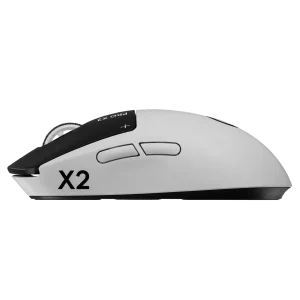
Choose the exact platform version and check whether its connection uses USB, a wireless receiver or an analogue headset socket. Set the playback and microphone devices deliberately in your game or chat application. Explore Wooting 60HE v2 60% Gaming Keyboard, Aluminium, ARTISAN NINJA FX ZERO Gaming Mousepad – SOFT/XSOFT, XL/XXL, Logitech G PRO X2 SUPERSTRIKE Wireless Gaming Mouse.
Frequently Asked Questions
Which connections are supported?
LIGHTSPEED wireless; Bluetooth; wired USB audio.
What is the runtime with lighting off?
Up to 90 hours.
What conditions apply to the battery test?
Continuous playback at 78 dB SPL; runtime varies with use and settings.
Which LIGHTSPEED hosts are listed?
Windows or macOS with USB 2.0; PlayStation 5; Nintendo Switch 2 with firmware update via G HUB.
What should I check for Nintendo Switch 2?
Update the headset through G HUB to the firmware required for Nintendo Switch 2 before using that connection. Bluetooth host support and LIGHTSPEED USB support are separate compatibility routes.
Build Your Setup with AX Store
Explore computers, displays and accessories for your workspace at AX Store. For help choosing the right model or checking an accessory, contact AX Store.
THE DETAILS
Technical specifications
Audio
40 mm PRO-G
20 Hz–20 kHz
97 dB at 1 kHz, 0.62 V (10 mW) input, 1 cm
48 kHz / 24-bit
10-band EQ through supported Logitech software
Microphone
Detachable boom microphone
Omnidirectional
70 Hz–20 kHz
48 kHz / 16-bit
BLUE VO!CE through compatible software
Red LED on microphone tip
Connectivity and battery
LIGHTSPEED wireless; Bluetooth; wired USB audio
USB-A
USB-C to USB-A
5.3
Up to 30 m
Up to 90 hours
Up to 40 hours
Continuous playback at 78 dB SPL; runtime varies with use and settings
Design and compatibility
201.1 × 184.4 × 81 mm (height × width × depth)
290 g
Eight LIGHTSYNC RGB zones; 16.8 million colors
Up to three custom profiles
Windows or macOS with USB 2.0; PlayStation 5; Nintendo Switch 2 with firmware update via G HUB
Device supporting Bluetooth 5.0 or later
G HUB; Logitech G mobile app; internet required for software and DTS Headphone X features on compatible platforms
G522 headset; USB-A LIGHTSPEED receiver; USB cable; detachable microphone; documentation
COMPLETE YOUR SETUP
Pairs well with