Samson
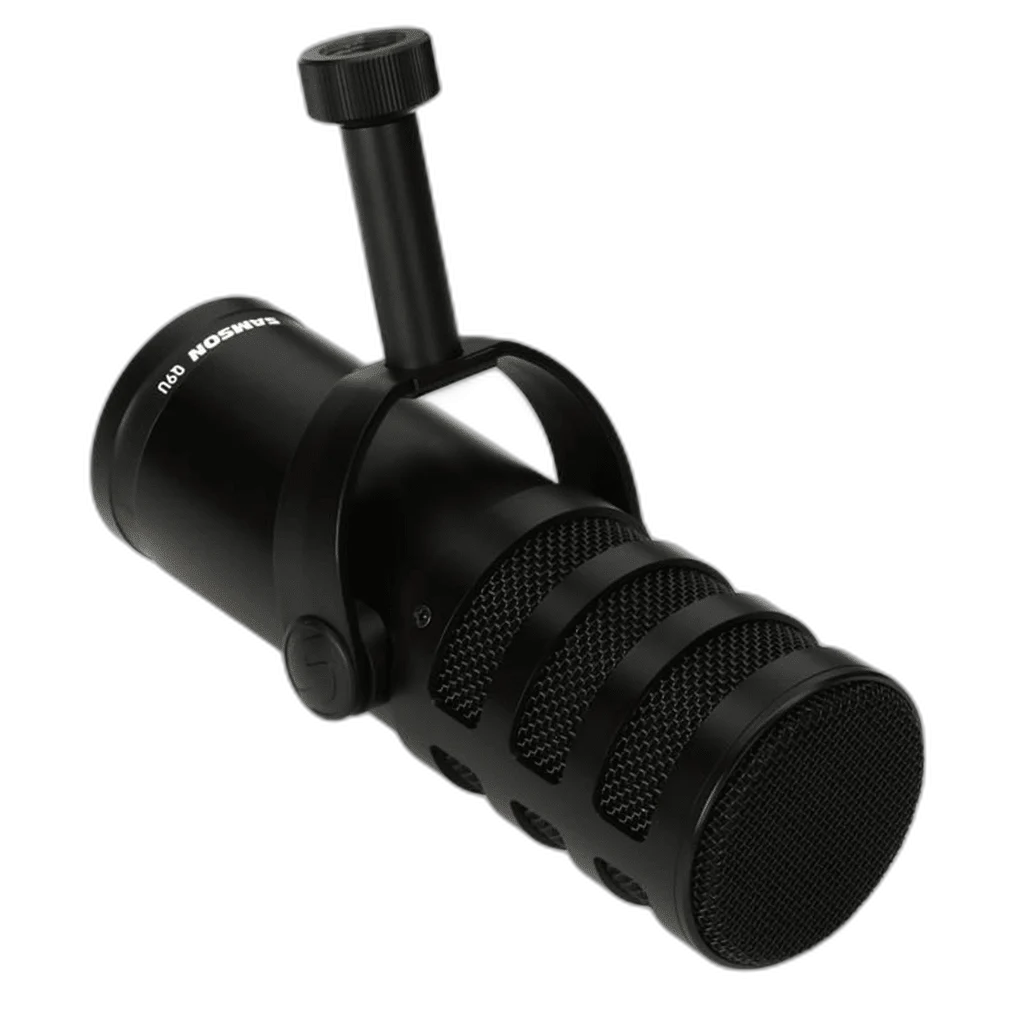
Samson Q9U XLR/USB Dynamic Broadcast Microphone
Build a podcast or streaming setup that can grow with you. The Samson Q9U combines direct USB-C recording with an XLR output for an audio interface or mixer, with onboard controls to shape your voice.
Regular price
73.500 KWD
or 4 payments of 18.375 KWD with
Pay with card & save


69.900 KWD
Save 3.600 KWD
Overview
SAMSON Q9U XLR/USB DYNAMIC BROADCAST MICROPHONE
Samson Q9U
Build a podcast or streaming setup that can grow with you. The Samson Q9U combines direct USB-C recording with an XLR output for an audio interface or mixer, with onboard controls to shape your voice. Explore this model at AX Store in Kuwait.
Dynamic
Microphone Type
Cardioid
Pickup Pattern Options
24-bit / up to 96 kHz
USB Recording Format
USB + XLR
Microphone Connection
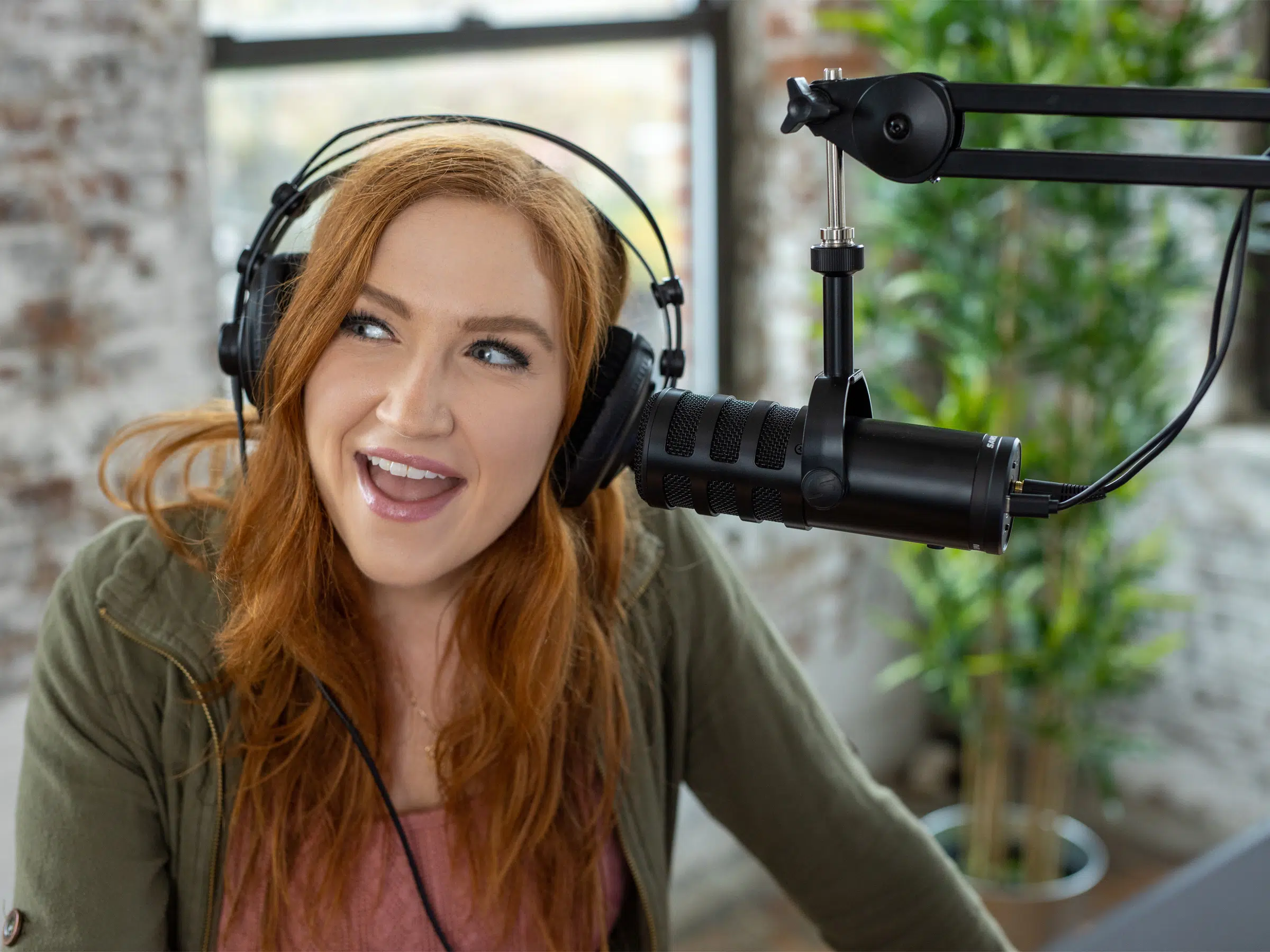
Two ways to record
Connect directly to a computer through USB-C, or use the analog XLR output in a studio setup. USB recording supports up to 24-bit/96 kHz.
Hear yourself as you record
The headphone output provides direct monitoring without a distracting delay. A single mute button silences both the USB and XLR outputs. Choose a comfortable speaking position, then check the selected input and recording level in the application before beginning the session.
Shape the voice at the microphone
Use the low-cut switch and mid-presence boost to tailor the sound before it reaches your recording software. Choose a comfortable speaking position, then check the selected input and recording level in the application before beginning the session.
Built for close vocal work
A cardioid capsule, internal pneumatic shock mounting and dual-layer windscreen help focus your recording and control mechanical noise and plosives. Choose a comfortable speaking position, then check the selected input and recording level in the application before beginning the session.
Select the Recording Format for Your Session
The USB recording format is 24-bit / up to 96 kHz. Choose a supported setting in the host and recording application, checking firmware requirements where stated. Leave enough input headroom for changes in speaking level rather than treating format resolution as protection against every overload.
Match the Connection to the Recording Setup
USB supplies a direct computer recording route, while XLR connects to a separate microphone preamp, interface or mixer. Choose the route needed by the setup and set gain on the device that handles that route, rather than assuming USB controls configure every external interface.
Plan the Recording Path for This Microphone
Use the output and power requirements of this exact microphone to choose the recording route. Match the microphone input, monitoring arrangement and mount before selecting an interface or mixer; accessories are separate choices. Compare related options such as SHURE MV7X Dynamic Broadcast Microphone (XLR Only) or Shure SM58-LCE Cardioid Dynamic Vocal Microphone, XLR, keeping the exact model and configuration in the decision. For the wider setup, explore Behringer U-PHORIA UMC22 USB Audio Interface and check the connection, size or mounting requirements before pairing accessories. Browse the Samson range at AX for more choices.
Samson Q9U Setup Choices
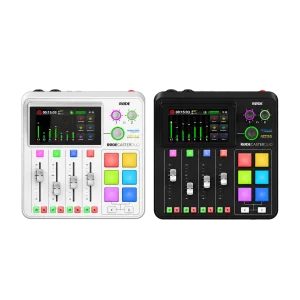
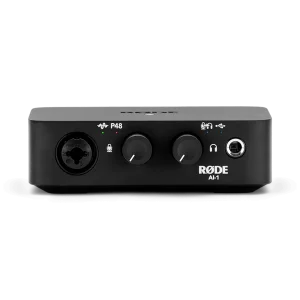
Use the output and power requirements of this exact microphone to choose the recording route. Match the microphone input, monitoring arrangement and mount before selecting an interface or mixer; accessories are separate choices. Explore RODE RODECaster Duo Integrated Audio Production Studio, TC-Helicon GoXLR Mini USB Mixer & Audio Interface – 4 Faders, MIDAS Preamp, RODE AI-1 USB-C Audio Interface.
Frequently Asked Questions
How does this microphone connect?
Use USB for direct recording to a supported computer, or connect the XLR output to a separate microphone preamp, audio interface or mixer. The USB recording format does not specify the capture settings of an external XLR interface.
Which pickup patterns are available?
Cardioid. Choose the pattern and speaking position for the session. Directional pickup does not remove every room sound; distance, gain and placement still matter.
Which recording format should I select?
24-bit / up to 96 kHz. Use a supported host, firmware and recording application setting. A maximum USB format does not by itself promise unclippable recording or eliminate the need to set levels.
How can I monitor my recording?
3.5 mm; zero-latency monitoring. Use the supported headphone output and controls to check your signal, separately from the microphone input gain.
What mounting or supplied-item details should I check?
USB-C to USB-C cable (2 m), USB-C to USB-A cable and foam windscreen. Match any separate support to the exact thread, microphone and mount weight, and desk clearance.
Does the package include a desktop stand?
The listed supplied items are two USB cable options and a foam windscreen, with an integrated yoke mount on the microphone. Choose an appropriate microphone support separately for the 0.97 kg microphone and its mounting arrangement.
Build Your Setup with AX Store
Explore computers, displays and accessories for your workspace at AX Store. For help choosing the right model or checking an accessory, contact AX Store.
Compare Electro-Voice RE20 BLACK Dynamic Broadcast Microphone. Match the exact model, connection and configuration to your setup.
THE DETAILS
Technical specifications
Capsule and audio
Dynamic with humbucking coil and neodymium magnet
Cardioid
50 Hz–20 kHz
250 ohms
-57 dBV/Pa at 1 kHz
-16 dBFS/Pa at 0 dB gain, 1 kHz
>140 dB SPL
+23 dB SPL(A), maximum gain
Connections and controls
Male XLR
USB-C
24-bit; up to 96 kHz
USB bus power; 170 mA
3.5 mm; zero-latency monitoring
16 ohms
38 mW at 32 ohms
Mute, low-cut filter and mid-presence boost
Construction and package
Zinc alloy body; steel grille
Integrated yoke mount
178.5 mm length × 79.5 mm diameter
0.97 kg
USB-C to USB-C cable (2 m), USB-C to USB-A cable and foam windscreen
COMPLETE YOUR SETUP
Pairs well with
Beyerdynamic
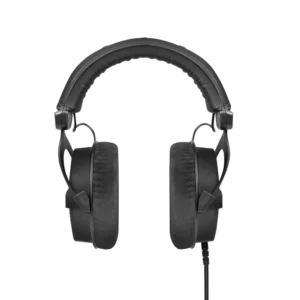
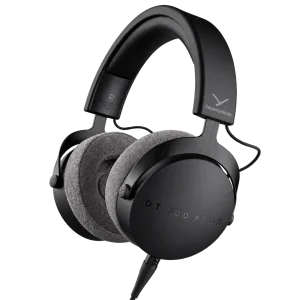
beyerdynamic DT 990 PRO Black Edition – 80 Ohm
Beyerdynamic