SHURE
Shure MV6 Dynamic USB-C Gaming Microphone, PC Streamers
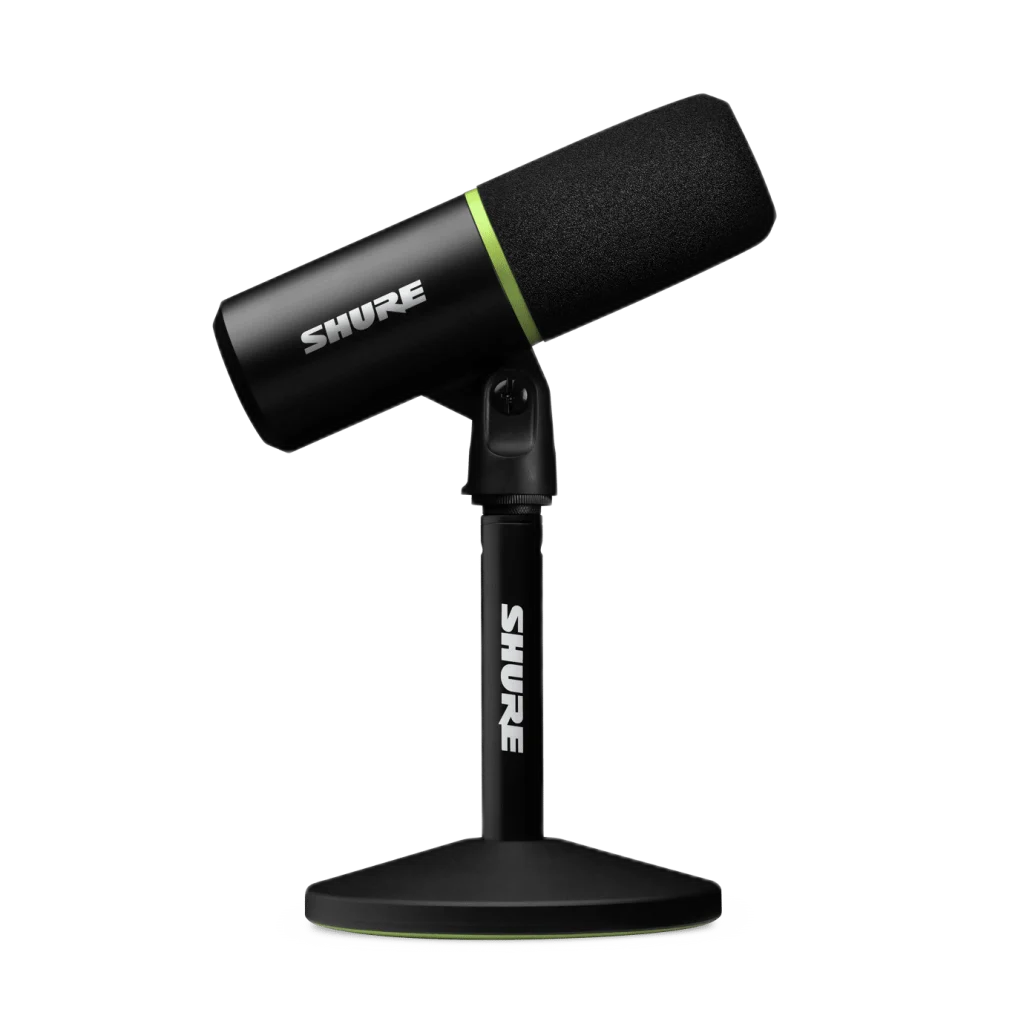
Shure MV6 Dynamic USB-C Gaming Microphone, PC Streamers. The original Shure MV6 brings a dynamic cardioid microphone, USB-C connection and intelligent voice processing to your gaming or streaming desk. Auto Level Mode, Real-time Denoiser and Digital Popper Stopper help keep your voice consistent, while a headphone output and tap-to-mute button keep control close at hand.
Regular price
58.000 KWD
or 4 payments of 14.500 KWD with
Pay with card & save


55.000 KWD
Save 3.000 KWD
Overview
SHURE MV6 DYNAMIC USB-C GAMING MICROPHONE, PC STREAMERS

Shure MV6 USB Gaming Microphone
Shure MV6 USB Gaming Microphone: The original Shure MV6 brings a dynamic cardioid microphone, USB-C connection and intelligent voice processing to your gaming or streaming desk. Auto Level Mode, Real-time Denoiser and Digital Popper Stopper help keep your voice consistent, while a headphone output and tap-to-mute button keep control close at hand. Explore this model at AX Store in Kuwait.
Dynamic
Cardioid voice microphone
USB-C
Digital audio connection
3.5 mm
Headphone monitoring
24-bit / 48 kHz
Supported recording format
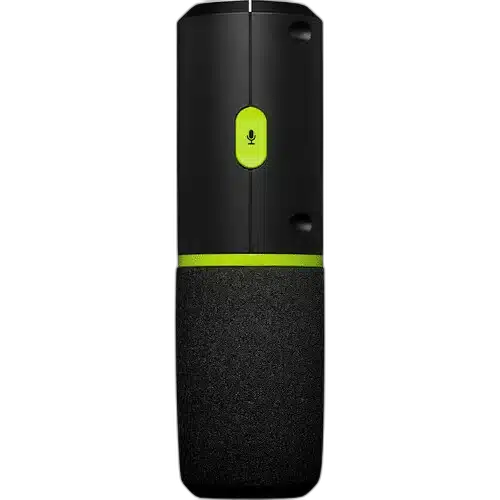
Keep your voice in focus
The cardioid dynamic capsule focuses on sound in front of the microphone. Position it close to your mouth and use MOTIV Mix to adjust the sound for your setup. Bring the microphone toward the speaking position and keep the front aimed at the voice. The dynamic capsule and cardioid pickup work with the digital processing; consistent placement remains useful for a repeatable vocal tone.
Automatic level control
Auto Level Mode adjusts microphone gain as your speaking volume changes. Real-time Denoiser reduces background noise, while Digital Popper Stopper helps tame plosive sounds. Check the processing settings with normal speech and a louder passage before you go live. The automatic tools help with voice levels and distractions, while MOTIV Mix provides the desktop control path for the microphone.
USB simplicity and headphone monitoring
Connect the microphone through USB-C and monitor through the 3.5 mm headphone output. The tap-to-mute button gives immediate control when you need privacy. The microphone is USB bus powered and sends digital audio through its own interface. Choose the MV6 as the recording input in the computer or application, then set headphone listening level separately from microphone gain.
A complete desk starting point
The included stand and base support desktop placement. This is the original MV6 model with its distinctive green accents. Keep the base on a stable surface and leave enough slack in the USB cable. The listed 1287 g weight describes the microphone together with its stand and base, rather than the microphone body alone.
Control Mute at the Microphone
The green-accented tap-to-mute control keeps microphone muting within reach during games, conversation or streaming. Check its state before starting a recording and use the headphone output to follow the audio path. This is the original MV6 with its own controls and desktop stand.
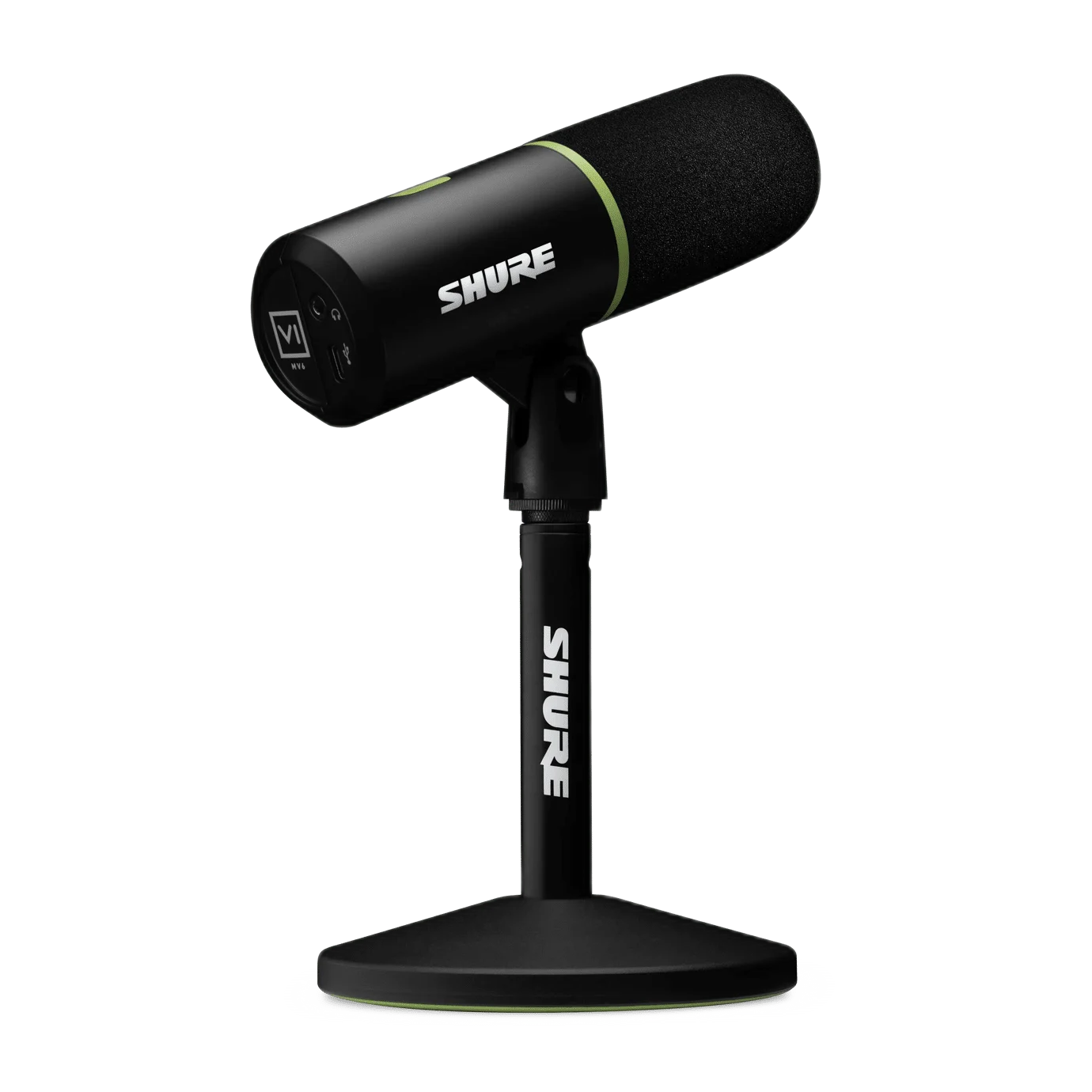
Keep the Recording Setup Simple
MV6 supports 16-bit or 24-bit audio at 44.1 kHz or 48 kHz through USB Audio Class 2.0. It does not need an external XLR microphone interface. Add suitable monitoring headphones and creator controls around the USB workflow you actually use.
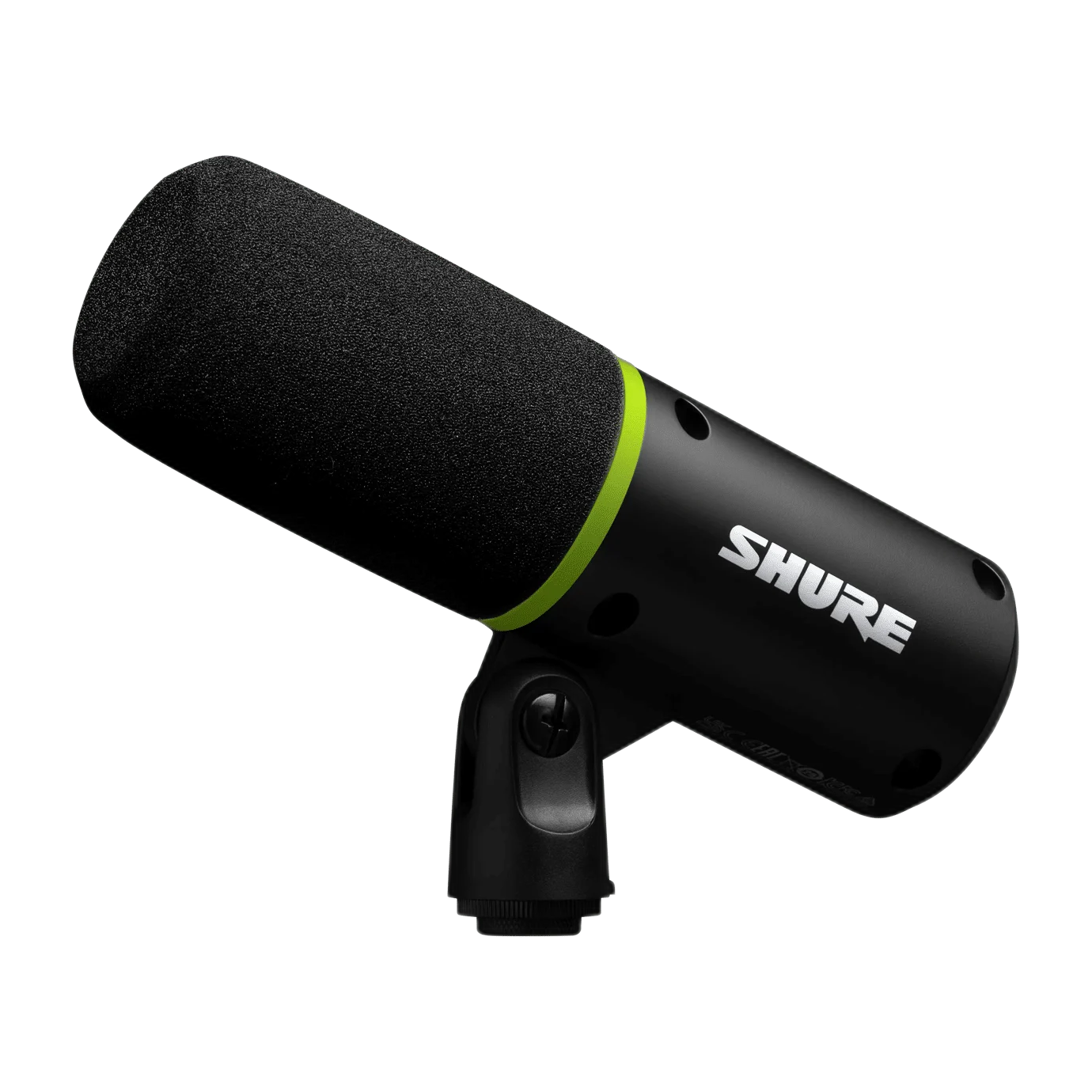
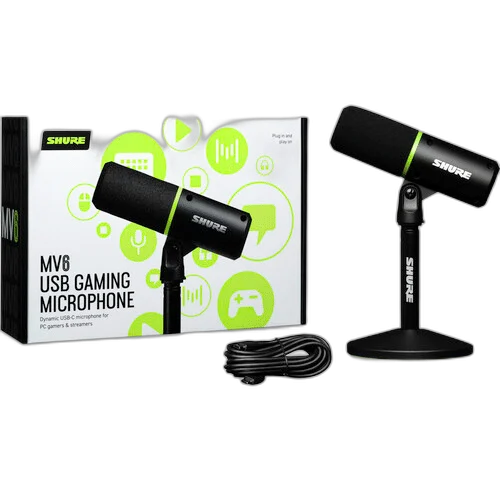
Build a Direct Computer Recording Setup
Check the supported computer connection, microphone controls and headphone-monitoring arrangement. Set the intended input in your recording application and choose a mount with the correct thread and supported load. Compare related options such as Logitech YETI GX Dynamic USB Gaming Microphone, RGB or Elgato Wave 3 MK.2 USB Condenser Microphone - Wave FX / Black, keeping the exact model and configuration in the decision. For the wider setup, explore Audio-Technica ATH-R30x Open-Back Reference Headphones and check the connection, size or mounting requirements before pairing accessories. Browse the SHURE range at AX for more choices.
Shure MV6 USB Gaming Microphone Setup Choices
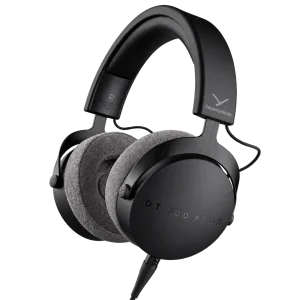
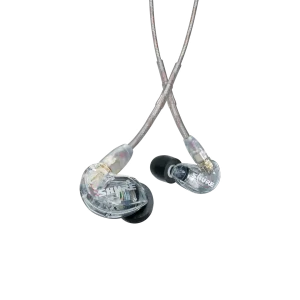
Check the supported computer connection, microphone controls and headphone-monitoring arrangement. Set the intended input in your recording application and choose a mount with the correct thread and supported load. Explore Shure SE215-CL-EFS Sound Isolating Earphones with 3.5mm Cable, beyerdynamic DT 700 Pro X Studio Headphones, Elgato Stream Deck Plus Multi-Touch Controller.
Frequently Asked Questions
Is MV6 a USB or XLR microphone?
MV6 records through USB-C with its own digital interface. It has no XLR microphone output.
Is a desktop stand included?
The original MV6 shown here includes the desktop stand and base. This differs from the standard MV7+ microphone listing, whose package is separate.
What does the 1287 g weight include?
That figure includes the microphone, stand and base. It is not the weight of the microphone body alone.
Can I monitor through headphones?
A 3.5 mm headphone output is provided. Choose compatible listening headphones and adjust monitoring volume for the connected setup.
Which processing features are included?
Auto Level Mode, Real-time Denoiser and Digital Popper Stopper are listed. Use Shure MOTIV Mix to adjust the desktop recording setup.
Does it need phantom power?
MV6 is powered through USB. It does not need a separate XLR input or phantom-power supply.
Is this the MV7+ or MV7i?
This is the original MV6 gaming microphone with green accents. MV7+ has a USB/XLR workflow, while MV7i includes an external input for a second source; these are separate products.
Build Your Setup with AX Store
Explore computers, displays and accessories for your workspace at AX Store. For help choosing the right model or checking an accessory, contact AX Store.
THE DETAILS
Technical specifications
Microphone
Dynamic (moving coil)
Cardioid
50 Hz–15 kHz
128 dB SPL at minimum gain, flat mode
0 to +36 dB
Digital audio
16-bit or 24-bit
44.1 kHz or 48 kHz
USB-C; USB Audio Class 2.0
USB bus powered
3.5 mm
Auto Level Mode, Real-time Denoiser and Digital Popper Stopper
Shure MOTIV Mix
Construction
Die-cast zinc alloy
5/8-27
169 × 51 mm
295 × 169 × 127 mm
1287 g
COMPLETE YOUR SETUP