Universal Audio
Universal Audio Volt 2 USB Audio Interface
Universal Audio Volt 2 is a 2-in/2-out USB audio interface with 2 mic preamps, Vintage mode and 24-bit/192kHz conversion. Direct monitoring, MIDI I/O and switchable 48V phantom power support a compact recording setup.
Regular price
52.500 KWD
or 4 payments of 13.125 KWD with
Pay with card & save


49.950 KWD
Save 2.550 KWD
Overview
UNIVERSAL AUDIO VOLT 2 USB AUDIO INTERFACE
universal audio volt 2
Universal Audio Volt 2 is a 2-in/2-out USB audio interface with 2 mic preamps, Vintage mode and 24-bit/192kHz conversion. Direct monitoring, MIDI I/O and switchable 48V phantom power support a compact recording setup. Explore this model at AX Store in Kuwait.
2
Analogue Recording Channels
2
Microphone Preamps
Up to 24-bit / 192 kHz
Maximum Recording Format
USB-C
Interface USB Connector
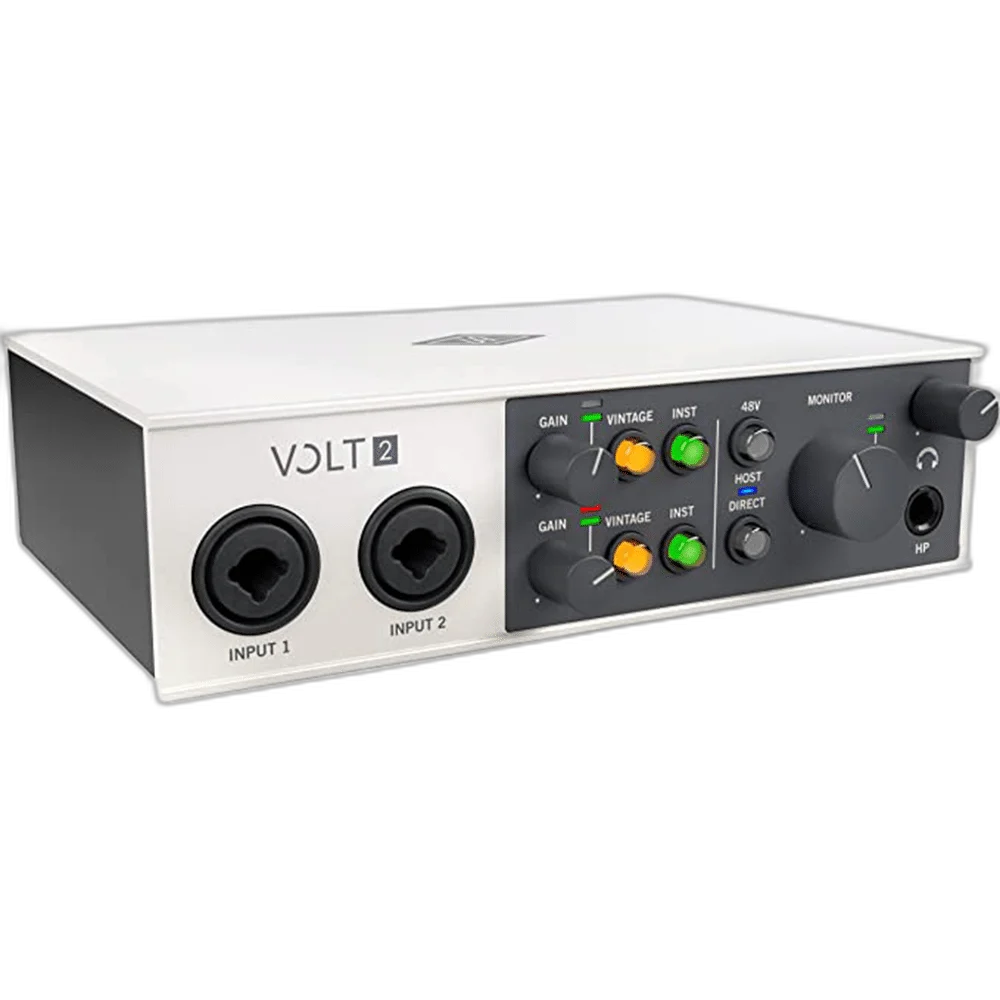
Choose the inputs your recording needs
Record two microphones, a voice and instrument, or a stereo line source through two independent combo inputs. Select the instrument setting when connecting a guitar or bass directly.
Add analogue character
Vintage mode uses an analog circuit inspired by UA's 610 preamp to add tonal colour to microphone, line or instrument signals. Switch Vintage mode off when you prefer the standard preamp response.
Monitor while you record
Direct monitoring routes the input to your headphones and monitors without the delay introduced by software buffers. Separate headphone and monitor level controls let you set listening levels, while MIDI input and output connect compatible controllers and instruments.
Connect to your recording system
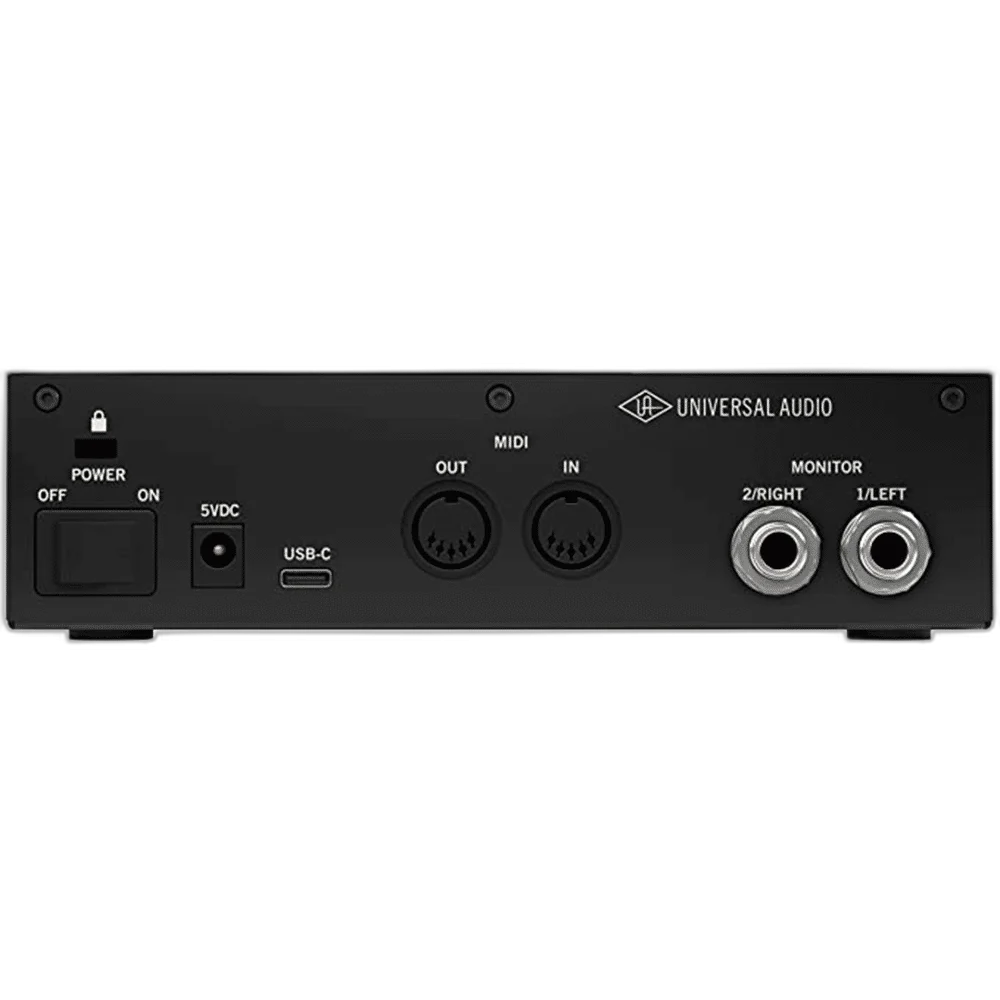
The USB-C connector carries USB 2.0 audio. Use a compatible Mac, Windows computer, iPad or iPhone; mobile adapters and external power may be required. Recording software and bundled software can have separate operating-system and account requirements.
Plan the Session Around the Actual Inputs
Two microphone/line/instrument input paths provide two analogue recording channels. Choose the input mode for each source; a combo connector’s different plug options do not multiply the available channels. Assign the live sources before recording and choose the appropriate microphone, instrument or line setting for the connection you use.
Supply the Host Power the Interface Needs
The power arrangement is USB bus power; external +5V DC input when required. Use the specified cable and adequate host or external power. Check a mobile setup separately, as a matching USB connector does not guarantee the connected device supplies the required current.
universal audio volt 2 Setup Choices
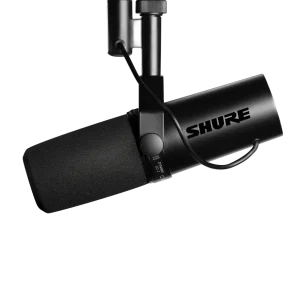
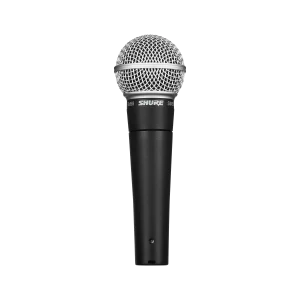
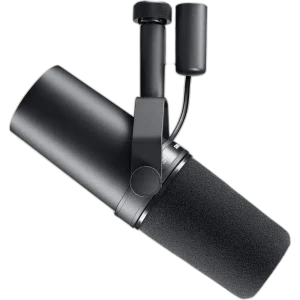
Count the microphone and instrument inputs you need, then plan headphone monitoring, computer connections and any recording destination. Choose one deliberate audio route so playback and commentary reach the intended outputs. Explore Shure SM7B Dynamic Microphone, XLR, Shure SM7dB Dynamic Vocal Microphone with Built-in Preamp, RØDE PodMic USB Dynamic Microphone – USB-C & XLR – Black / White. Browse the Universal Audio range at AX.
Frequently Asked Questions
How many physical recording channels does it provide?
Two microphone/line/instrument input paths provide two analogue recording channels. Choose the input mode for each source; a combo connector’s different plug options do not multiply the available channels.
Which USB format and power should I plan for?
USB-C is the stated connection family. USB bus power; external +5V DC input when required. Check the required cable, host power and current driver support.
Which microphone connection should I use?
Connect an analogue XLR microphone to the supported microphone input. Use switchable 48 V phantom power only for a microphone or active accessory that requires it. USB microphones connect to their supported host separately.
Which recording format is supported?
Up to 24-bit / 192 kHz. Select a compatible sample rate and bit depth in the application; the stated maximum does not replace input-gain setup or guarantee an unclippable recording.
Can I use a supported iPad or iPhone?
Supported mobile operation needs the correct USB connection and adequate power. An appropriate adapter or powered hub may be required; desktop control software and bundled applications have separate system requirements.
Does this Volt model include the 76 Compressor?
No. This original-generation Volt model provides Vintage mode without the 76 Compressor found on the 176 and 276.
Build Your Setup with AX Store
Explore computers, displays and accessories for your workspace at AX Store. For help choosing the right model or checking an accessory, contact AX Store.
Compare Universal Audio Volt 276 USB-C Audio Interface. Match the exact model, connection and configuration to your setup.
THE DETAILS
Technical specifications
Interface and connections
Volt 2 (original generation)
2 inputs / 2 outputs
2 × XLR / 6.35 mm combo
2 × 6.35 mm TRS (stereo pair)
1 × 6.35 mm stereo
USB 2.0 via USB-C connector
5-pin DIN input and output
24-bit
44.1 / 48 / 88.2 / 96 / 176.4 / 192 kHz
Analog preamp emulation inspired by UA 610
No
Yes
Microphone input performance
55 dB
Switchable +48 V
20 Hz–20 kHz, ±0.1 dB
112 dB
-103 dB (0.0007%)
-127 dBu
9 dBu
3 kΩ
Instrument and line inputs
1 MΩ
12.5 dBu
111 dB
15 kΩ
22 dBu
111 dB
20 Hz–20 kHz, ±0.05 dB
Monitor and headphone outputs
110 dB
15 dBu
100 Ω
20 Hz–20 kHz, ±0.1 dB
84 mW per channel
22 mW per channel
12 mW per channel
-100 dB (0.001%)
Power and physical details
USB bus power; external +5V DC input when required
Centre positive
2.5 W typical / 4.2 W maximum
17.4 × 13.0 × 5.3 cm
0.65 kg
0–40°C
USB-A to USB-C; USB-A to DC barrel
COMPLETE YOUR SETUP