
BUYING GUIDES
Same-day delivery · Official warranty · Taly & Deema
Streaming key light placement should come before a camera upgrade. Light the person clearly, control bright windows and reflections, then adjust the.
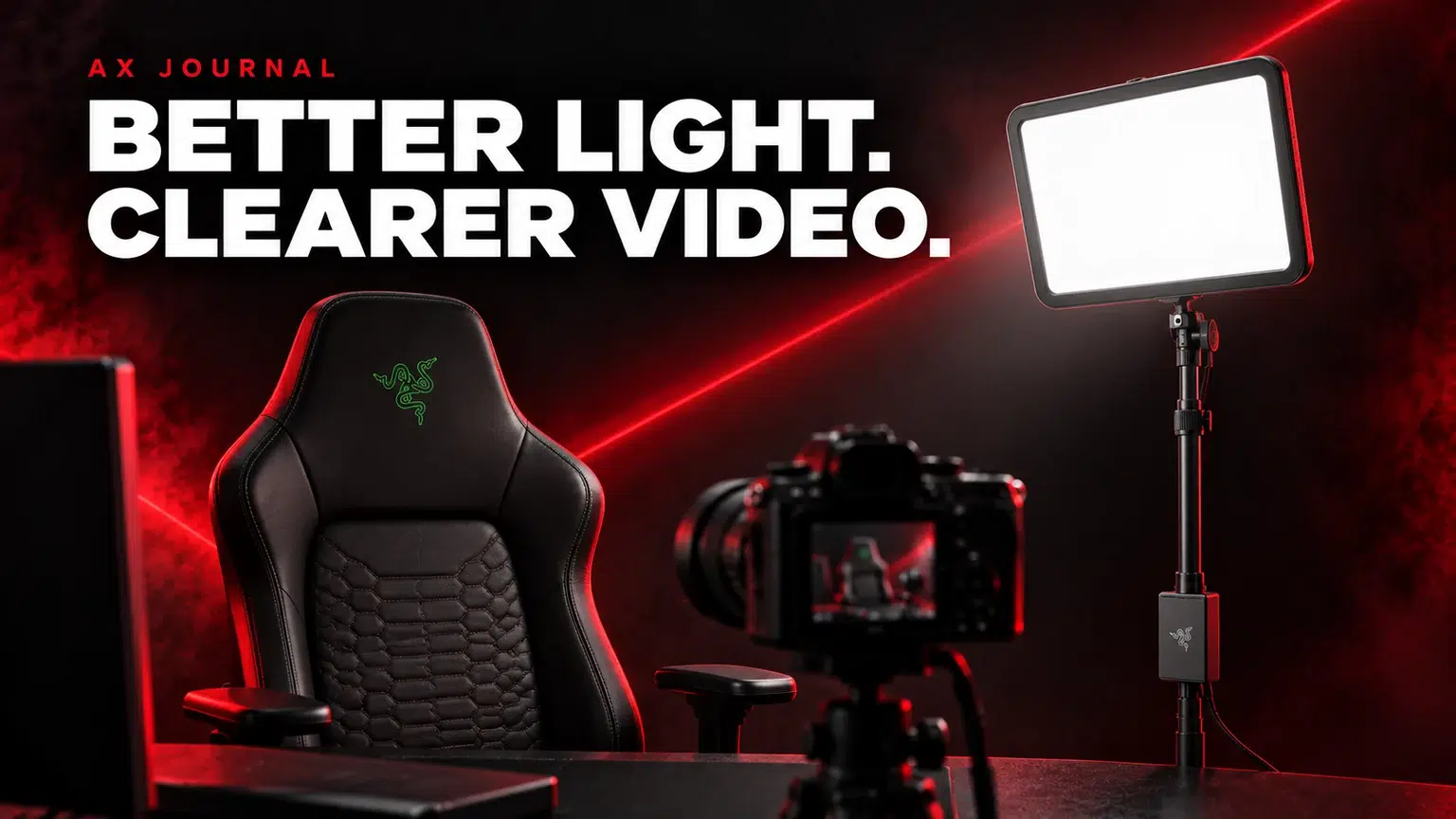
Streaming key light placement should come before a camera upgrade. Light the person clearly, control bright windows and reflections, then adjust the camera for the room you actually use.
A key light is there to illuminate the person on camera. RGB strips, wall panels and decorative lamps can shape the background, but they are not automatically a substitute for usable light on your face. Start by looking at the camera image with the decorative effects switched off.
Ask what is wrong with the picture. A dark face against a bright window, harsh shadows and a reflection in glasses call for different placement changes. More brightness everywhere is not always the useful answer. Build one controlled light arrangement first.
Place the light where it reaches your face without shining directly into the camera. A position slightly above eye level and off to one side is a useful starting point to adjust, not a fixed rule for every room. Move it while watching the actual camera image.
Look for the balance between the lit side and the shadow side of the face. If the light is harsh or too bright, adjust its position and output rather than compensating only with camera settings. Keep the mounting hardware out of the screen and mouse area, and follow the light’s mounting instructions.
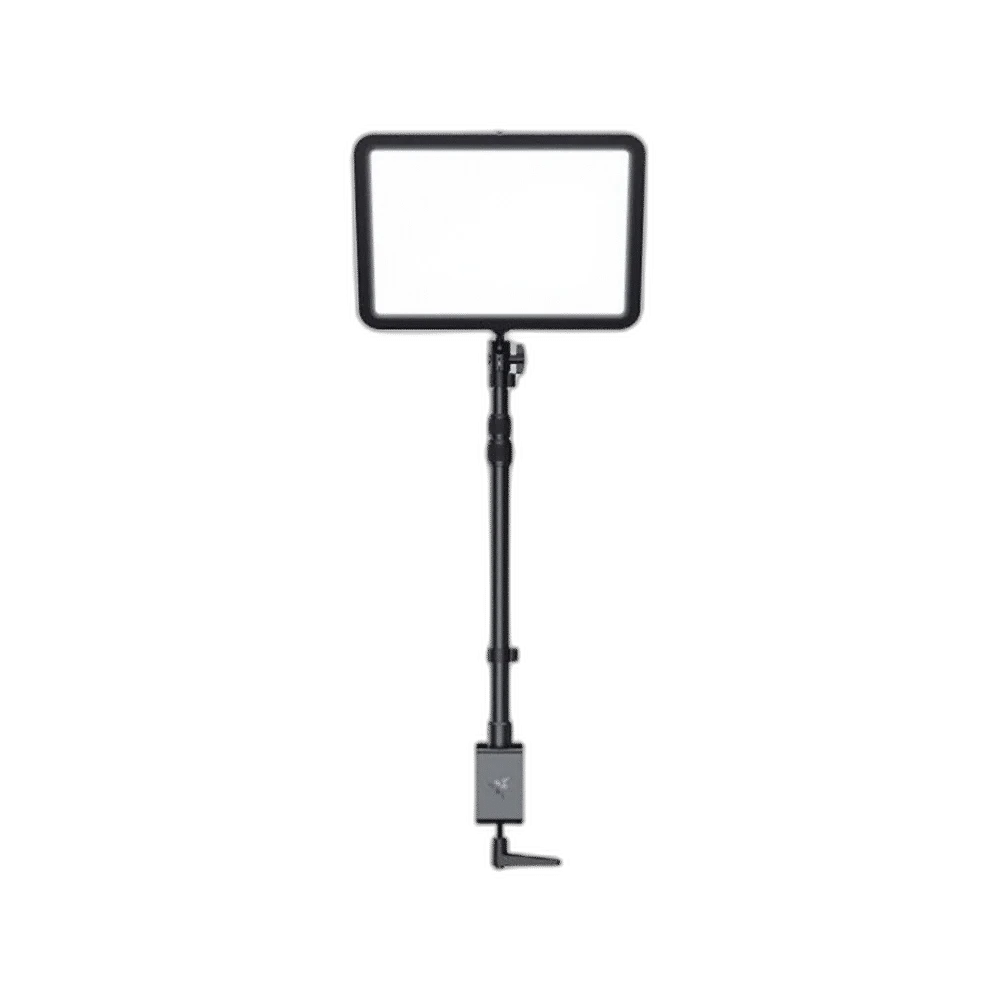
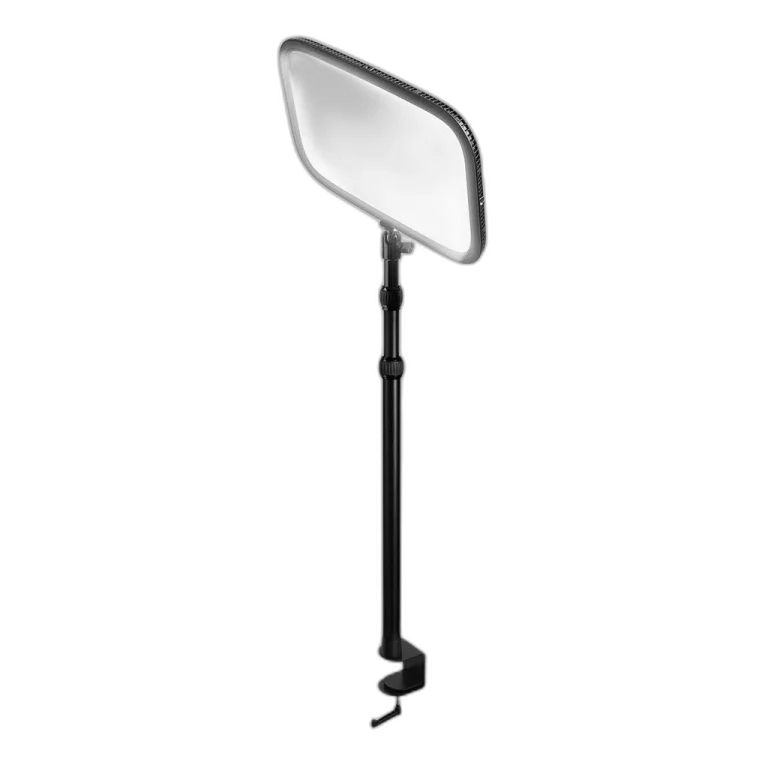
The Razer Key Light Chroma and Elgato Key Light are desk-lighting options to compare by their mounts, controls and the space they need. The Elgato Key Light Mini addresses a more compact arrangement.
Measure the mounting point and check power, cable reach and control requirements before ordering. A small desk may benefit more from a suitable compact mounting arrangement than a larger panel squeezed behind the monitor. Use the exact package information to see which mount is supplied.
| Picture problem | First change to try |
|---|---|
| Bright window behind you | Change the camera direction or control the window light |
| Dark face, bright background | Improve the key light before raising every camera setting |
| Reflection in glasses | Move the light angle and height while watching the preview |
| Harsh one-sided shadow | Adjust light position or consider a softer balance |
| Skin colour changing | Check mixed light sources and white-balance behaviour |
Keep the arrangement repeatable. A window can change throughout the day, so a setup judged in the afternoon may look different during an evening stream. Check the room at the time you will normally record. If the result changes, identify the changing light source before buying another camera.
Once the lighting is useful, choose a suitable resolution and frame rate in the camera application. Review exposure and white balance if the supported software offers those controls. Avoid changing all the controls at once; keep a short record of the starting values.
Make a local recording and inspect it at the size it will appear in the stream. A tiny face-camera box and a full-screen presentation do not need the same framing. Check movement, autofocus behaviour and the background as well as a still preview.
Our webcam buying and setup guide helps you decide whether the camera is the next useful upgrade after the light is working.
Check cable routes and power access after moving the light. If the desk changes height, the cables and mount need to work through that movement. Use the desk layout guide to preserve working space.
For a first recording session, combine the lighting plan with our podcast preparation checklist. Clear audio and a repeatable camera picture form a more useful starting point than adding several lights before the first test recording.
They serve a different primary purpose. Build useful light on the person first, then arrange decorative background lighting.
Identify the picture problem first. Placement and lighting may solve an issue that a higher resolution alone would not.
Adjust its height and side angle while watching the actual camera image, so the reflection moves away from the useful view.
Related guide: PS5 capture and streaming guide.
AX price check, 26 October 2026: Razer Key Light Chroma – All-In-One Lighting Kit — KWD 80.000 (in stock); Elgato Key Light – Professional Studio LED Panel — KWD 69.900 (out of stock). The product cards show the current price and availability when you shop.
Explore RAZER at AX Kuwait, Elgato at AX Kuwait for the rest of the range.
KEEP READING
All Setup Guides guides

Build a setup that fits how you use it
Tell AX your exact models and what you want to do. We can help match the equipment and connections.
Added to cart
Subscribed
We'll email you as soon as it's back in stock.
Saved to wishlist

