
SETUP GUIDE
Desks
Plan a Small Gaming Desk Without Losing Mouse Space
Plan a small gaming desk around the usable mouse area, monitor distance and equipment you actually touch. A simple measured layout often solves more than.
AS
AX Store
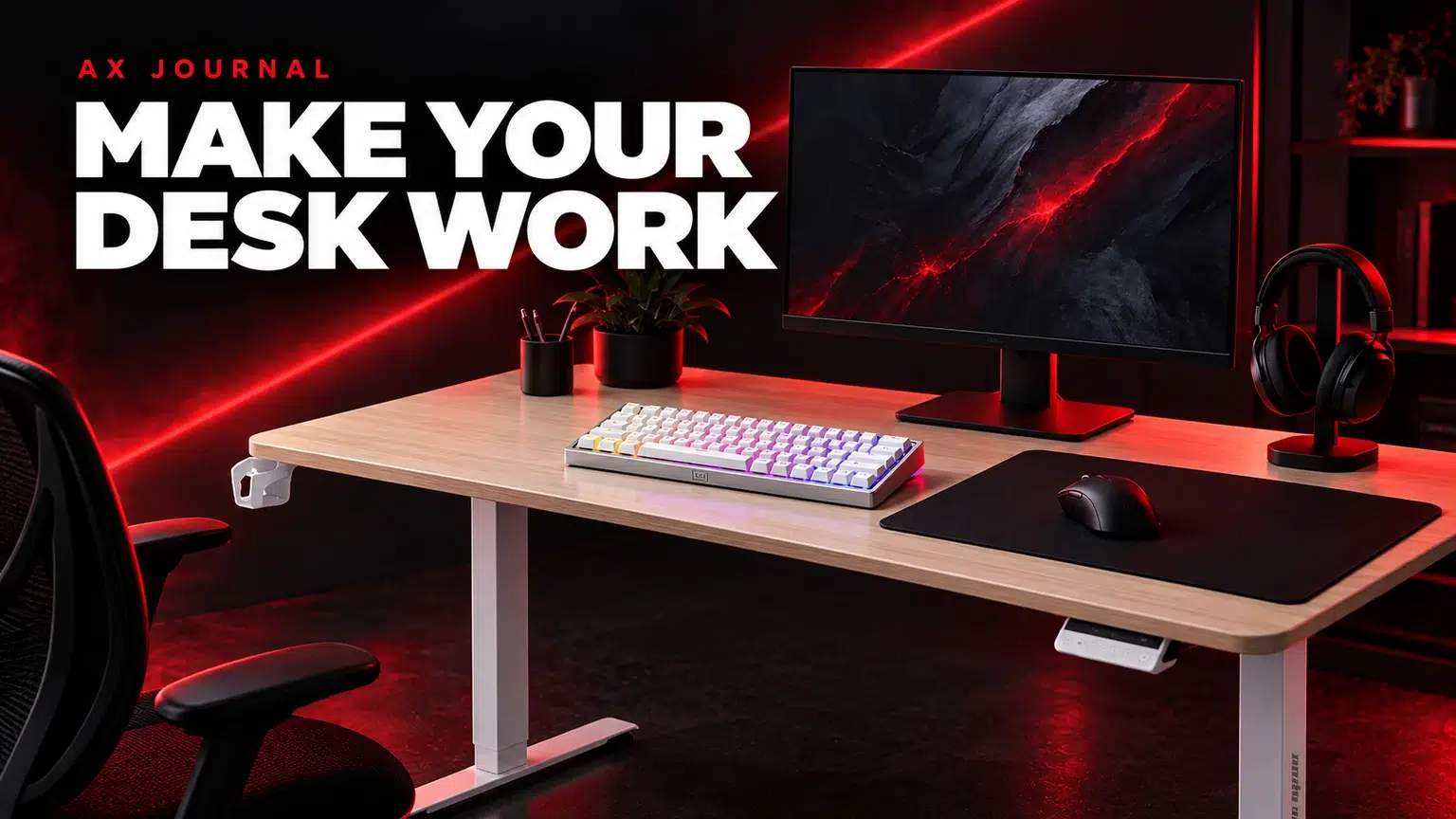
small gaming desk: the essentials
Plan a small gaming desk around the usable mouse area, monitor distance and equipment you actually touch. A simple measured layout often solves more than buying a larger accessory for an already crowded surface.
Draw the desk before filling it
Measure the desktop width and depth, then mark fixed obstructions: a wall, a shelf, a drawer unit and any frame under the surface. Add the screen stand, keyboard, mousepad, microphone arm base and speakers at their actual sizes. The usable area is what remains, not the desk’s advertised width.
Depth matters as much as width. A wide screen stand can push the keyboard towards the front edge, while a deep keyboard position can reduce mouse movement. Draw the working arrangement from above and keep the items you use most within a comfortable reach for your own position.
Protect the mouse space first
Put the keyboard and mousepad on the plan before decorative items. If you use large arm movements, test the full range you need with your normal sensitivity. A low sensitivity setting can need more clear pad space than a small photograph suggests.
A compact keyboard such as the Wooting 60HE v2 can free width, but choose the layout because it suits your work too. If you use a number pad or dedicated keys all day, a smaller board may simply move the inconvenience elsewhere. Our Wooting size guide explains that trade-off.
If you need the function row and arrow keys, read the Wooting 80HE setup guide before choosing a compact keyboard solely for its size.
Choose a desk by the real arrangement
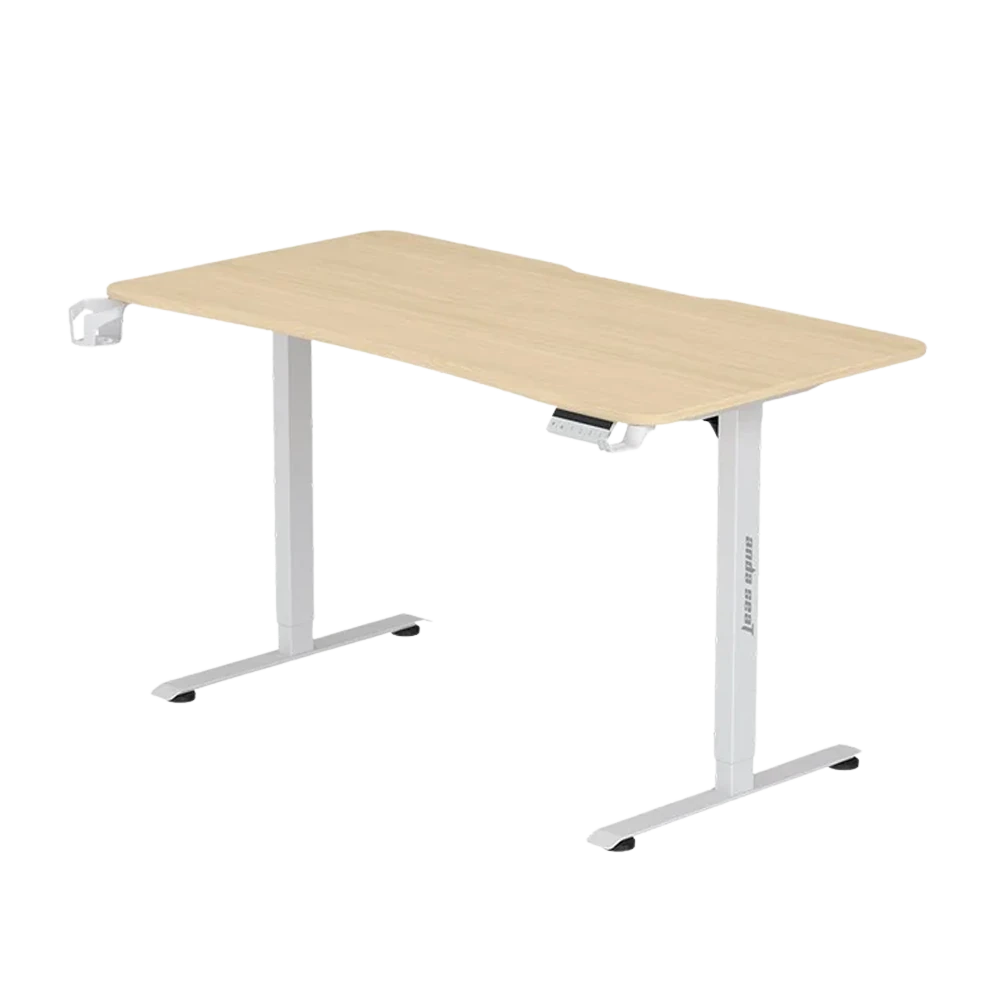
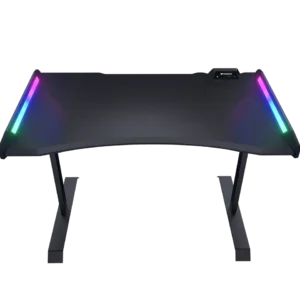
The Cougar MARS 120 and GamerTek Z-Desk 120cm offer starting points for a compact layout. The AndaSeat Xtreme 140cm electric standing desk adds width and a moving work surface. Compare the actual usable surface and frame, not only the nominal width.
For a moving desk, plan where the power strip, PC and peripherals sit at both height extremes. Cables need enough controlled slack to move without pulling equipment or catching the mechanism. Follow the desk’s load and assembly guidance rather than assuming that every accessory can be fixed anywhere underneath.
Give each accessory a reason to occupy the surface
| Item | Space-saving question |
|---|---|
| Monitor stand | Would a compatible arm free useful depth? |
| Microphone arm | Where can the clamp fit without blocking the screen or mouse? |
| Speakers | Can both sit symmetrically without being hidden behind the monitor? |
| PC case | Can it move without restricting airflow or cable access? |
| Lighting | Can the key light mount beside the desk rather than in the mouse area? |
A monitor arm can release space, but only if the desk edge, material and frame support its clamp or mounting method. Check the underside before ordering. A hollow, glass or unusually shaped top needs specific approval and a suitable mounting approach; do not judge it by how strong the desktop looks in a picture.
Route cables for access, not just the photograph
Separate the cables that rarely move from the devices you unplug often. Keep a reachable route for charging, removable storage and a headset. Leave wireless mouse receivers in an effective position rather than hiding them behind a metal PC purely to make the desk look cleaner.
Label power adapters and allow access to switches. Avoid tightly pulling a monitor cable at its connector or trapping wiring under a chair wheel. With a standing desk, check the route across the full height range before fastening the final ties. A tidy layout should still let you replace one cable without dismantling the whole desk.
Build the layout in three passes
- Working pass: place the chair, screen, keyboard and mousepad; use the desk briefly.
- Equipment pass: add audio, camera, lighting and the PC while preserving the working area.
- Finishing pass: route cables, add selected décor and check access again.
Photograph the result from your seated position. If the microphone hides an important part of the display or a speaker blocks the mouse movement, adjust that before adding more equipment. The most useful desk is the one that stays practical during a normal session.
Continue with chair sizing, monitor arm compatibility and a planned RGB lighting layout to finish the room without using every free centimetre of the desktop.
Frequently asked questions
Is desk width enough to decide whether my setup fits?
No. Depth, frame clearance, stand footprints and the usable mouse area matter too.
Can any desk take a monitor arm clamp?
No. Check the arm’s requirements and the desk material, thickness, edge shape and support structure.
What changes when planning a standing desk?
Check load limits, cable slack and clearance throughout the complete movement range, following the desk instructions.
Continue planning your setup
- Choose a Gaming Chair That Fits Your Desk
- Monitor Arm Checklist: VESA, Weight and Desk Fit
- Plan Smart RGB Lighting for Your Gaming Room
Related guide: Wooting keyboard buying guide.
Shop the equipment in Kuwait
AX price check, 26 October 2026: AndaSeat Xtreme 140cm Electric Standing Gaming Desk – Wood Grain — KWD 80.000 (in stock); Cougar MARS 120 RGB Gaming Desk — KWD 56.000 (in stock). The product cards show the current price and availability when you shop.
Explore AndaSeat at AX Kuwait, Cougar at AX Kuwait, GamerTek at AX Kuwait for the rest of the range.
AS


Build a setup that fits how you use it
Tell AX your exact models and what you want to do. We can help match the equipment and connections.