
BUYING GUIDE
Desks
Choose a Gaming Chair That Fits Your Desk
Choose a gaming chair by how its seat, backrest and armrests fit you and your desk. Start with measurements and adjustment range, then choose the finish.
AS
AX Store
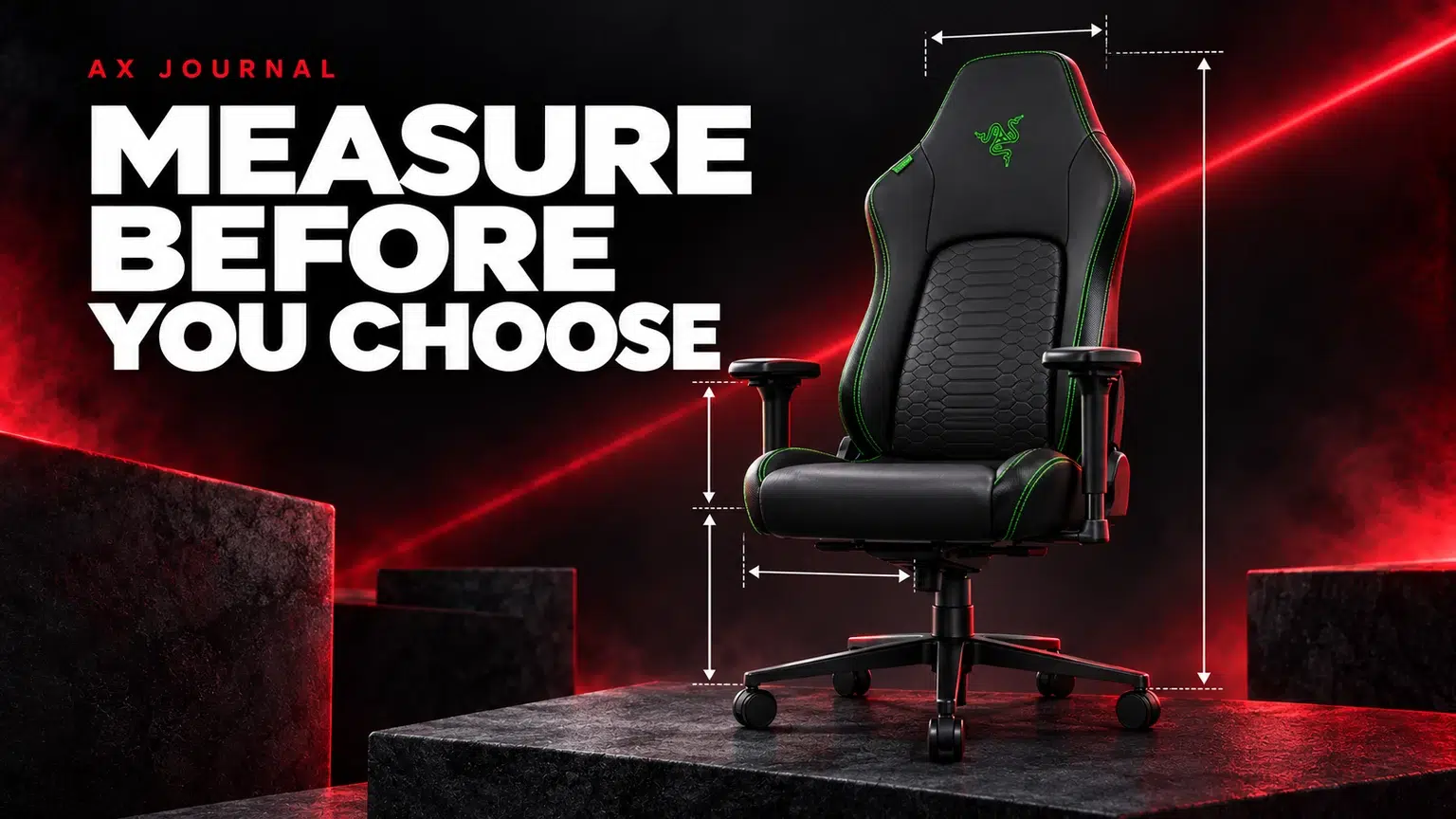
gaming chair: the essentials
Choose a gaming chair by how its seat, backrest and armrests fit you and your desk. Start with measurements and adjustment range, then choose the finish and appearance.
Measure the place where the chair must work
Write down the desk height, space underneath it and the width available between drawers or supports. Check the floor area behind the chair, especially if it sits beside a bed, wall or cabinet. A large chair can fit the room photograph and still be awkward to move in the actual room.
Measure your current chair if there are parts you like or dislike. Seat height, usable seat depth, seat width and armrest position provide more useful reference points than a label such as Regular or Large. Those size names are manufacturer-specific, not universal dimensions.
Use the manufacturer’s size guidance as a starting point
A height and weight recommendation helps narrow the shortlist, but it does not describe everyone’s proportions or preferred position. Compare the seat measurements and adjustment range as well. Two people of the same height may prefer a different seat depth or backrest shape.
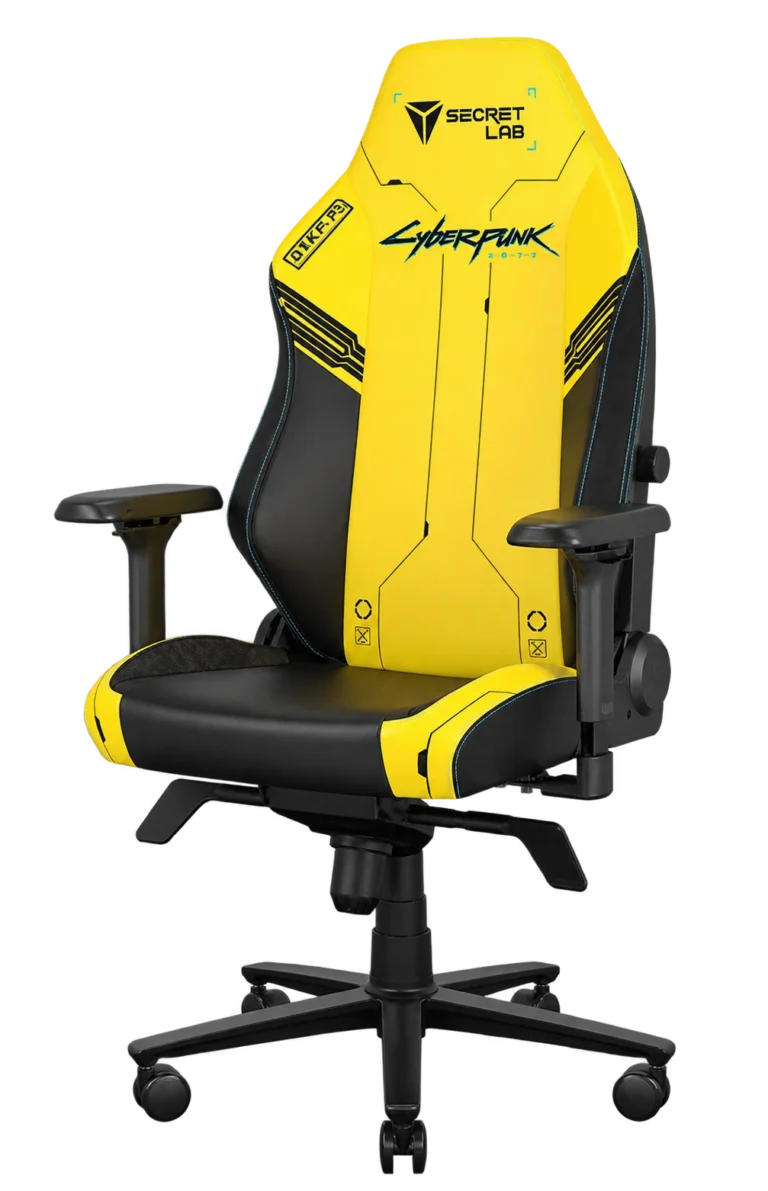
For the Secretlab TITAN Evo Regular, read the size information for Regular specifically. Do not substitute a Small or XL diagram. For the AndaSeat Novis Large, compare its own measurements instead of assuming that Large means the same thing across brands.
Check four fit points together
| Fit point | What to look for | What to measure |
|---|---|---|
| Seat height | A position that works with the desk and your support arrangement | Usable adjustment range |
| Seat depth | Comfortable support without the front edge crowding the knees | Depth of the seat you actually use |
| Armrests | A useful position without blocking the desk | Height, width and adjustment movement |
| Backrest | Support and shape you find comfortable | Backrest dimensions and adjustment controls |
A chair is part of a desk arrangement. Raising it to clear a high desk changes where your feet and armrests sit. Lowering it to fit under drawers changes your reach to the keyboard. Make the decisions together rather than treating the chair as an isolated piece of furniture.
Compare adjustments before comparing colours
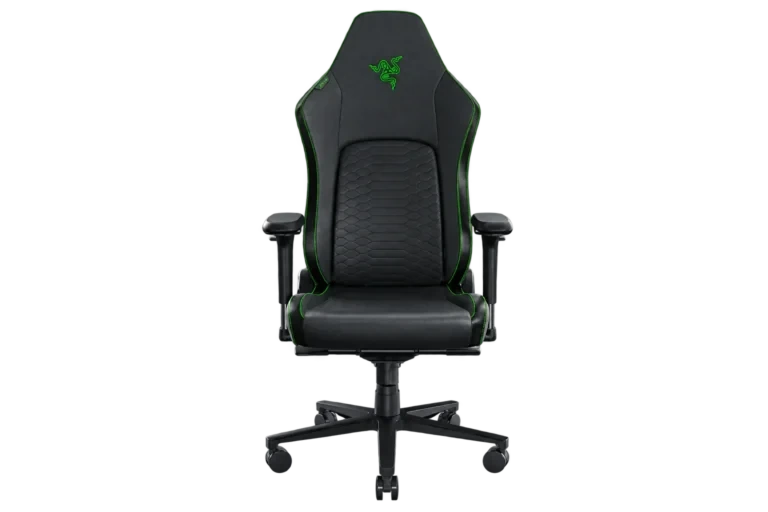
The Razer Iskur V2 has its own lumbar and chair-adjustment system. Review the controls and how they work for this version, rather than assuming that every chair with “Iskur” in its name is identical. The same applies when comparing different TITAN Evo sizes or editions.
Ask which adjustments you will actually use: seat height, recline, tilt and armrest movement. More controls are useful only when their ranges suit the desk and your preferred position. A chair that is easy to set up consistently can be more practical than a visually similar option whose minimum seat height is wrong for your arrangement.
Think about the room and the surface
Compare upholstery options for the environment in which you will use them, and follow the manufacturer’s cleaning guidance. Do not assume that a fabric and a leatherette version need the same care. Consider pets, spills and the amount of daily use when choosing a finish.
Check the intended floor surface and caster guidance. Allow room for the chair base to move without catching cables or striking a PC case. Keep access to the adjustment controls and avoid trapping a cable under the wheels. A chair mat or a different caster type should be selected for the actual floor and the chair manufacturer’s compatibility information.
A practical test before committing
- Compare your current seat height and depth with the candidate chair.
- Check armrest clearance under the desk and between its supports.
- Allow movement behind and beside the chair.
- Read the exact size diagram and included adjustment features.
- Confirm assembly, care and warranty information for the supplied version.
If you can try the model, use the desk-like position you would use at home rather than judging it only while reclined.
For the rest of the room, use our small gaming desk plan and monitor arm checklist. A sim racing cockpit is another seating category with a different mounting purpose; it should be evaluated as part of the wheel and pedal system.
Frequently asked questions
Does Regular mean the same size in every brand?
No. Compare each manufacturer’s dimensions and recommended range for the exact model.
Should I choose a chair only by my height and weight?
Use those recommendations to shortlist, then check seat dimensions, adjustment range and desk fit.
How should I check armrest clearance?
Compare the chair’s armrest adjustment range with the space beneath the desk, including drawers and frame supports. Check both height and width before ordering.
Continue planning your setup
- Plan a Small Gaming Desk Without Losing Mouse Space
- Monitor Arm Checklist: VESA, Weight and Desk Fit
- Wooting 80HE in Kuwait: Layout, Rapid Trigger and Setup
Related guide: Wooting keyboard buying guide.
Shop the equipment in Kuwait
AX price check, 26 October 2026: Razer Iskur V2 Ergonomic Gaming Chair — KWD 198.000 (in stock); Secretlab TITAN Evo Regular NEO Hybrid Leatherette Gaming Chair – Special Editions — KWD 292.000 (in stock). The product cards show the current price and availability when you shop.
Explore RAZER at AX Kuwait, Secretlab at AX Kuwait, AndaSeat at AX Kuwait for the rest of the range.
AS


Build a setup that fits how you use it
Tell AX your exact models and what you want to do. We can help match the equipment and connections.