BUYING GUIDE
Gaming
Wooting 80HE Setup Guide: Layout and Rapid Trigger
This Wooting 80HE setup guide covers layout, Rapid Trigger and configuration checks so you can plan the exact keyboard and profile you buy at AX Kuwait.
AS
AX Store
Wooting 80HE Setup Guide: Decide Which Keys You Need
This Wooting 80HE setup guide covers layout, Rapid Trigger and configuration checks so you can plan the exact keyboard and profile you buy at AX Kuwait.
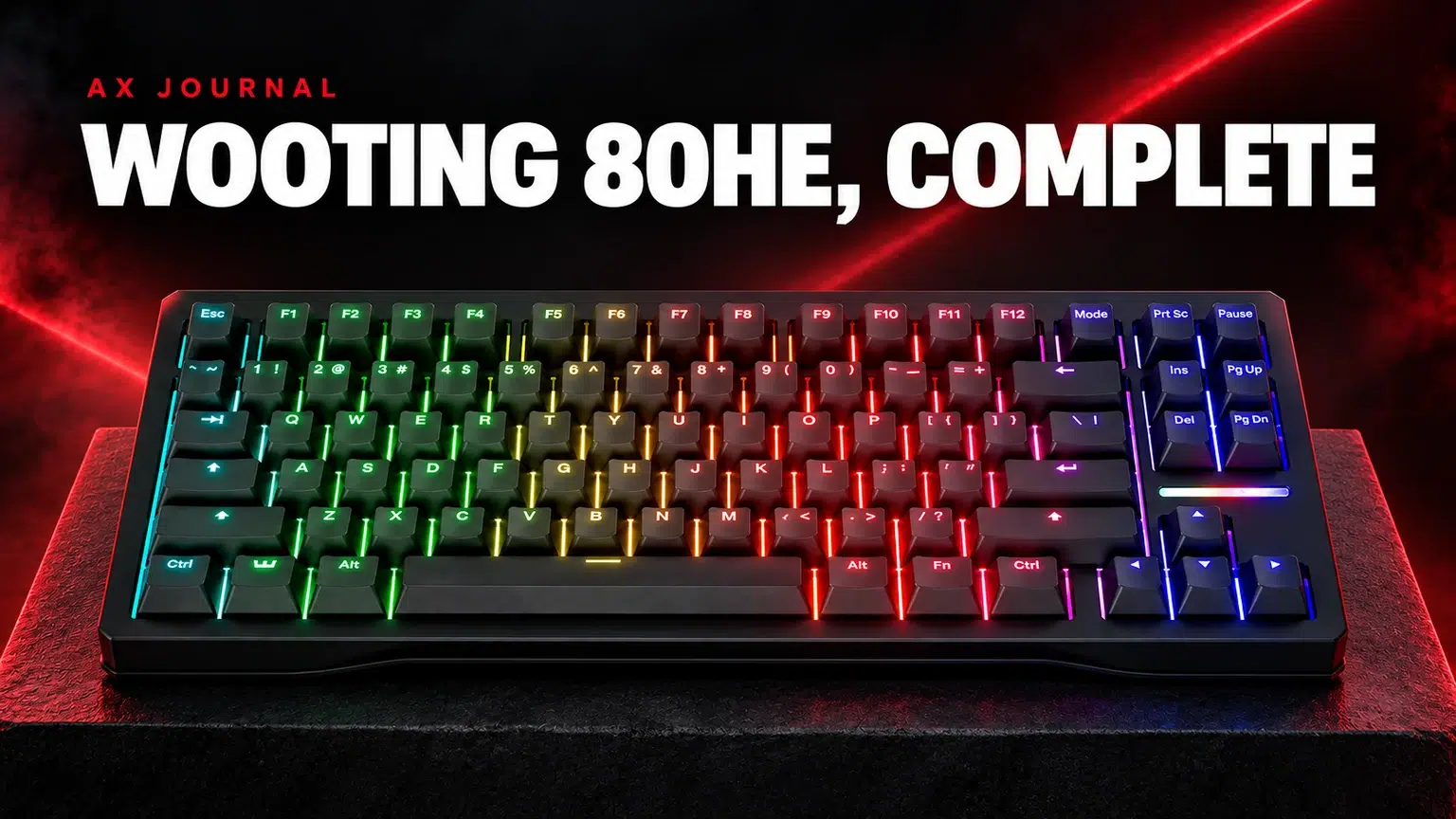
An 80% layout for a mixed-use desk
The 80HE keeps dedicated keys that a compact 60% board moves onto layers. That can matter when you switch between gaming, work and everyday applications. The useful question is whether those keys save enough effort to justify the extra desktop width.
Place your current keyboard and mousepad on the desk before choosing. If you often move the mouse across a large area, check the space left after the keyboard is positioned comfortably. If you use function keys and arrows constantly, keeping them available may be the more practical choice.
Choose the exact version at AX
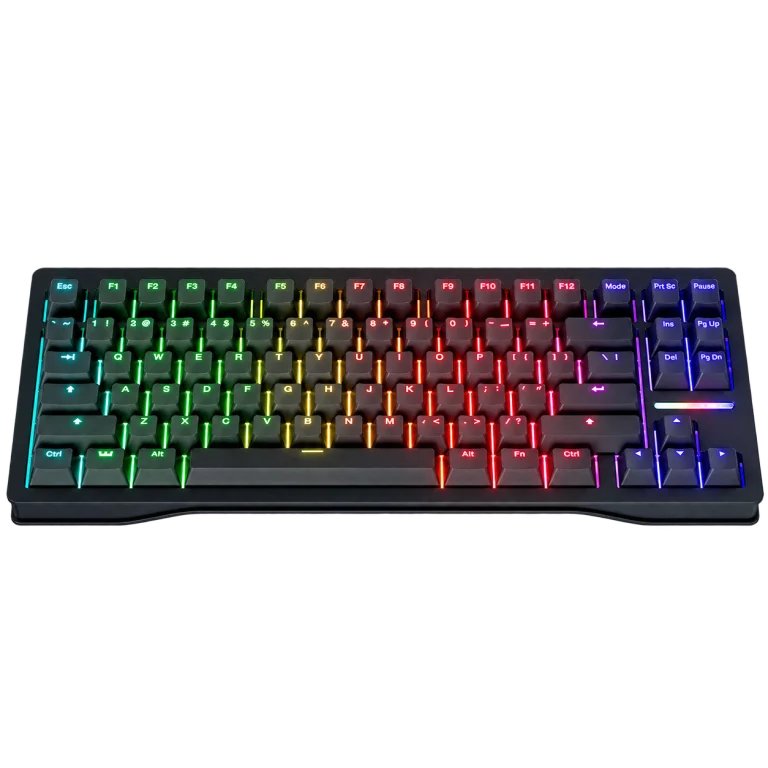
The Wooting 80HE PCR Black listing identifies the model and version to compare. Case materials, layouts and packages can vary across the 80HE family. Do not copy a feature from an 80HE+ or another newer model onto the original 80HE.
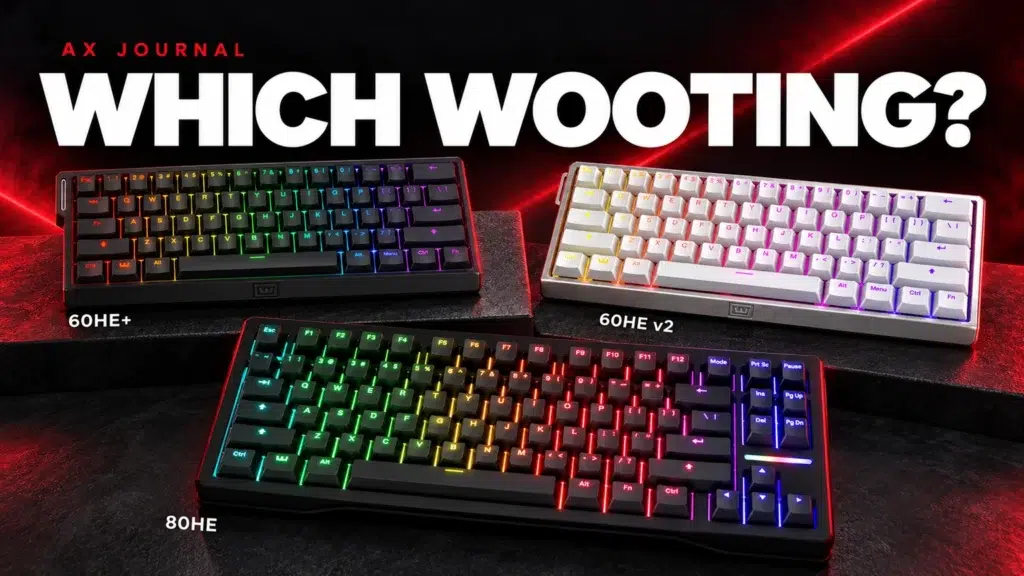
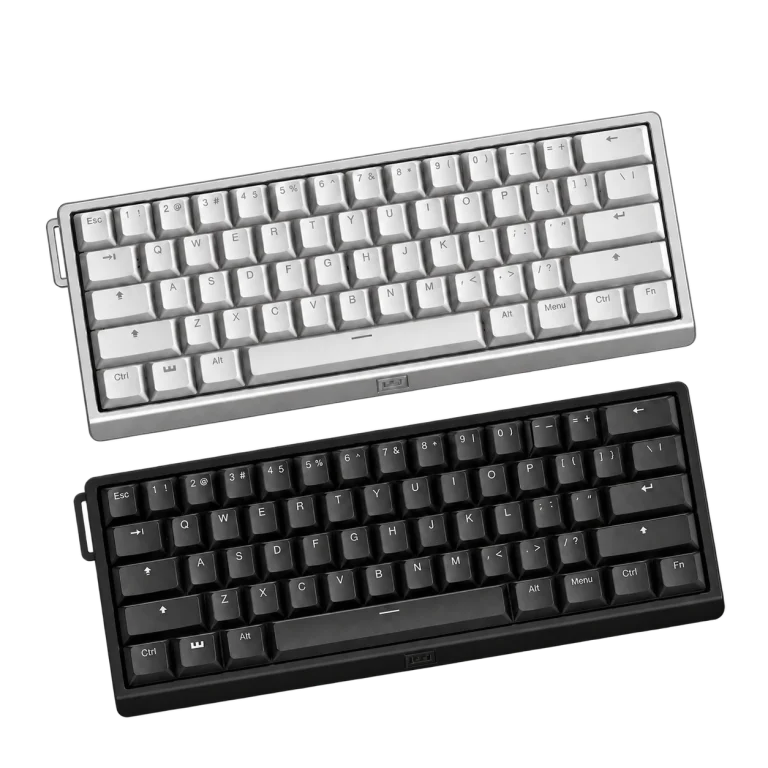
The Wooting 60HE v2 is a different compact option. Our Wooting layout comparison explains the size decision; this guide focuses on living with and setting up the 80HE.
Separate actuation from Rapid Trigger
| Term | What it changes | Practical starting point |
|---|---|---|
| Actuation point | How far a key moves before the input activates | Choose a depth you can press deliberately |
| Rapid Trigger | How the input resets and reactivates with key movement | Start with a manageable sensitivity |
| Profile | A saved group of settings | Keep a separate everyday typing arrangement |
| Key mapping | Which action a key sends | Change only the actions you need |
These features do different jobs. Lower actuation can make accidental presses easier if your resting fingers already move the keys. A very sensitive reset can also feel different from a conventional keyboard. Start with one change and give yourself time to judge it in a familiar game.
Build the first profile in a useful order
- Connect the keyboard using the supported cable and open the official Wootility configuration route.
- Confirm the exact keyboard and firmware information.
- Keep an everyday profile with comfortable typing settings.
- Choose a gaming profile and adjust the movement keys first.
- Test release and re-press behaviour before changing more keys.
- Save the profile and check how you switch between profiles.
Write down the baseline so that you can return to it. If you change actuation, reset sensitivity and several bindings together, it becomes harder to identify which change helped. A profile should be easy to explain and reproduce.
Use features within the rules of the game
Rapid Trigger and advanced input-priority functions should not be treated as interchangeable terms. Check the rules of the specific game or competition before enabling features that change how simultaneous inputs are handled.
For everyday applications, consider what happens when you rest your fingers, hold shortcuts or type quickly. A profile made solely for movement keys may be inconvenient for a spreadsheet or a long document. Separate profiles let the board serve both purposes without forcing one extreme setting into every application.
Finish the complete desk arrangement
Check cable routing, keyboard position and the mouse area after your first normal session. A wrist rest should match the board size and the way you use it, not merely the colour of the case. Keep the keyboard accessible enough to use the profile controls comfortably.
For the next stage, read our Rapid Trigger settings guide and Hall Effect terminology. If you are changing the mouse at the same time, use the seven-mouse shortlist while keeping one familiar sensitivity baseline. Changing every part of the input setup at once makes useful comparisons much harder.
Ask AX about the exact 80HE layout and current availability before planning a time-sensitive upgrade. Its product page and live product card are the place to confirm the version being sold.
Frequently asked questions
Is Wooting 80HE the same as 80HE+?
No. Check the exact model and version; do not transfer features or accessories between the two names.
Should every key use the lowest actuation setting?
Choose a setting you can use deliberately. Movement keys and everyday typing can benefit from different profiles.
Is Rapid Trigger the same as input-priority features?
No. They describe different behaviour. Check the feature and the game or competition rules separately.
Continue planning your setup
- Wooting Rapid Trigger Settings: Build a Reliable FPS Profile
- Hall Effect Keyboard Terms Explained
- 7 Gaming Mice in Kuwait: Shape, Grip and Mousepad Choice
Related guide: Wooting keyboard buying guide.
Shop the equipment in Kuwait
AX price check, 26 October 2026: Wooting 80HE Rapid Trigger Gaming Keyboard, PCR Black — KWD 97.900 (out of stock); Wooting 60HE v2 60% Gaming Keyboard, Aluminium — KWD 99.900 (in stock). The product cards show the current price and availability when you shop.
Explore Wooting at AX Kuwait for the rest of the range.
AS


Build a setup that fits how you use it
Tell AX your exact models and what you want to do. We can help match the equipment and connections.