
BUYING GUIDES
Same-day delivery · Official warranty · Taly & Deema
The best gaming mice in Kuwait for your setup start with shape, grip and button access. Compare seven options and their mousepad requirements at AX Store.
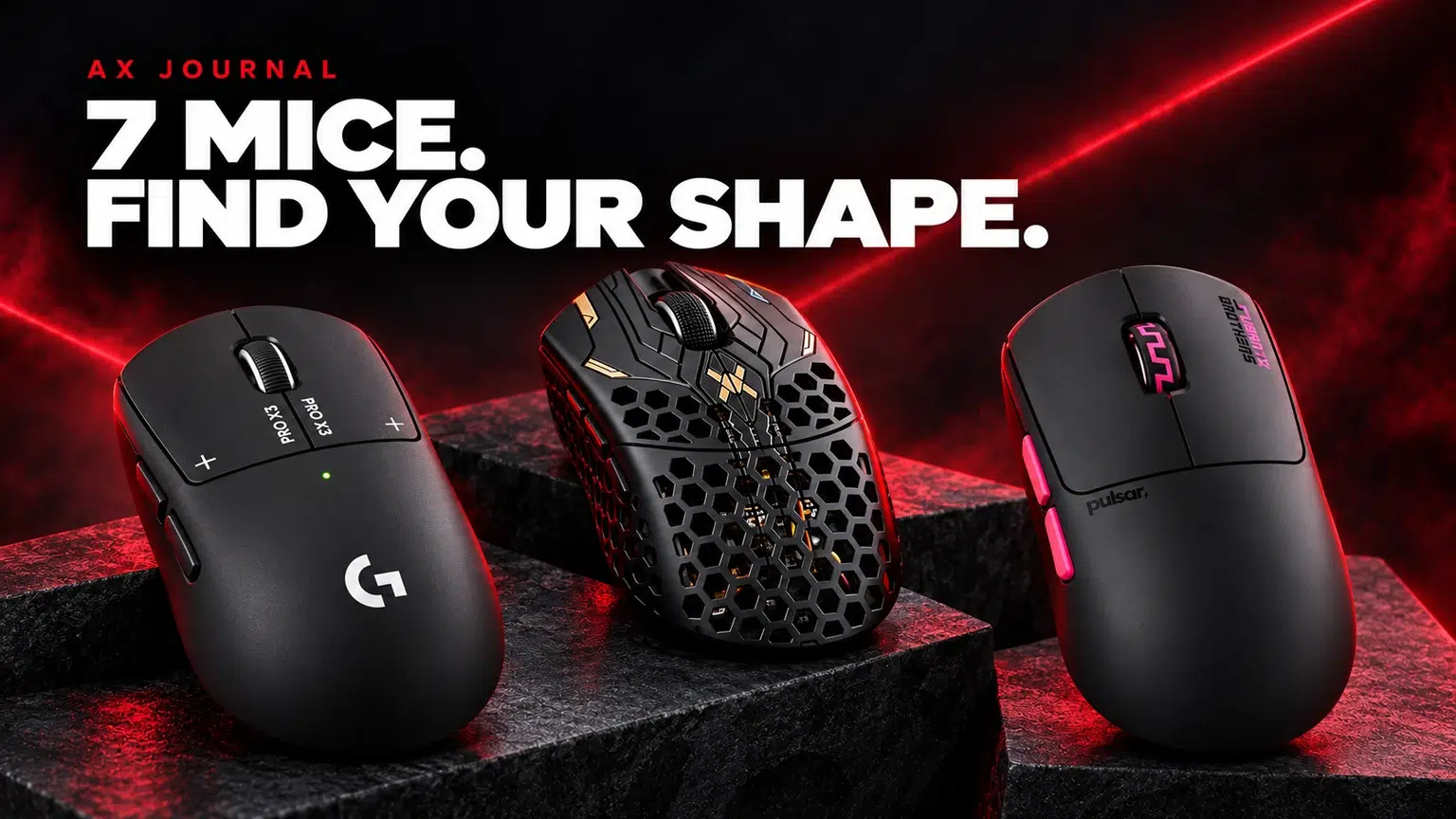
The best gaming mice in Kuwait for your setup start with shape, grip and button access. Compare seven options and their mousepad requirements at AX Store.
Use your current mouse as a reference. Note where the hump supports your hand, whether the sides feel too wide and whether your fingers reach the buttons naturally. Record whether you mainly use palm, claw or fingertip contact, but do not let a grip label replace an actual fit check.
A lighter mouse, more buttons and a different shell are separate reasons to change. Decide which problem you are solving before comparing specifications. Our shape and grip guide explains how length, width and hump position change the buying question.
The Logitech G PRO X3 SUPERSTRIKE belongs on the shortlist when its button technology and familiar competitive-style layout are central to your choice. Check the exact model and supported configuration features rather than assuming that every Logitech PRO mouse uses the same click system.
Choose it because the shape and controls suit you, then set the click behaviour deliberately. A very sensitive setting is useful only if you can use it consistently in the games you play.
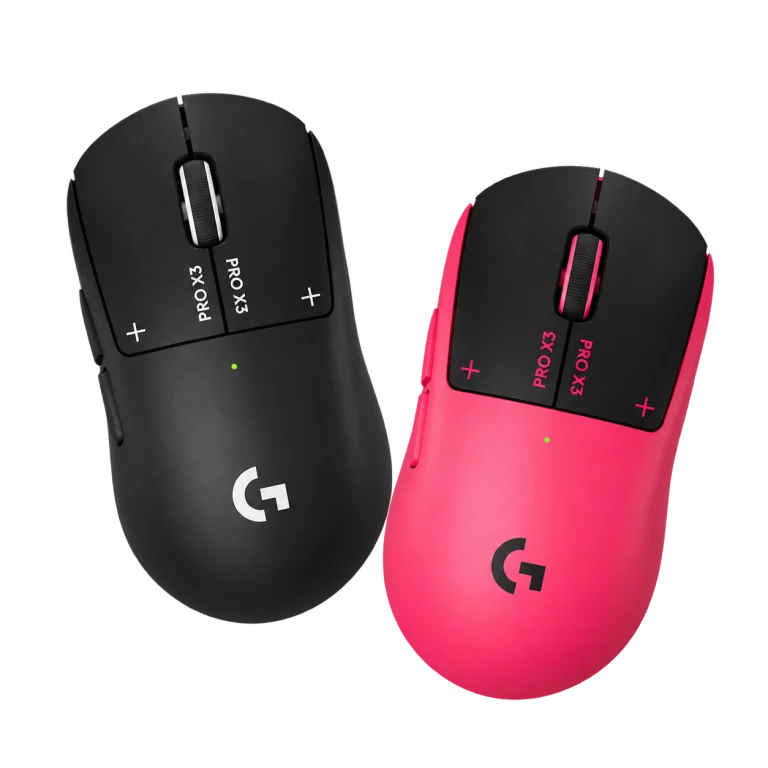
The Finalmouse UltralightX Lion Medium offers the Lion size within the UltralightX family. Size matters here: do not apply a different UltralightX size’s dimensions or weight to the listing you are considering.
It is a useful option to compare when you prioritise a lightweight mouse arrangement and the Lion shell fits your hand. Check the exact edition, receiver package and available configuration support on the product page before ordering.
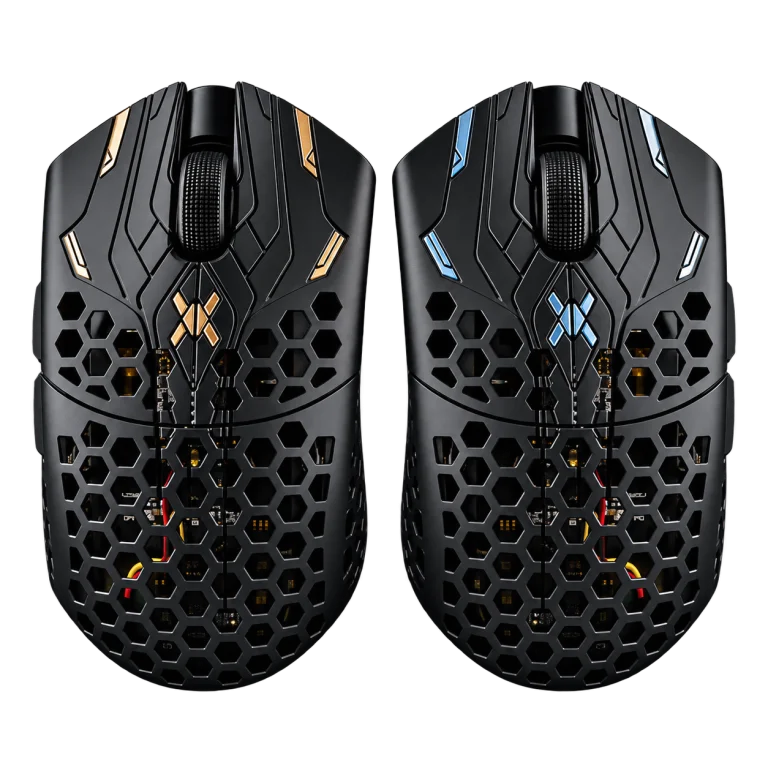
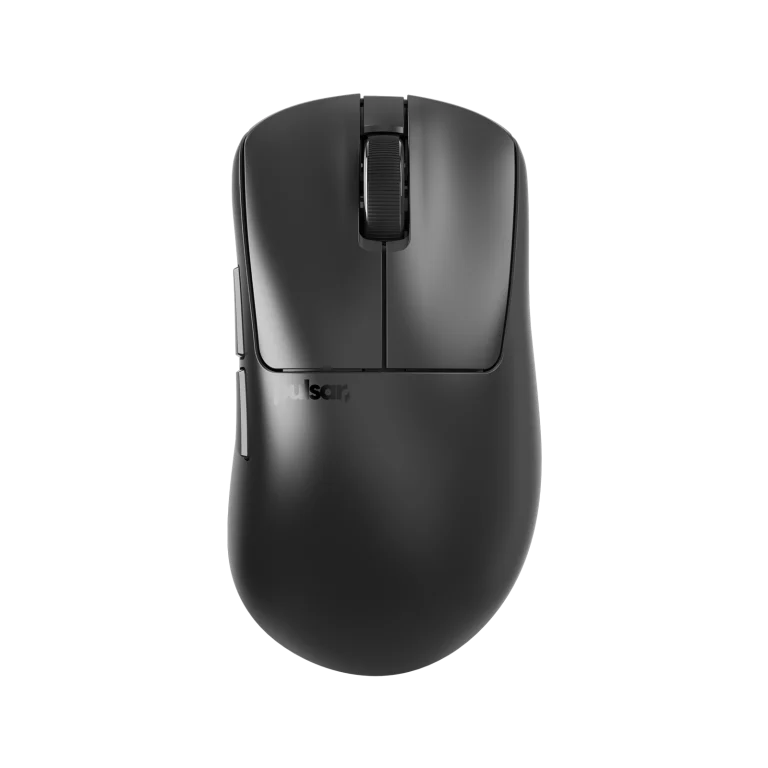
The Pulsar Pro Series Susanto-X is another shape to evaluate rather than simply treating it as a different colour of an X2 or Xlite. Use the actual model dimensions and shell profile when comparing your shortlist.
If you are moving from another Pulsar mouse, compare the contact points that matter to your grip. Familiar brand software does not make every shell feel the same.
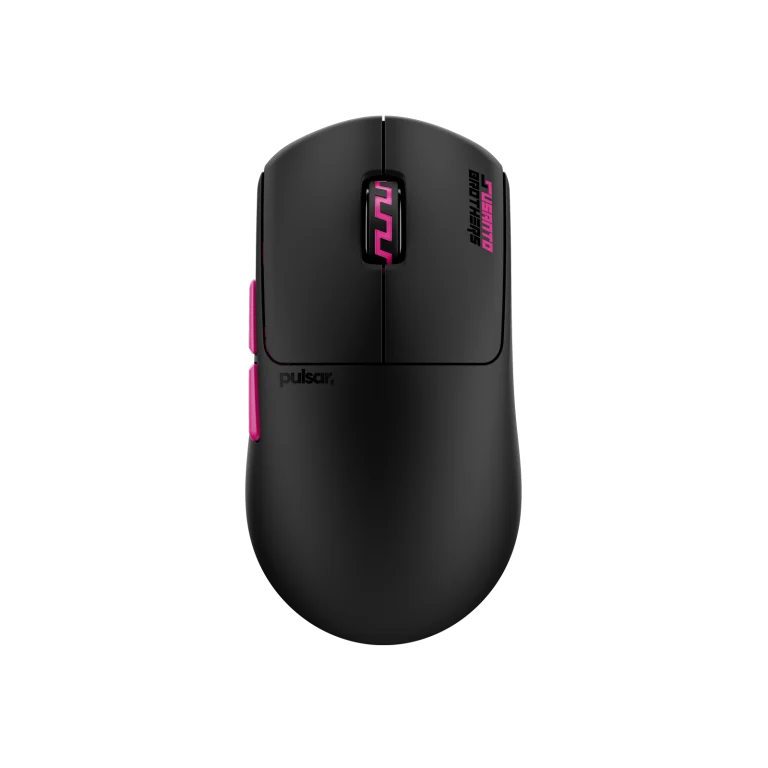
The Pulsar Xlite v4 is a starting point for buyers looking at an ergonomic right-hand shape. Compare the relevant size and how its side support meets your palm and fingers.
An ergonomic shell is a shape category, not a promise that it is the right fit for everyone. Consider your current grip before switching from a symmetrical mouse.
The Pulsar X2 v3 Medium gives you a different shell direction from the Xlite. Keep the Medium size and exact generation in the comparison rather than mixing dimensions from an X2 Mini or another revision.
Compare the rear support and side shape with your current mouse. Those details are more useful to the purchase than assuming that two similar weights produce the same control.
The Razer Viper V3 Pro is a wireless option to compare for its shape, supported receiver and configuration workflow. Read the exact package rather than assuming that every Viper model includes the same accessories.
Use a practical receiver position and choose a polling rate your system handles consistently. The best setting is the one that works through a normal session, not merely the highest number in the menu.
The Logitech G502 X Wired takes a different direction: a wired mouse with a control layout that may suit games and applications using more accessible buttons. It should not be confused with wireless G502 variants.
Count the functions you actually want on the mouse, then consider cable routing and space. Extra controls are valuable when they replace awkward actions in your own workflow.
| Priority | What to compare |
|---|---|
| Fast arm movement | Clear pad area and a shape you can lift consistently |
| More dedicated controls | Button placement and accidental-press risk |
| Wireless convenience | Receiver package, charging and practical positioning |
| Repeatable aim | A familiar sensitivity and a suitable mousepad surface |
Use DPI, eDPI and cm/360 to keep the sensitivity comparison controlled. Pair the mouse with an appropriate ARTISAN surface, then choose base firmness separately. Zero, Hien and Type-99 should be evaluated for their different surface behaviour rather than chosen only by colour.
For a Kuwait purchase, send AX your current mouse, what feels wrong about it and the games you play. That gives us a useful brief for narrowing these seven options.
Start with fit, grip and the controls you need. There is no single shell that suits every hand or game.
No. The Logitech G502 X listed here is the wired version; check the exact product rather than a family name.
Keep a known baseline first. Compare the shape and control before changing several sensitivity settings at once.
Related guide: ARTISAN mousepad surface guide.
AX price check, 26 October 2026: Logitech G PRO X3 SUPERSTRIKE Wireless Mouse — KWD 79.900 (in stock); Finalmouse UltralightX Lion Wireless Gaming Mouse – Medium — KWD 69.000 (in stock). The product cards show the current price and availability when you shop.
Explore Logitech at AX Kuwait, Finalmouse at AX Kuwait, Pulsar at AX Kuwait for the rest of the range.
For the related buying decision, explore the Finalmouse ULX Lion buying guide; the glass versus cloth mousepad guide.
KEEP READING
All Buying Guides guides

Build a setup that fits how you use it
Tell AX your exact models and what you want to do. We can help match the equipment and connections.
Added to cart
Subscribed
We'll email you as soon as it's back in stock.
Saved to wishlist

