
BUYING GUIDES
Same-day delivery · Official warranty · Taly & Deema
A monitor arm must match the screen’s VESA pattern, supported weight range and your desk’s mounting requirements. Screen diagonal alone does not establish.
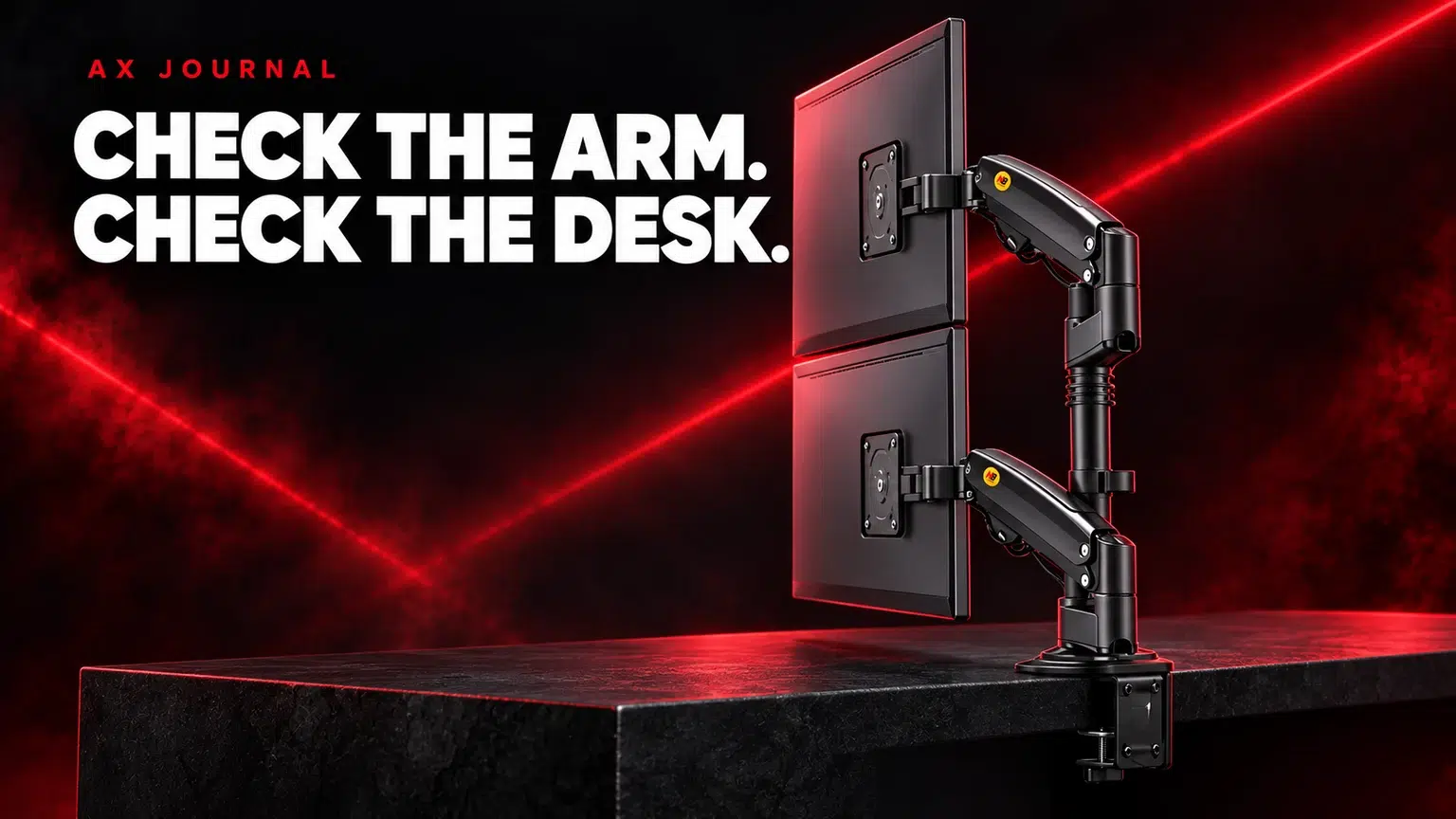
A monitor arm must match the screen’s VESA pattern, supported weight range and your desk’s mounting requirements. Screen diagonal alone does not establish compatibility.
Find the exact model number on the monitor or its documentation. Record the display weight without the original stand, the VESA hole pattern and any mounting instructions. A retail shipping weight or a weight including the stand is not the figure the arm usually needs.
Check whether the mounting area is recessed and whether the monitor requires a manufacturer-approved spacer or adapter. Use the screw dimensions and depth specified by the monitor and arm documentation. A screw that enters the hole is not automatically the correct length.
A gas-spring arm can have a minimum supported load as well as a maximum. A very light display may not balance on an arm intended for heavier screens. Conversely, staying within a screen-size label does not make an overweight monitor compatible.
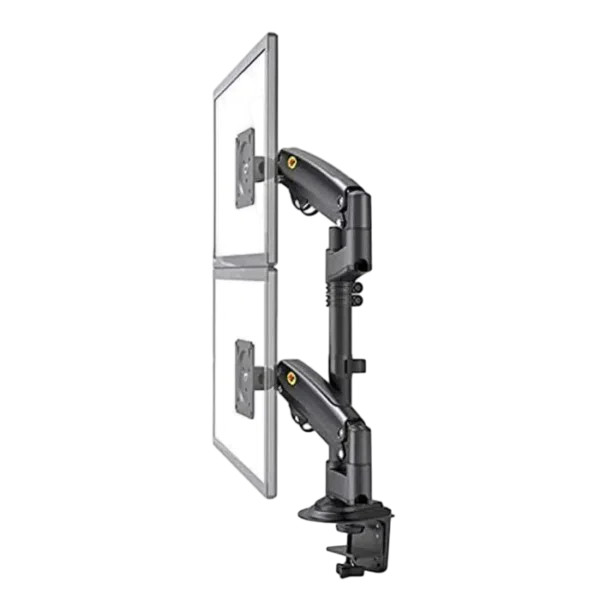
The North Bayou H180 dual arm listing specifies a 2–9kg range per arm and a 17–27-inch screen range. Both requirements matter. The SADES Cobra single arm and SADES Cobra dual arm have different listed limits; use their own documentation rather than transferring the H180 figures.
VESA identifies a mounting-hole arrangement. Matching that arrangement is one compatibility check, alongside supported weight, screen dimensions, geometry and desk fit. A matching hole pattern does not tell you whether the arm can balance the screen or reach the position you want.
Curved and unusually deep screens can place the load farther from the mounting point. Follow any screen-size, curvature or model restrictions from the arm manufacturer. Do not override those restrictions because the weight happens to fall below a maximum.
| Mounting detail | What to establish |
|---|---|
| Material | Whether the desk manufacturer permits the chosen mount |
| Thickness | Within the clamp or grommet mounting range |
| Edge shape | Enough flat contact area for the mounting hardware |
| Frame and drawers | No obstruction below the mounting point |
| Load and reinforcement | A support method approved for the desk and arm |
| Cable route | Slack for the intended arm movement |
A decorative edge can hide a frame that prevents the clamp seating properly. A glass or hollow desktop needs specific guidance rather than guesswork. If the installation needs a grommet hole, confirm the location and permitted method before drilling or altering furniture.
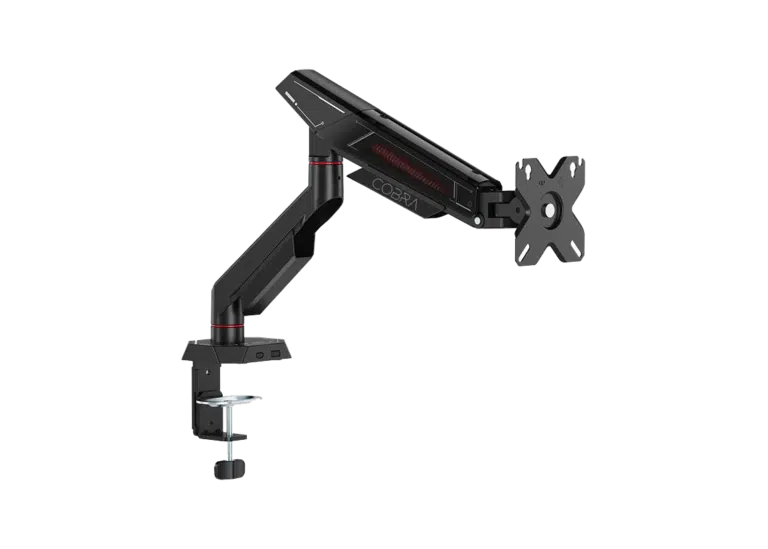
Map where the monitor should sit during gaming, work and any portrait use. Check the arm’s reach, height range and clearance behind the desk. An arm may need space behind the mounting point even when the screen itself is close to the wall.
For two monitors, check each arm’s capacity separately and allow both screens to move without colliding. Different screen sizes can change the alignment and reach you need. Route cables so they do not pull at the display when it is extended, raised or rotated.
A display such as the ASUS ROG Swift PG27UCDM still needs its own weight and mounting checks; “27 inch” is not the complete answer. After moving it, confirm the connection and selected display mode using our high-refresh setup guide.
Follow the model’s tension-adjustment instructions rather than tightening every control to the maximum. Keep the original monitor stand and hardware if you may move the setup later.
If any part of the compatibility chain is unclear, send AX the monitor model, desktop material and thickness, plus a photograph of the desk edge and underside. Combine this with the small-desk layout guide before ordering, or our ASUS OLED guide if you are choosing the monitor and arm together.
No. Weight range, display dimensions, geometry, desk mounting and manufacturer restrictions must also match.
Read the exact product specification. A limit stated per arm applies separately to each supported monitor.
Yes. Check the minimum supported load as well as the maximum; a screen outside the range may not balance correctly.
Related guide: Gaming monitor buying guide.
AX price check, 26 October 2026: North Bayou H180 Dual Gas Spring Monitor Arm – 17–27″, 2–9kg per Arm – Black — KWD 21.500 (in stock); SADES Cobra Single Monitor Arm – Up to 40 Inch / 12KG — KWD 12.900 (in stock). The product cards show the current price and availability when you shop.
Explore North Bayou at AX Kuwait, SADES at AX Kuwait, ASUS at AX Kuwait for the rest of the range.
KEEP READING
All Buying Guides guides

Build a setup that fits how you use it
Tell AX your exact models and what you want to do. We can help match the equipment and connections.
Added to cart
Subscribed
We'll email you as soon as it's back in stock.
Saved to wishlist

