
BUYING GUIDE
Audio
Audeze Maxwell 2 Setup Guide: Platform and Connections
This Audeze Maxwell 2 setup guide helps you choose the correct platform version and plan the headset connections, microphone and listening arrangement at AX Kuwait.
AS
AX Store
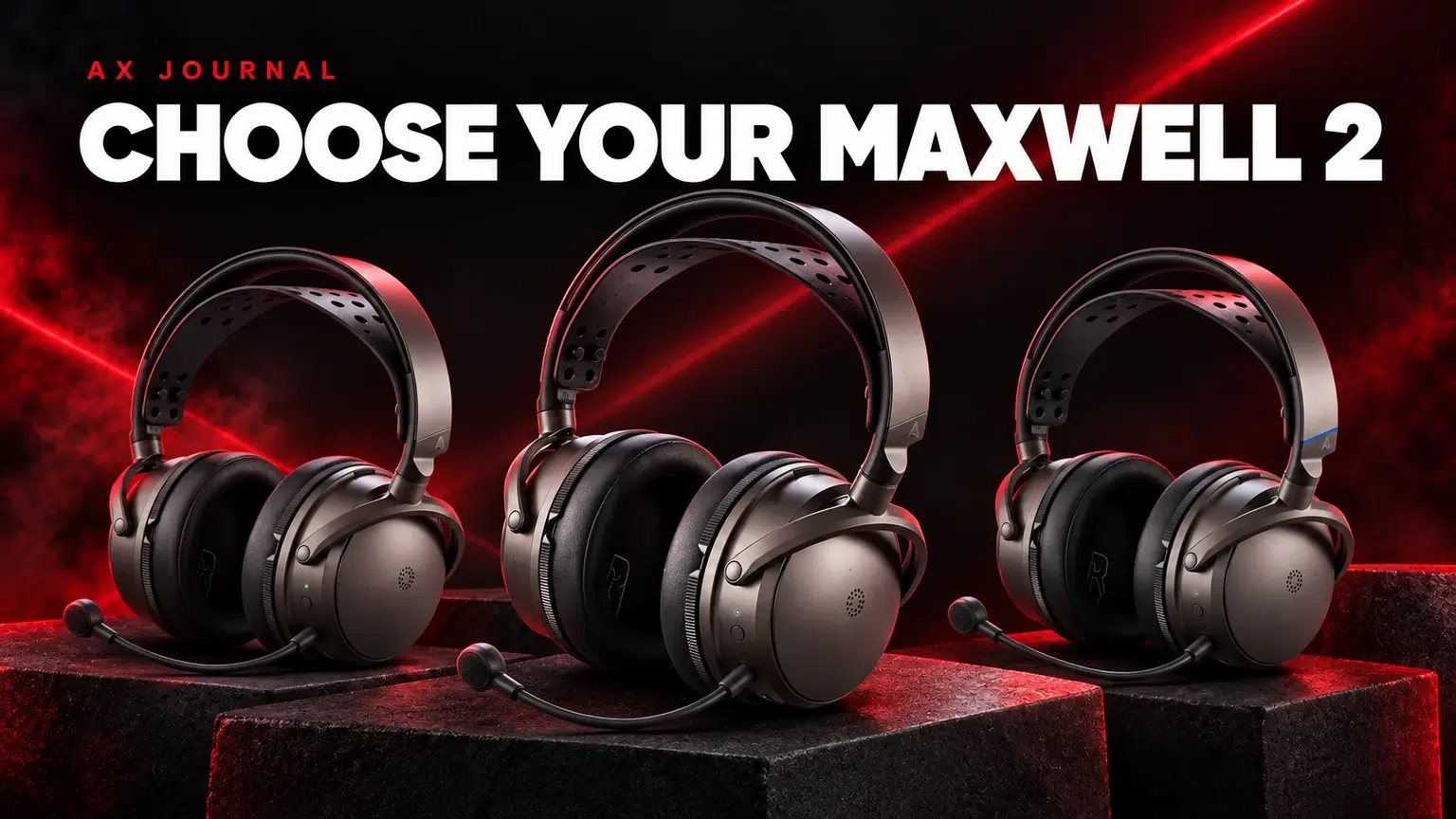
Audeze Maxwell 2 Setup Guide: Confirm the Platform Version
This Audeze Maxwell 2 setup guide helps you choose the correct platform version and plan the headset connections, microphone and listening arrangement at AX Kuwait.
What Maxwell 2 is designed to combine
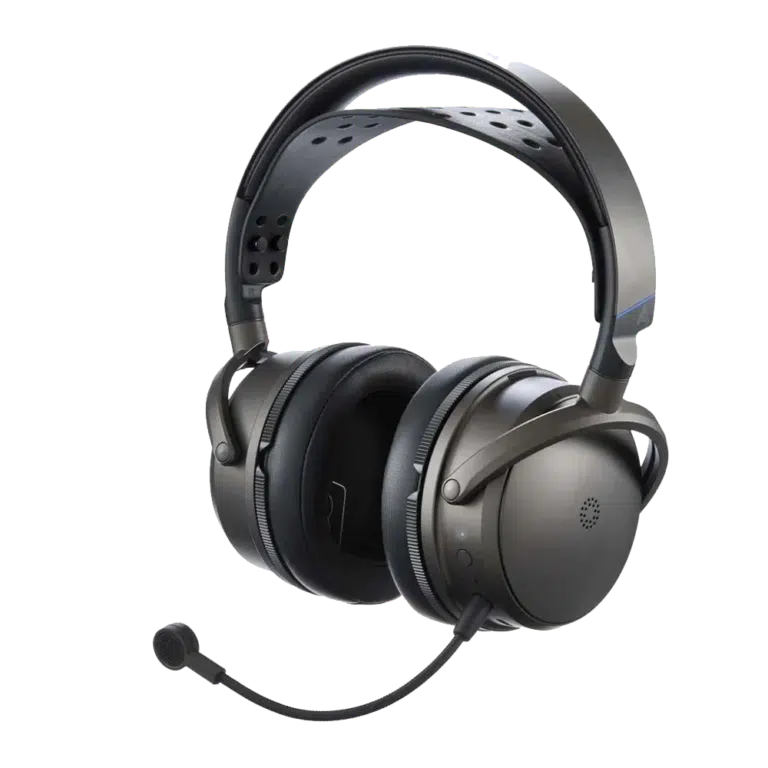
The Audeze Maxwell 2 combines headphone listening, a boom microphone and several connection options in one gaming headset. That makes it a different purchase from passive studio headphones, which require a separate microphone for chat and a suitable source output.
Audeze lists 90mm planar magnetic drivers and an advertised battery duration of more than 80 hours under its stated conditions. Those are manufacturer specifications, not AX battery measurements. Battery duration varies with how the headset is used, so compare charging habits as well as the headline number.
Match the exact version to the platform
| Main platform | What to check | Common buying mistake |
|---|---|---|
| PlayStation 5 | PlayStation version, dongle settings and documented USB support | Assuming every console feature works identically on both versions |
| Xbox | Xbox-compatible version and its documented connection route | Buying by colour without checking console licensing / compatibility |
| Windows PC or Mac | Supported dongle or wired route and software requirements | Selecting the wrong playback or chat endpoint |
| Phone or secondary device | Bluetooth and the intended device-switching behaviour | Assuming every source can mix simultaneously in every mode |
Check the selected AX variation and Audeze’s guide for that exact version. A family name on a box is not enough to confirm every console-specific function. This matters particularly when the same headset will move between several devices.
Understand the PS5 game/chat limitation
Audeze documents that the headset’s Game/Chat mix control is not available in the same way on PS5 as it is on supported PC, Mac and Xbox workflows. On PlayStation, use the console’s relevant controls rather than assuming a headset wheel can independently rebalance the two sources.
Before a multiplayer session, confirm game sound, incoming chat and microphone transmission separately. A working game soundtrack does not prove the microphone is selected correctly. If another microphone is connected to the console, check which input the console actually uses.
Comfort includes weight and fit
Audeze lists Maxwell 2 at approximately 560g. That is an important practical detail for a long-session headset and should not be replaced with the weight of the original Maxwell. Adjust the suspension and earcup position, then judge whether the fit suits your head and session length.
Weight is not a complete comfort score. Pad contact, glasses, headband adjustment and movement also matter. If possible, evaluate the fit in the way you normally play rather than deciding only from driver type or a specification table.
Set up one clear audio path
For a desktop or console gaming session, begin with the documented low-latency dongle route when appropriate for your platform. Connect it directly as directed, select the correct system endpoints and check both playback and the microphone. Use the official cable and guide when switching to a wired USB workflow.
Start with a simple audio configuration. Avoid stacking several spatial processors, equaliser presets and virtual-surround systems at once. First establish a clean stereo or single-spatial-processing route, then change one setting at a time in a familiar game.
Maxwell 2 versus passive studio headphones
Choose an integrated headset when wireless convenience and an attached chat microphone are priorities. Compare passive open-back headphones when a quiet-room listening setup and separate microphone suit your desk. Neither category automatically gives every player better directional judgement.
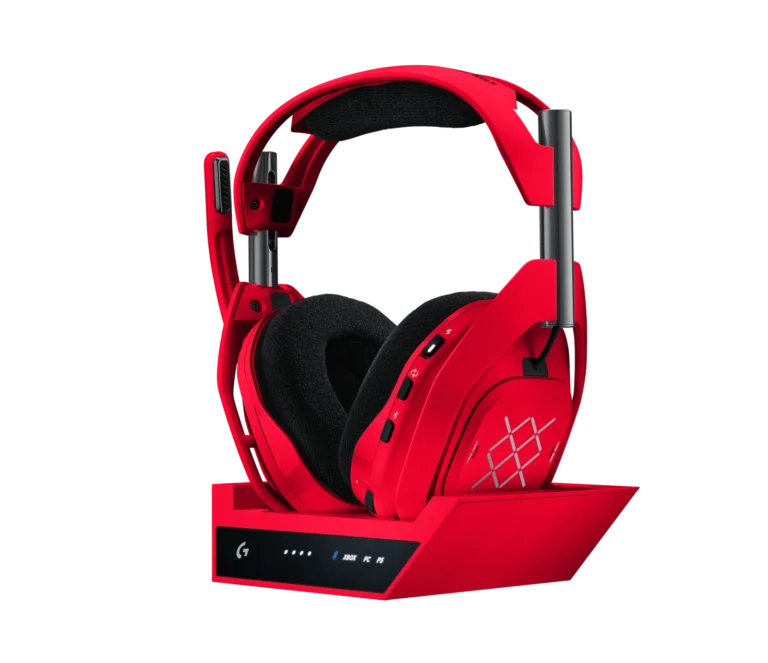
Our beyerdynamic family guide explains the passive headphone route. The ASTRO A50 X is another distinct multi-platform system to compare if base-station switching is central to your setup. Check the specific platform and cable requirements rather than treating all premium wireless headsets as interchangeable.
Confirm the package before ordering
- Select the correct console version and finish.
- Check the exact dongle and connection instructions.
- Decide which device supplies game audio and which supplies chat.
- Review weight and fit expectations.
- Confirm whether the listing is Maxwell 2 or Maxwell 2 ANC.
- Use the current product page for availability and included accessories.
A well-chosen headset should make your regular session easier. Extra connection options are useful when they solve a real device-switching requirement; they are less valuable if they introduce routes you never use. Keep the first setup simple and save any preferred profile after it works.
Frequently asked questions
Is Maxwell 2 the same as Maxwell 2 ANC?
No. They are separate named products. Do not assume the standard Maxwell 2 includes the ANC model’s features.
Does the Game/Chat wheel work identically on PS5 and PC?
No. Audeze documents platform differences, including the PS5 limitation. Use the guide for your exact version and the console’s available controls.
Is the advertised battery life a guarantee?
No. It is a manufacturer claim under specified test conditions. Your settings, connections and usage affect the result.
Continue planning your setup
- ASTRO A50 X Setup for PS5, Xbox and PC: Plan Every Connection
- PS5 Party Chat Missing from Your Stream? Fix the Audio Path
- beyerdynamic Headphones in Kuwait: DT Series, PRO X and MKII Explained
For the related buying decision, read our Open-back vs closed-back headphones.
Explore Headsets. For help matching exact model numbers, contact AX Store Kuwait.
Shop the equipment in Kuwait
AX price check, 26 October 2026: Audeze Maxwell 2 Wireless Gaming Headset — KWD 124.900 (out of stock); ASTRO A50 X LIGHTSPEED Wireless Gaming Headset and Base Station – Mars Red — KWD 159.000 (in stock). The product cards show the current price and availability when you shop.
Explore Audeze at AX Kuwait, ASTRO at AX Kuwait for the rest of the range.
AS


Build a setup that fits how you use it
Tell AX your equipment models and what you want to do. We can help you choose the right connections and products.