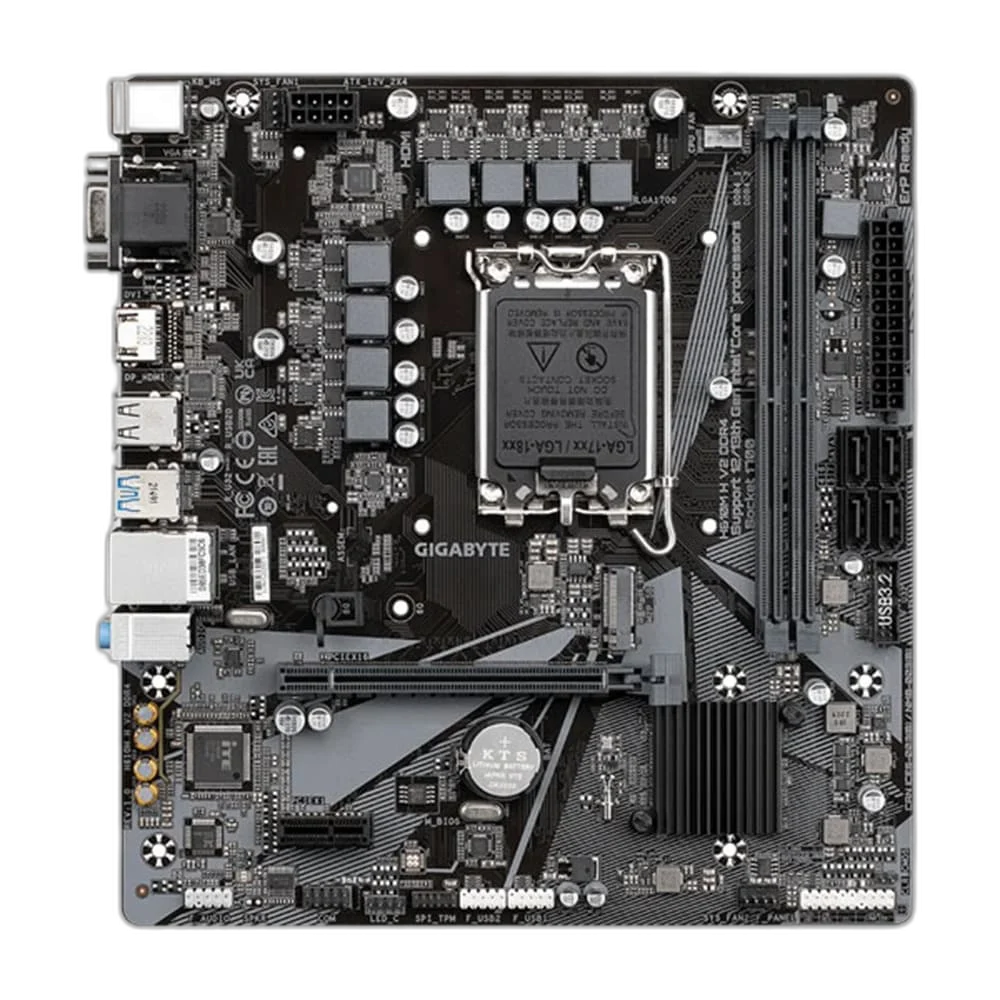
Gigabyte
Gigabyte H610M H V2 DDR4 Micro ATX Motherboard
GIGABYTE H610M H V2 DDR4 combines the H610 chipset and LGA1700 socket with DDR4 desktop memory support. Its Micro-ATX layout provides 2 DIMM slots, 1 M.2 storage positions and 4 SATA ports for a compatible desktop configuration.
Regular price
29.500 KWD
or 4 payments of 7.375 KWD with
Pay with card & save


28.000 KWD
Save 1.500 KWD
Overview
GIGABYTE H610M H V2 DDR4
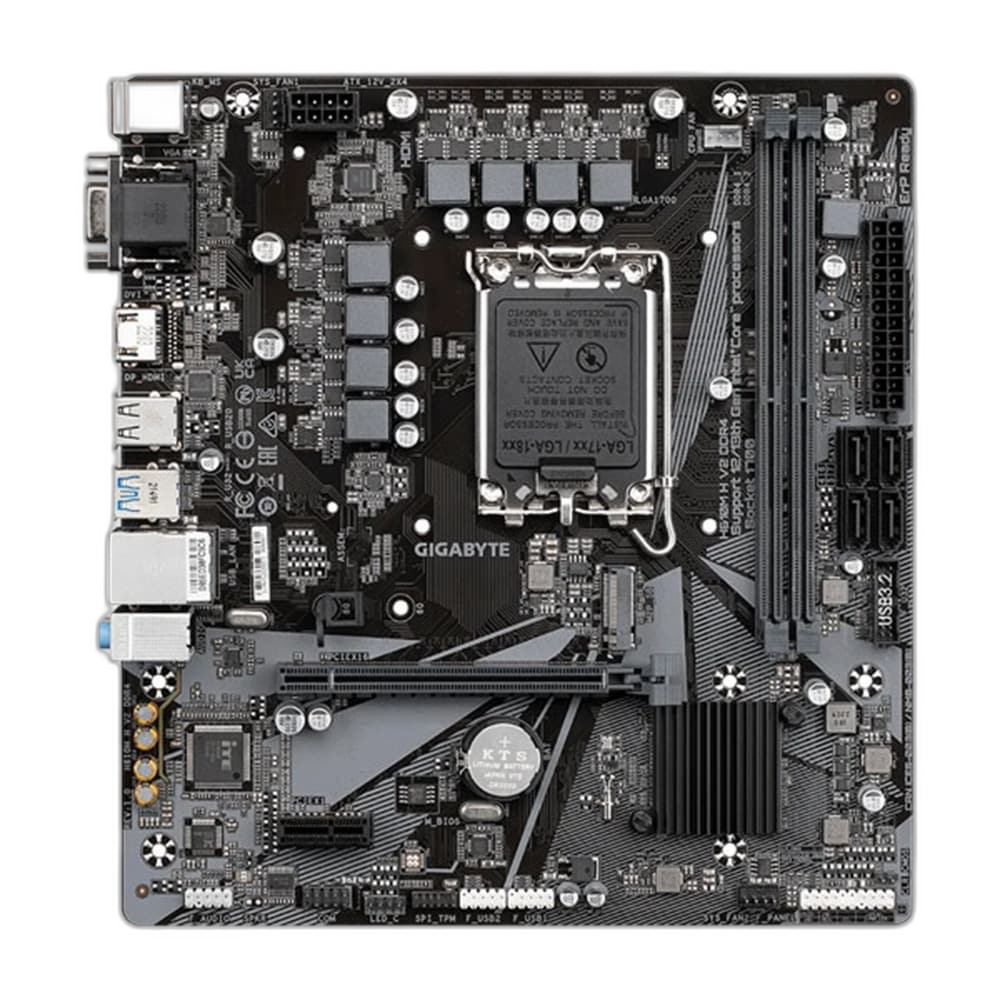
DDR4 Desktop Platform with a LGA1700 Socket
GIGABYTE H610M H V2 DDR4 combines the H610 chipset and LGA1700 socket with DDR4 desktop memory support. Its Micro-ATX layout provides 2 DIMM slots, 1 M.2 storage positions and 4 SATA ports for a compatible desktop configuration.
LGA1700
CPU socket
DDR4
Memory generation
2 DIMMs
Memory slots
1 M.2
Physical storage positions
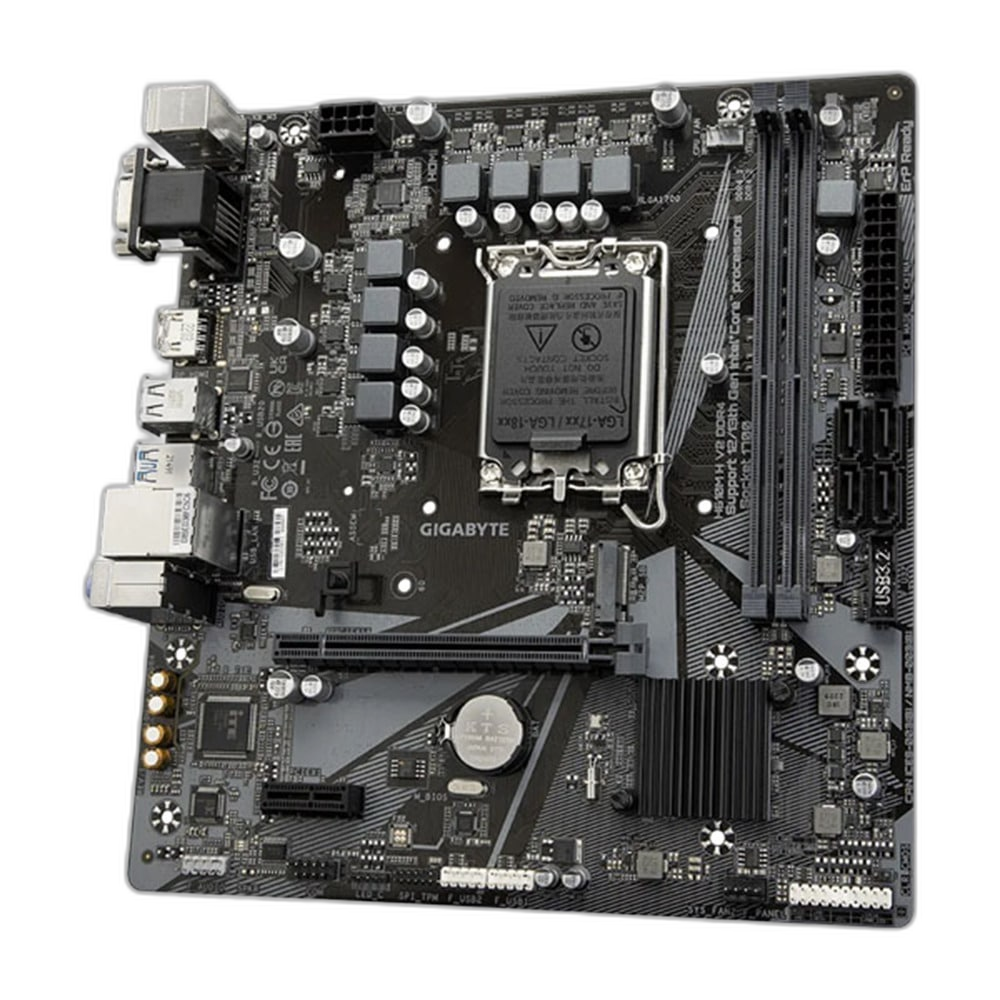
Match the Processor and BIOS
The board supports compatible 12th, 13th and 14th Generation Intel Core processors, subject to the exact CPU-support list and required BIOS. Check the exact processor entry and required BIOS version before installation, especially when updating an existing system. The primary graphics slot supports PCIe 4.0 x16. A separate chipset-connected slot supports PCIe 3.0 x1. Plan the graphics card and other expansion devices around those connections, keeping the processor’s capabilities and the motherboard’s physical slot layout together as one platform.
2 Slots for DDR4 Memory
The board uses 2 DDR4 DIMM slots with dual-channel support. Select a compatible kit from the manufacturer’s memory guidance and fit the modules in the recommended positions. Memory profiles and attainable speed depend on the CPU, installed BIOS and module arrangement; a kit’s advertised profile does not guarantee the same operating speed with every system configuration.
Plan the Storage Positions
The single M-key M.2 position supports PCIe 3.0 x4 or x2 NVMe SSDs in 2260 and 2280 lengths. This M.2 position is for PCIe storage rather than a SATA M.2 drive. The board also provides 4 SATA 6Gb/s ports. Check the slot-sharing conditions before choosing the positions for the boot SSD, additional storage and expansion cards. The number of physical connectors should be considered alongside any shared lanes or processor-generation requirements in the board’s supported configuration.
Network Connections for the Desk
Realtek Gigabit Ethernet provides the wired network connection. No onboard Wi-Fi or Bluetooth module is included. The available connection speed also depends on the surrounding network, connected router or switch, operating system and driver support. Choose the network path around the system’s intended use, leaving access to the rear connectors and any wireless antennas in the completed desk arrangement.
Display, USB and Audio Connections
The board provides HDMI and VGA / D-Sub. The motherboard display outputs require a supported processor with integrated graphics. 2 × USB 5Gbps Type-A and 4 × USB 2.0 Type-A are available on the rear panel. Realtek High Definition Audio supplies onboard audio. Match each external device with the port’s supported function, including the display cable, audio connection and data interface needed for the equipment being used.
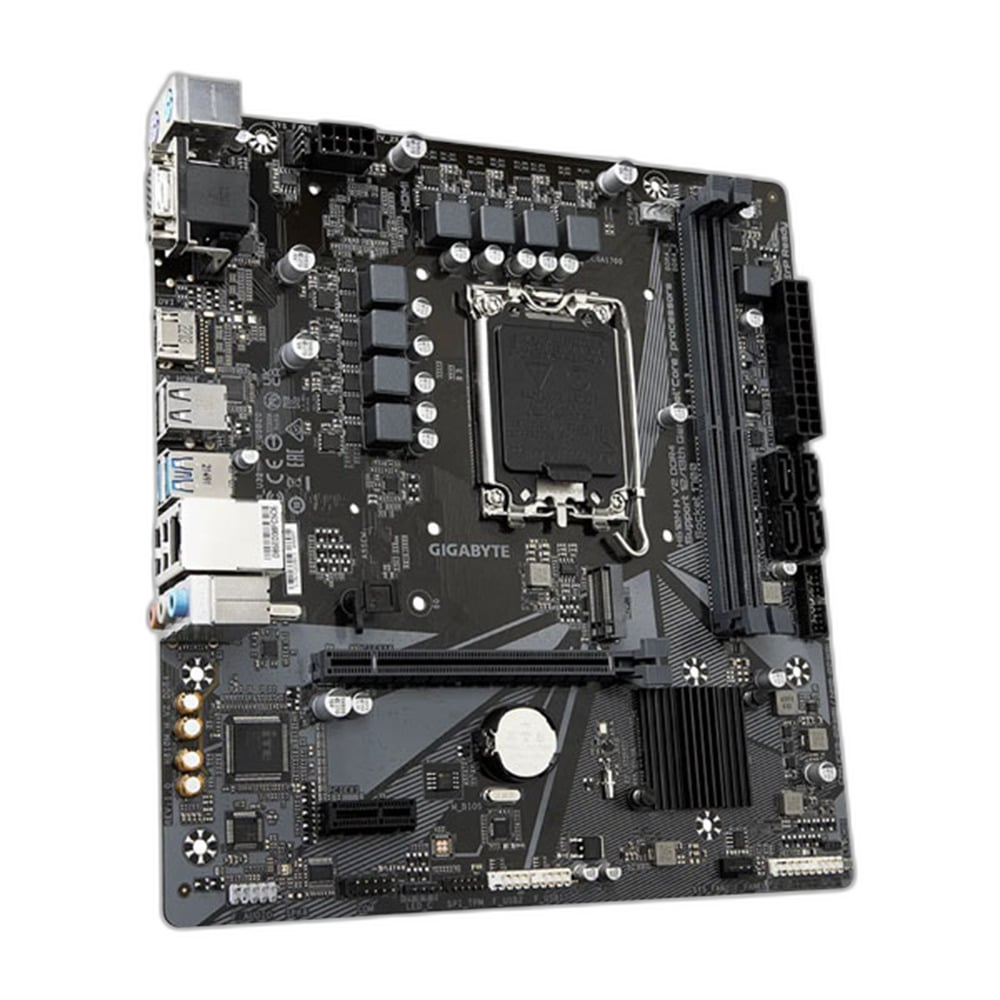
Motherboard
GIGABYTE H610M H V2 DDR4
Chipset
H610
CPU socket
LGA1700
A Micro-ATX Board for the Case
The Micro-ATX board measures 230 × 215 mm. Q-Flash provides the firmware-update utility. Fan headers and UEFI settings support system setup; follow the manual when connecting front-panel and cooling cables. Check the case mounting positions, power connections and cooling layout before assembly. Follow the board’s front-panel and fan-header instructions when connecting the case, and leave the intended airflow routes clear around the processor, memory and installed expansion cards.
Complete Your Workspace
Explore Motherboards to compare suitable options and complete your setup.
Frequently Asked Questions
Which processors can be installed?
compatible 12th, 13th and 14th Generation Intel Core processors, subject to the exact CPU-support list and required BIOS. Check the exact CPU-support list and required BIOS.
Which memory generation is required?
DDR4 desktop DIMMs, with 2 slots and dual-channel support. The kit must be compatible with the CPU and motherboard.
How is M.2 storage configured?
The single M-key M.2 position supports PCIe 3.0 x4 or x2 NVMe SSDs in 2260 and 2280 lengths. This M.2 position is for PCIe storage rather than a SATA M.2 drive.
What network connections are included?
Realtek Gigabit Ethernet. No onboard Wi-Fi or Bluetooth module is included.
Can every supported CPU use the display outputs?
No. The motherboard’s display outputs require a supported CPU with integrated graphics.
Build Your Setup with AX Store Kuwait
Explore computers, displays and accessories for your workspace at AX Store Kuwait. For help choosing the right model or checking an accessory, contact AX Store.
THE DETAILS
Technical specifications
Motherboard Specifications
GIGABYTE H610M H V2 DDR4
H610
LGA1700
compatible 12th, 13th and 14th Generation Intel Core processors, subject to the exact CPU-support list and required BIOS
Micro-ATX
2 × DDR4 DIMM; dual channel
1
4 × SATA 6Gb/s
The single M-key M.2 position supports PCIe 3.0 x4 or x2 NVMe SSDs in 2260 and 2280 lengths. This M.2 position is for PCIe storage rather than a SATA M.2 drive.
The primary graphics slot supports PCIe 4.0 x16. A separate chipset-connected slot supports PCIe 3.0 x1.
Realtek Gigabit Ethernet
No onboard Wi-Fi or Bluetooth module is included.
Realtek High Definition Audio
HDMI and VGA / D-Sub; require CPU integrated graphics
2 × USB 5Gbps Type-A and 4 × USB 2.0 Type-A
The Micro-ATX board measures 230 × 215 mm.
Q-Flash provides the firmware-update utility. Fan headers and UEFI settings support system setup; follow the manual when connecting front-panel and cooling cables.
COMPLETE YOUR SETUP
Pairs well with