RODE
RØDE NT-USB Mini Condenser Microphone, USB
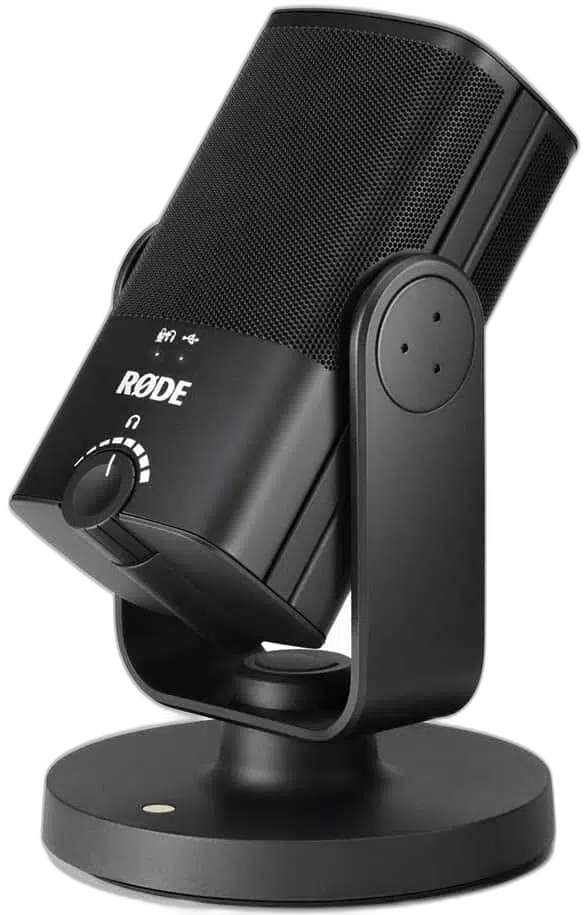
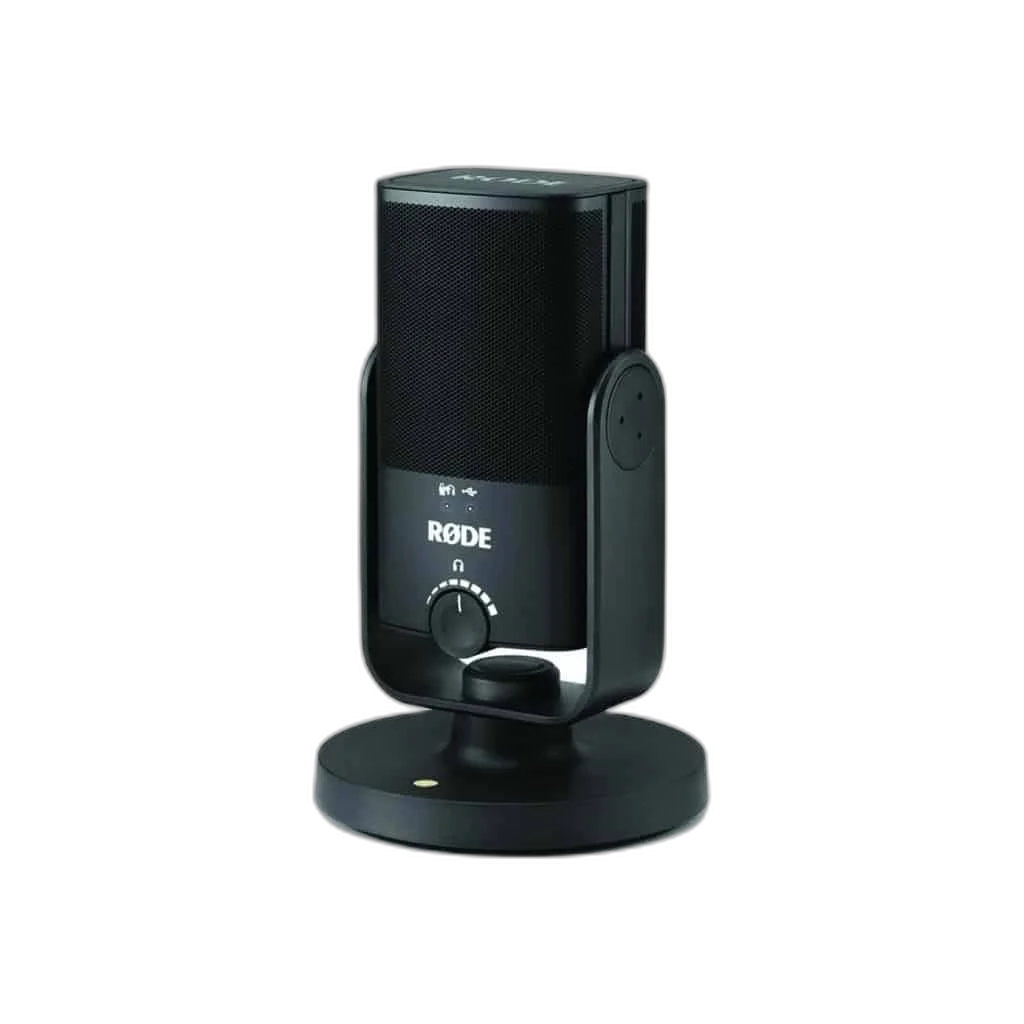
RØDE NT-USB Mini. NT-USB Mini places a cardioid condenser capsule in a compact USB-C microphone. Its built-in pop filter, magnetic desk stand and rotating mount simplify everyday recording.
Regular price
42.000 KWD
or 4 payments of 10.500 KWD with
Pay with card & save


39.900 KWD
Save 2.100 KWD
Overview
RØDE NT-USB MINI
Rode NT-USB Mini
Rode NT-USB Mini: NT-USB Mini places a cardioid condenser capsule in a compact USB-C microphone. Its built-in pop filter, magnetic desk stand and rotating mount simplify everyday recording. Explore this model at AX Store in Kuwait.
Condenser
Microphone capsule
Cardioid
Pickup pattern
USB
Recording connection
24-bit / 48 kHz
Digital format
Position it where you need it
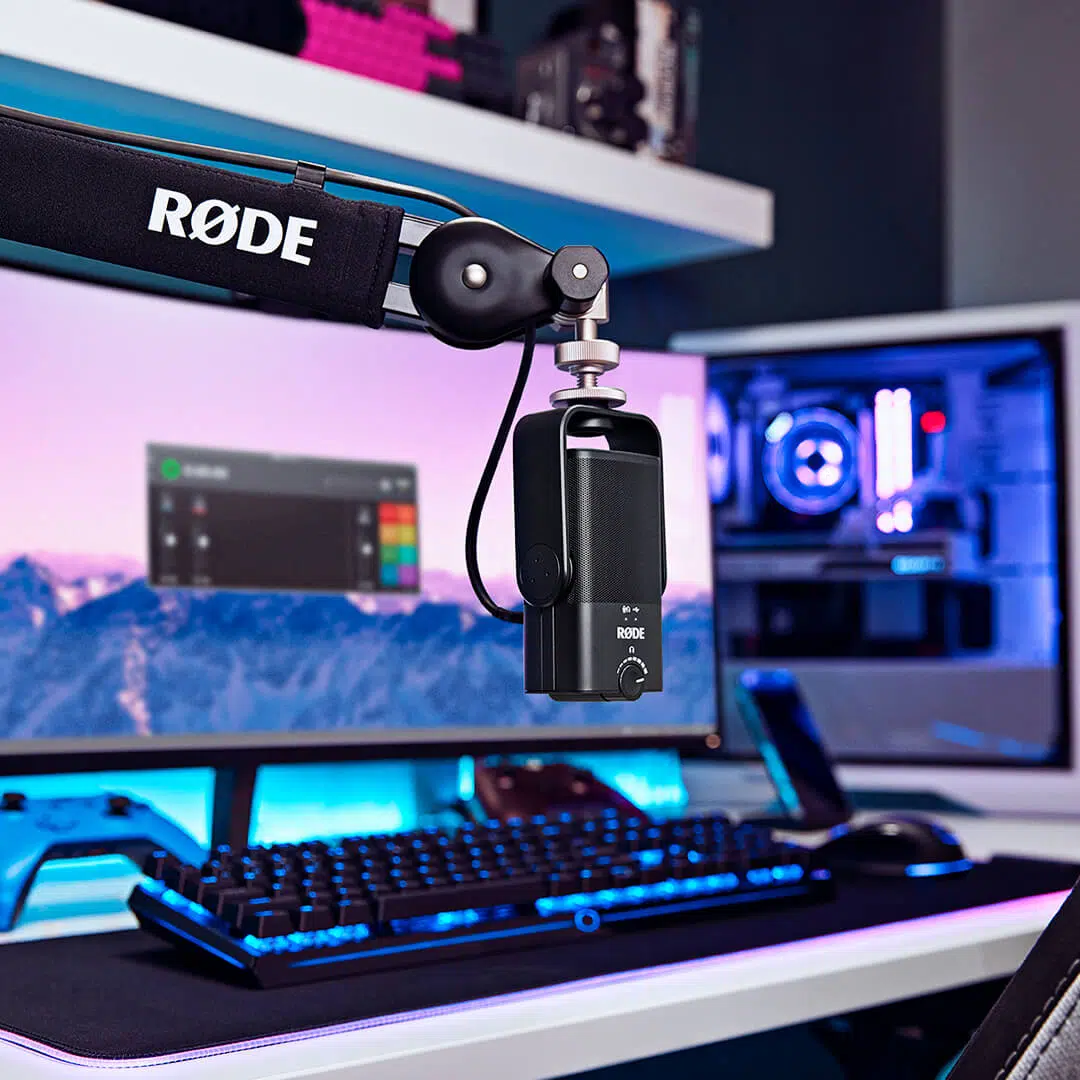
Use the detachable magnetic stand on a desk or mount the microphone to a compatible arm. The 360-degree swing mount helps aim the capsule at your voice; the arm pictured is sold separately.
Hear and shape your voice
The 3.5 mm output offers switchable zero-latency monitoring. RØDE Connect unlocks the onboard compressor, noise gate and APHEX processing, and can combine up to four NT-USB Minis on a computer.
Use the Microphone’s Own USB Recording Path
This model records at 24-bit/ 48 kHz. Connect it to compatible computer equipment and select the microphone as the recording input in the application. An external XLR interface is not required for this USB signal path; recording software and monitoring settings are chosen around the connected computer.
A Compact Mount with Software Control
The detachable magnetic desk stand and 360-degree swing mount help place NT-USB Mini around the desk. Keep the capsule aimed at the speaker, or use a compatible supporting arm. RØDE Connect provides the listed processing controls for a supported computer workflow; an arm shown in a setup image is separate.
Aim the Sensitive Side at the Performance
This condenser uses a side-address recording position. Aim the sensitive front side toward the voice or instrument, then listen while adjusting distance and angle. Use the pop protection and support appropriate for the microphone, keeping the grille clear and the cable from pulling against the mount.
Separate Listening Level from Recording Gain
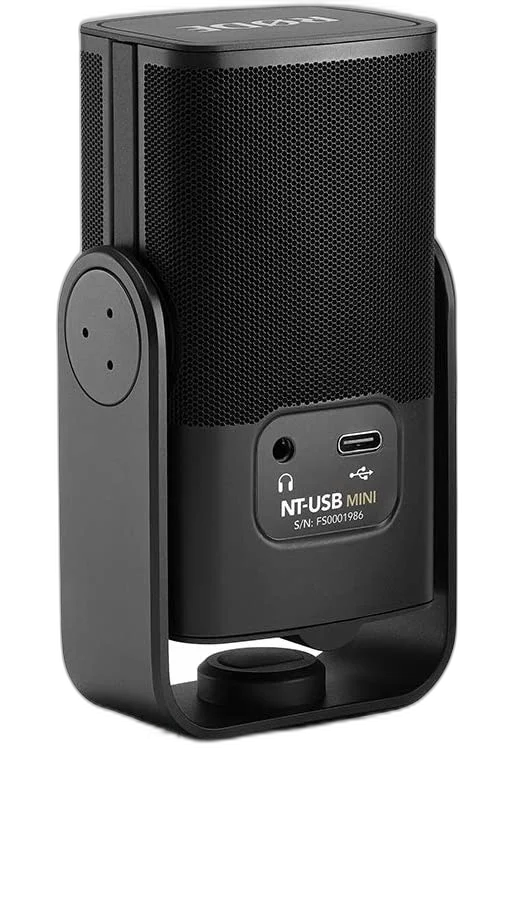
Where this model provides a headphone output, use it to monitor the microphone and connected playback path. Set listening volume to a comfortable level, then adjust recording gain for the performance. A headphone volume control changes listening level; it does not necessarily change the level being recorded.
Build a Direct Computer Recording Setup
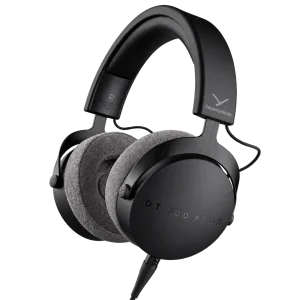
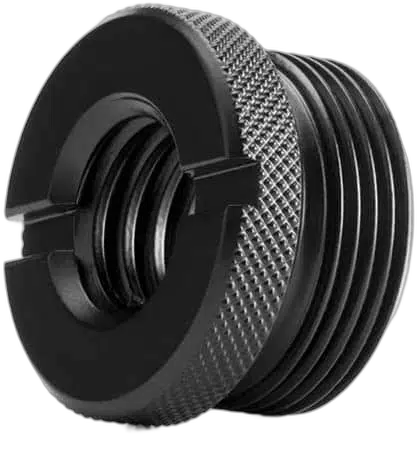
Check the supported computer connection, microphone controls and headphone-monitoring arrangement. Set the intended input in your recording application and choose a mount with the correct thread and supported load. Compare related options such as Razer Seiren V3 Mini USB Microphone, White or Logitech Blue Snowball iCE USB Microphone - Black / White, keeping the exact model and configuration in the decision. For the wider setup, explore beyerdynamic DT 1770 PRO MKII Closed-Back Studio Headphones 30 Ohm and check the connection, size or mounting requirements before pairing accessories. Browse the RODE range at AX for more choices.
Rode NT-USB Mini Setup Choices
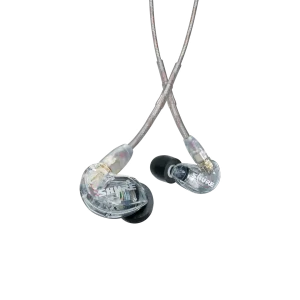
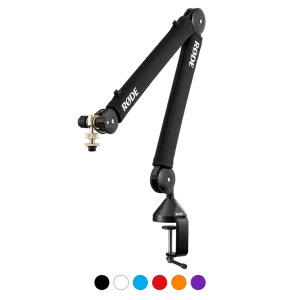
Check the supported computer connection, microphone controls and headphone-monitoring arrangement. Set the intended input in your recording application and choose a mount with the correct thread and supported load. Explore RØDE PSA1+ Professional Studio Microphone Boom Arm, Shure SE215-CL-EFS Sound Isolating Earphones with 3.5mm Cable, beyerdynamic DT 700 Pro X Studio Headphones.
Frequently Asked Questions
How does this exact microphone connect?
USB connects through the microphone’s built-in recording interface.
Which pickup pattern does it offer?
The microphone uses a cardioid pickup pattern. Aim it toward the source and adjust the position while listening to the actual recording.
What recording equipment is required?
A compatible computer and the appropriate USB connection are used for direct USB recording. An XLR interface is not needed for that path.
Where should I address the microphone?
Use the front side of the grille for this side-address condenser. Keep the selected pattern and recording position in view.
What frequency range is specified?
20 Hz – 20 kHz.
Are all recommended products required?
The recommendations are alternative recording and monitoring setups. Choose the supporting arm, headphone output and recording connection for the actual session rather than buying every listed interface or headphone model.
Build Your Setup with AX Store
Explore computers, displays and accessories for your workspace at AX Store. For help choosing the right model or checking an accessory, contact AX Store.
THE DETAILS
Technical specifications
Product specifications
RØDE
NT-USB Mini
Electret condenser; pressure gradient
Cardioid
20 Hz – 20 kHz
121 dB A-weighted, IEC651
24-bit / 48 kHz
USB-C; mono input and stereo output
3.5 mm
USB bus-powered
585 g
141.9 / 54.5 mm
89.3 mm
Detachable magnetic desk stand; 360-degree swing mount
Compressor, noise gate and APHEX via RØDE Connect
COMPLETE YOUR SETUP