COMPARISON
Gaming PCs
RTX 5070 vs 5070 Ti vs 5080: Which Gaming PC Fits Your Monitor?
Choose an RTX 5070, 5070 Ti or 5080 gaming PC by resolution, refresh rate, VRAM and full build specifications, with AX Store Kuwait examples.
AA
Ali Aljaber
Quick answer
Choosing between an RTX 5070, RTX 5070 Ti and RTX 5080 gaming PC starts with your monitor and the games you run. The useful question is how much GPU headroom your resolution, graphics settings and target frame rate require. A more expensive card can be appropriate for demanding 4K games, while a competitive 1440p setup may put different demands on the CPU and GPU.
This guide compares the selection process and three actual AX Store configurations. It is not a benchmark test: no frame-rate results have been measured for these builds here. For a purchase decision, compare independent tests of your games at the settings you intend to use, including frame-time consistency and the settings behind any generated-frame result.
The differences that matter first
| GPU | VRAM | A sensible starting point | Check before choosing |
|---|---|---|---|
| RTX 5070 | 12 GB GDDR7 | 1440p builds with a carefully chosen performance target | Texture demands, ray tracing and headroom in your games |
| RTX 5070 Ti | 16 GB GDDR7 | More demanding 1440p and selected 4K workloads | Actual game results and total system price |
| RTX 5080 | 16 GB GDDR7 | Higher-performance 4K and demanding graphics workloads | Whether your monitor and games justify the extra GPU budget |
Those starting points are not resolution limits. An RTX 5070 can output a 4K desktop, and an RTX 5080 can be used at 1440p. The trade-off is the frame rate and image-quality settings in a particular workload. The two 16 GB cards also do not deliver identical performance simply because their memory capacities match.
Match the GPU to resolution and refresh rate
Moving from 2560 × 1440 to 3840 × 2160 increases the number of pixels rendered substantially. In graphics-heavy games, that can make the GPU the main limitation. High-resolution textures and ray tracing add other demands. If you play story-driven games and prioritise detail, judge performance at your chosen quality settings rather than a low-preset esports chart.
For a 300 Hz or 360 Hz competitive monitor, the target is different. Game engine behaviour, CPU performance, memory configuration and background software can limit delivered frames. Buying the fastest GPU alone does not guarantee that every title will run at the screen’s maximum refresh rate. Compare the OLED versus IPS monitor guide alongside your PC choice.
Three current AX gaming PC examples
| Configuration | Main listed components | Why compare it |
|---|---|---|
| RTX 5070 / Ryzen 7 9800X3D / Sharx GX700 | 32 GB DDR5-6000, 2 TB NVMe, 850 W Gold PSU | A 5070 build with an X3D gaming CPU |
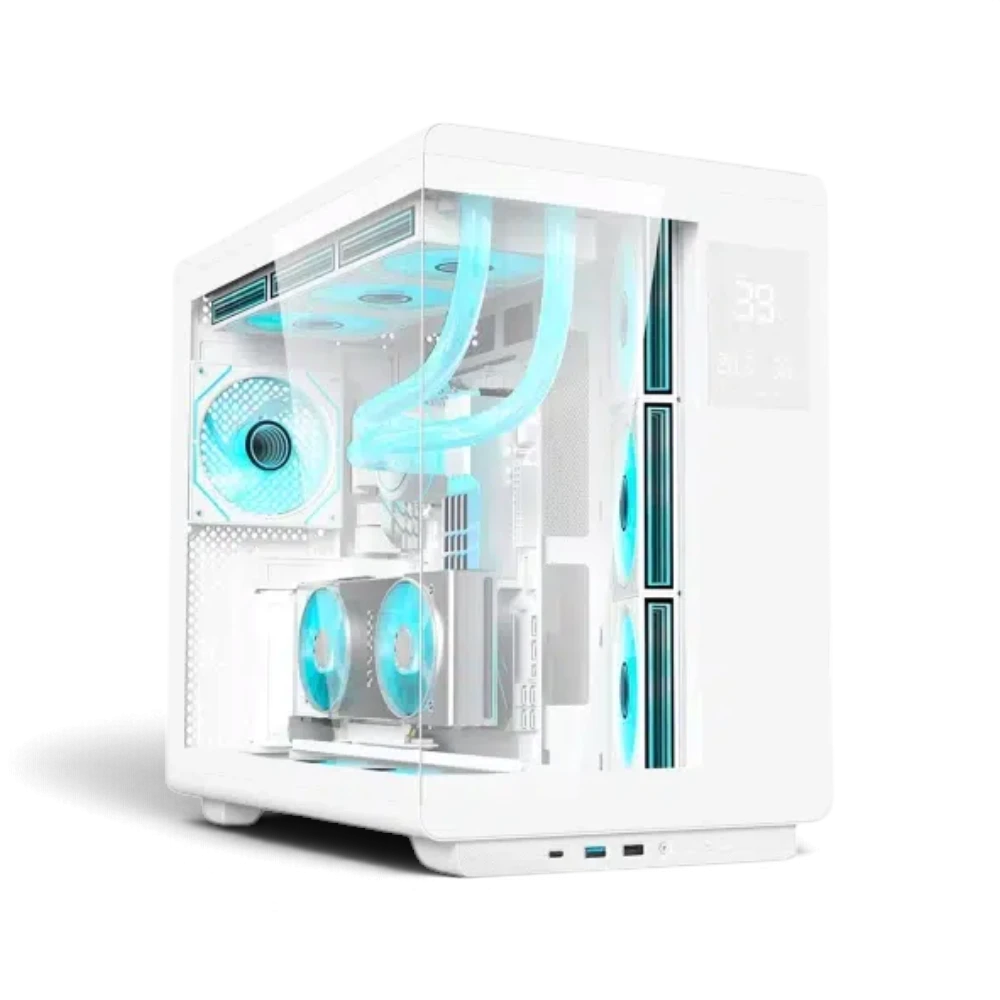
| RTX 5070 Ti / Ryzen 7 9800X3D / Acer U600 White | 32 GB DDR5-6000, 2 TB NVMe, 1000 W PSU | A white configuration with 16 GB GPU memory |
| RTX 5080 / Ryzen 7 9800X3D / HYTE Y70 Touch Black | 64 GB DDR5-6000, 2 TB NVMe, 1000 W Platinum PSU | Higher GPU tier with a different chassis and system specification |
These PCs share the Ryzen 7 9800X3D, but their motherboards, memory capacities, power supplies and cases differ. Their price difference is therefore not a clean measurement of the graphics card upgrade alone. Read the full component list, including the exact PSU and cooling arrangement, before deciding which complete system represents better value for you.
VRAM helps, but it is not a performance score
VRAM stores resources the GPU needs, including textures and rendering data. More capacity can help when a workload exceeds what a smaller card can hold. It does not make every game faster by the same percentage. GPU processing capability, memory bandwidth, rendering features and the game itself still matter.
If a game shows texture-loading problems or inconsistent frame times at a particular preset, look for tests that examine memory use and frame pacing, not just average FPS. For the broader selection process, our graphics card buying guide explains how resolution, memory and power fit together.
Read upscaling and frame generation results correctly
Supported DLSS features depend on the game and its implementation. Upscaling renders from a lower internal resolution and reconstructs the output. Frame generation inserts additional frames into the displayed sequence. These techniques can improve the presentation, but a generated-frame number is not interchangeable with the same native-rendered frame rate or the same input response.
Compare like-for-like tests: same resolution, preset, ray-tracing setting and reconstruction mode. Check the base frame rate before frame generation, the visual result and latency measurements where available. A large headline FPS figure without those details is not enough to choose a complete PC.
Check the rest of the build before paying
Confirm that the motherboard has the ports and expansion options you need, the case fits your desk and the cooling system suits the configuration. RAM capacity is separate from graphics memory; 64 GB of system RAM is not 64 GB of GPU VRAM. Storage capacity also does not tell you how many games will fit without knowing their installation sizes.
Read our gaming PC power supply guide and prebuilt gaming PC checklist to compare the complete package. For online play, a stable connection is another separate requirement: our gaming router versus mesh guide helps distinguish network problems from low rendering performance.
Frequently asked questions
Is the RTX 5070 Ti just an RTX 5070 with more memory?
No. They are different GPU configurations. Memory capacity is one specification, not a complete description of rendering performance.
Do I need an RTX 5080 for 4K?
That depends on the game, quality settings and frame-rate target. Compare measured results for the workload rather than treating 4K as one fixed performance requirement.
Will a 360 Hz monitor always display 360 new game frames each second?
Only if the game and system deliver that rate and the display is configured correctly. Refresh rate does not force the PC to render faster.
Are the three linked PCs an isolated GPU comparison?
No. They have other component differences. Use their full product specifications when comparing the total build price.
Manufacturer references
Product configurations checked against AX Store listings on 14 November 2026. Use the linked product pages for current prices, stock, selected colours and included accessories.
Explore the current Gaming PC selection at AX Store Kuwait.
AA
KEEP READING
All Comparisons guides

BUYING GUIDES
Best Gaming PC in Kuwait: Choose Your AXPC Build

BUYING GUIDES
Choose a Graphics Card for Your Monitor and PC


Choose the right equipment for your setup
Explore the exact models, current configurations and availability at AX Store Kuwait.