ASUS
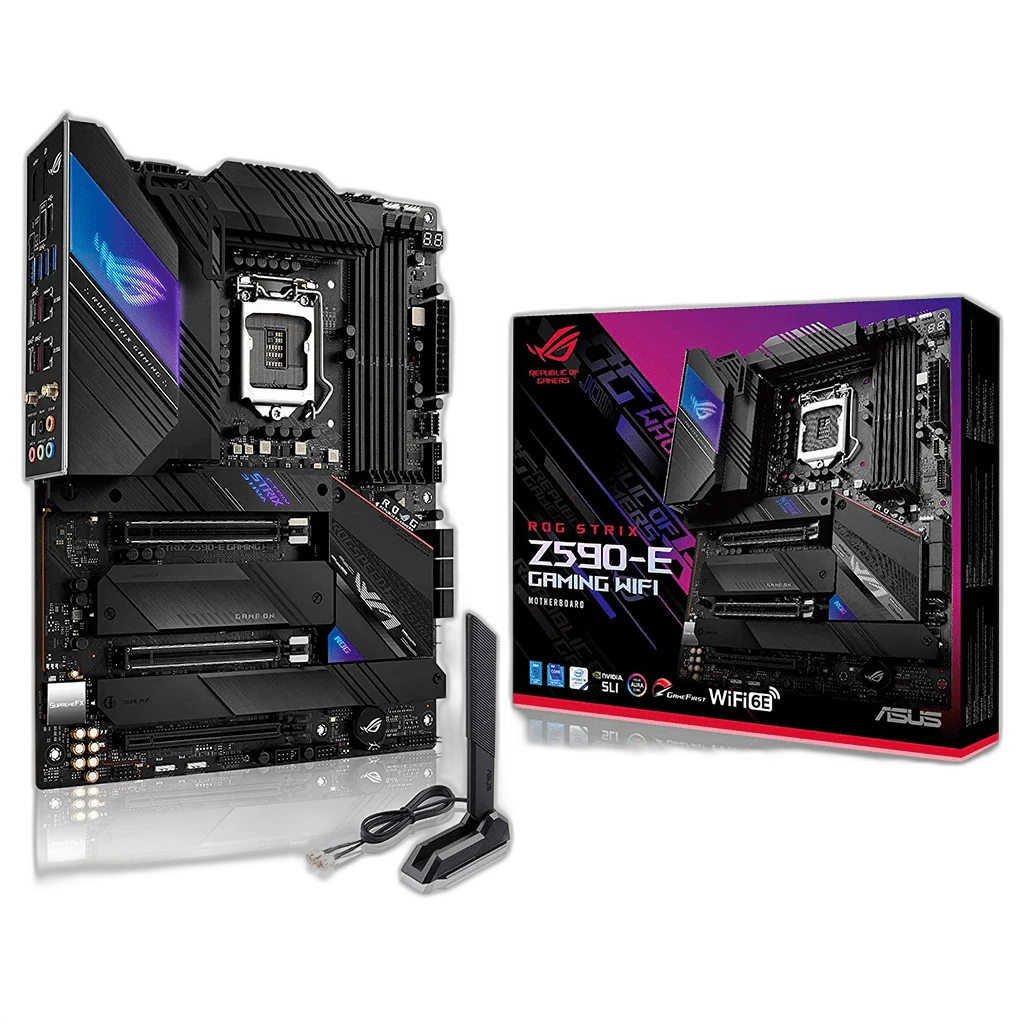
ASUS ROG STRIX Z590-E Gaming ATX Motherboard, LGA 1200
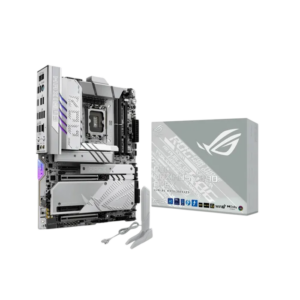
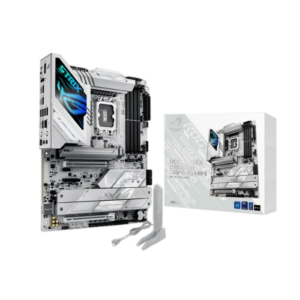
ASUS ROG STRIX Z590-E GAMING WIFI combines the Z590 chipset and LGA1200 socket with DDR4 desktop memory support. Its ATX layout provides 4 DIMM slots, 4 M.2 storage positions and 6 SATA ports for a compatible desktop configuration.
Regular price
73.500 KWD
or 4 payments of 18.375 KWD with
Pay with card & save


70.000 KWD
Save 3.500 KWD
Overview
ASUS ROG STRIX Z590-E GAMING WIFI
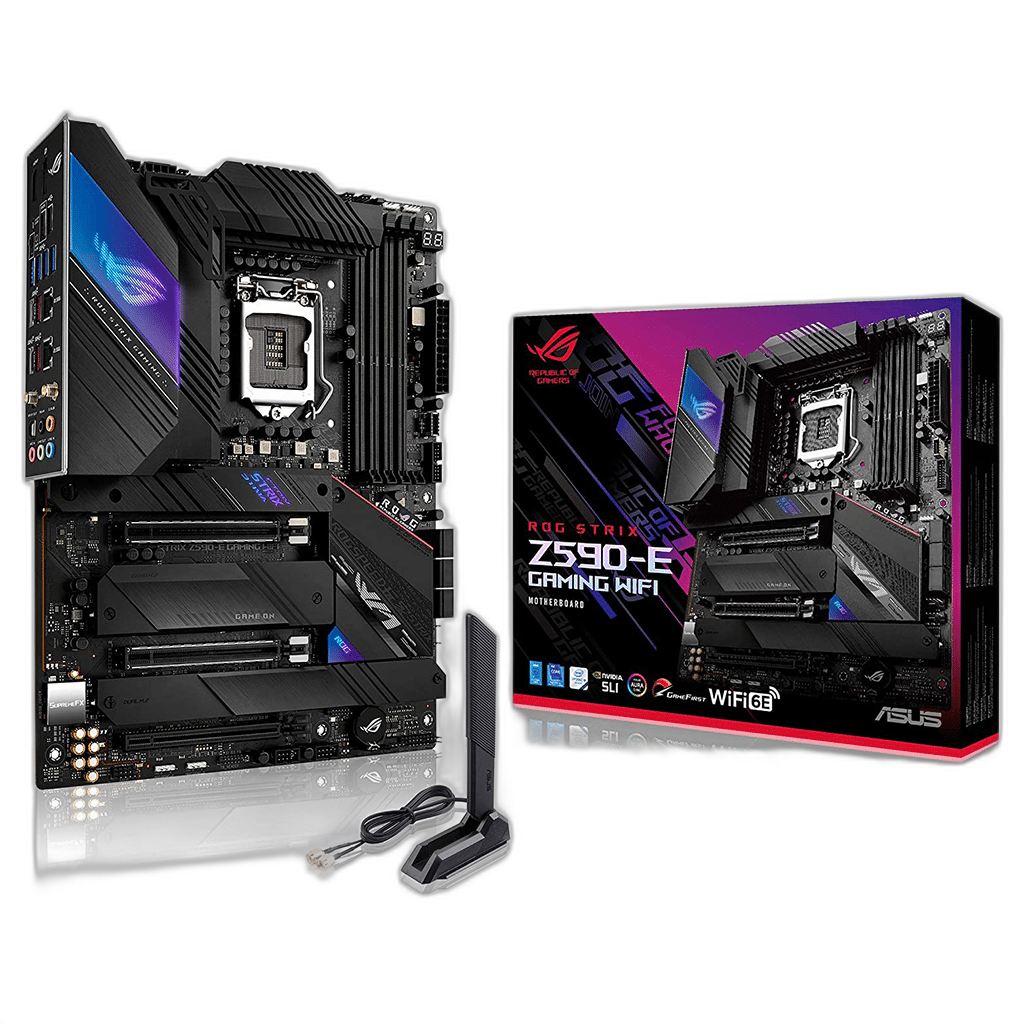
DDR4 Desktop Platform with a LGA1200 Socket
ASUS ROG STRIX Z590-E GAMING WIFI combines the Z590 chipset and LGA1200 socket with DDR4 desktop memory support. Its ATX layout provides 4 DIMM slots, 4 M.2 storage positions and 6 SATA ports for a compatible desktop configuration.
LGA1200
CPU socket
DDR4
Memory generation
4 DIMMs
Memory slots
4 M.2
Physical storage positions
Match the Processor and BIOS
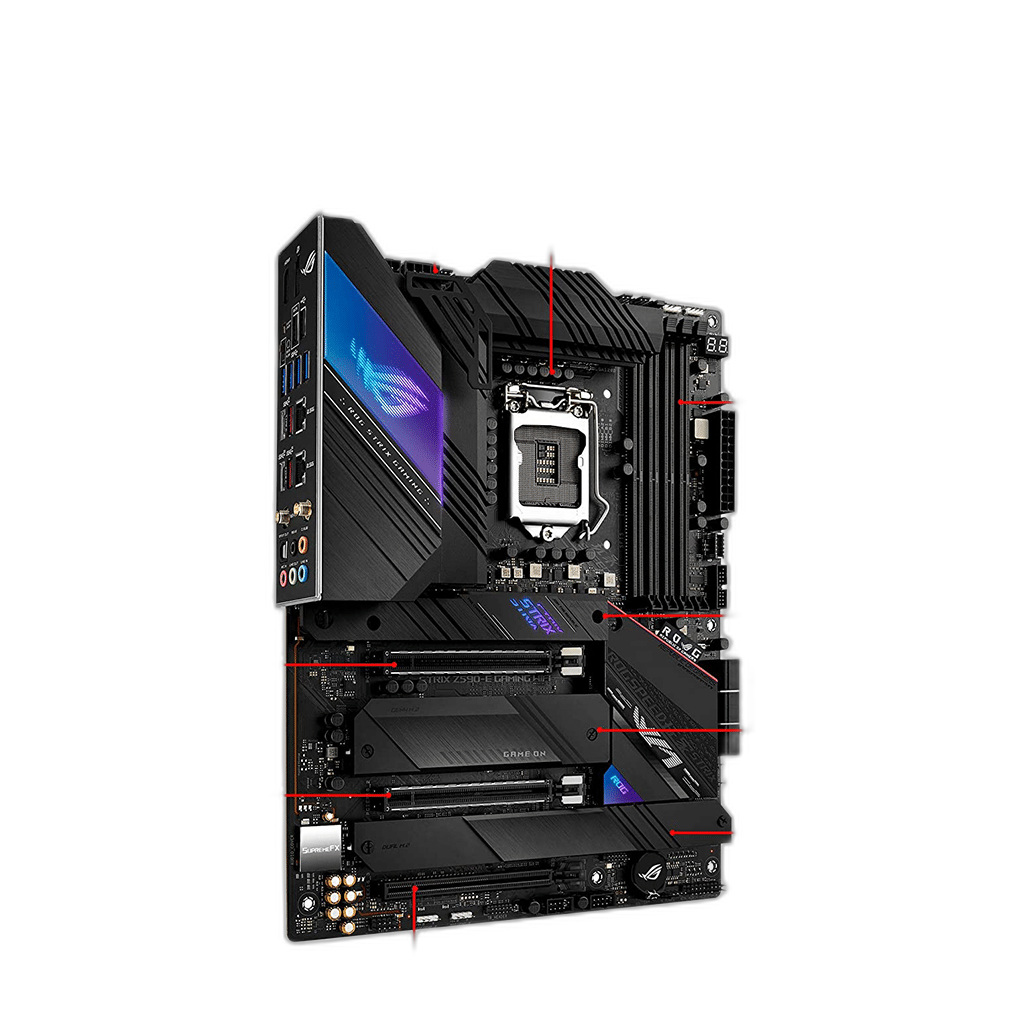
The board supports compatible 10th and 11th Generation Intel Core processors, plus supported Pentium Gold and Celeron models, subject to the CPU-support list. Check the exact processor entry and required BIOS version before installation, especially when updating an existing system. Two CPU-connected physical x16 slots support generation-dependent x16 or divided lanes. The chipset-connected PCIe 3.0 slot runs at up to x4; using x4 disables SATA6G_5 and SATA6G_6, while its default x2 mode retains those ports. Plan the graphics card and other expansion devices around those connections, keeping the processor’s capabilities and the motherboard’s physical slot layout together as one platform.
4 Slots for DDR4 Memory
The board uses 4 DDR4 DIMM slots with dual-channel support. Select a compatible kit from the manufacturer’s memory guidance and fit the modules in the recommended positions. Memory profiles and attainable speed depend on the CPU, installed BIOS and module arrangement; a kit’s advertised profile does not guarantee the same operating speed with every system configuration.
Plan the Storage Positions
Four onboard M.2 positions support different connections. M.2_1 is PCIe 4.0 x4 with an 11th Generation CPU and is disabled with a 10th Generation CPU. M.2_2 provides CPU-connected PCIe 4.0 x4 or 3.0 x4 according to the processor. M.2_3 is PCIe 3.0 x4, while M.2_4 also accepts SATA drives; SATA mode in M.2_4 disables SATA6G_2. The board also provides 6 SATA 6Gb/s ports. Check the slot-sharing conditions before choosing the positions for the boot SSD, additional storage and expansion cards. The number of physical connectors should be considered alongside any shared lanes or processor-generation requirements in the board’s supported configuration.
Network Connections for the Desk
Two Intel I225-V 2.5Gbps Ethernet ports provides the wired network connection. Wi-Fi 6E and Bluetooth are included; 6 GHz operation requires compatible operating-system, router and local regulatory support. The available connection speed also depends on the surrounding network, connected router or switch, operating system and driver support. Choose the network path around the system’s intended use, leaving access to the rear connectors and any wireless antennas in the completed desk arrangement.
Display, USB and Audio Connections
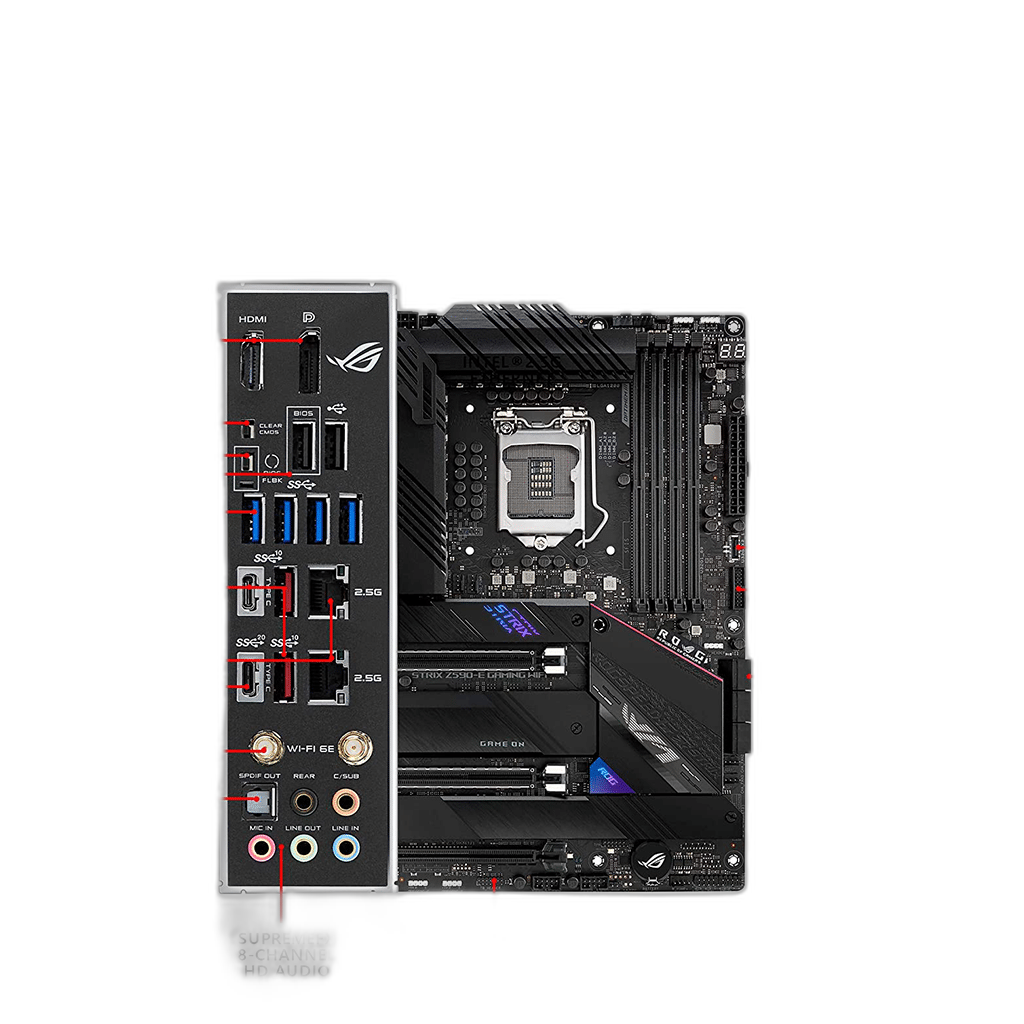
The board provides HDMI and DisplayPort. The motherboard display outputs require a supported processor with integrated graphics. 1 × USB 20Gbps Type-C, 2 × USB 10Gbps Type-A, 1 × USB 10Gbps Type-C, 4 × USB 5Gbps Type-A and 2 × USB 2.0 Type-A are available on the rear panel. SupremeFX ALC4080 with Savitech SV3H712 amplifier supplies onboard audio. Match each external device with the port’s supported function, including the display cable, audio connection and data interface needed for the equipment being used.
Motherboard
ASUS ROG STRIX Z590-E GAMING WIFI
Chipset
Z590
CPU socket
LGA1200
A ATX Board for the Case
The ATX board measures 305 × 244 mm. BIOS FlashBack and Clear CMOS controls support firmware setup; fan, pump and lighting headers support the completed build. Check the case mounting positions, power connections and cooling layout before assembly. Follow the board’s front-panel and fan-header instructions when connecting the case, and leave the intended airflow routes clear around the processor, memory and installed expansion cards.
Plan the Platform Before Adding Components
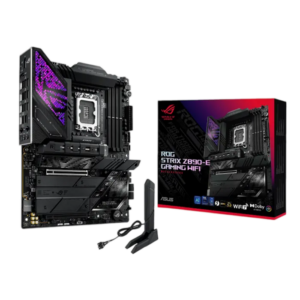
Match the processor socket and supported generation, memory type, board size and storage connections. Check the exact board’s documentation before selecting components or assuming another regional version has the same features. Compare related options such as ASUS ROG Strix Z890-E Gaming WiFi – LGA1851, DDR5, ATX – Black or ASUS ROG Maximus Z890 Hero Motherboard – LGA1851, DDR5, WiFi 7 – Black, keeping the exact model and configuration in the decision. For the wider setup, explore Kingston FURY Beast RGB 64GB (2×32GB) DDR5-6000 CL36 – White and check the connection, size or mounting requirements before pairing accessories. Browse the ASUS range at AX for more choices.
Frequently Asked Questions
Which processors can be installed?
compatible 10th and 11th Generation Intel Core processors, plus supported Pentium Gold and Celeron models, subject to the CPU-support list. Check the exact CPU-support list and required BIOS.
Which memory generation is required?
DDR4 desktop DIMMs, with 4 slots and dual-channel support. The kit must be compatible with the CPU and motherboard.
How is M.2 storage configured?
Four onboard M.2 positions support different connections. M.2_1 is PCIe 4.0 x4 with an 11th Generation CPU and is disabled with a 10th Generation CPU. M.2_2 provides CPU-connected PCIe 4.0 x4 or 3.0 x4 according to the processor. M.2_3 is PCIe 3.0 x4, while M.2_4 also accepts SATA drives; SATA mode in M.2_4 disables SATA6G_2.
What network connections are included?
Two Intel I225-V 2.5Gbps Ethernet ports. Wi-Fi 6E and Bluetooth are included; 6 GHz operation requires compatible operating-system, router and local regulatory support.
Can every supported CPU use the display outputs?
No. The motherboard’s display outputs require a supported CPU with integrated graphics.
Build Your Setup with AX Store Kuwait
Explore computers, displays and accessories for your workspace at AX Store Kuwait. For help choosing the right model or checking an accessory, contact AX Store.
THE DETAILS
Technical specifications
Motherboard Specifications
ASUS ROG STRIX Z590-E GAMING WIFI
Z590
LGA1200
compatible 10th and 11th Generation Intel Core processors, plus supported Pentium Gold and Celeron models, subject to the CPU-support list
ATX
4 × DDR4 DIMM; dual channel
4
6 × SATA 6Gb/s
Four onboard M.2 positions support different connections. M.2_1 is PCIe 4.0 x4 with an 11th Generation CPU and is disabled with a 10th Generation CPU. M.2_2 provides CPU-connected PCIe 4.0 x4 or 3.0 x4 according to the processor. M.2_3 is PCIe 3.0 x4, while M.2_4 also accepts SATA drives; SATA mode in M.2_4 disables SATA6G_2.
Two CPU-connected physical x16 slots support generation-dependent x16 or divided lanes. The chipset-connected PCIe 3.0 slot runs at up to x4; using x4 disables SATA6G_5 and SATA6G_6, while its default x2 mode retains those ports.
Two Intel I225-V 2.5Gbps Ethernet ports
Wi-Fi 6E and Bluetooth are included; 6 GHz operation requires compatible operating-system, router and local regulatory support.
SupremeFX ALC4080 with Savitech SV3H712 amplifier
HDMI and DisplayPort; require CPU integrated graphics
1 × USB 20Gbps Type-C, 2 × USB 10Gbps Type-A, 1 × USB 10Gbps Type-C, 4 × USB 5Gbps Type-A and 2 × USB 2.0 Type-A
The ATX board measures 305 × 244 mm.
BIOS FlashBack and Clear CMOS controls support firmware setup; fan, pump and lighting headers support the completed build.
COMPLETE YOUR SETUP
Pairs well with