Sennheiser
Massdrop x Sennheiser PC37X Gaming Headset
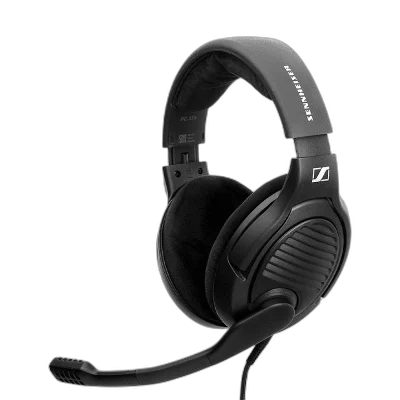
Massdrop x Sennheiser PC37X. The Massdrop x Sennheiser PC37X brings open dynamic sound, angled drivers and a flip-to-mute boom microphone to your desktop. Velour earpads, a volume wheel and a detachable 3 m cable keep everyday gaming simple.
Regular price
42.000 KWD
or 4 payments of 10.500 KWD with
Pay with card & save


40.000 KWD
Save 2.000 KWD
Overview
MASSDROP X SENNHEISER PC37X
Massdrop x Sennheiser PC37X
The Massdrop x Sennheiser PC37X brings open dynamic sound, angled drivers and a flip-to-mute boom microphone to your desktop. Velour earpads, a volume wheel and a detachable 3 m cable keep everyday gaming simple. Explore this model at AX Store in Kuwait.
Open-back
Acoustic design
50 Ω
Headphone impedance
Flip to mute
Boom microphone control
Split 3.5 mm
Supplied connection setup
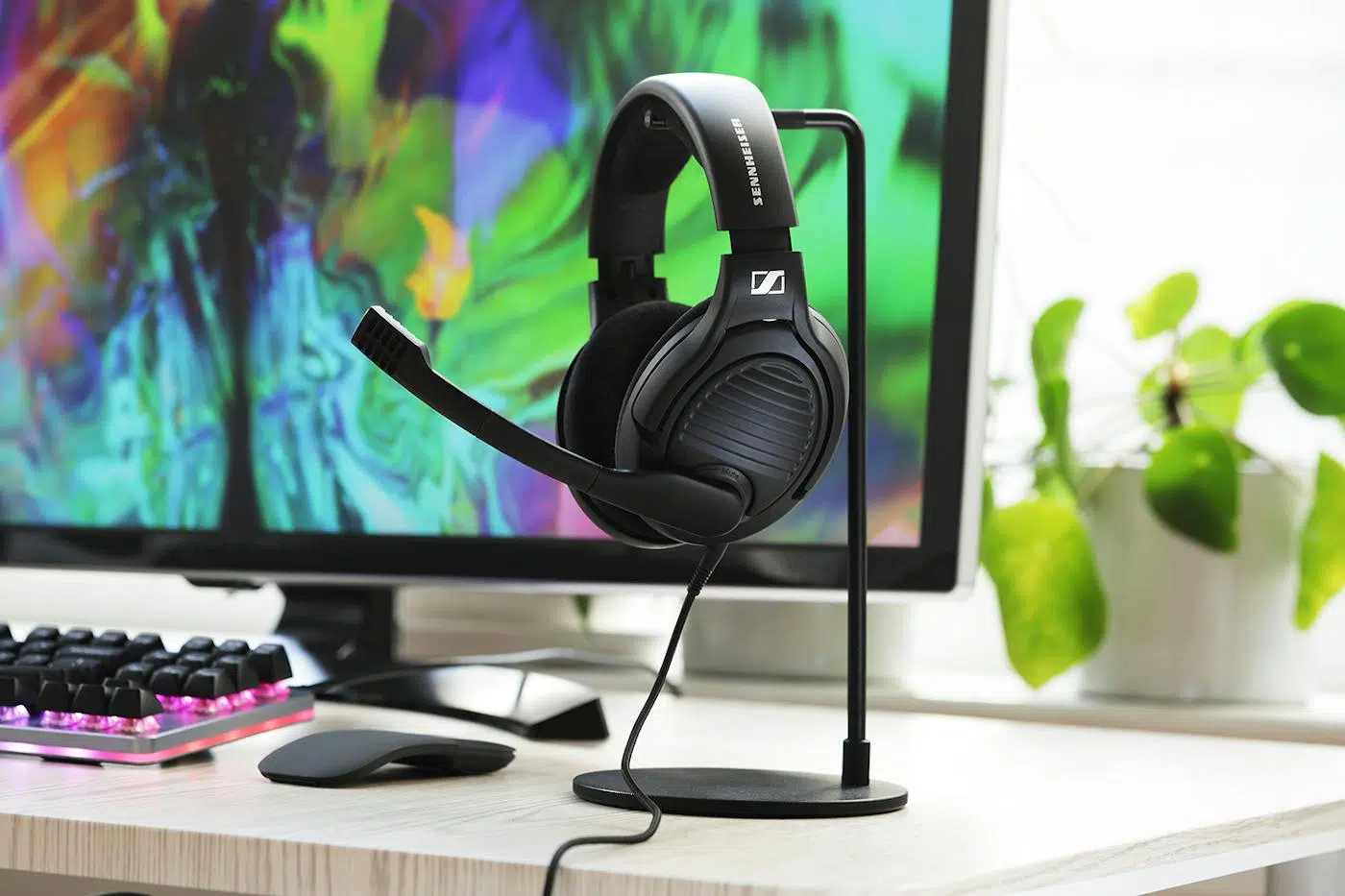
Angled drivers for positional listening
The open acoustic design and angled drivers support stereo imaging, helping you follow directional cues in your game. Open earcups also allow sound to travel in and out, making this headset better suited to a quiet gaming space.
Mute with a movement
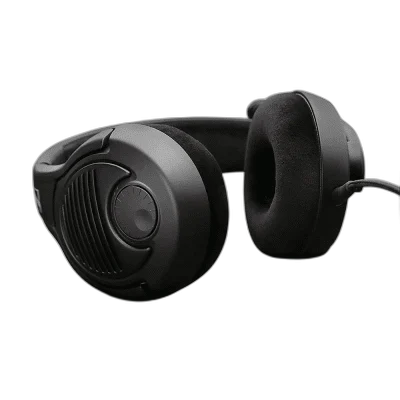
Rotate the boom microphone upward to mute it. Its noise-cancelling pickup is designed for close voice communication, and the right-earcup volume wheel lets you make quick level changes.
Comfort for the desktop
The adjustable headband and large velour earpads provide a spacious over-ear fit. The matte black finish keeps the headset understated alongside your other gaming equipment.
Check your audio sockets
The removable 3 m cable ends in separate 3.5 mm headphone and microphone plugs. Devices with a single combined headset socket require a compatible adapter, sold separately; the headset is not a USB model.
Keep the Microphone and Listening Connections Together
Use the split PC cable with separate headphone and microphone sockets. A headphone-only DAC or amplifier carries playback audio and does not automatically provide a microphone input. Choose the full connection path when you want both game sound and voice chat through the headset.
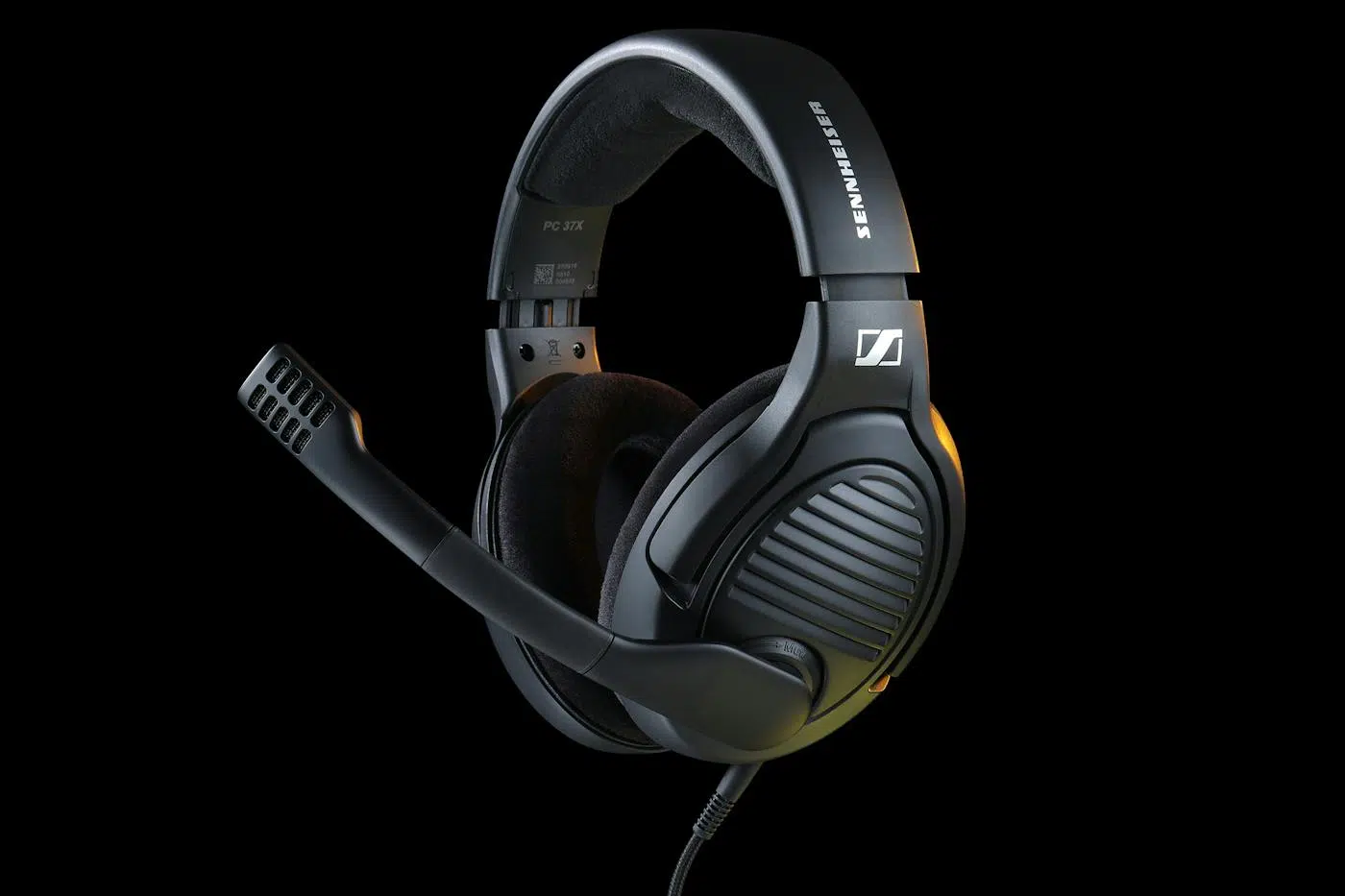
An Open Headset for a Quieter Gaming Space
The open earcups let sound travel into and out of the headset. Choose the room and playback level around that design, particularly when another person or microphone is nearby. The boom microphone’s noise-reducing pickup serves voice capture; it does not make the earcups active noise-cancelling headphones.
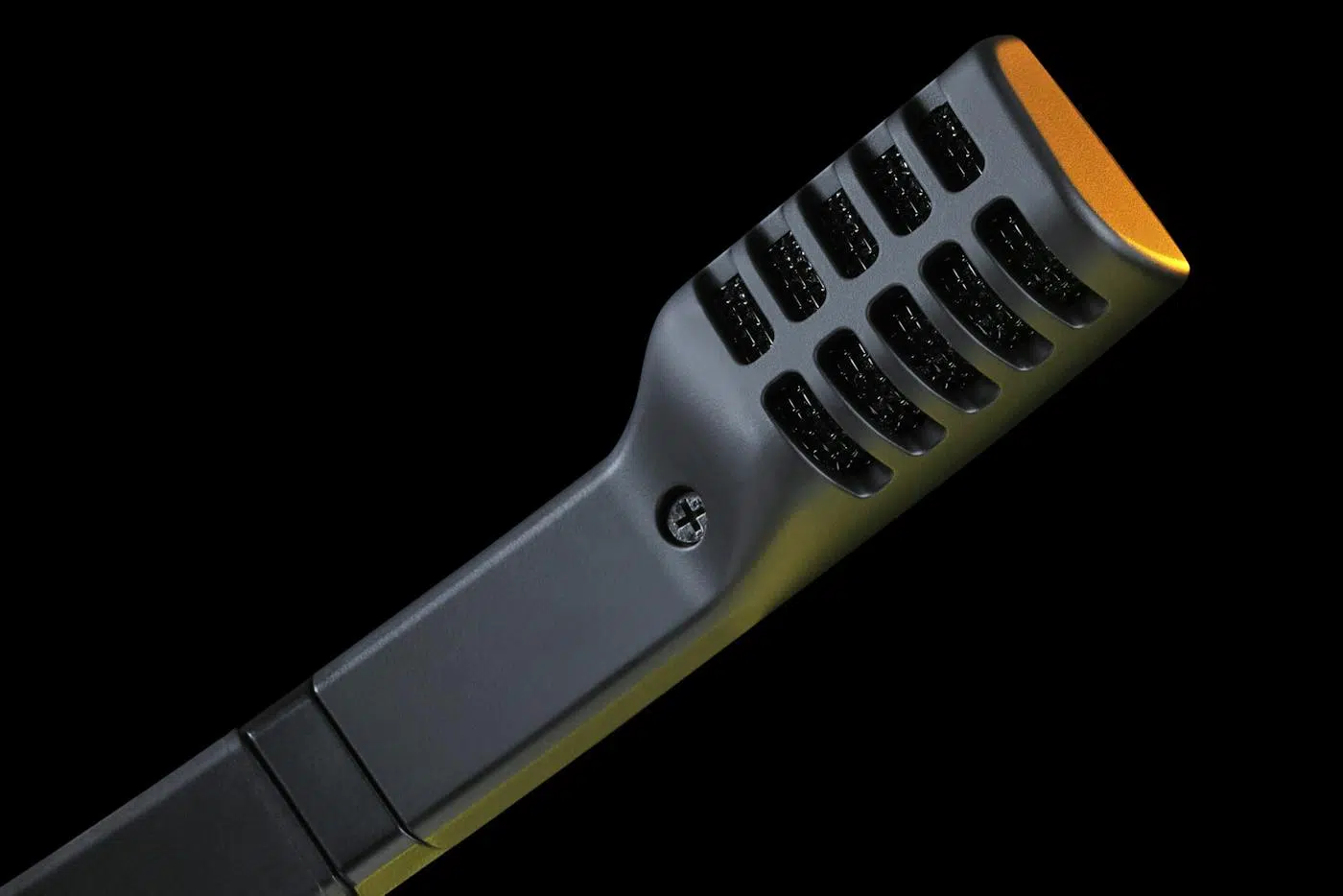
Plan the Platform and Chat Connection
Choose the exact platform version and check whether its connection uses USB, a wireless receiver or an analogue headset socket. Set the playback and microphone devices deliberately in your game or chat application. Compare related options such as Logitech G733 LIGHTSPEED Wireless RGB Gaming Headset - Comfortable Fit or HyperX Cloud III S Wireless/Bluetooth Gaming Headset - Up to 200 Hours Battery, keeping the exact model and configuration in the decision. For the wider setup, explore SHURE MV7X Dynamic Broadcast Microphone (XLR Only) and check the connection, size or mounting requirements before pairing accessories. Browse the Sennheiser range at AX for more choices.
Massdrop x Sennheiser PC37X Setup Choices
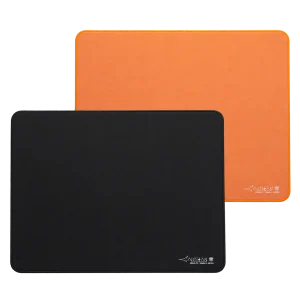
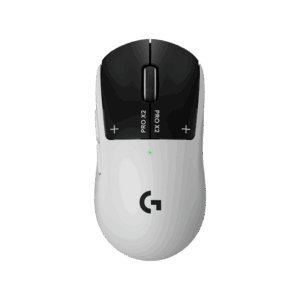
Choose the exact platform version and check whether its connection uses USB, a wireless receiver or an analogue headset socket. Set the playback and microphone devices deliberately in your game or chat application. Explore Wooting 60HE v2 60% Gaming Keyboard, Aluminium, ARTISAN NINJA FX ZERO Gaming Mousepad – SOFT/XSOFT, XL/XXL, Logitech G PRO X2 SUPERSTRIKE Wireless Gaming Mouse.
Frequently Asked Questions
How do I connect both sound and the microphone?
Use the supplied split cable with separate headphone and microphone sockets on a compatible PC or audio device. Headphone-only outputs do not provide a recording input.
Does it work with a single headset socket?
The supplied PC37X cable has separate headphone and microphone plugs. A device with one combined headset socket needs a compatible adapter, sold separately.
Does the headset have active noise cancellation?
The headphones are open-back. The microphone’s noise-reducing pickup helps voice capture; it does not provide active noise cancellation for listening.
How do I mute the microphone?
Rotate the boom upward to mute it. Place the boom back in its speaking position and check the input level before continuing voice chat.
Which ear pads are included?
PC37X uses velour ear pads with an adjustable over-ear headband.
Are the recommendations complete replacement audio systems?
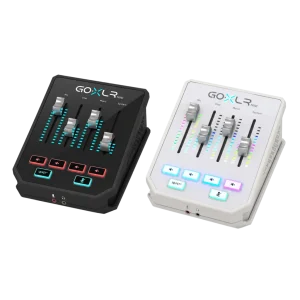
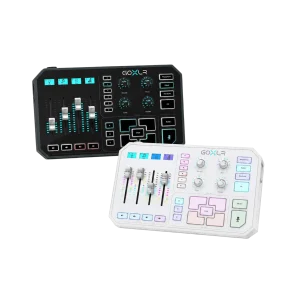
They are alternative pieces of a gaming or recording setup. GoXLR devices should use the headset’s split PC cable with the appropriate headphone and 3.5 mm microphone inputs; a separate DAC is not a microphone-input substitute.
Which model is this?
This is Massdrop x Sennheiser PC37X. PC38X is a separate headset with different drivers, impedance and supplied cable options.
Build Your Setup with AX Store
Explore computers, displays and accessories for your workspace at AX Store. For help choosing the right model or checking an accessory, contact AX Store.
Compare Drop + Sennheiser PC38X Gaming Headset. Match the exact model, connection and configuration to your setup.
Complete Your Setup
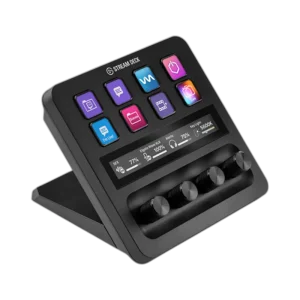
Explore equipment for your workspace: Elgato Stream Deck MK.2, 15-Key Customizable Controller, Elgato Stream Deck Plus Multi-Touch Controller, Elgato Wave Mic Arm LP Low Profile Microphone Arm.
THE DETAILS
Technical specifications
Headphone
Massdrop x Sennheiser PC37X
Over-ear
Dynamic, open
Angled
15 Hz - 28,000 Hz
50 ohms
116 dB
Microphone
Noise cancelling
50 Hz - 16,000 Hz
-38 dBV/Pa
Rotate boom upward
Connections and comfort
3.5 mm
Separate 3.5 mm
Removable, 3 m
Compatible adapter required; sold separately
Right-earcup wheel
Velour
Adjustable
Matte black
Product identification
Sennheiser
SRC-4129
COMPLETE YOUR SETUP
Pairs well with