NZXT
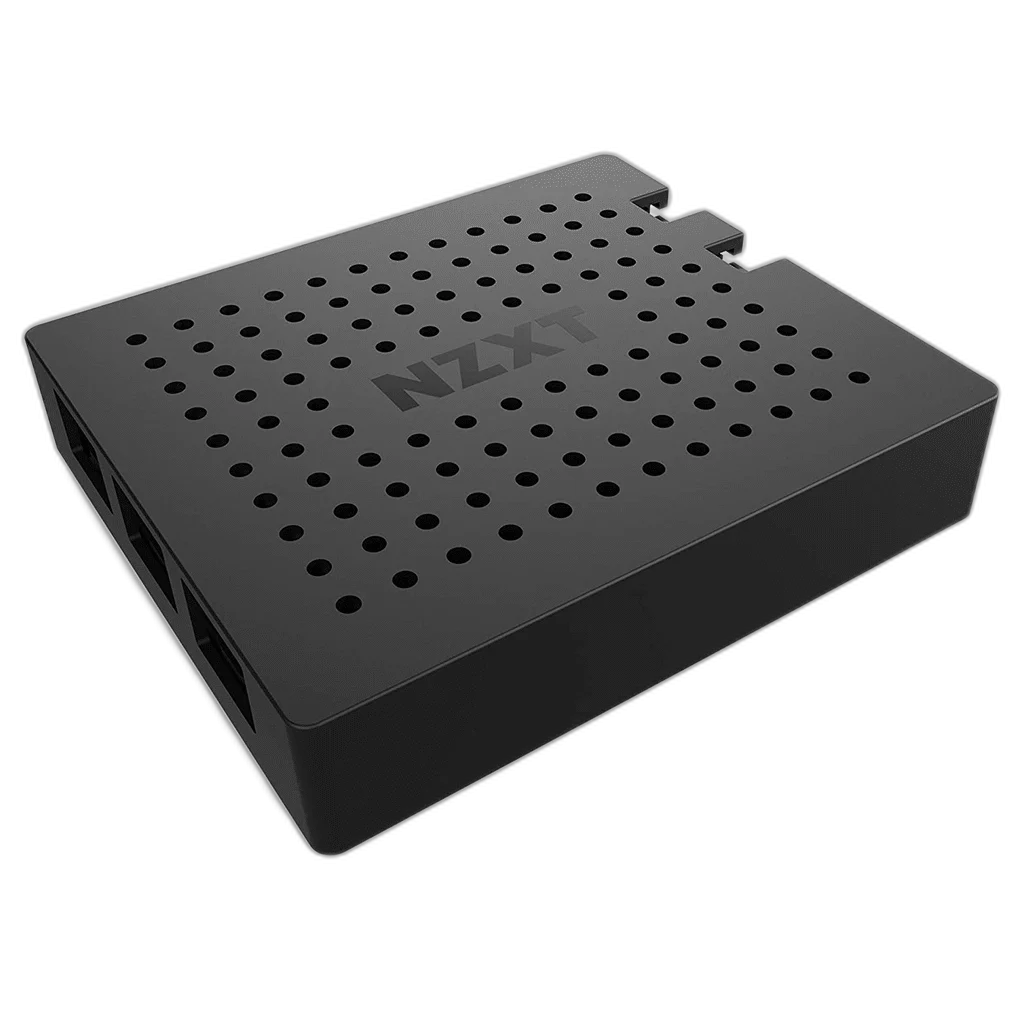
NZXT RGB Fan & Controller for Custom Cooling
The NZXT RGB & Fan Controller AC-2RGBC-B1 connects compatible case fans and NZXT RGB lighting to NZXT CAM. It supports standard 12 V PWM and DC fans, with a 10 W limit per fan channel and a 30 W combined fan-power limit.
Regular price
10.500 KWD
or 4 payments of 2.625 KWD with
Pay with card & save


9.900 KWD
Save 0.600 KWD
Overview
NZXT RGB & FAN CONTROLLER AC-2RGBC-B1
NZXT RGB & Fan Controller AC-2RGBC-B1
The NZXT RGB & Fan Controller AC-2RGBC-B1 connects compatible case fans and NZXT RGB lighting to NZXT CAM. It supports standard 12 V PWM and DC fans, with a 10 W limit per fan channel and a 30 W combined fan-power limit. Explore this model at AX Store in Kuwait.
10 W
Per fan channel
30 W
Combined fan output
PWM / DC
12 V fan support
CAM
Software control
Fan Curves in NZXT CAM
Connect compatible case fans to the controller and configure their speed through NZXT CAM. This gives the cooling arrangement a central place for adjustment, helping tailor the fan response to the system workload. Install the software to access the controller’s full fan-speed and lighting configuration features.
PWM and DC Fan Support
The controller supports most standard 12 V fans with four-pin PWM or three-pin DC connections. Match each connected fan with the appropriate channel arrangement and power requirement. Keep PWM and DC fans on separate channels rather than mixing both control types within the same channel.
10 W per Fan Channel
The AC-2RGBC-B1 supports up to 10 W on each fan channel and 30 W across the fan outputs. Multiple fans can share a channel only within its combined power limit. Add together the ratings of all fans on a splitter before choosing the connection arrangement.
Dedicated NZXT RGB Connections
Lighting uses NZXT’s proprietary four-pin RGB interface. Connect compatible NZXT RGB devices to those lighting channels and configure their effects in CAM. Keep different NZXT lighting generations on separate channels; original Aer RGB and Aer RGB 2 devices cannot be mixed together on one lighting channel.
USB Communication and SATA Power
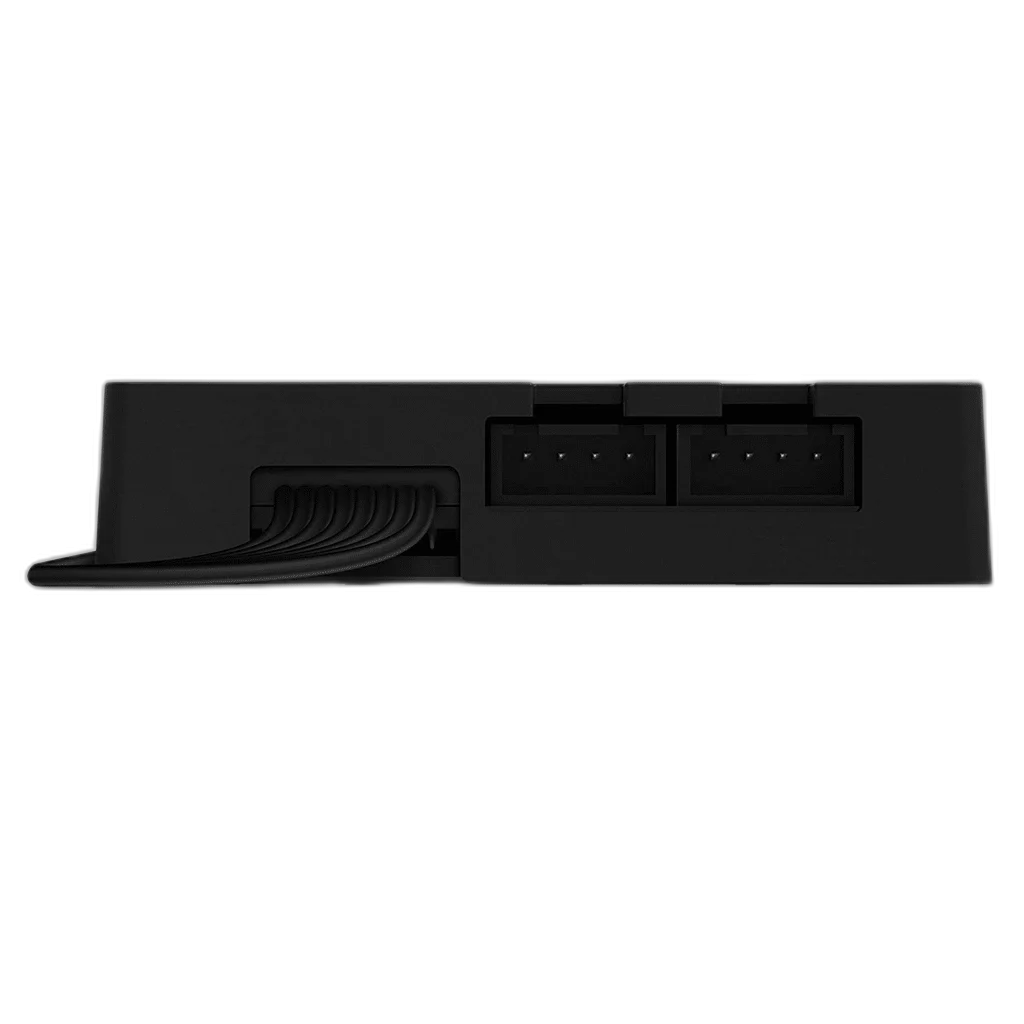
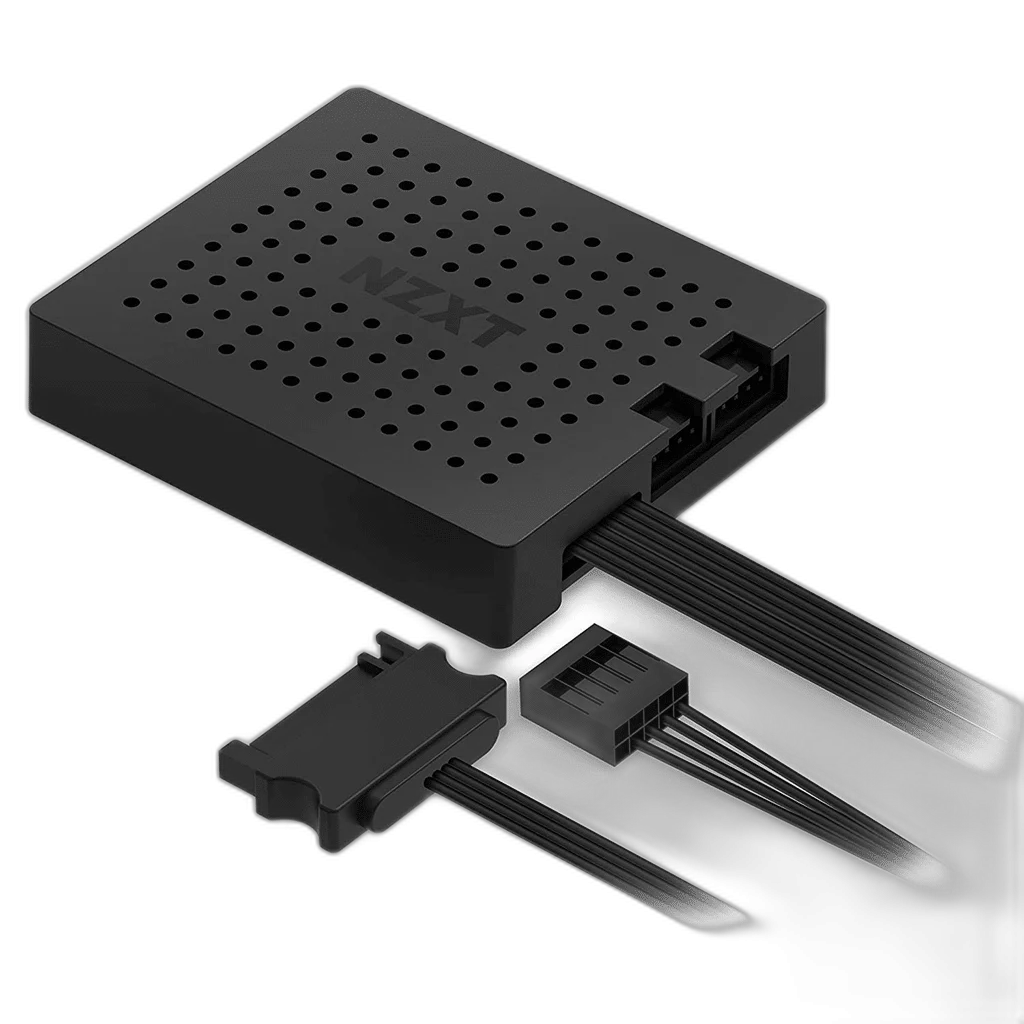
Reserve an available internal USB 2.0 header for communication and a SATA power connector for the controller. Route both leads so the controller can be positioned securely inside the case. Additional controllers need their own available USB and power connections, or an appropriate powered internal USB hub.
Manufacturer model
AC-2RGBC-B1
Fan output per channel
10 W maximum
PC connections
Internal USB 2.0 header; SATA power
Coordinate Cooling with the Build
Compatible Kraken X, Z and supported newer Kraken coolers can share liquid-temperature information for fan profiles through CAM. This feature does not apply to Kraken M22 or Kraken 120. Use the controller for suitable case fans, and follow the stated electrical limits when planning the cooling arrangement.
Match the Accessory to the Case and Components
Check the exact case, mounting points and connector or controller requirements. Accessories from a similar-looking case or lighting system may use a different mounting or control arrangement. Compare related options such as Lian LI O11D-1 Dynamic/Air Vertical Kit or Lian Li O11D Mini PCIe 3.0 Vertical GPU Bracket Kit, keeping the exact model and configuration in the decision. For the wider setup, explore XIGMATEK Aquarius S Mid Tower Case and check the connection, size or mounting requirements before pairing accessories. Browse the NZXT range at AX for more choices.
NZXT RGB & Fan Controller AC-2RGBC-B1 Setup Choices
Check the exact case, mounting points and connector or controller requirements. Accessories from a similar-looking case or lighting system may use a different mounting or control arrangement.
Frequently Asked Questions
Which controller version is this?
AC-2RGBC-B1, with 10 W per fan channel and 30 W combined fan output.
Does it work with ordinary 5 V ARGB?
No. Its lighting connection is the proprietary four-pin NZXT RGB interface.
Can I mix PWM and DC fans?
Do not mix them on the same fan channel.
What connections does it need?
An internal USB 2.0 header and SATA power.
Is CAM required?
Install NZXT CAM to access the full RGB and fan-speed controls.
Build Your Setup with AX Store
Explore computers, displays and accessories for your workspace at AX Store. For help choosing the right model or checking an accessory, contact AX Store.
THE DETAILS
Technical specifications
Control and Connections
AC-2RGBC-B1
Most standard 12 V 4-pin PWM or 3-pin DC fans
10 W maximum
30 W maximum
Proprietary 4-pin NZXT RGB
NZXT CAM
Internal USB 2.0 header; SATA power
Do not mix PWM and DC fans, or different NZXT RGB generations, within a channel
Not compatible with standard 5 V ARGB or 12 V RGB connections
COMPLETE YOUR SETUP