EXPLAINED
Audio
32-Bit Float Audio Explained: What You Can and Cannot Recover
Understand 32-bit float audio recording, recoverable levels, microphone limits and export. Compare Zoom recorders and wireless backup workflows.
AA
Ali Aljaber
Quick answer
32-bit float audio recording gives compatible files a very large numerical range for representing audio levels. In a properly designed recorder, it can make unpredictable speech levels easier to adjust after recording. It does not make every part of the microphone and recorder immune to overload, and it cannot repair sound that was never captured cleanly.
The practical benefit is editing flexibility. If a float file contains a clean waveform represented above the normal playback ceiling, compatible editing software can reduce its level and bring it into a usable range. That is different from recovering a microphone capsule, analogue input or earlier processing stage that has already distorted.
Separate the file format from the capture hardware
A recorder has several stages: the microphone converts sound into an electrical signal, the input circuitry handles that signal, the converter turns it into digital data and the recorder stores a file. A wide-range file format is only one part of this chain.
Some float recorders combine their format with multiple analogue-to-digital conversion paths to cover a broad input range. That hardware design matters. Merely converting an already clipped 16-bit or 24-bit file into a 32-bit float file does not restore the peaks lost earlier. The new container cannot invent the original clean waveform.
What is recoverable?
| Situation | Can float recording help? | What to do |
|---|---|---|
| Clean float data plays above 0 dBFS | Often, by reducing level in compatible software | Adjust clip gain before fixed-point export |
| Quiet voice captured cleanly | Allows substantial level adjustment | Listen for background and equipment noise as you raise it |
| Microphone capsule physically overloaded | No reliable restoration of the original sound | Use suitable microphone placement and level capability |
| Wind or clothing scraping the microphone | Not solved by file headroom | Prevent contact and use suitable wind protection |
| Wireless signal drops out | Float alone does not fix the radio link | Use an enabled local transmitter recording when available |
| Already clipped fixed-point recording converted to float | Does not restore missing peaks | Find a clean original or backup if one exists |
Zoom recorder examples: format is specific to the mode
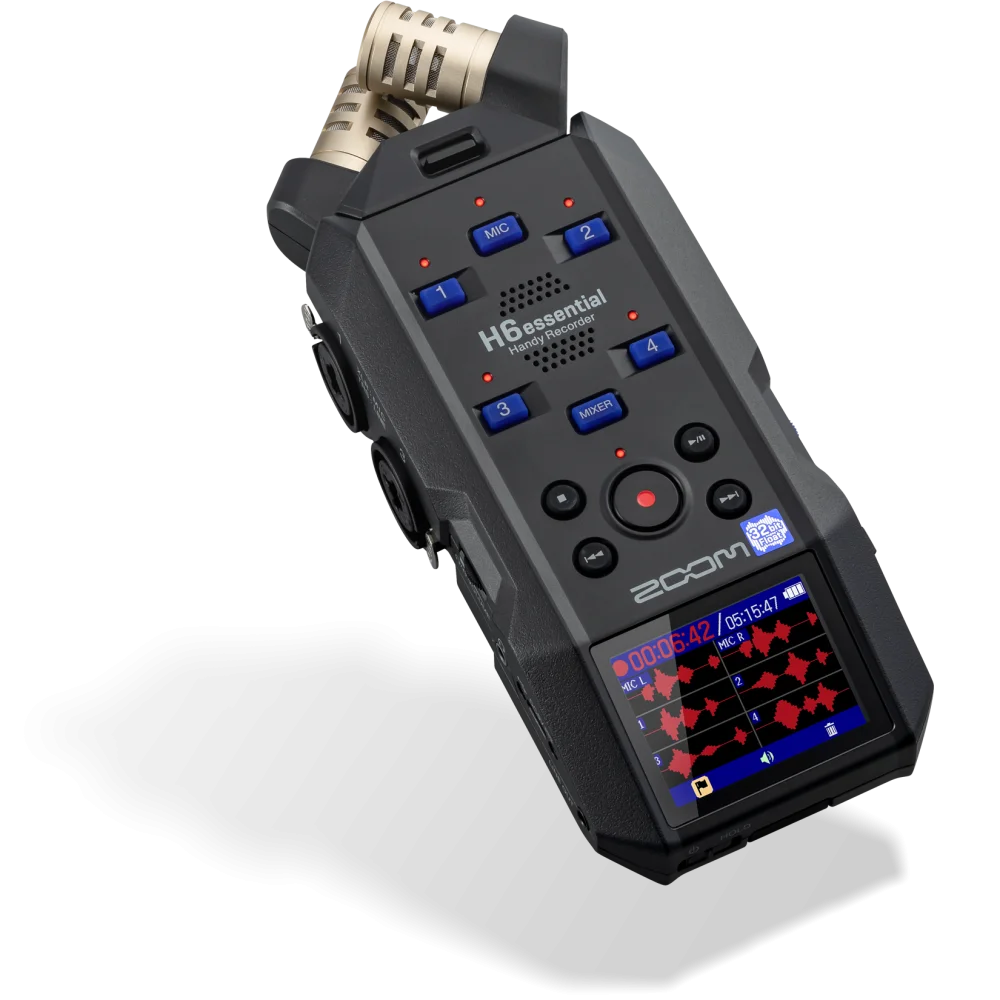
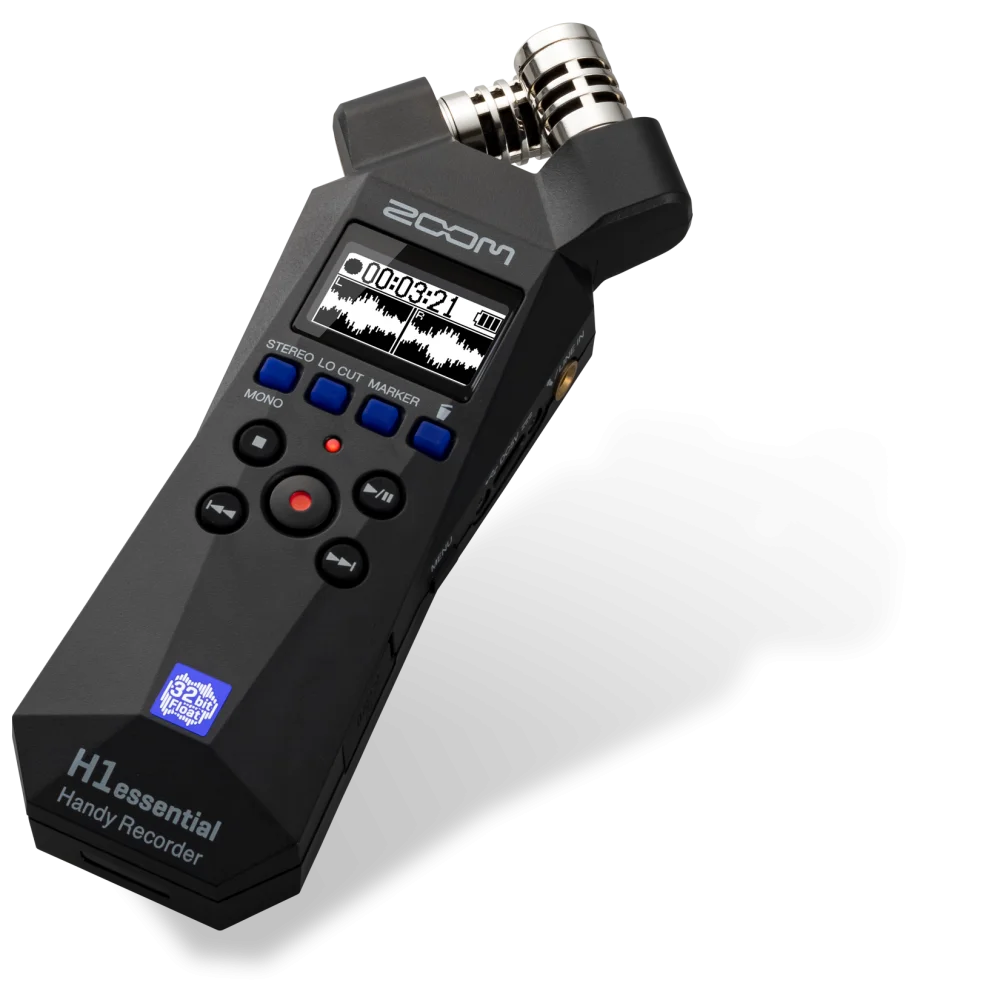
Zoom H1essential and H6essential offer 32-bit float onboard WAV recording. Their input arrangements are very different: H1essential is a stereo recorder, while H6essential provides four external combo inputs alongside its stereo capsule. Choose the input workflow before deciding that the shared format makes them equivalent.
USB operation needs a separate check. H1essential’s listed USB microphone mode is 16-bit/48 kHz, even though its SD recording is float. H6essential offers float-capable USB operation with compatible recording systems. A recorder name or an SD specification does not confirm the format used by every host application.
PodTrak P4next records 24-bit/48 kHz WAV. It remains a relevant podcast tool because of its four microphone inputs, headphone outputs and routing features. It should not be advertised as a 32-bit float recorder. See our Zoom recorder comparison for the complete workflow differences.
Wireless microphone backups are a separate path
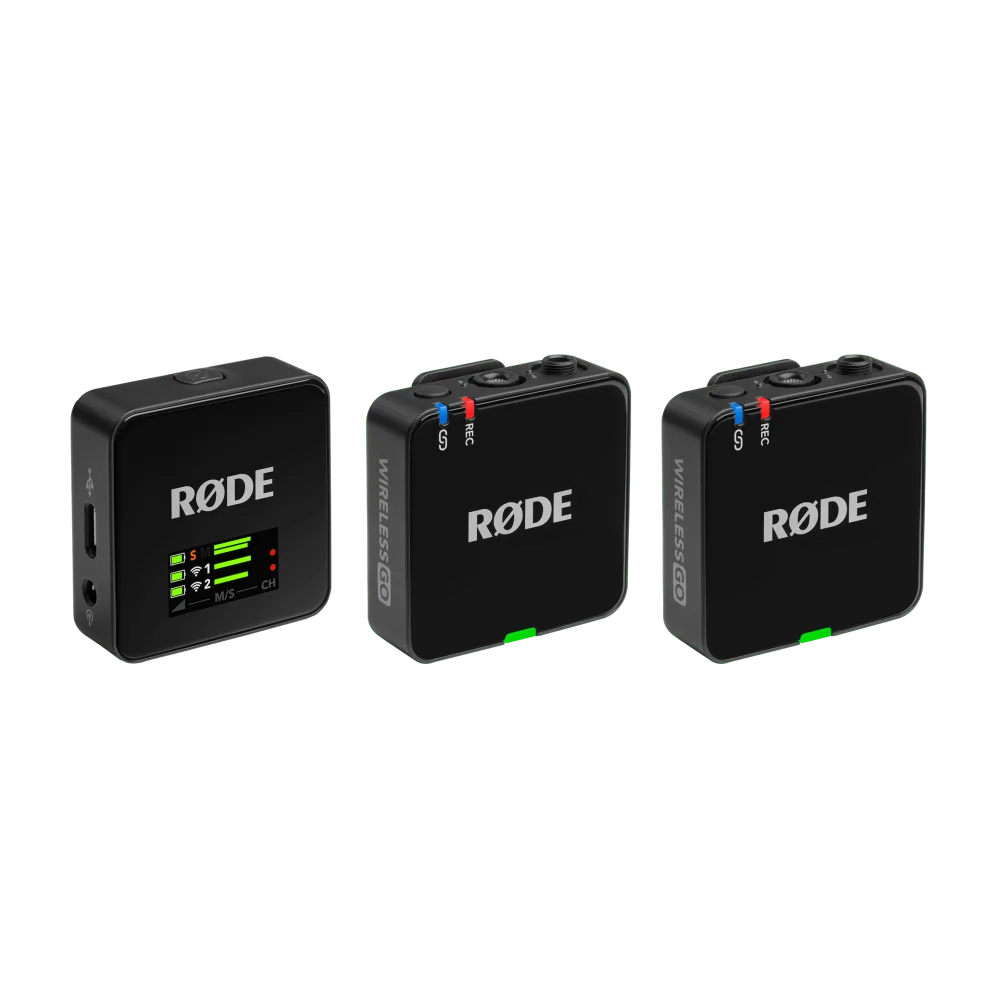
The RØDE Wireless GO Gen 3, DJI Mic 3 and Insta360 Mic Pro provide float internal recording on the transmitter. When enabled, the local recording can give you another file to use in the edit if the receiver path is interrupted.
That is separate from the camera’s audio track. An analogue cable into a camera still passes through the camera’s own input and recording settings. A clipped camera track is not automatically recovered by lowering its level just because the transmitter was also saving a float file. Import the actual local backup and synchronise it with the video.
Likewise, a radio dropout and microphone distortion are different faults. The local file may avoid the missing radio segment, but if clothing rubbed against the microphone at that moment, that physical noise is likely to be in the local recording too. Our wireless microphone buying guide compares which kits provide onboard files.
A reliable capture and editing workflow
- Position the microphone for the voice and keep it away from rubbing fabric and direct wind.
- Select the intended recording format and confirm local recording is actually active.
- Make a test at the loudest expected voice level and listen through headphones.
- Copy original files to a working folder and keep an untouched backup.
- Import into software that supports the file correctly, then adjust clip gain to a usable level.
- Apply editing and processing while listening for noise and distortion.
- Export to the delivery format with suitable peak headroom and check the exported file.
A waveform looking very small does not necessarily mean the recording is unusable. Raise it carefully and listen. Raising a quiet voice also raises recorded room noise; float recording does not selectively amplify only the words. For capture improvements, see reducing microphone background noise.
When 24-bit remains a sensible choice
Controlled podcast and studio sessions can work very well at 24-bit when levels are set with sufficient headroom. Float is especially useful when levels are difficult to predict or when an operator cannot ride gain continuously. It is not a reason to ignore monitoring, microphone technique or a sensible room.
For a new podcast setup, prioritise enough microphone inputs, clear headphone monitoring and a workflow you can operate reliably. The two-person podcast checklist helps plan those requirements. A recorder with the right connections and a well-run session is more useful than a file-format label attached to the wrong workflow.
Frequently asked questions
Can every clipped recording be fixed with 32-bit float?
No. Clean float data above the playback ceiling can be reduced, but earlier analogue or microphone distortion cannot simply be undone.
Does float recording eliminate background noise?
No. Background noise is still part of the captured signal. Raising the voice level also raises that noise.
Should I convert old clipped files to float?
It may support later processing, but conversion does not recover waveform information already lost in the original recording.
Is a transmitter’s float backup the same as camera audio?
No. The internal file and the camera input are separate recording paths. Retrieve the original backup when that is the file you need.
Manufacturer references
- Zoom H6essential capture and interface design
- DJI internal 32-bit float clarification
- RØDE Wireless GO Gen 3 onboard recording
Product configurations checked against AX Store listings on 14 November 2026. Use the linked product pages for current prices, stock, selected colours and included accessories.
Explore the current Recorders selection at AX Store Kuwait.
AA
KEEP READING
All Explained guides


Choose the right equipment for your setup
Explore the exact models, current configurations and availability at AX Store Kuwait.