BUYING GUIDE
Audio
Wireless Microphones for Phone and Camera: Choose the Right Kit
Compare DJI Mic 3, RØDE, Hollyland and Insta360 wireless microphone kits. Check phone ports, camera connections, transmitters and backup recording.
AA
Ali Aljaber
Quick answer
The best wireless microphone for phone and camera work is the kit that connects to your recording device, covers every speaker and gives you the backup workflow you need. A two-person phone kit and a camera kit with internal recording solve different problems, even when both use small clip-on transmitters.
For creators buying wireless microphones in Kuwait, start with three questions: are you filming on USB-C, Lightning or a camera with a 3.5 mm microphone input; how many people need microphones; and can you edit separate backup files afterwards? The comparison below refers to the exact AX Store packages, rather than every possible version sold under each model name.
Compare the actual kits
| AX kit | Speakers included | Main connection workflow | Onboard backup |
|---|---|---|---|
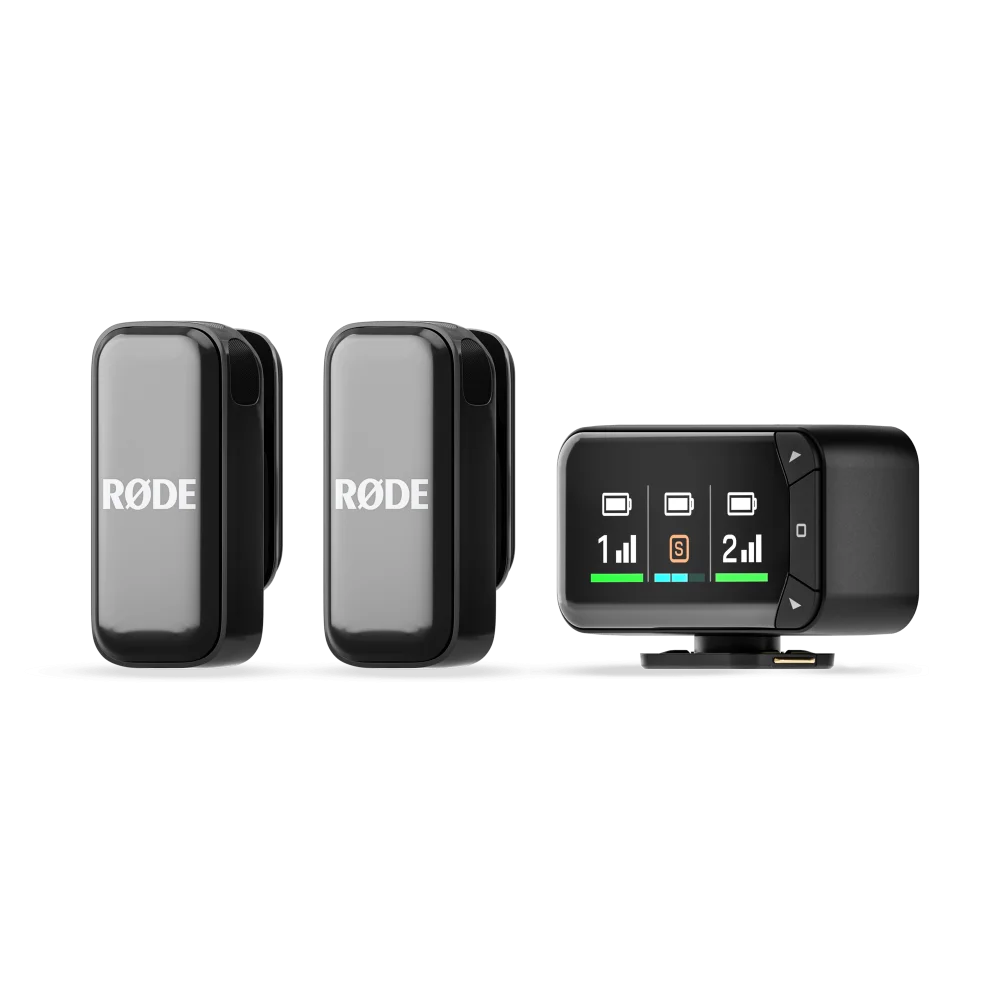
| RØDE Wireless Micro USB-C | 2 transmitters | USB-C phone receiver | No |
| RØDE Wireless Micro Camera Kit | 2 transmitters | Camera receiver plus separate USB-C phone receiver | No |
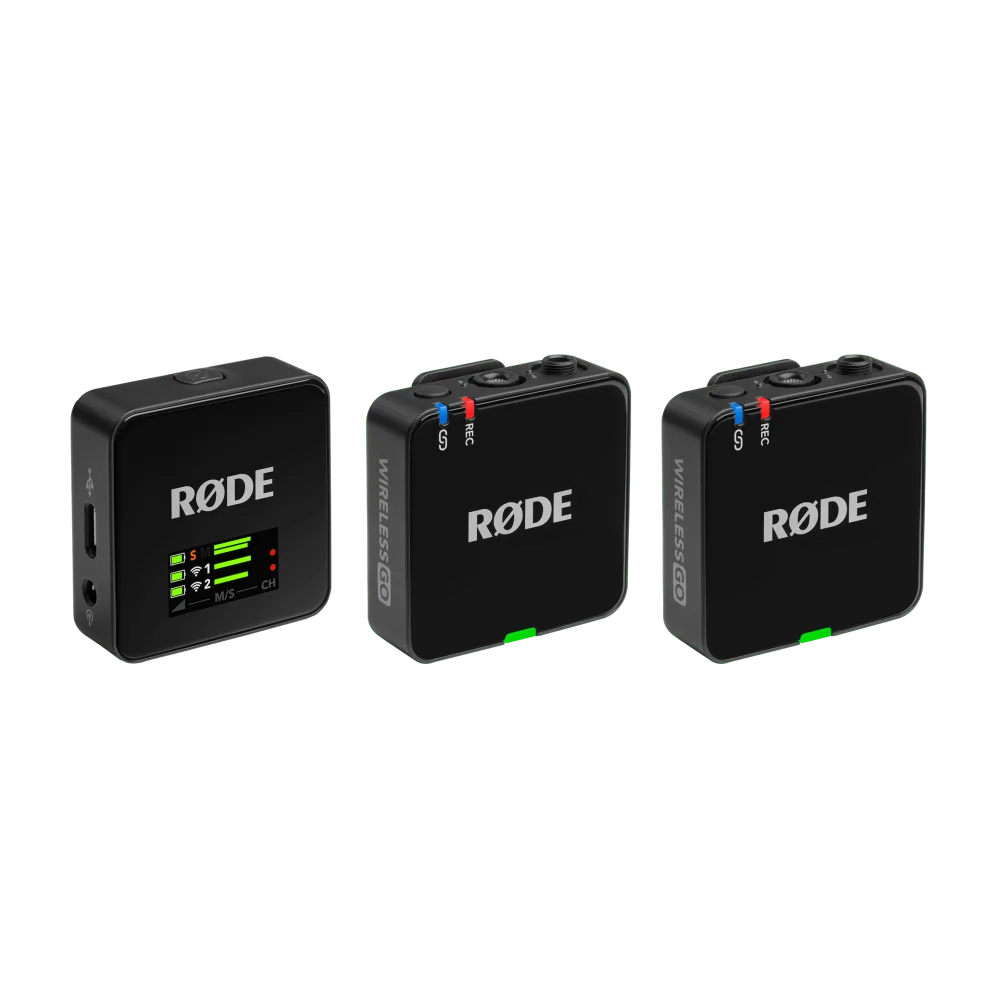
| RØDE Wireless GO Gen 3 | 2 transmitters | Camera 3.5 mm or compatible USB audio device | 32-bit float on transmitters |
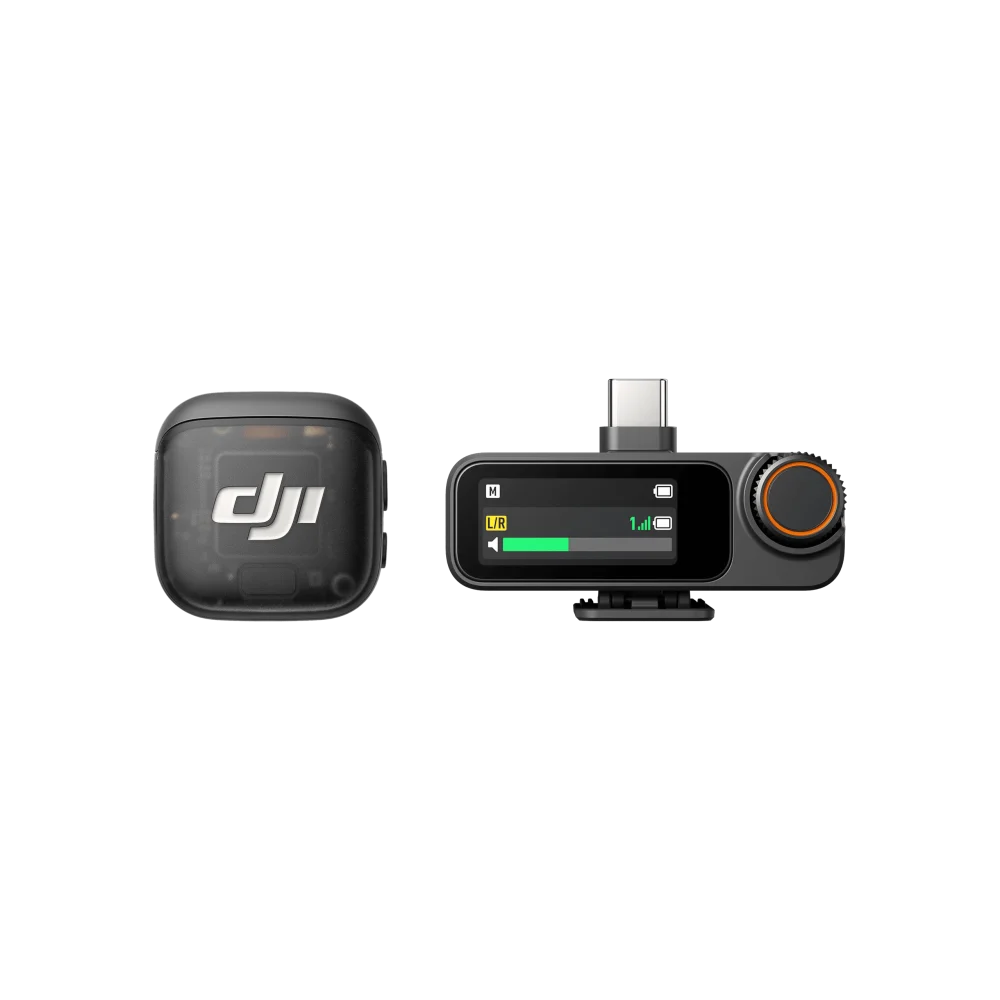
| DJI Mic 3, 1 TX + 1 RX | 1 transmitter | Camera or USB-C device with the correct connection | 24-bit / 32-bit float internal |
| Hollyland LARK MAX Solo | 1 transmitter | Camera or compatible USB audio device | Internal recording; original LARK MAX |
| Hollyland LARK A1 Combo | 2 transmitters | USB-C and Lightning phone receivers | No |
| Insta360 Mic Pro, 2 TX + 1 RX | 2 transmitters | Camera or compatible USB-C device | 32-bit float internal |
Phone-first creation: prioritise the receiver
For short interviews, social videos and product demonstrations recorded directly into a phone, a compact plug-in receiver keeps the setup manageable. The Wireless Micro USB-C kit is intended for a compatible USB-C audio host. A matching connector alone does not confirm that every camera app will select the external microphone: record a short test in the application you actually use and play it back before filming.
The LARK A1 Combo includes mobile receivers for USB-C and Lightning, which is useful when a team works across different phones. It is a mobile kit, not a package with an analogue camera receiver. Do not buy it expecting a 3.5 mm camera output. Check that the receiver can seat properly with the phone case fitted and that the phone and recording app support the intended external audio route.
Switching between camera and phone
The Wireless Micro Camera Kit includes both a camera receiver and a USB-C smartphone receiver. That makes sense when you alternate between devices and want a straightforward two-person system. It does not turn the Micro transmitters into standalone recorders, and it does not mean one transmitter sends to both receivers simultaneously. Choose the receiver for the current shoot.
For a camera, use its microphone input with the correct TRS cable. A headphone socket is an output, not a microphone input. Set the receiver output and camera input together, then check the recorded file for distortion. Automatic level management in the wireless system cannot guarantee that the camera’s own input stage will never overload.
When internal recording is worth having
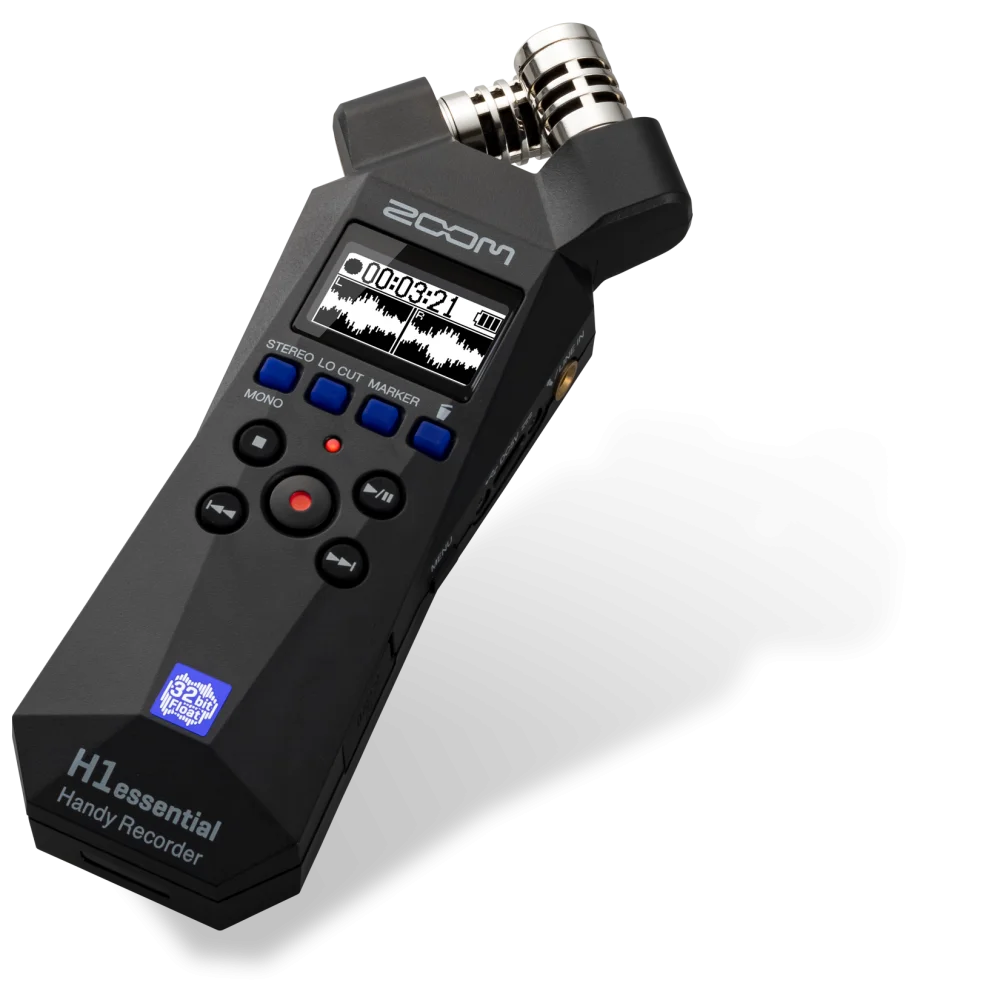
Onboard recording stores audio at the transmitter. It can preserve a separate local file if the wireless link drops out, provided recording was enabled and the microphone itself captured clean sound. Wireless GO Gen 3, DJI Mic 3 and Insta360 Mic Pro offer 32-bit float internal recording. That capability applies to the internal file; it should not be read as a promise that the analogue signal entering your camera is also a 32-bit float recording.
These files add an editing step. You need to copy them, align them with the video and adjust their levels in compatible software. Our 32-bit float recording guide explains both the recovery advantages and the limits. Wind, clothing rubbing over the capsule and an incorrectly positioned microphone still need to be prevented at capture.
Do not confuse system capacity with box contents
The DJI Mic 3 listing linked here contains one transmitter and one receiver. The LARK MAX Solo also starts with one transmitter. For a presenter and guest who both move, a two-transmitter package is usually the more direct starting point. A receiver’s ability to support additional transmitters does not place those extra units in the box.
The original LARK MAX Solo should also be distinguished from LARK MAX 2. Specifications associated with the newer model are not automatically features of the original Solo kit. Likewise, a charging-case runtime advertised for a different package should not be applied to a package that does not include that case.
Choose by the shoot you will actually record
- Two people filming mainly on USB-C phones: start with Wireless Micro USB-C; consider LARK A1 Combo when Lightning phones are part of the workflow.
- Two people alternating between phone and camera: compare Wireless Micro Camera Kit for simplicity with Wireless GO Gen 3 for local backup recording and external microphone flexibility.
- Solo camera creator wanting local float files: the linked DJI Mic 3 one-transmitter kit is a relevant starting point.
- Two-person camera work with an editing workflow: compare Wireless GO Gen 3 and Insta360 Mic Pro, including mounts, controls and exact device compatibility.
Place the microphone where speech remains clear as the person turns, keep fabric away from it and use the appropriate windshield outdoors. Monitor a test while walking the actual route. Published open-field range figures are not a guarantee through people, walls or a busy radio environment. For a fixed desk instead of mobile filming, read USB versus XLR microphones before choosing the connection.
Frequently asked questions
Does 32-bit float protect my live camera audio?
Internal float recording and the camera recording are separate paths. Set and test camera levels even when the transmitter is also recording a float backup.
Can a USB-C microphone work with every USB-C phone?
The phone must support the receiver as a USB audio device, and the recording app must use it. Check both compatibility and physical clearance.
Does Wireless Micro record without a phone or camera?
No. Its transmitters do not have onboard recording; a connected recording device must save the audio.
Which DJI Mic 3 package is linked here?
The AX Store listing is the one-transmitter, one-receiver package. Check its included accessories before ordering for a two-person shoot.
Manufacturer references
- DJI Mic 3 specifications
- RØDE Micro kit differences
- RØDE onboard-recording clarification
- Insta360 Mic Pro specifications
Product configurations checked against AX Store listings on 14 November 2026. Use the linked product pages for current prices, stock, selected colours and included accessories.
Explore the current Wireless Microphones selection at AX Store Kuwait.
AA
KEEP READING
All Buying Guides guides


Choose the right equipment for your setup
Explore the exact models, current configurations and availability at AX Store Kuwait.