Category
Webcams & Cameras
27 PRODUCTS
4K and 1080p webcams and streaming cameras from Elgato, Logitech and more with autofocus and low-light correction.
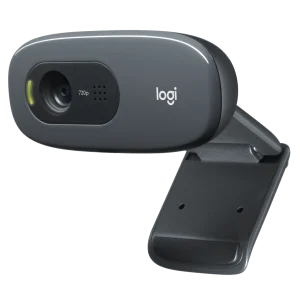
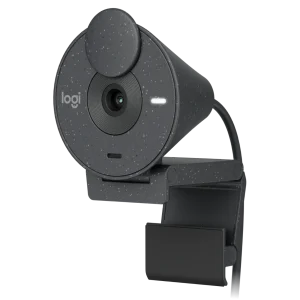
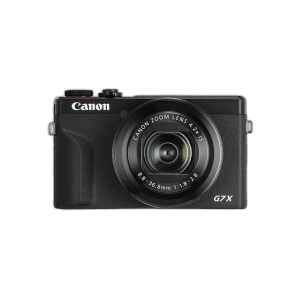
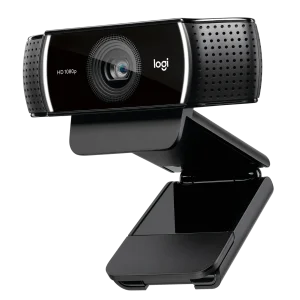
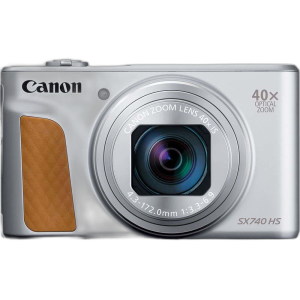
OUT OF STOCK
262.500 KWD
or 4 × 65.625 KWD with


WITH CARD
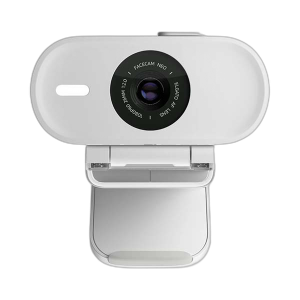
OUT OF STOCK
48.500 KWD
or 4 × 12.125 KWD with
WITH CARD
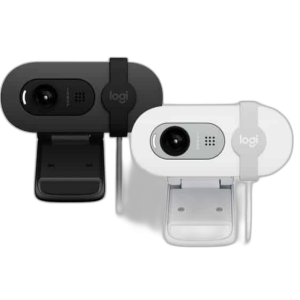
OUT OF STOCK
13.000 KWD
or 4 × 3.250 KWD with
WITH CARD
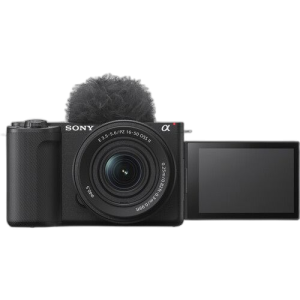
OUT OF STOCK
356.000 KWD
or 4 × 89.000 KWD with
WITH CARD
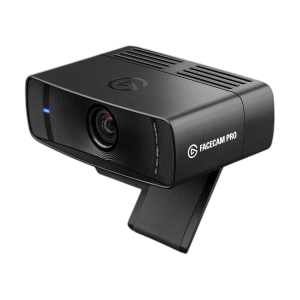
OUT OF STOCK
123.000 KWD
or 4 × 30.750 KWD with
WITH CARD
Load More Products
Showing 12 of 27 products
WEBCAMS AT AX
Look sharp on every stream.
Elgato Facecam, Logitech webcams and PTZ options, plus Canon and DJI cameras for creators who want a cinematic look, in 1080p60 and 4K.
1080p60 is enough for a stream window; 4K pays off for full-screen talking-head content. Autofocus and low-light correction matter more than resolution in a dim room, and lighting matters as much as the camera.
1080p60 · 4K
streaming resolutions
Autofocus
and low-light correction
Elgato · Logitech
Canon and DJI cameras
WEBCAM FAQ
Before you buy.
Straight answers to the questions we hear most about webcams and streaming cameras.
1080p or 4K webcam?
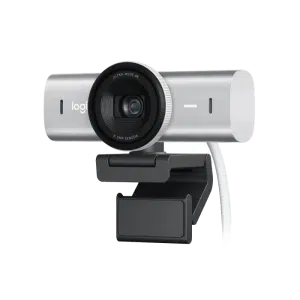
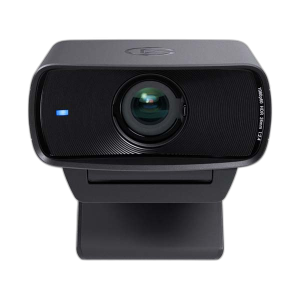
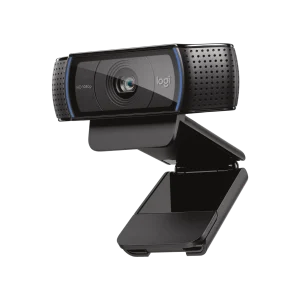
1080p webcams like the Logitech C922, Brio 300 and Elgato Facecam MK.2 look sharp on streams and calls. 4K models like the Logitech MX Brio give extra detail and room to crop, and the MX Brio can also run 1080p at 60 fps.
Why does my webcam image look grainy?
Light matters more than resolution. A key light or soft light in front of you, not behind you, gives a cleaner and sharper image from any webcam.
Do these webcams need drivers?
They work as standard USB cameras on Windows and Mac. The maker's app, such as Elgato Camera Hub for the Facecam, adds settings like exposure, focus and colour.
Can I use a camera instead of a webcam?
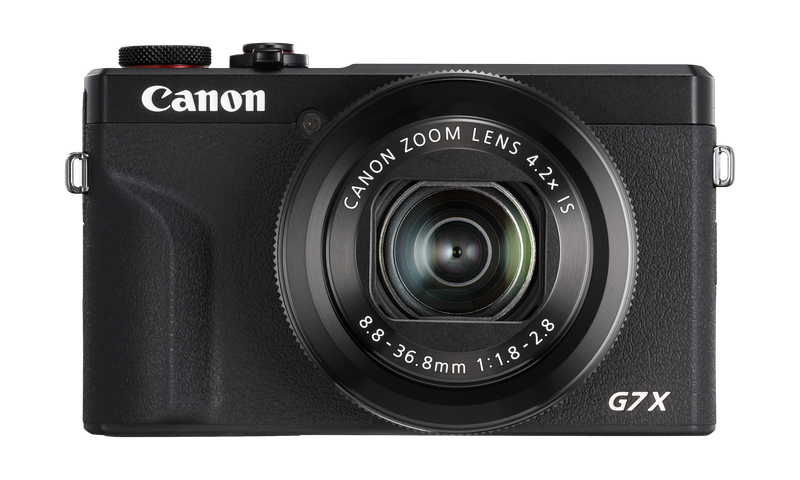
Yes. A compact camera like the Canon PowerShot G7X Mark III gives better image quality and background blur for streams and video, and also works for vlogging away from the desk.
Where should I place the webcam?
At eye level, on top of the monitor or on a small arm, so you look into the camera naturally. Keep the main light in front of you.