BUYING GUIDE
Gaming
Shure SM7B Setup Guide: Gain, Mounting and Connections
This Shure SM7B setup guide plans the complete XLR voice chain: interface gain, microphone arm, cable and monitoring for your AX Kuwait recording desk.
AS
AX Store
Shure SM7B Setup Guide: Plan the Complete XLR Chain
This Shure SM7B setup guide plans the complete XLR voice chain: interface gain, microphone arm, cable and monitoring for your AX Kuwait recording desk.
Who the SM7B setup suits
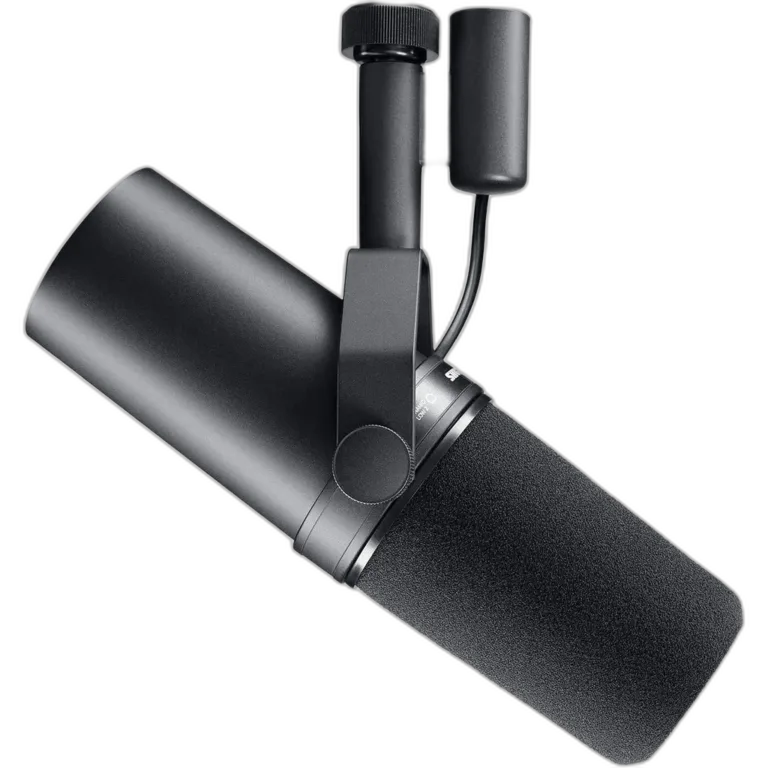
The SM7B is a dynamic XLR microphone for a deliberate voice-recording arrangement. It is a useful choice to consider for a fixed podcast, streaming or voice desk where you can position the microphone close enough to use consistently.
It is not a USB microphone. You need a suitable microphone input and a way to send that signal to the computer or recording destination. Start with the complete workflow: one person or two, live streaming or recording, and the headphones you will use to monitor.
Buy the microphone and the signal path together
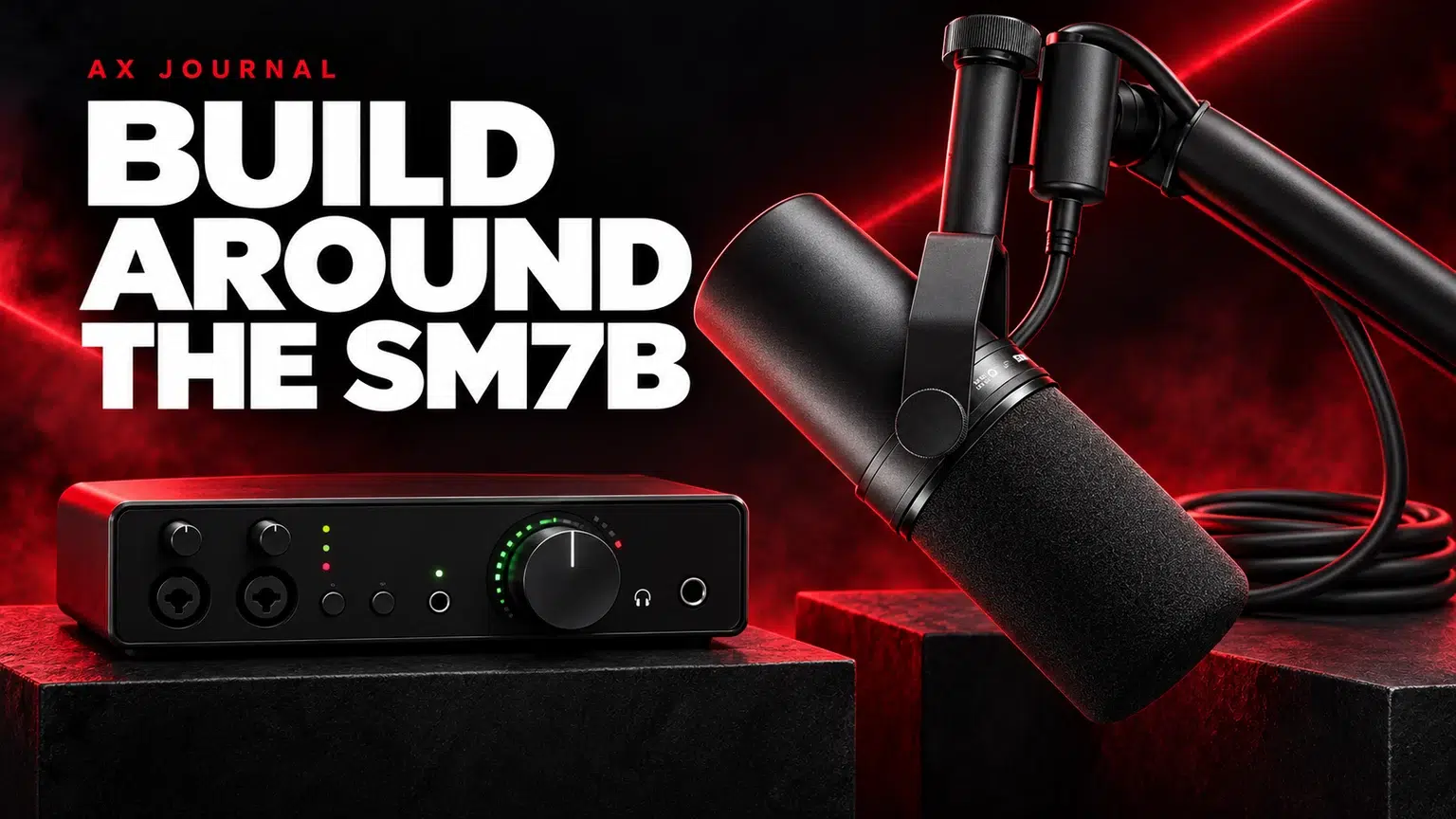
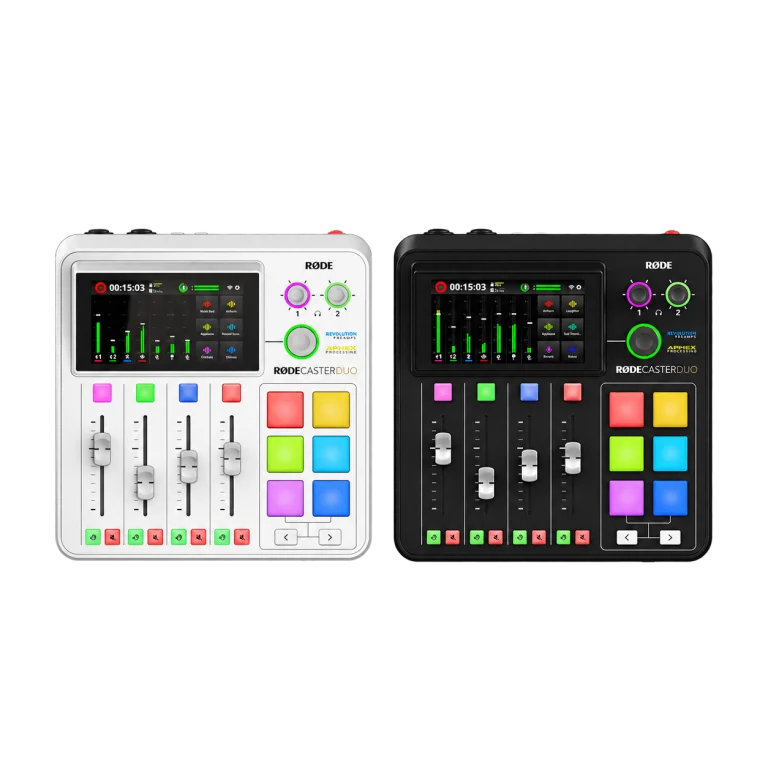
The Shure SM7B needs an appropriate XLR interface or mixer. A production device such as the RØDECaster Duo also brings monitoring, routing and recording functions into the setup. Choose those functions because you need them, rather than adding a mixer solely because it appears beside an SM7B in a photograph.
For mounting and connection, consider a RØDE PSA1+ arm and Stagg 3m XLR cable as parts of the same basket. Check the mounting range, desk clamp requirements and cable route. The microphone should reach your speaking position without the cable pulling on its connector.
Understand gain before buying a booster
The SM7B has a relatively low output for voice use, so the preamp matters. Gain increases the microphone signal; the headphone volume knob controls what you hear. Turning up the headphones cannot repair a recording signal that is too low.
First speak at your real recording level and use a consistent distance. Adjust the microphone input while watching the recording meter, then leave room for louder phrases. Check the saved recording as well as live monitoring. A low application input setting or an incorrect selected device can look like a preamp problem.
Shure’s gain guidance is useful when selecting an interface, but the complete result also depends on voice level, distance and the preamp’s noise performance. Choose a suitable preamp before assuming that the microphone always needs an extra box.
When a Cloudlifter belongs in the chain
A Cloudlifter CL-1 can add inline gain when the existing microphone chain needs it. It is a tool for a gain requirement, not a compulsory accessory included in the SM7B name.
The signal route becomes microphone, XLR cable, inline booster, another XLR connection and the interface. Follow the booster instructions for phantom power. The passive SM7B itself does not need phantom power, while the inline device can need it to operate. Count the extra cable before placing the order.
Use our SM7B gain guide to work through the decision. A suitable high-gain interface may already provide the recording level you need without the additional device.
Placement still matters
Speak into the front of the microphone through the windscreen, rather than treating the side of the body as the main speaking position. Keep the distance steady and adjust the arm so that you are not repeatedly leaning towards it.
Turn nearby noise sources away from the microphone’s useful pickup direction where the room arrangement allows. Keep the microphone closer to the voice than to the keyboard or speakers. A dynamic microphone does not make room noise disappear; placement and the relative level of your voice still determine what reaches it.
For streaming, start on headphones while configuring the microphone. Loud speakers beside an open microphone can create spill or feedback. Our background-noise guide explains a sensible order for improving the source before adding processing.
Compare the SM7dB route before checkout
| Choice | What to establish |
|---|---|
| SM7B with suitable interface | Usable clean gain, mounting and XLR connections |
| SM7B with inline booster | The reason for the extra gain, power requirement and second cable |
| SM7dB | Built-in preamp operation, phantom power and bypass behaviour |
| USB-first microphone | Whether a simpler computer connection better matches the budget |
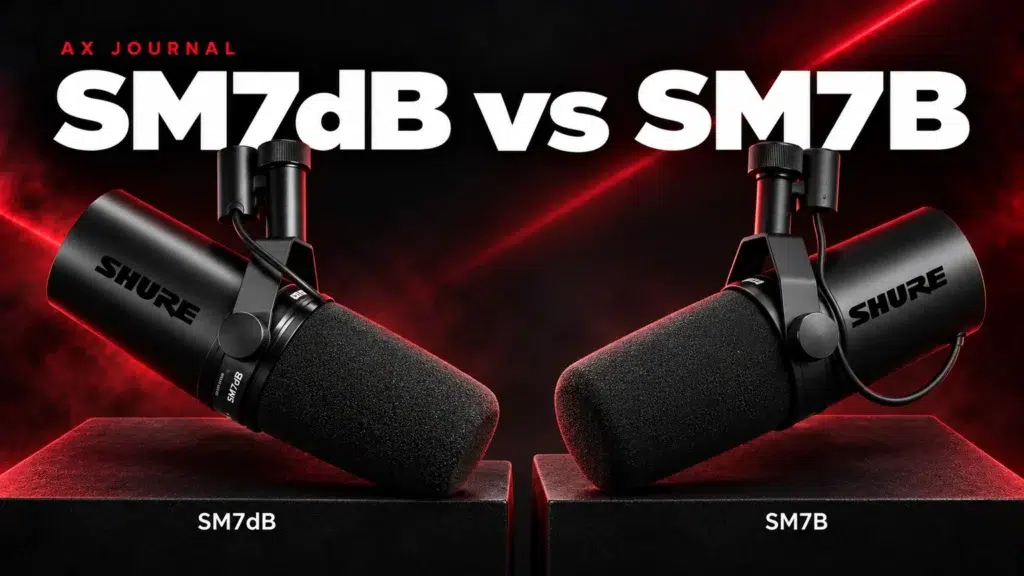
The SM7dB and SM7B comparison covers the built-in-preamp distinction. If the total setup budget is the limiting factor, compare a streaming setup under KWD 150 before spending the whole amount on the microphone alone.
Send AX your current interface model and the equipment already on your desk. That lets us match the SM7B to what you own and identify the parts actually missing from the chain.
Frequently asked questions
Does Shure SM7B connect directly by USB?
No. The SM7B uses XLR and needs a suitable microphone interface or mixer for a computer recording workflow.
Is Cloudlifter mandatory with SM7B?
No. Start with a suitable preamp, correct distance and recording level. Add an inline booster when the actual chain needs additional usable gain.
Does the SM7B need phantom power?
The passive microphone does not need it. A connected inline booster may require phantom power for its own operation; follow that device’s instructions.
Continue planning your setup
- SM7B Too Quiet? Set Gain Before Buying a Cloudlifter
- How to Reduce Microphone Background Noise at a Gaming Desk
- Streaming Setup Under 150 KWD: Spend on What Matters
Related guide: SM7dB and SM7B comparison.
Shop the equipment in Kuwait
AX price check, 26 October 2026: Shure SM7B Dynamic Microphone, XLR — KWD 155.000 (in stock); RODE RODECaster Duo Integrated Audio Production Studio — KWD 169.900 (in stock). The product cards show the current price and availability when you shop.
Explore SHURE at AX Kuwait, RODE at AX Kuwait, Cloud Microphones at AX Kuwait for the rest of the range.
More AX buying guides
For the related buying decision, explore the AX audio bundle comparison.
AS


Build a setup that fits how you use it
Tell AX your exact models and what you want to do. We can help match the equipment and connections.