
BUYING GUIDE
Audio
Streaming Setup Under 150 KWD: Spend on What Matters
A streaming setup under 150 KWD should prioritise a complete microphone path and usable monitoring before extra controls or decorative lighting. If you.
AS
AX Store
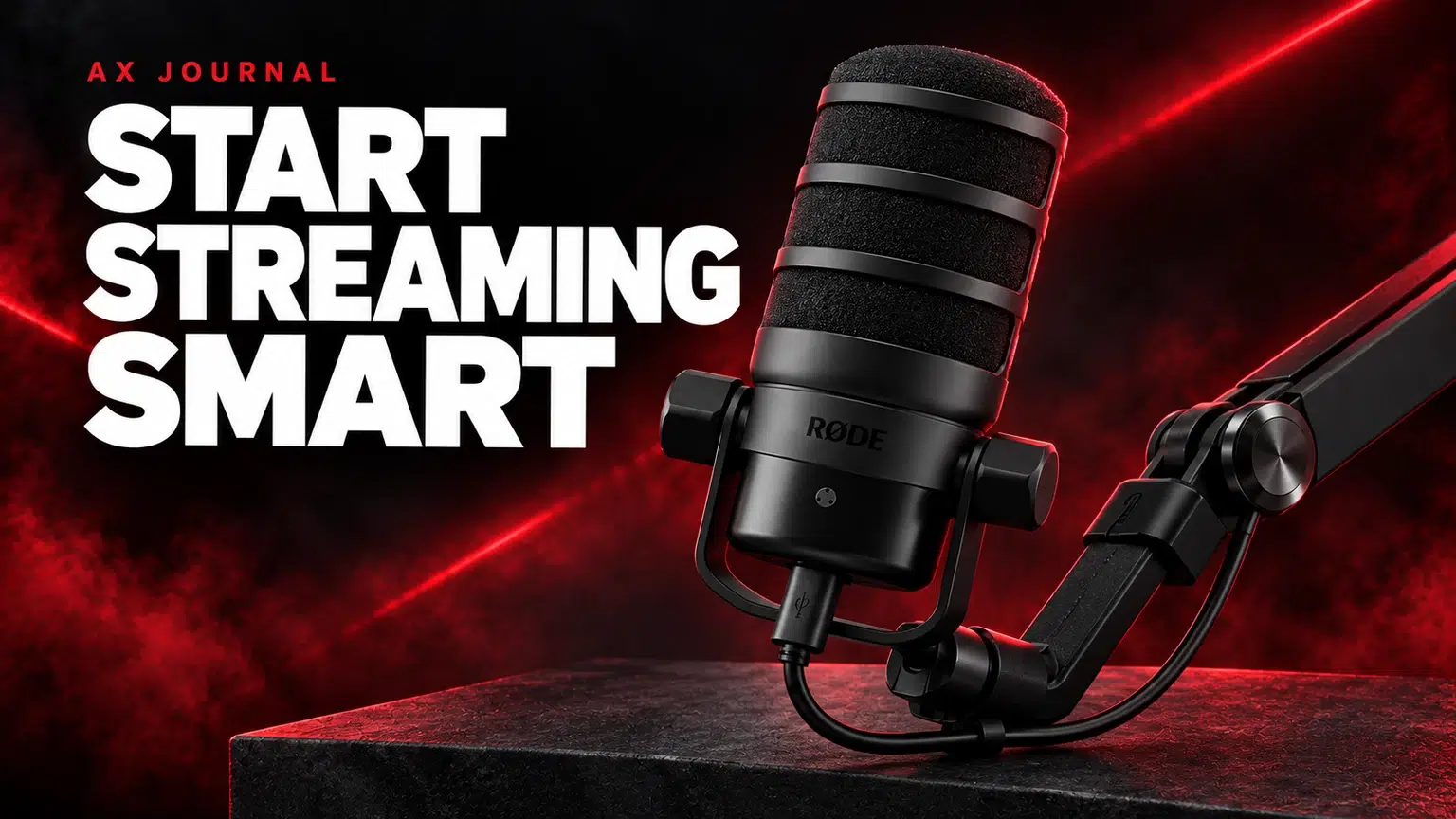
streaming setup under 150 KWD: the essentials
A streaming setup under 150 KWD should prioritise a complete microphone path and usable monitoring before extra controls or decorative lighting. If you already own a PC and headphones, a USB microphone and suitable arm can be a practical starting basket.
Define what the KWD 150 budget includes
This budget is for the streaming audio additions around an existing computer, display and headphones. If you still need those major items, write a separate complete-system budget first. A microphone basket cannot also be a realistic price for an entire gaming and streaming PC.
List what you already have: headphones, a suitable microphone stand, a webcam and a place to mount equipment. That list prevents you buying the same function twice. The first goal is clear speech, a comfortable position and a recording path you can check easily.
A complete USB microphone and arm route
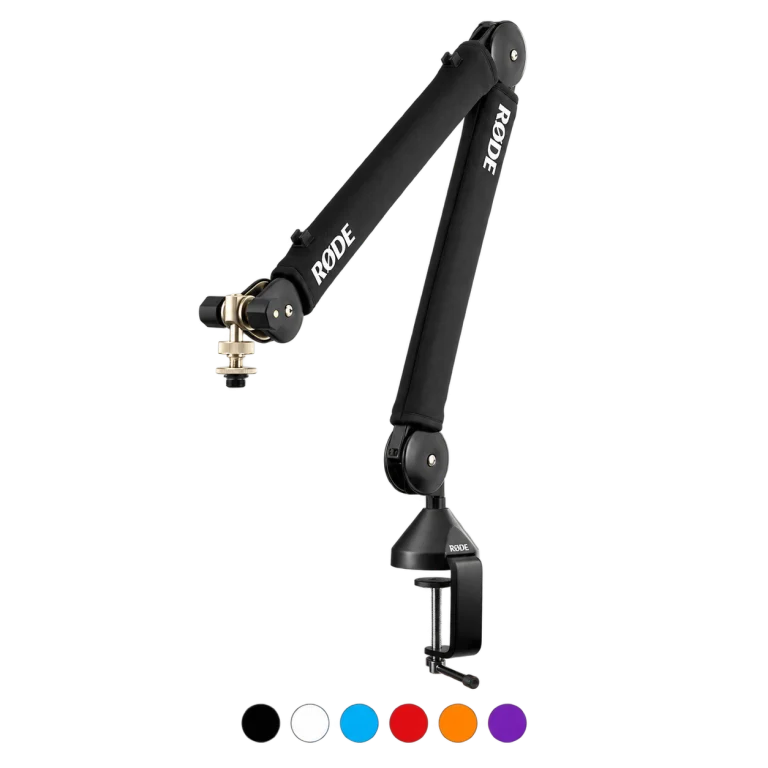
The RØDE PodMic USB is listed at KWD 69.900 in the 26 October 2026 price check. Pairing it with the RØDE PSA1+ arm at KWD 49.900 gives a microphone-and-arm subtotal of KWD 119.800, leaving KWD 30.200 within a KWD 150 equipment budget.
Use its USB route with a supported computer, confirm the included cable package and check how you will monitor your voice and computer audio. The arm still needs a compatible desk mounting point. This route avoids spending part of the first budget on a separate XLR interface.
An XLR route when you already own a stand
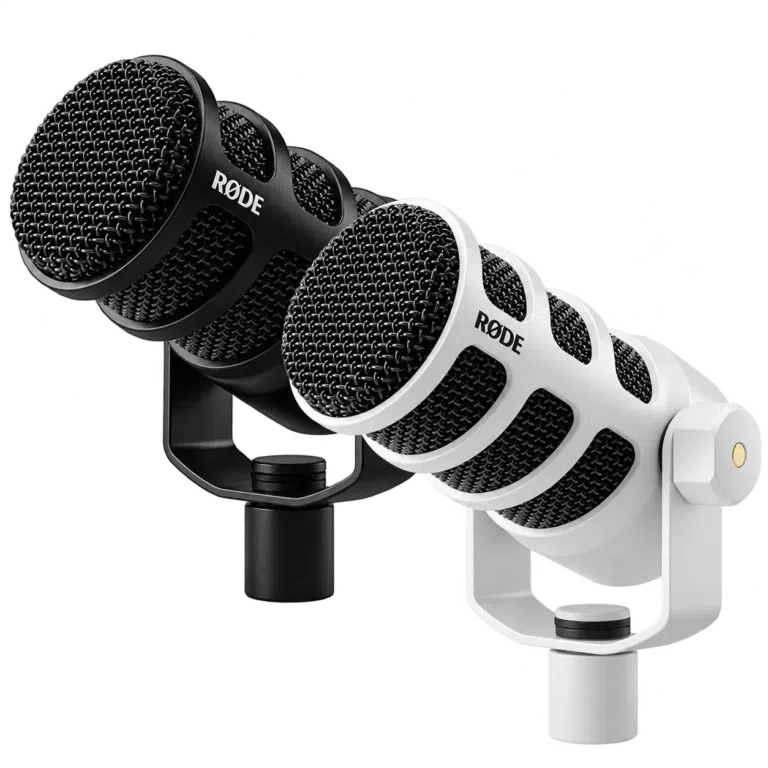
The RØDE PodMic XLR at KWD 39.000, GoXLR Mini at KWD 69.900 and Stagg 3m XLR cable at KWD 9.900 total KWD 118.800 in the same price check. That route assumes you already have a suitable microphone stand or arm.
Adding the PSA1+ at KWD 49.900 would bring that basket to KWD 168.700, which exceeds KWD 150. If you are starting without a mount, choose the complete USB route above or ask AX to check another suitable mounting option before ordering the XLR basket.
GoXLR Mini also needs the appropriate computer and software workflow. Choose it because its mixing and routing functions fit your setup, not merely to make the desk look more like a larger studio.
Compare the baskets honestly
| Route | Included in this comparison | Subtotal at the price check |
|---|---|---|
| USB start | PodMic USB and PSA1+ arm | KWD 119.800 |
| XLR using an existing stand | PodMic XLR, GoXLR Mini and Stagg cable | KWD 118.800 |
| XLR plus PSA1+ | The XLR route and a new PSA1+ arm | KWD 168.700 — above budget |
Both microphone routes were shown in stock for their listed components at the check date. Prices, options and availability can change; use the live product cards and final basket for the amount you will actually pay. Keep any delivery charge or additional adapter requirement inside your total rather than spending the last dinar before checking the complete order.
Set up the audio before adding more equipment
- Place the microphone at a consistent speaking position.
- Select the correct input in Windows and the streaming application.
- Monitor with the headphones you already own.
- Record a short sample at normal speaking level.
- Check game, chat and microphone balance before going live.
Our USB microphone troubleshooting guide helps isolate an input problem. If you want separate game, Discord and microphone recording tracks, use the OBS audio routing guide before adding another mixer or virtual-audio utility.
Spend the remainder where it solves a real problem
Use existing room light and a sensible camera position before buying a more expensive webcam. Keep the mouse area clear and place the mic arm where it does not obscure the display. A small layout adjustment can be more useful than another decorative accessory.
If the sound is already clear, save the remaining budget for the next need you identify through actual use: another person joining the recording, more useful lighting or a different monitoring arrangement. A control pad and a second microphone can wait until you know which action or session they will support.
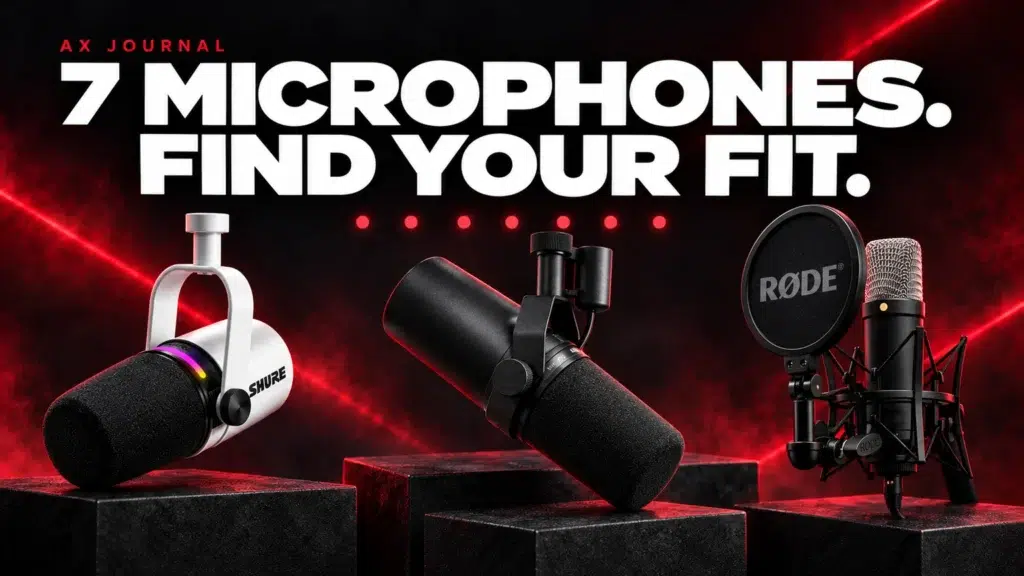
For more microphone options, read the seven-microphone shortlist. Send AX your existing equipment and the missing parts; we can match a complete basket to the budget instead of recommending a microphone price that hides the rest of the setup.
Frequently asked questions
Does KWD 150 include a gaming PC and monitor?
No. This guide budgets the audio additions around an existing computer, display and headphones.
Can I build the XLR route from scratch under KWD 150 with PSA1+?
The listed XLR basket plus PSA1+ totals KWD 168.700 at the check date, so it exceeds the budget. The USB microphone-and-arm route is the fitting starting option here.
Should I buy an interface with a USB microphone?
Not for the basic supported USB connection. Add an interface when you choose an XLR workflow or need the functions it provides.
Continue planning your setup
- 7 Best Microphones for Gaming and Podcasts in Kuwait
- USB Mic Not Working in Windows or Discord?
- Record Game, Discord and Mic Separately in OBS
Related guide: USB vs XLR microphones.
For a later upgrade, compare a complete Shure SM7B voice chain or use the ATH-M50x and DT 770 PRO comparison when choosing closed-back monitoring headphones.
Shop the equipment in Kuwait
Explore RODE at AX Kuwait, TC-Helicon at AX Kuwait, Stagg at AX Kuwait for the rest of the range.
AS


Build a setup that fits how you use it
Tell AX your exact models and what you want to do. We can help match the equipment and connections.