COMPARISONS
Same-day delivery · Official warranty · Taly & Deema
Compare six AX audio bundles for gaming, USB creation and XLR streaming. See exact components, headphone choices, colours and connection workflows.

AX audio bundles bring together specific components for a defined listening, gaming or creator workflow. Some packages contain headphones and a DAC/amp; others add a microphone, mixer, boom arm and XLR cable. Choose the signal path you need before choosing the largest package.
This guide covers the six current AX Store audio bundles in Kuwait. Colours and included items matter: a creator bundle does not necessarily contain headphones, and a white-themed bundle does not mean every included cable is white.
| Bundle | Included main components | Best starting point |
|---|---|---|
| Audio Essentials | DT 990 PRO 250 ohm + FiiO K11 | Desktop headphone listening |
| Gaming Audio G6 | DT 990 PRO 250 ohm + Sound BlasterX G6 | Gaming audio with the G6 workflow |
| USB Creator | PodMic USB Black + DT 990 PRO X + PSA1+ Black | A microphone connected directly by USB |
| Stream Control | PodMic XLR Black + GoXLR Mini Black + DT 990 PRO X + PSA1+ Black + 3 m XLR cable | An XLR microphone and Windows mixer workflow |
| Studio Pro | SM7dB + RØDECaster Duo Black + DT 770 PRO X + PSA1+ Black + 3 m XLR cable | A desk recording and mixer setup with closed-back monitoring |
| White Creator | PodMic USB White + GoXLR Mini White + PSA1+ White + 3 m XLR cable; no headphones | A white hardware theme with an XLR mixer path |

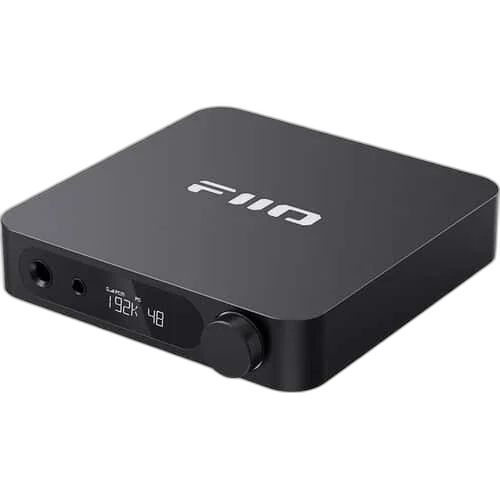
The Audio Essentials Bundle combines open-back DT 990 PRO 250 ohm headphones with the black FiiO K11. The K11 receives a supported digital audio source and provides the headphone output. This is a listening package: it does not include a microphone, boom arm or microphone interface.
Connect the headphone using its normal single-ended plug and the appropriate 6.35 mm adapter. The K11’s balanced socket is not a reason to attach a passive balanced plug adapter to the DT 990’s fixed cable. See our FiiO DAC/amp comparison and headphone connection guide for the electrical distinction.
The Gaming Audio G6 Bundle pairs the same classic 250 ohm DT 990 PRO with Creative Sound BlasterX G6. Choose this package when the G6’s gaming-oriented audio connections and supported software workflow are the reason for the purchase. This listing uses the original Sound BlasterX G6 with a micro-USB connection, not a separately named newer USB-C product.
Console connection and chat support depend on the exact console and signal route. Do not assume that a working game-audio connection also provides every party-chat function. For a computer setup using another mixer, read connecting GoXLR and Sound BlasterX G6 before planning the cables.
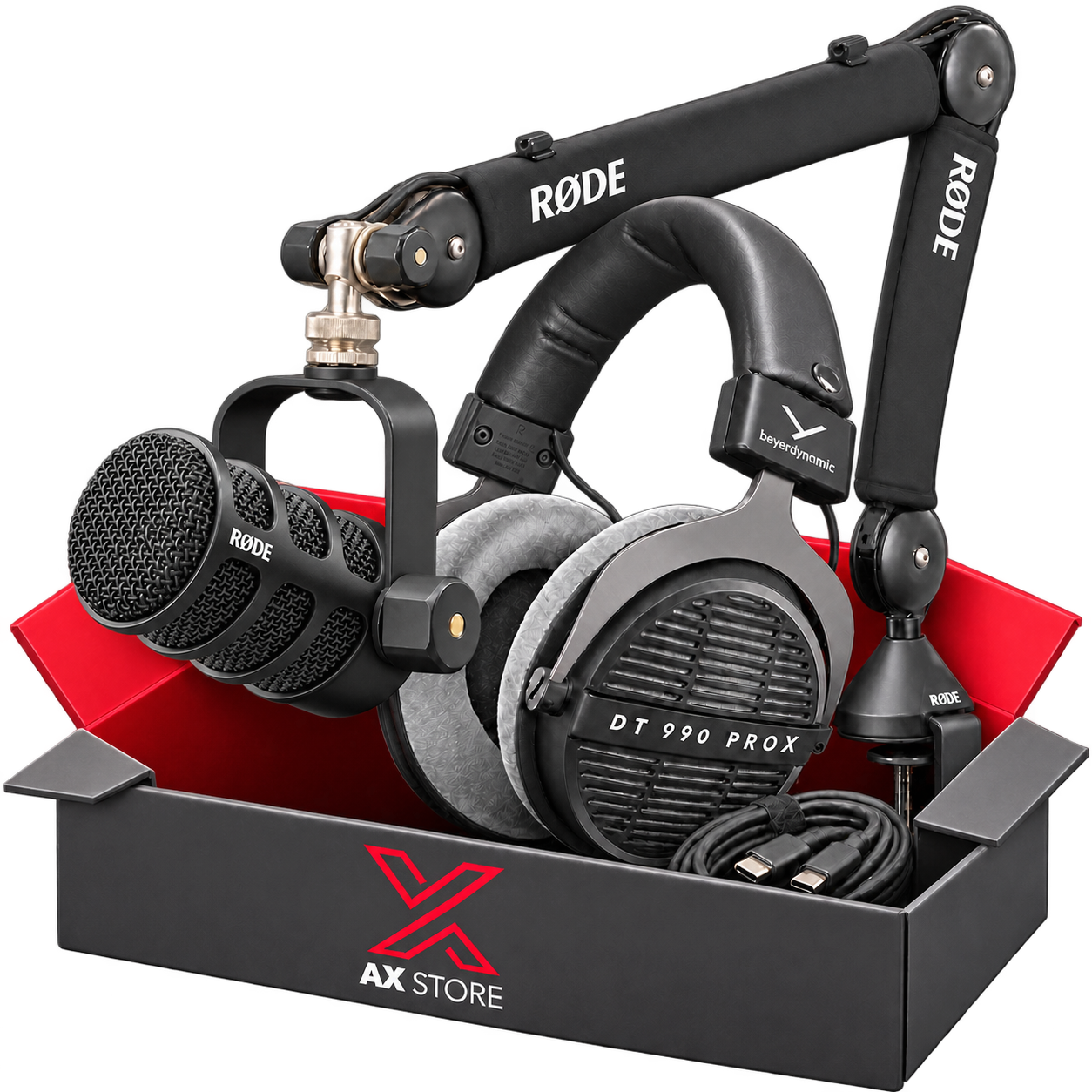
The USB Creator Bundle includes black PodMic USB, DT 990 PRO X and black PSA1+. PodMic USB can connect directly to a compatible computer through USB, so this bundle does not require a separate XLR mixer for that workflow. Position the arm so the microphone can stay close enough for clear speech without obstructing the screen.
The microphone’s headphone connection supports monitoring; select the intended input and output in your software and make a test recording. The included DT 990 PRO X is open-back, so microphone pickup of headphone leakage still depends on volume and placement. If your room or recording method calls for more containment, compare the closed-back monitoring approach in Studio Pro.
The Stream Control Bundle uses the black XLR PodMic, black GoXLR Mini, DT 990 PRO X, black PSA1+ and a red 3 m RØDE XLR cable in the current configuration. The XLR microphone connects to the mixer rather than operating as a standalone USB microphone.
Plan the supported GoXLR Mini Windows software workflow and the channels you want to control. The Mini should not be described as including every effects or sampler function of the full-size GoXLR. Our GoXLR versus GoXLR Mini comparison explains that distinction. Start with one clear microphone path and check routing in the streaming application.
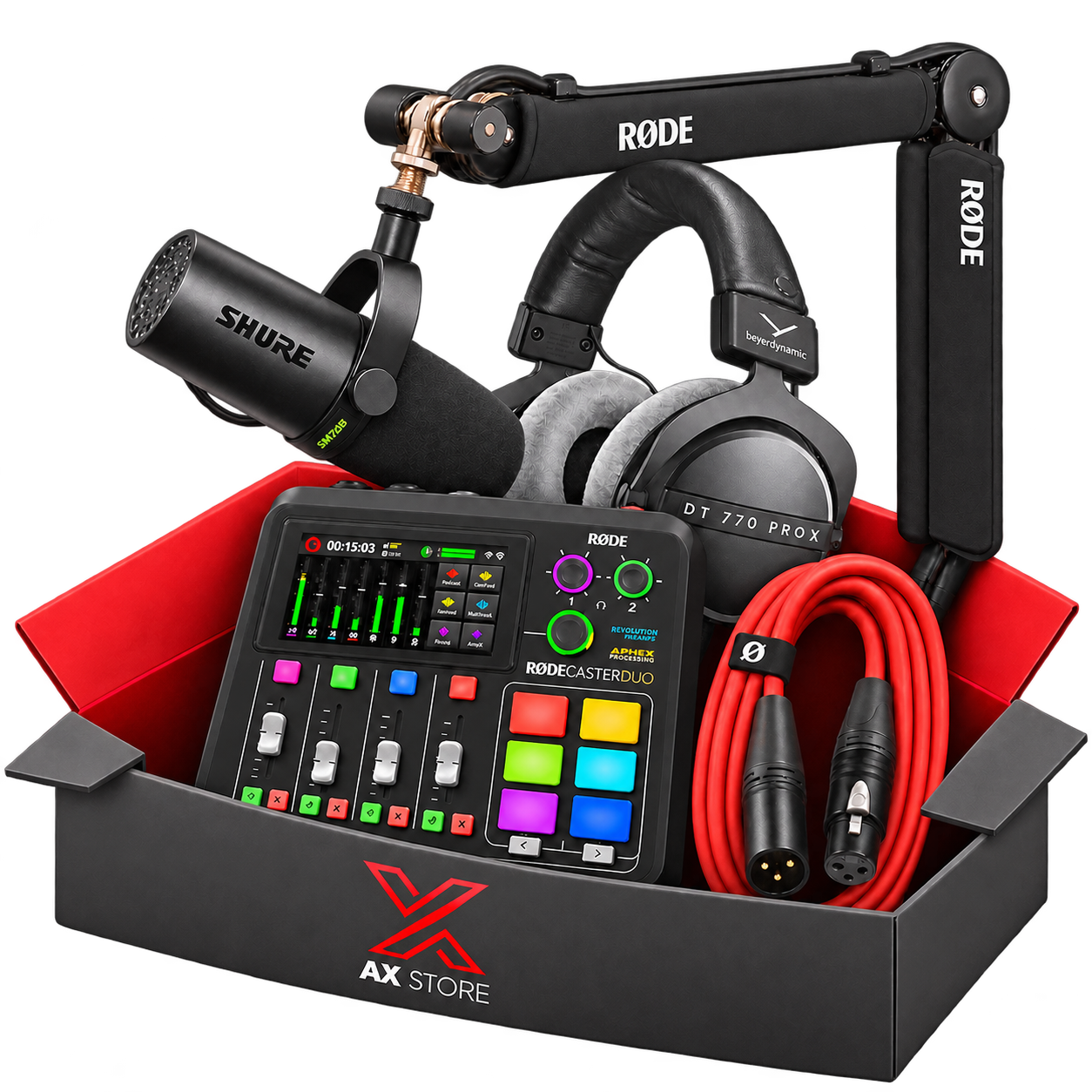
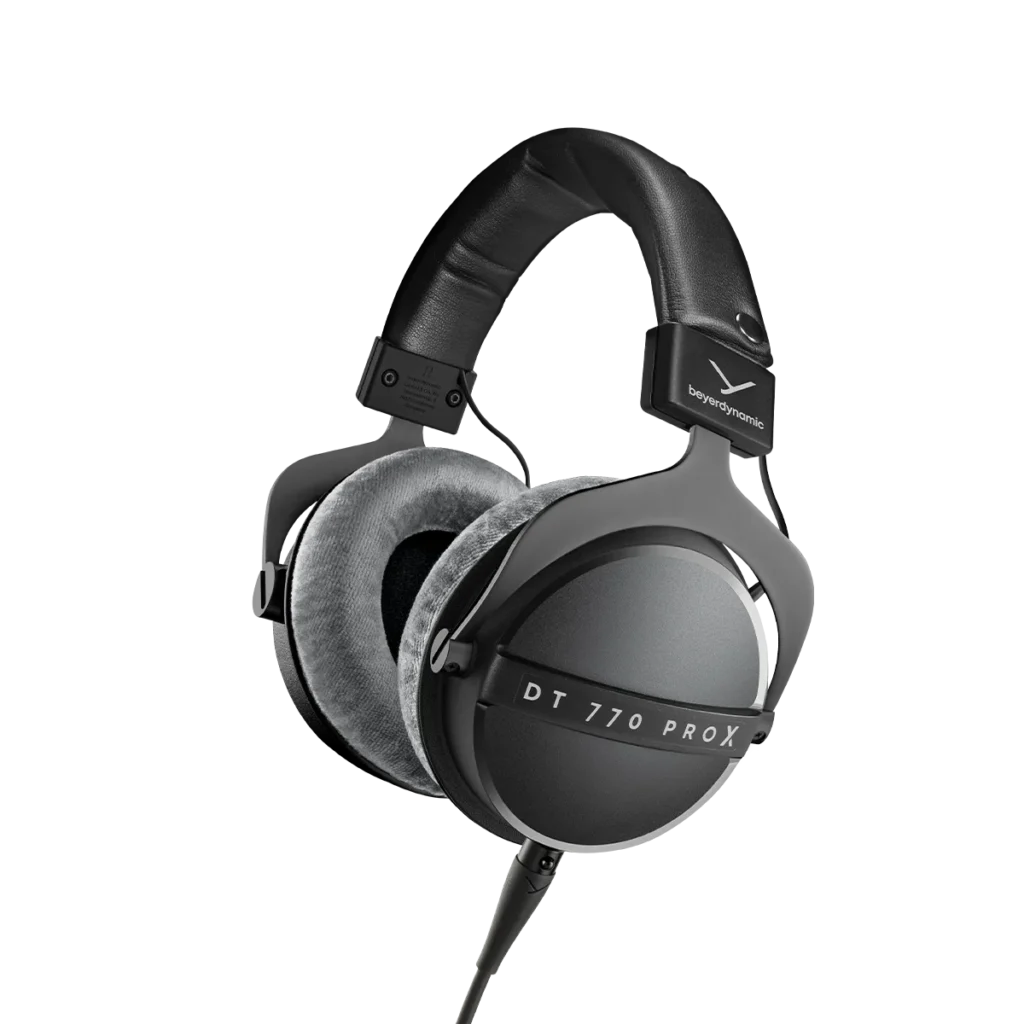
The Studio Pro Bundle combines SM7dB, black RØDECaster Duo, DT 770 PRO X, black PSA1+ and an orange 3 m RØDE XLR cable. DT 770 PRO X is closed-back, which makes this a different monitoring choice from the open-back DT 990 packages.
SM7dB includes an active preamp that requires phantom power when that preamp is engaged; its bypass mode operates differently. Set the microphone switches, mixer input and gain for the chosen mode instead of assuming that the microphone always needs a separate inline booster. Read SM7dB versus SM7B and the RØDECaster Duo setup guide before configuring the system.
A stronger microphone and mixer do not remove room reflections or make distance irrelevant. Keep the microphone placed appropriately, listen to an unprocessed test and add processing only after the basic capture is clean. The background noise guide covers the main capture improvements.
The White Creator Bundle contains PodMic USB White, GoXLR Mini White, PSA1+ White and a green 3 m RØDE XLR cable in the current selected configuration. Headphones are not included. Use the linked product page to check the selected items rather than inferring contents from another creator package.
For the GoXLR Mini workflow, connect PodMic USB through its XLR output to the mixer. USB is an alternative microphone workflow; do not capture both the USB microphone and its mixer-fed XLR signal as duplicate voice sources in the same recording. Processing associated with the microphone’s USB path should not be assumed to appear on its analogue XLR output.
If you already own headphones, check where they will monitor the mix. If you need a pair, compare open-back DT 990 models and closed-back beyerdynamic options according to the room and microphone use.
For a different production style, our wireless microphone guide covers mobile filming, while the Zoom recorder comparison covers portable and multi-person recording. Choose the workflow first, then build the equipment around it.
Audio Essentials and Gaming Audio G6 are headphone listening packages. They do not include a microphone or boom arm.
No headphones are included. Its current XLR cable selection is green; the microphone, mixer and arm are white.
Not for its intended direct USB microphone workflow. A separate XLR setup would be a different signal path.
No. Microphone placement, room acoustics, monitoring and correct routing still determine whether the setup works well for you.
Product configurations checked against AX Store listings on 14 November 2026. Use the linked product pages for current prices, stock, selected colours and included accessories.
Explore the current Audio Bundles selection at AX Store Kuwait.
KEEP READING
All Buying Guides guides
Choose the right equipment for your setup
Explore the exact models, current configurations and availability at AX Store Kuwait.
Added to cart
Subscribed
We'll email you as soon as it's back in stock.
Saved to wishlist