Brand
ASUS
248 PRODUCTS
Shop ASUS in Kuwait: ROG and TUF gaming monitors, laptops, graphics cards, motherboards and peripherals. Compare exact models and configurations at AX Store.



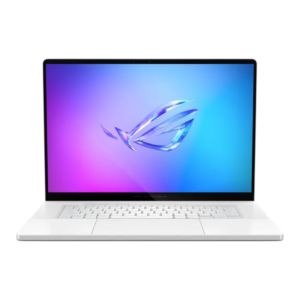
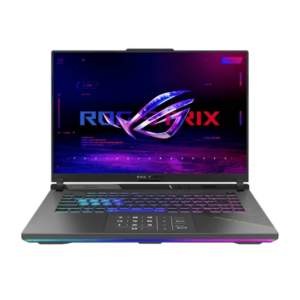
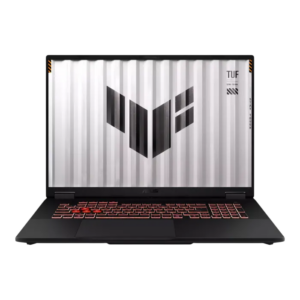
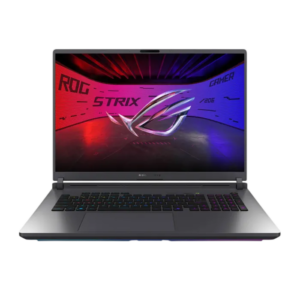
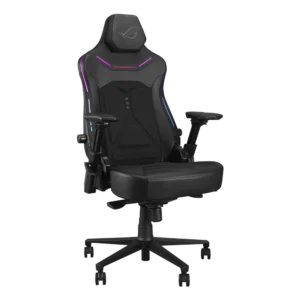
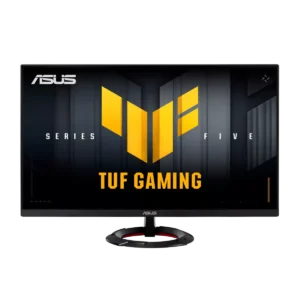
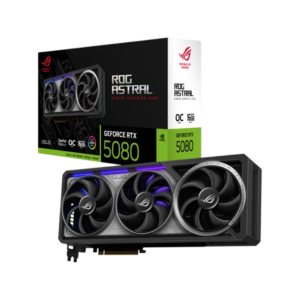
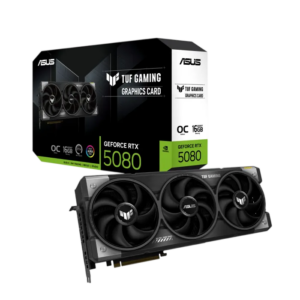
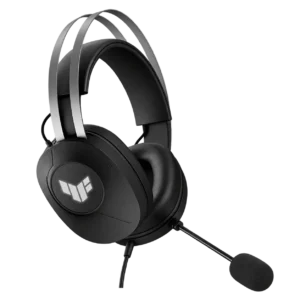
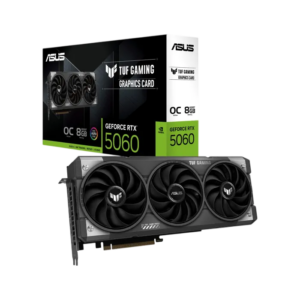
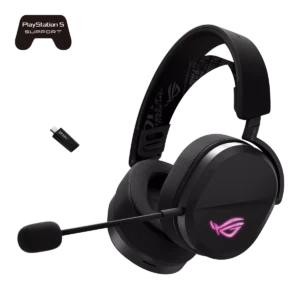
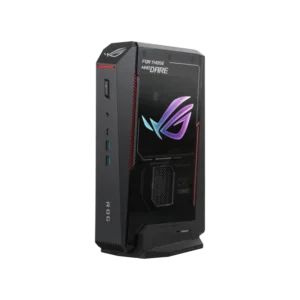
ASUS AT AX
ASUS in Kuwait
ASUS in Kuwait spans ROG and TUF gaming monitors, PC hardware, laptops and peripherals. For a monitor, compare native resolution, supported refresh rate and the input you will use. For a graphics card or motherboard, check the full model and system compatibility. ROG OLED models can offer different screen sizes and display modes, so choose the exact specification rather than relying on the family name.
AX guides: compare ASUS ROG OLED monitors; choose a compatible graphics card; read a gaming laptop specification; configure a high-refresh display.
ROG · TUF · Prime
three tiers for every build
Motherboards · GPUs
Intel and AMD platforms
Strix · Swift OLED
gaming monitors
ASUS FAQ
Before you buy.
Straight answers to the questions we hear most about ASUS monitors, peripherals and PC components.
What is the difference between ASUS ROG, TUF Gaming and ProArt?
ROG (Republic of Gamers) is the flagship gaming line, with models like the ROG Swift OLED PG27AQWP-W and the ROG Azoth keyboards. TUF Gaming focuses on durable, value-focused hardware such as the TUF Gaming VG249QML5A monitor and TUF GAMING 1200W PSU. ProArt is built for creators who need color-accurate displays, like the ProArt PA279CV.
ROG Swift or ROG Strix: which ASUS monitor line should I choose?
ROG Swift is the flagship monitor line, with models like the 540Hz ROG Swift OLED PG27AQWP-W aimed at competitive play. ROG Strix covers more sizes and panel types, from the 180Hz Strix XG27ACS-W to the QD-OLED Strix OLED XG27AQDPG, so compare panel type, resolution and refresh rate against the games you play.
What does HE mean on ROG keyboards, and do I need it?
HE stands for Hall-effect: magnetic switches that let you set the actuation point and use rapid trigger for faster repeated inputs, as on the ROG Falchion Ace 75 HE and ROG Azoth 96 HE. If you prefer a classic typing feel, hot-swap mechanical boards like the ROG Azoth 75% and ROG Azoth TKL are a strong fit.
Which software do ASUS ROG peripherals use?
Most ROG keyboards, mice, headsets and RGB components are set up in ASUS Armoury Crate, which handles lighting, key mapping, DPI and firmware updates. It also syncs Aura lighting across compatible ASUS gear, so a ROG Harpe mouse, Azoth keyboard and Balteus mouse pad can share one lighting profile.